Best Gaming PC for Streaming: Specs That Make Sense in 2026

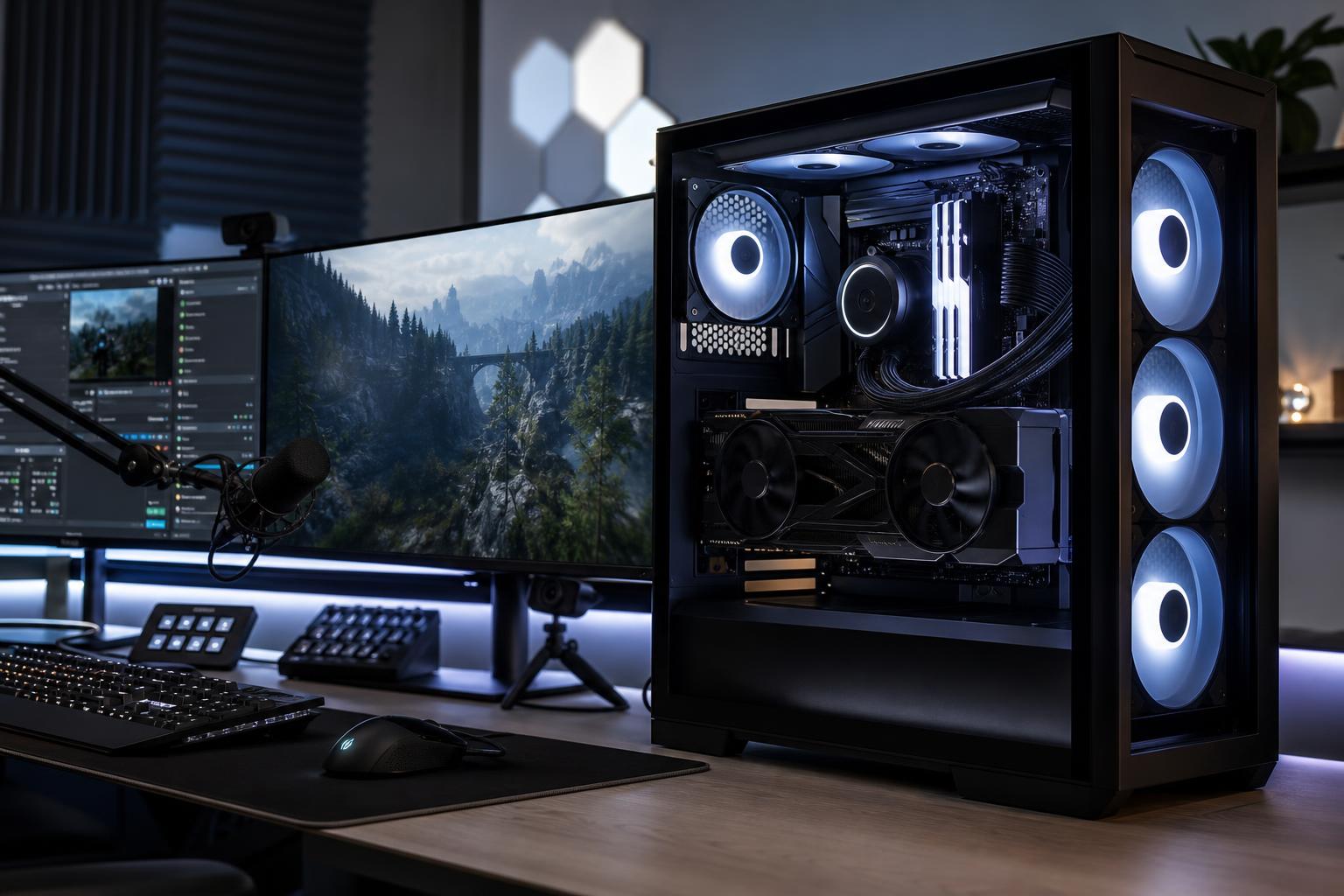
A good streaming PC should let you play at your intended settings while producing a clean, stable broadcast. For most people, the sensible answer is a balanced gaming desktop with a strong modern graphics card that includes a capable hardware encoder, a modern 8-core-or-better CPU, 32GB of RAM, and at least 2TB of NVMe storage.
Don’t buy an extreme CPU simply because you plan to stream. In many current streaming setups, the graphics card’s dedicated video encoder handles the broadcast efficiently, leaving the CPU free to run the game, chat tools, alerts, browser sources, and background tasks. Your first priority is still buying enough GPU for your monitor, games, and graphics settings.
If you play modern games at 1440p, aim for a system built around a high-performance GPU with enough VRAM for the games you play, 32GB of memory, a quality 8-core-or-better CPU, and good cooling. This is the sweet spot for most Twitch and YouTube streamers.
Move up to a faster CPU and more RAM when you regularly do any of the following:
For a single-PC setup, there are three practical buying tiers.
This tier suits someone streaming esports titles, lighter games, and many mainstream releases while prioritizing value. Look for a modern 6- to 8-core CPU, a midrange-to-upper-midrange GPU with a current hardware encoder, 32GB of RAM, and a 1TB or 2TB NVMe SSD.
This is enough for a very enjoyable stream if your expectations are realistic. It is not the right place to cut corners on power supply quality, cooling, or memory capacity just to reach a more impressive-looking GPU model.
For high-refresh 1440p gaming, demanding new releases, ray tracing, or regular local recording, choose a high-performance GPU, a modern 8-core-or-better CPU, 32GB of RAM, and 2TB of fast NVMe storage. This is the configuration we’d recommend most often to someone who wants to play, stream, and create without constantly managing settings.
The extra GPU performance improves the game experience, while the extra CPU headroom keeps the entire system responsive when OBS, Discord, browser tabs, alerts, and capture tools are open. It also gives you more room to use quality-focused game settings rather than treating every new title as a compromise.
Spend more when your gaming target is 4K, you stream graphically punishing games, or the PC doubles as a serious production workstation. A top-tier GPU, a high-core-count consumer CPU where the workload justifies it, 64GB of RAM, and separate fast storage for projects and recordings are sensible here.
For pure live streaming, 64GB is usually not required. It becomes worthwhile when you edit high-resolution video, keep large creative projects open, use demanding mods, run virtual machines, or work with professional applications between streams.
The GPU is normally the largest performance decision in a gaming-and-streaming PC. It determines what resolution, frame rate, visual settings, and ray-tracing features you can use in the games you stream. It also provides the hardware video encoder used by most single-PC streamers.
Hardware encoding is a dedicated function on the GPU that compresses your video for transmission. It usually has far less impact on game performance than asking the CPU to encode every frame. Modern encoders can support efficient formats such as H.264, HEVC, and AV1, although the format you can use depends on the platform, viewer compatibility, and your own workflow.
Buy enough VRAM for the games and settings you actually intend to use. Streaming does not by itself demand huge amounts of VRAM, but modern high-resolution textures, ray tracing, mods, and 1440p or 4K gaming can. A GPU that is short on VRAM may suffer stutters or force reduced texture settings, which is not something an encoder upgrade will fix.
A fast modern CPU helps maintain smooth frame times, which matter more than an impressive average frame-rate number. It handles the game’s simulation work, operating system tasks, stream software, browser sources, chat, audio tools, and everything else happening around the game.
An efficient 8-core CPU is a practical target for most performance-tier streaming PCs. Six strong modern cores can work well for value-focused builds. Higher core counts make sense for people who also edit, render, compile code, or use CPU-based encoding, but they are not automatically better for gaming.
For example, a CPU-heavy flight simulator, city builder, or large multiplayer battle may benefit from more CPU headroom. A typical GPU-limited action game at high visual settings is more likely to reward putting that money toward a better graphics card.
Streaming is one of the clearest reasons to avoid a new 16GB build. A game, OBS, a browser with alerts, Discord, music, and background utilities can consume memory surprisingly quickly. When RAM fills up, Windows starts leaning more heavily on storage, and the result can be hitching and sluggish multitasking.
Choose 32GB as the normal starting point. Choose 64GB if you make substantial use of editing software, virtual machines, large mod lists, or complex production tools. Memory speed matters, but capacity and a stable two-stick configuration matter more than paying a premium for marginally faster settings.
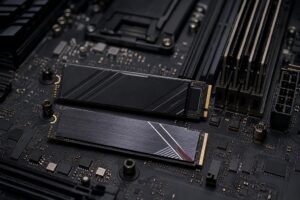
A 1TB NVMe SSD can work for a basic gaming-and-streaming PC, but 2TB is a more comfortable recommendation. Games are large, recorded footage can be enormous, and a nearly full drive is annoying to manage.
If you record high-quality footage for editing, consider two drives: one SSD for Windows, applications, and games, and another for active recordings and video projects. It keeps file management simple and reduces the chance that an unexpected recording session leaves no room for game updates. A large hard drive still has a role as economical long-term archive storage, but active editing and recording belong on SSD storage.
Streaming sessions can keep a PC under load for hours. That makes cooling and power delivery part of the performance plan, not cosmetic upgrades. A properly sized CPU cooler, a ventilated case with sensible fan placement, and a quality power supply appropriate for the selected GPU help the system sustain performance without sounding like a leaf blower.
A premium motherboard is not necessary for most streamers. Pay for the ports, storage expansion, networking, and USB connectivity you need. Skip expensive extras that won’t improve your stream or game performance.
Usually, no. A modern single-PC system with a capable GPU encoder is simpler, less expensive, easier to troubleshoot, and more than capable for most creators. It also avoids the extra capture hardware, audio routing, cables, and desk space that a second computer requires.
A dual-PC setup can make sense for professional broadcast workflows, unusually demanding competitive environments, or creators who want the gaming machine completely isolated from production tasks. It is not a shortcut around buying a balanced primary gaming PC. Most buyers will be happier spending the second-PC budget on the GPU, storage, monitor, microphone, lighting, or internet connection.
No PC can overcome an unreliable upload connection. Test your upload speed and, more importantly, its consistency. A wired Ethernet connection is strongly preferred over Wi-Fi for the streaming PC. If Wi-Fi is unavoidable, use quality modern networking hardware and test it during the times you normally go live.
Your monitor also shapes the build. A 1440p high-refresh display is a particularly balanced choice for many streamers: it gives you a sharp game image and a useful amount of GPU demand without making 4K-level hardware mandatory. Competitive players may prefer 1080p or 1440p at very high refresh rates, while visually focused single-player streamers may prioritize 4K detail instead.
The best gaming PC for streaming is not defined by one component or a flashy parts list. It is a balanced machine matched to the games you play, your monitor resolution and refresh rate, whether you record locally, and the production work you do after the stream ends.
Overclock Computers can help configure a custom gaming and streaming PC around your budget, favorite games, target resolution, recording workflow, preferred look, and future upgrade plans. Bring us the details of your setup and goals, and we’ll help separate the upgrades that will genuinely improve your experience from the ones that merely make a spec sheet more expensive.