How Long Does a Gaming PC Last? A Practical Guide to Performance, Upgrades, and Value

A gaming PC does not suddenly become obsolete on a particular birthday. A well-built system can remain reliable for many years, while the level of graphics settings, resolution, and frame rate it can deliver changes gradually over time.
For most buyers, a thoughtfully configured gaming PC should provide a strong experience for roughly five to seven years. That does not mean it will run every new game at maximum settings for that entire period. It means the system should continue to play the games you care about well, especially if you are willing to adjust a few settings or make a targeted upgrade along the way.
The biggest factor is not the calendar. It is the performance target you expect from the PC. A computer built for 1080p gaming has a much easier job than one driving a 4K, high-refresh-rate monitor. Buying a balanced system for your actual display is the best way to get lasting value without spending money on hardware you will not use.
There are three different ways a PC can reach the end of its useful life, and they should not be confused.
Performance life usually arrives first, particularly for the graphics card. Reliability life can be much longer when a computer has good cooling, a quality power supply, and regular basic maintenance. This is one reason a carefully assembled custom PC can be a better long-term purchase than a cheaply configured system that looks impressive in a short specification list.
For gaming, the GPU has the greatest effect on how long a system feels fast. It handles the demanding visual work: resolution, textures, lighting, ray tracing, and the frame rate you see on screen.
A capable graphics card bought for 1080p gaming may remain satisfying longer than a more expensive card purchased for 4K gaming, because 4K requires far more rendering work. Likewise, someone happy with a smooth 60 frames per second can keep a GPU longer than someone aiming for 180 FPS in competitive games.
VRAM also matters. A GPU with limited video memory may still produce good average frame rates today, but it can run into texture-quality limits or uneven performance sooner in newer games. Enough VRAM does not make a graphics card permanently fast, but it gives game assets more room to fit without constant compromises.
The CPU has a quieter but important role in gaming longevity. It affects minimum frame rates, simulation-heavy games, open-world streaming, strategy titles, multiplayer matches, background tasks, and how well the PC handles a future graphics card upgrade.
A modern CPU with solid single-core performance and enough cores for gaming plus normal background activity is the sensible starting point. Buyers planning to stream, record gameplay, edit video, run development tools, or keep many applications open should step up from the entry level. The goal is not to buy the largest CPU available. It is to avoid pairing an expensive GPU with a processor that will limit it sooner than necessary.
For a gaming-first build, spending a sensible share of the budget on the graphics card generally produces more visible results than overspending on CPU core counts. Extra CPU budget makes more sense when the computer also does serious production work.
RAM and storage rarely determine gaming frame rates in the same dramatic way as a GPU, but both strongly affect daily usability.
For a new performance-oriented gaming PC, 32GB of RAM is a comfortable target. It leaves room for modern games, browser tabs, voice chat, launchers, and background applications without making memory management a daily annoyance. More memory is worthwhile for demanding creative work, large modded games, virtual machines, or unusually heavy multitasking. It is not automatically beneficial for every gaming-only system.
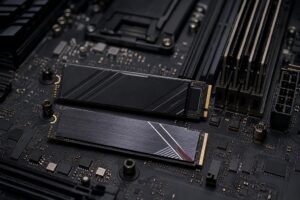
Storage deserves more planning than it often gets. Games are large, updates are frequent, and a nearly full SSD can make PC ownership tedious. Start with enough fast solid-state storage for Windows, your regular applications, and the games you actively play. More importantly, choose a system with room to add another drive later. Adding storage is one of the easiest and most cost-effective upgrades a PC owner can make.
Future-proofing is often used to justify buying the most expensive part in every category. That is not a practical strategy. Hardware changes too quickly, and money spent on unused performance today may be better saved for a meaningful upgrade later.
A better approach is to build for a realistic performance target with some headroom, then protect the upgrade path.
If you are buying for a 1440p, high-refresh monitor, choose a GPU that can meet that goal comfortably now rather than one that only reaches it by turning down settings on day one. The same logic applies to 4K. Starting at the edge of acceptable performance means the PC will feel outdated sooner.
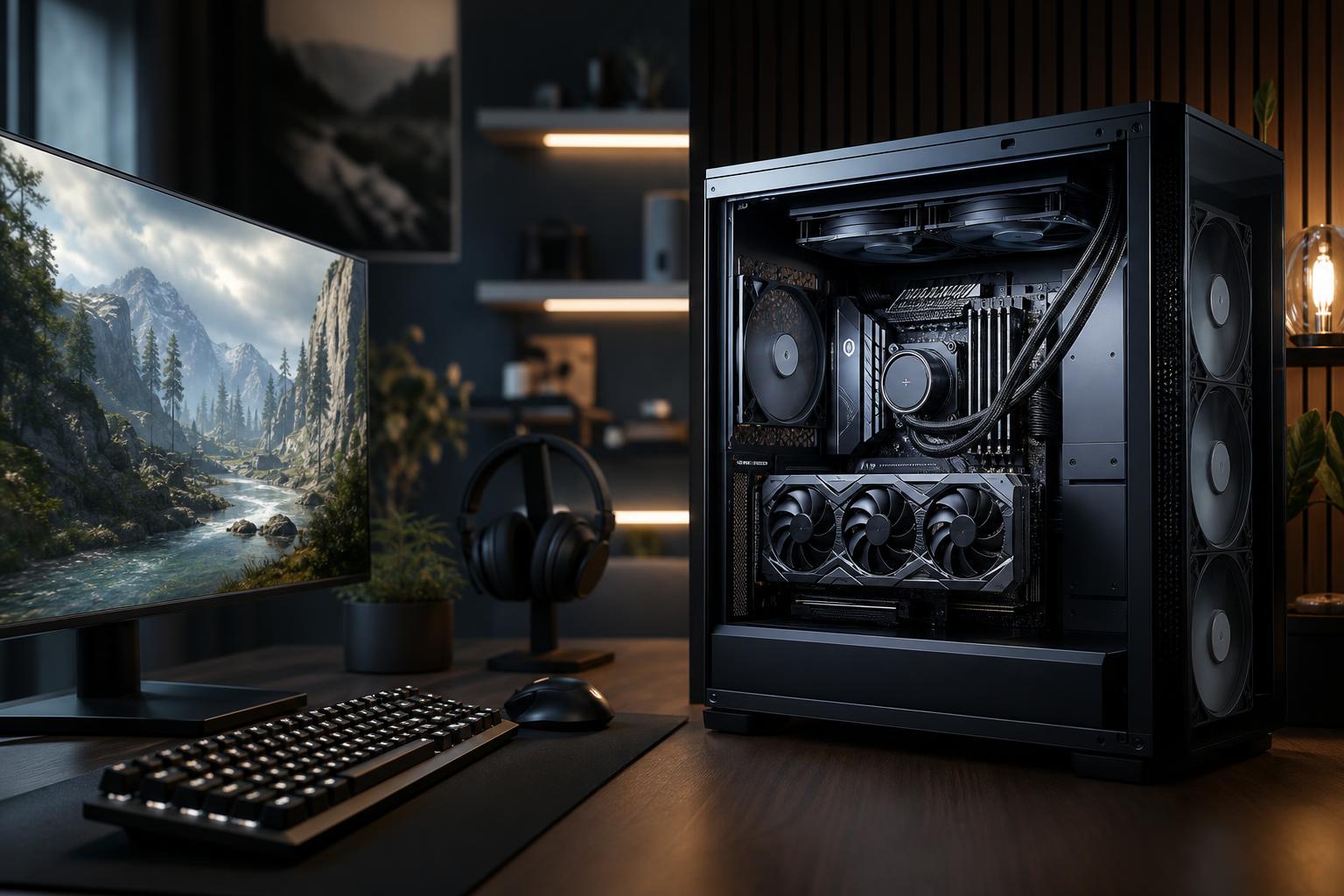
A quality power supply, capable CPU cooling, good case airflow, and a motherboard with the connections you need are not glamorous purchases. They are still important. Proper cooling helps the CPU and GPU sustain their intended performance under load. A reputable power supply protects expensive components and makes a future GPU upgrade more realistic. A case with sensible airflow is much easier to live with than a stylish heat trap.
The graphics card is commonly the first major upgrade. Before buying, consider physical GPU clearance in the case, power supply capacity and connectors, available storage bays or M.2 slots, and whether the CPU platform leaves a reasonable upgrade option. You do not need unlimited expansion, but you should not accidentally buy a system that turns a simple upgrade into a rebuild.
Replacing an entire PC is not always the smart move. A selective upgrade can restore a great deal of useful life.
A full replacement becomes more compelling when several major parts need attention at once, the system lacks modern connectivity or expansion, or an upgrade would require changing the CPU, motherboard, memory, power supply, and graphics card in one go.
Cleaning dust filters and heatsinks periodically, checking fan operation, keeping adequate free space on SSDs, and updating drivers when a game or application needs them are sensible habits. They will not turn old hardware into new hardware, but they help a PC run cooler, quieter, and more reliably.
There is no need to chase every driver release or open the case every month. A quick visual inspection and occasional cleaning, especially in homes with pets or carpeted rooms, is usually enough.
How long a gaming PC lasts comes down to expectations. A balanced 1080p system can serve a player for many years. A high-end 1440p or 4K system can also last well, but demanding settings and high refresh-rate targets will encourage GPU upgrades sooner. The best value is not the cheapest system or the most expensive one. It is the system that delivers the experience you want now, has quality supporting components, and gives you a sensible path forward.
Overclock Computers can help you choose that balance. Share the games you play, your monitor resolution and refresh rate, any work or streaming needs, and your budget, and we can design a custom gaming PC around the performance that actually matters to you.