PC Knowledge

7 Mistakes to Avoid When Buying a Gaming PC
Avoid the common gaming PC buying mistakes that waste money or lead to disappointing performance, from overspending on the wrong parts to ignoring cooling, power, and upgrade options.

Avoid the common gaming PC buying mistakes that waste money or lead to disappointing performance, from overspending on the wrong parts to ignoring cooling, power, and upgrade options.
Microsoft Flight Simulator rewards a balanced PC more than a simple graphics-card shopping list. Here are practical specifications for 1080p, 1440p, 4K, VR, and serious sim setups.

A practical guide to choosing a 4K gaming PC in 2026, including realistic GPU tiers, CPU recommendations, VRAM, RAM, cooling, and where your budget makes the biggest difference.
A practical explanation of CPU and GPU bottlenecks, why they change by game and resolution, and how to choose a balanced gaming PC or upgrade.
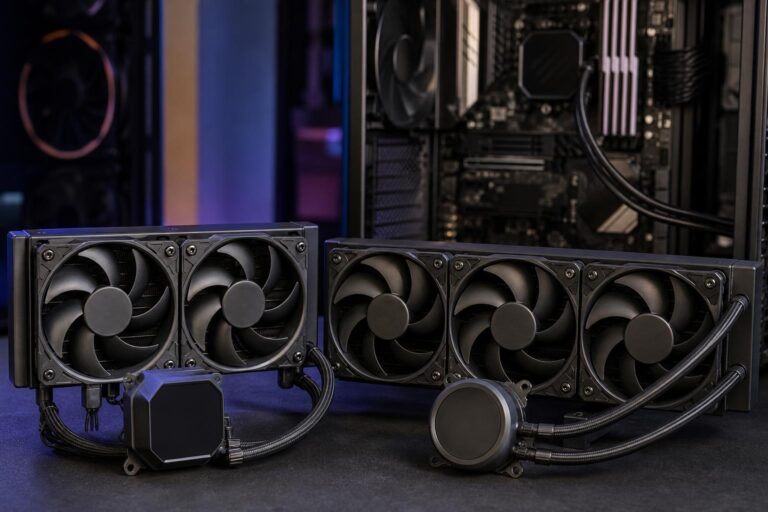
A 360mm AIO is not automatically the right cooler for every high-performance PC. Learn when a 240mm, 280mm, or 360mm liquid cooler makes practical sense.
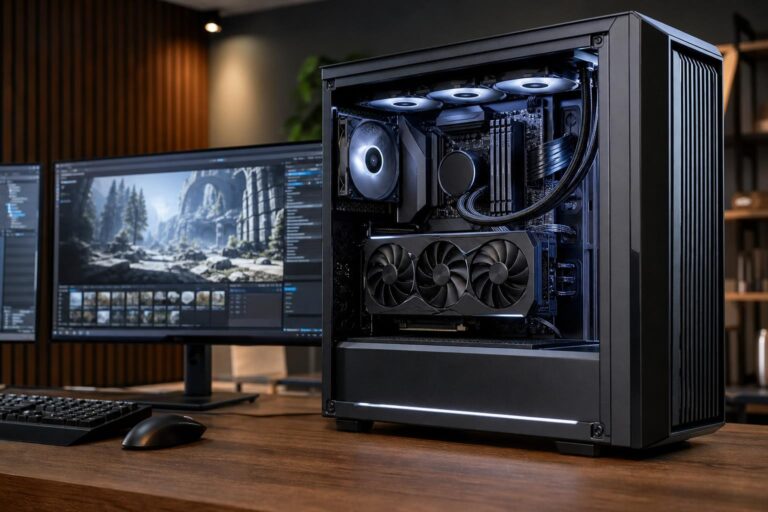
Choose the right Unreal Engine PC by matching CPU cores, GPU power, VRAM, RAM, and fast storage to the size of your project and the work you actually do.
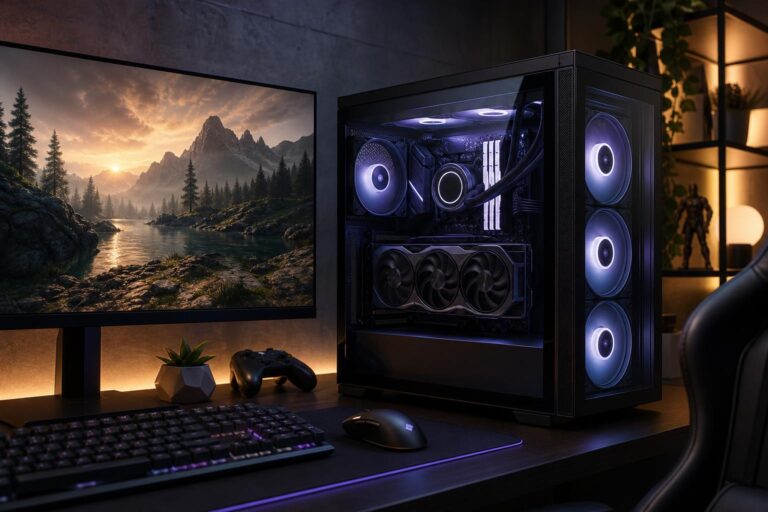
A practical guide to choosing a balanced gaming PC under $1,500, with clear advice on the GPU, CPU, RAM, storage, cooling, and upgrades that actually improve your experience.
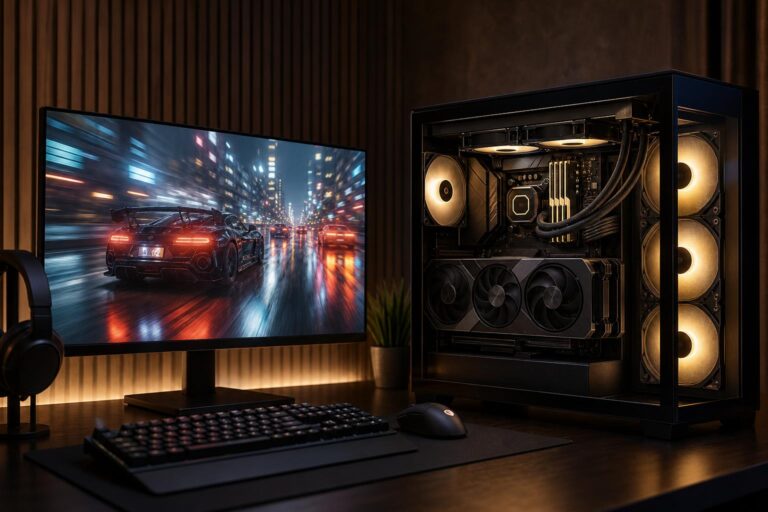
Average FPS is only part of the story. Learn what 1% low FPS means, why it reveals stutter, and how to build or tune a PC for smoother gaming.
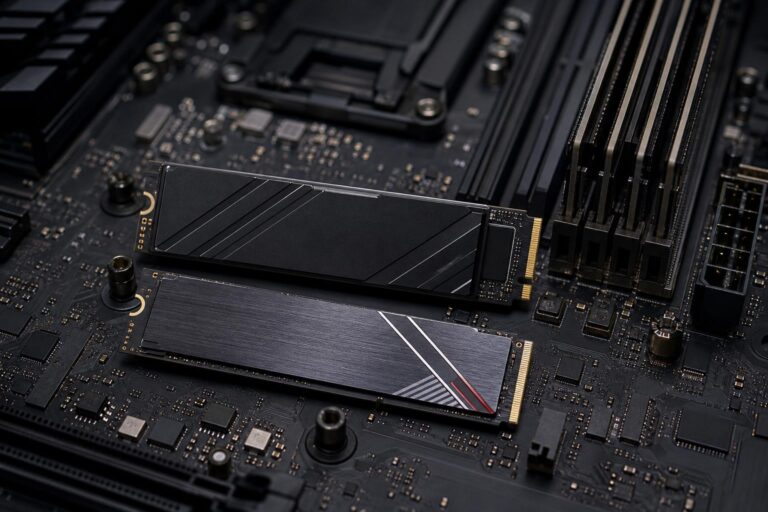
Compare PCIe Gen 4 and Gen 5 NVMe SSDs for gaming, video editing, 3D work, and everyday use. Learn where Gen 5 speed matters, what it costs, and how to choose the right drive.
A well-chosen gaming PC can remain enjoyable for years, but its useful life depends on your monitor, game settings, component balance, and upgrade path. Here’s how to plan for long-term value.