How Many Watts Does Your PC Need? A Practical Power Supply Buying Guide

A power supply is easy to overlook. It does not add frames per second, render a video faster, or make a benchmark chart look exciting. It does, however, supply stable power to every expensive component in the system. Choosing the right wattage and quality level matters far more than buying the biggest number printed on a box.
For most new midrange and high-end PCs, a quality 750W or 850W power supply is the sensible starting point. That is not a universal answer, though. Your graphics card, CPU, intended upgrades, connector requirements, and workload all determine what your PC actually needs.
The graphics card is usually the largest power user in a gaming PC and many creator workstations. A powerful desktop GPU may be rated for several hundred watts under sustained load. Some cards can also draw short bursts of power above their average rating. These brief spikes are normal, but a marginal or low-quality PSU may struggle with them.
The CPU is the second major consideration. Gaming-focused processors often use much less power than the GPU during actual gameplay, even if their maximum boost power looks substantial on paper. High-core-count processors used for 3D rendering, code compilation, simulation, or CPU rendering can draw considerably more power for long periods.
The rest of the system counts, but usually does not dominate the calculation:
Do not add every published maximum number and buy a PSU barely above the total. Manufacturer ratings may be measured under different conditions, and peak load is not the only concern. A well-sized unit needs reserve capacity.
These ranges assume a modern desktop with a single graphics card, sensible component choices, and a reputable power supply. They are buying guidelines, not a substitute for checking the recommended PSU wattage and connectors for the exact GPU you plan to install.
A quality 650W unit works well for systems with a midrange graphics card and a mainstream CPU. It is often enough for a 1080p or 1440p gaming build where the graphics card has a moderate power rating, as well as a productivity desktop without an exceptionally power-hungry GPU.
Choose 650W when the total system load is comfortably below its capacity and you do not expect to move to a much larger graphics card later. It is not the right place to cut corners if you are selecting a high-power GPU simply because an online calculator says the numbers technically fit.
A 750W PSU is a strong fit for a broad range of performance gaming PCs: a capable modern GPU, a mainstream enthusiast CPU, multiple SSDs, and several case fans. It gives the system useful breathing room without the cost and physical bulk of an extreme-capacity unit.
For many buyers building a 1440p gaming PC or a creator desktop with one powerful graphics card, 750W is the practical sweet spot. If the GPU manufacturer recommends 750W and the rest of the build is conventional, use a quality 750W unit rather than assuming a cheaper 850W model is automatically safer.
An 850W power supply makes sense for a high-end graphics card paired with a fast gaming CPU or a more demanding productivity processor. It is also a comfortable choice for users who want room for future GPU upgrades, additional storage, or heavier CPU workloads.
This is often the best target for a premium 4K gaming system, a video editing workstation with a strong GPU, or a quiet enthusiast PC. More capacity means the PSU is less likely to operate near its limit during long gaming or rendering sessions, which can help keep fan noise down.
A 1000W, 1200W, or larger unit is appropriate when the hardware justifies it: a flagship-class GPU, a high-core-count workstation processor, substantial storage, aggressive CPU power limits, or a plan for more than one major graphics card. These units are also sensible for specialized professional machines where uptime and expansion capacity matter more than minimizing initial cost.
For an ordinary single-GPU gaming PC, 1200W is usually unnecessary. It will not make the computer faster. Buy the capacity you need, then put the remaining budget toward the GPU, cooling, storage, or monitor that affects your actual experience.
Power supply headroom means choosing a unit that can handle your system’s real-world sustained demand without constantly operating at its upper limit. A PSU does not need to run at 50% load all the time, despite a popular rule of thumb. Good units are designed to deliver their rated output. Still, leaving reasonable capacity available has real benefits.
A useful approach is to estimate typical heavy load, then select a quality unit that leaves roughly 25% to 40% capacity above it. The right margin depends on the exact GPU, CPU, and upgrade plans. A system expected to draw around 500W under a demanding mixed load is usually more comfortable on a 750W or 850W PSU than on a 550W model.
A 750W label does not tell you whether a power supply is good. A well-built 750W model from a reputable platform can be a better choice than a questionable 1000W unit with vague specifications. Power supply failures can range from annoying crashes and shutdowns to potential damage, so this is not the component for bargain-bin shopping.
Before ordering, check the exact power connector required by the graphics card. Many current high-end cards use a modern 16-pin GPU power connection, while others use traditional 8-pin PCIe connectors. A newer ATX 3.0 or ATX 3.1 power supply with a native 16-pin cable is usually the cleanest option for a compatible GPU.
Avoid treating adapters as the preferred long-term solution when a native cable is available. If an adapter must be used, follow the GPU manufacturer’s instructions, use separate PCIe cables where required, and make sure the connection is fully seated. Do not sharply bend a 16-pin cable immediately beside the connector.
ATX 3.0 and ATX 3.1 power supplies were designed with the rapid power changes of modern graphics cards in mind. An older, high-quality PSU can still be perfectly capable in the right build, but a current-standard model is a smart choice for a new high-performance system, particularly one using a demanding GPU.
Look for an 80 Plus efficiency rating, with Gold being a sensible target for many premium gaming PCs and workstations. Higher efficiency means less power is wasted as heat. It can reduce noise and modestly reduce electricity use during frequent heavy workloads.
Efficiency is not a complete quality rating. A Gold unit is not automatically excellent, and a Bronze unit is not automatically unsafe. Still, for a system carrying expensive hardware, a well-reviewed Gold-rated model from an established manufacturer is a practical baseline.
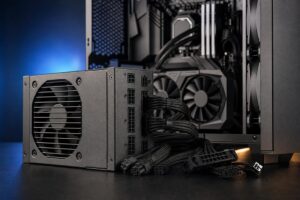
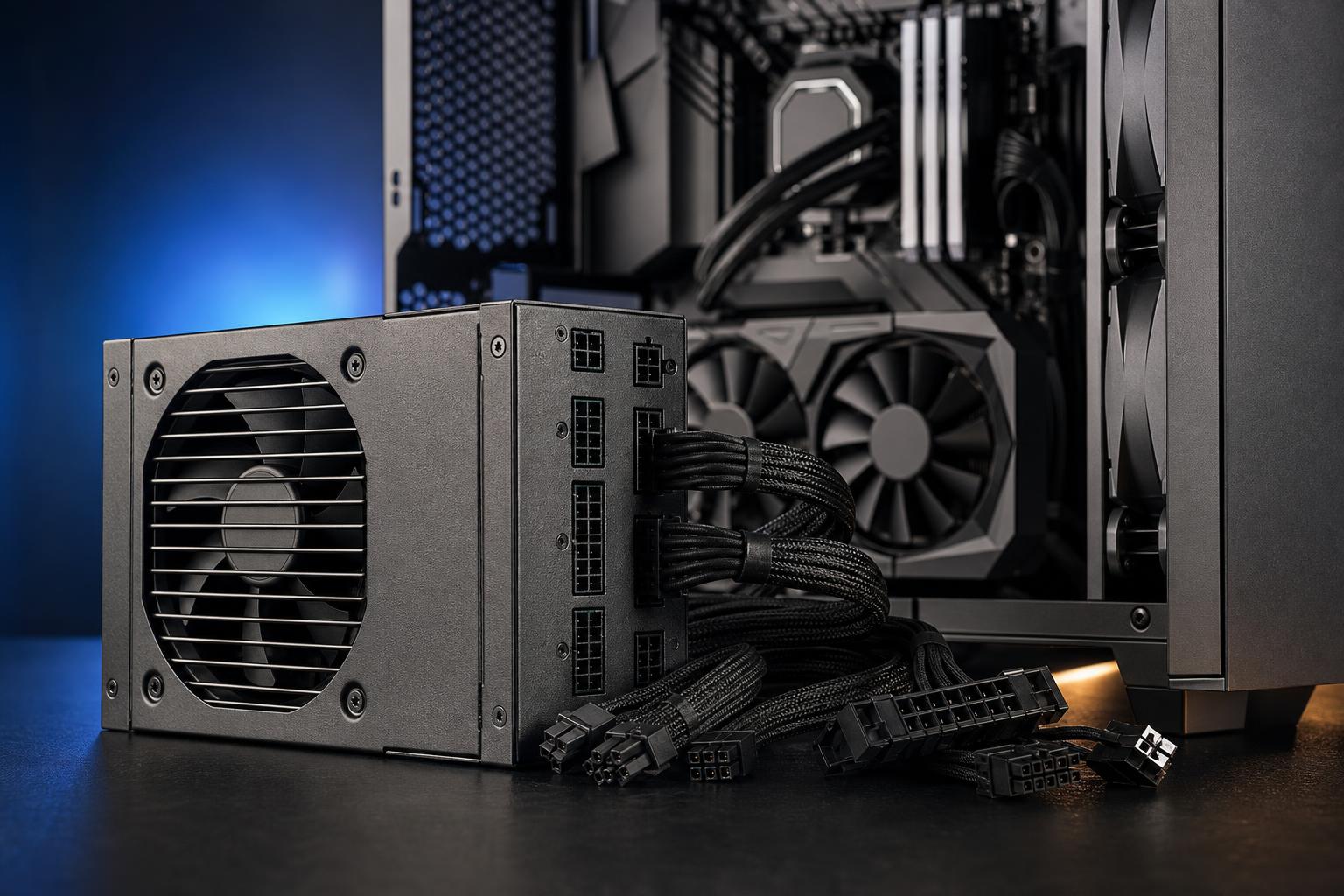
A fully modular PSU lets you connect only the cables your build needs. That improves cable management and airflow, especially in compact cases. Semi-modular units can also be fine. The critical safety rule is simple: never reuse modular cables from a different power supply unless the PSU manufacturer explicitly confirms compatibility. Identical-looking connectors can have different wiring.
For a typical modern gaming PC, start by choosing the graphics card, then select a quality PSU with the required connectors and comfortable headroom. A reputable 750W model is enough for many strong builds. Step up to 850W for high-end GPUs, heavier professional workloads, or meaningful upgrade flexibility. Reserve 1000W and above for systems with hardware that can actually use it.
If you are unsure where your planned build falls, Overclock Computers can help evaluate the complete parts list—not just the wattage total—and configure a power supply, cooling setup, and case that make sense together. Contact our team to plan a balanced gaming PC or professional workstation built around the work you actually do.