Best PC for Microsoft Flight Simulator in 2026: Specs That Make Sense

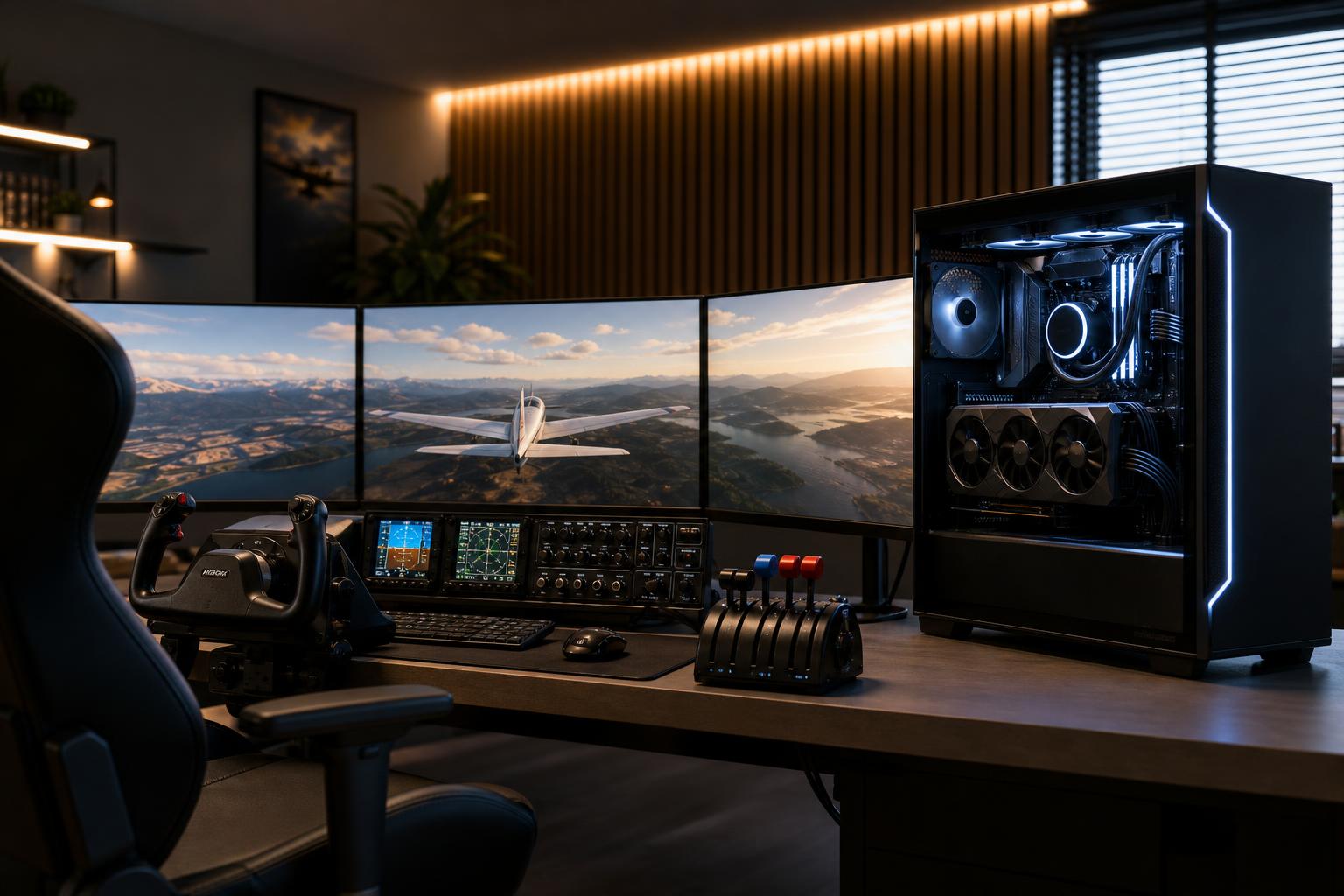
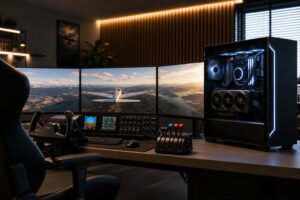
For Microsoft Flight Simulator, the best PC is not automatically the one with the most expensive graphics card. A strong GPU matters, especially at 4K or in VR, but flight simulation also leans heavily on the CPU, system memory, storage, and consistent cooling.
For most buyers, we recommend a modern high-performance gaming CPU, 32GB of RAM, a 2TB NVMe SSD, and a graphics card selected around the monitor or headset you actually use. Move to 64GB of RAM when you fly with complex airliners, dense scenery, many add-ons, background applications, or virtual reality. Spend more on the GPU when your goal is 4K, ultrawide, multiple displays, or VR.
The mistake to avoid is pairing a top-tier GPU with a lower-end CPU and expecting smooth performance everywhere. Flight Simulator can make even a powerful PC work hard near detailed airports, in large cities, poor weather, and heavy online traffic. A balanced system produces a better experience than a lopsided specification sheet.
This tier suits pilots using a standard 1080p monitor or a 1440p display with reasonable graphics settings. It is a smart starting point for touring, general aviation, and lighter add-on use.
Do not cut this configuration to 16GB of memory just to afford a slightly faster graphics card. Flight Simulator, scenery packages, browser-based charts, navigation tools, and Windows can fill 16GB surprisingly quickly. More RAM helps avoid the stutters and swapping to storage that make a simulator feel rough.
This is the sweet spot for buyers who want high image quality at 1440p, a 3440-by-1440 ultrawide display, sophisticated aircraft, detailed airports, and room for future updates. It is also the right direction for someone building a serious home cockpit without stepping into a high-end 4K or VR budget.
For many experienced sim pilots, this is where spending delivers the best return. You have enough CPU capacity for busy approaches and enough graphics horsepower for a sharp, attractive image without paying heavily for the final increment of performance.
Choose this level if you fly at 4K, use a demanding VR headset, run multiple high-resolution monitors, or want the strongest practical platform for dense scenery and complex aircraft. This is also appropriate for sim enthusiasts who keep a system for several years and prefer headroom over running every component at its limit.
A premium system will not make every crowded airport permanently smooth under every condition. Flight simulators are unusually demanding, and add-ons can change the workload substantially. What premium hardware does provide is more room to increase resolution, visual settings, scenery detail, and traffic before performance becomes a distraction.
Many games primarily reward a faster GPU. Microsoft Flight Simulator is different because it also has a great deal of CPU work to do: aircraft systems, world streaming, terrain and object handling, air traffic, weather, and draw-call preparation. Complex aircraft and busy airports can expose CPU limits even when the graphics card is not fully loaded.
Prioritize a modern CPU with excellent gaming performance over a workstation processor with a huge core count. More cores can help with streaming, recording, rendering, or other professional software, but Flight Simulator does not automatically benefit from buying the largest CPU available.
For a dedicated sim PC, a fast eight-core gaming CPU is often the practical target. Buyers who also edit video, develop software, render 3D work, or run virtual machines may have a good reason to select a CPU with more cores, but they should do so for those workloads rather than flight simulation alone.
Your display is the biggest factor. A 1080p screen asks far less of the GPU than a 4K display. Ultrawide monitors sit between standard 1440p and 4K in pixel count, while VR is demanding because the PC must render high-resolution views for both eyes while maintaining smooth frame delivery.
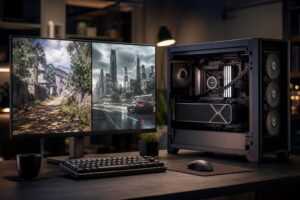
For a new simulator build, we prefer a GPU with at least 12GB of VRAM. At 1440p ultrawide, 4K, VR, or with high-resolution scenery and texture settings, 16GB or more is the safer long-term choice. VRAM capacity does not guarantee high frame rates, but running short on it can lead to compromised texture settings, inconsistent performance, and a less enjoyable experience.
Upscaling and frame-generation features can be useful tools, especially at high resolutions. They are not a substitute for the right hardware tier. Start with a GPU capable of rendering your chosen resolution well, then treat these features as extra flexibility rather than the foundation of the build.
32GB is the sensible minimum for a new Flight Simulator PC. It gives the simulator, Windows, and normal supporting programs enough room to operate without treating memory as a constant compromise.
Choose 64GB if any of the following sound familiar:
Memory speed and stability both matter, but capacity comes first. A reliable 64GB kit at sensible settings is more useful than a small, aggressively tuned kit that is difficult to keep stable.
Flight Simulator and its add-ons can consume substantial storage. A 1TB drive may work initially, but it leaves little breathing room once Windows, other games, world updates, aircraft, scenery, screenshots, and recordings arrive. We generally recommend starting with a 2TB NVMe SSD.
A second drive makes sense for pilots with extensive add-on collections or who capture video. It also makes future organization easier: keep Windows and core applications on one drive, then use the other for large simulator libraries and media files.
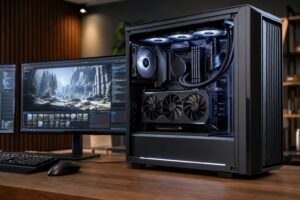
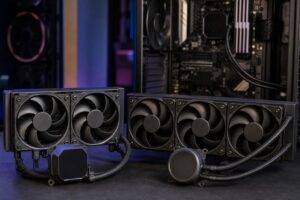
Do not overlook cooling. Simulator sessions often last hours, which means the CPU and GPU need to sustain performance, not merely look good in a short benchmark. A well-ventilated case, a correctly sized cooler, and sensible fan placement help control temperatures and noise. RGB is optional; airflow is not.
Finally, count your connections before ordering. A yoke, throttle quadrant, pedals, headset, webcam, button box, radio panel, and external drives can fill USB ports quickly. A motherboard with adequate rear USB connectivity is preferable to relying on a pile of inexpensive hubs.
Spend more on the CPU and GPU first, then ensure the system has enough RAM and SSD space. Those choices directly affect the simulator experience. After that, buy a reliable power supply, good cooling, and a motherboard with the ports and expansion you need.
You can usually save money by avoiding an oversized motherboard loaded with features you will never use. You also do not need the fastest available SSD solely for Flight Simulator. A quality NVMe drive with enough capacity is more valuable than paying a premium for tiny benchmark gains.
If funds are tight, reduce cosmetic extras before reducing memory, storage, power-supply quality, or cooling. Those less glamorous parts are what make a high-performance PC pleasant to use and easier to upgrade.
A good prebuilt can be convenient, but simulator buyers often have needs that generic gaming configurations miss: more USB ports, 64GB of RAM, large storage capacity, quiet cooling, better airflow, and a power supply chosen for future GPU upgrades. Home-cockpit builders may also need specific expansion or networking options.
A custom PC is worthwhile when the parts are selected around your actual display, peripherals, add-ons, and plans for the next few years—not simply around the biggest headline component. Overclock Computers can help configure and build a Flight Simulator PC around your budget, monitor or VR setup, preferred aircraft and add-ons, aesthetic preferences, and future upgrade plans. Contact our team when you are ready to turn your sim wish list into a balanced system.