What PC Specs Do You Need for 240Hz Gaming? A Practical Buying Guide

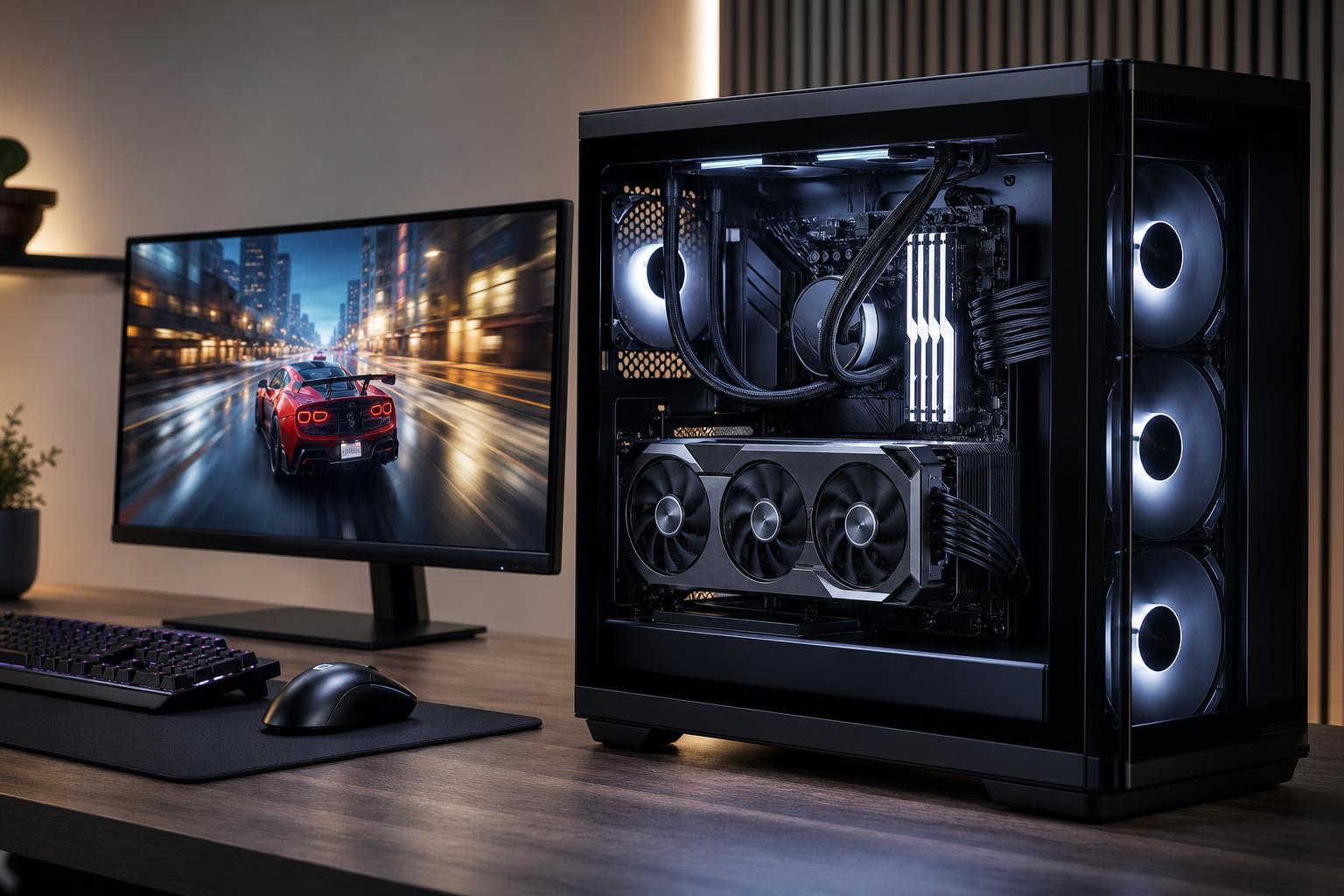
A 240Hz monitor can make fast games feel noticeably clearer and more responsive, but it only delivers its full benefit when the PC can produce consistently high frame rates. That does not mean every buyer needs the most expensive graphics card available. The right PC for 240Hz gaming depends first on the games you play, then on your monitor resolution and preferred visual settings.
For competitive games such as Counter-Strike 2, Valorant, Rocket League, Overwatch 2, and Fortnite, a balanced midrange-to-high-end custom gaming PC can often make excellent use of a 240Hz display. For modern single-player games at 1440p with maximum settings, ray tracing, and a 240 FPS target, the hardware requirement rises sharply—and in some titles, even a top-tier system will not hold 240 FPS at every moment.
The sensible goal is not simply to buy parts with impressive names. It is to build a system that reaches the frame rate you want in the games you actually play, with stable frame times, good cooling, and enough headroom for the next few years.
A 240Hz display refreshes its image up to 240 times per second. To see a new frame on every refresh, the PC needs to render roughly 240 frames per second. Resolution has a huge effect on how difficult that becomes.
Do not assume that a 240Hz monitor requires 240 FPS in every game to be worthwhile. Running at 140 to 200 FPS on a 240Hz display can still feel very good, especially with a properly configured variable refresh rate feature. But if your main reason for buying the monitor is competitive play, prioritizing the CPU and settings needed to approach its refresh rate makes sense.
At high resolutions and high graphics settings, the graphics card usually determines frame rate. At 1080p or in esports titles with competitive settings, the CPU frequently becomes the limiting component. The processor must prepare game logic, physics, player input, draw calls, and background tasks before the graphics card can render the next frame.
This is why a PC that looks excellent in a 4K graphics-card review may not automatically be the best PC for high FPS gaming. A slower processor can hold back a powerful GPU when chasing 200-plus FPS.
Cache-enhanced gaming processors can also be worthwhile for buyers focused primarily on high-refresh gaming. Some game engines respond particularly well to extra cache, improving average frame rates and, just as importantly, low-frame-rate consistency. They are not automatically the best choice for every workstation workload, but they deserve serious consideration in a purpose-built gaming system.
The GPU still does the largest share of visual work. The difference is that a graphics card suitable for 1080p esports may be inadequate for 1440p 240Hz gaming in graphically demanding titles.
For games designed around competitive play, you do not need a flagship GPU just because your monitor has a 240Hz refresh rate. A capable midrange graphics card, paired with a fast CPU, can be the smarter build. Spending the saved budget on a better processor, 32GB of memory, quality cooling, and a reliable power supply often produces a better overall experience.
Games with heavy ray tracing, large open worlds, or ambitious visual effects are different. If you want those titles at very high settings and high frame rates, move up the GPU ladder or be prepared to lower a few settings. Competitive players commonly do this intentionally: lower shadows, effects, and view-distance settings can improve visibility as well as performance.
A 1440p 240Hz monitor is an excellent all-around gaming display, but it is demanding. A higher-tier GPU with ample video memory is the appropriate place to invest if you want high settings in current games. For a new high-end gaming PC in this class, 16GB of VRAM is a comfortable target. Less can still be workable depending on the card and games, but it gives you less room for high-resolution textures, ray tracing, mods, and future releases.
Upscaling technologies can be useful here. When implemented well, they can improve frame rate with a modest image-quality tradeoff. Treat them as a tool, not a substitute for buying enough GPU. If a game only reaches your goal by using the most aggressive performance setting and several visual compromises, the graphics card is probably undersized for your expectations.
For a new 240Hz gaming PC, we recommend 32GB of RAM as the practical default. Modern games, launchers, a browser, Discord, recording software, and operating-system background activity can collectively make 16GB feel tight. Memory pressure may not always crash a game, but it can contribute to stutter, slow task switching, and inconsistent performance.
Use 64GB if you also work with large creative projects, virtual machines, development tools, or memory-heavy mods. It is not necessary for most gaming-only systems, and it is better to put that money toward the CPU or GPU if those parts are not yet at the right performance level.
Memory speed and configuration matter as well. Use a matched kit rather than mixing separate memory modules, and make sure the system is configured to run the memory at its intended supported profile. A well-designed custom build accounts for memory compatibility rather than treating RAM capacity as the only decision.
These parts may not add a big number to an FPS counter, but poor choices can make an otherwise powerful PC frustrating to own.
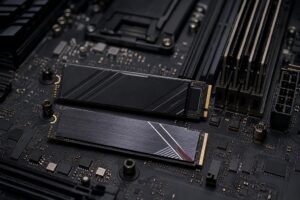
Use a quality NVMe solid-state drive as the primary drive. A 1TB drive is a sensible minimum for many gaming PCs, while 2TB is more comfortable for a growing library of large games. Fast storage improves boot and load times, but do not overspend on extreme drive speed if doing so forces you to choose a weaker CPU or GPU. Capacity and drive reliability are normally the bigger priorities.
High frame-rate gaming can keep a CPU and GPU under sustained load for hours. Good airflow, a suitable CPU cooler, and sensible fan placement help components maintain their intended boost behavior without excessive noise. A larger liquid cooler is not mandatory for every processor, and a quality air cooler remains an excellent option for many builds. The right answer comes from the CPU’s heat output, case airflow, and noise preference.
Do not treat the power supply as a place to cut corners. A quality unit with sufficient capacity, the correct modern GPU power connections where required, and reasonable headroom supports stable operation and future upgrades. It is a less glamorous part of the build, which is exactly why it is often overlooked in mass-market systems.
A game averaging 240 FPS can still feel rough if it regularly drops or stutters. Smooth high-refresh gaming depends on consistent frame delivery, often described as frame times. CPU limits, memory shortages, background programs, overheating, shader compilation, and poorly optimized game updates can all affect it.
When choosing a PC for 240Hz gaming, focus on the performance target that matters: the games you play at the settings you will actually use. A system that holds a steady 180 FPS with good frame pacing can feel better than one that briefly reports 260 FPS but frequently falls below 100.
Before assuming a new PC is underperforming, confirm the monitor is connected to the graphics card rather than the motherboard video output. Then select the monitor’s full refresh rate in the operating system and graphics driver. Use a suitable DisplayPort or HDMI cable for the monitor and GPU, and check the display manufacturer’s supported connection requirements.
Variable refresh rate should generally be enabled when supported by both the display and GPU. It helps the monitor match its refresh behavior to changing frame rates, reducing tearing and making dips below 240 FPS less distracting.
A great high-refresh gaming PC is not defined by one expensive component. It is a balanced machine built around the resolution, games, visual settings, and multitasking you care about. Competitive gamers may get the best value from a fast CPU and sensible GPU. Players chasing 1440p visual quality at very high frame rates should put more budget toward the graphics card. Neither buyer should sacrifice cooling, power quality, or memory capacity to chase a spec-sheet win.
If you are planning a 240Hz gaming setup, Overclock Computers can help configure a custom PC around your monitor, favorite games, performance target, and budget. The goal is a system that makes sense on day one and remains enjoyable to upgrade later—not a generic parts list with one flashy component.