Best Gaming PC for Streaming in 2026: Specs That Make Sense

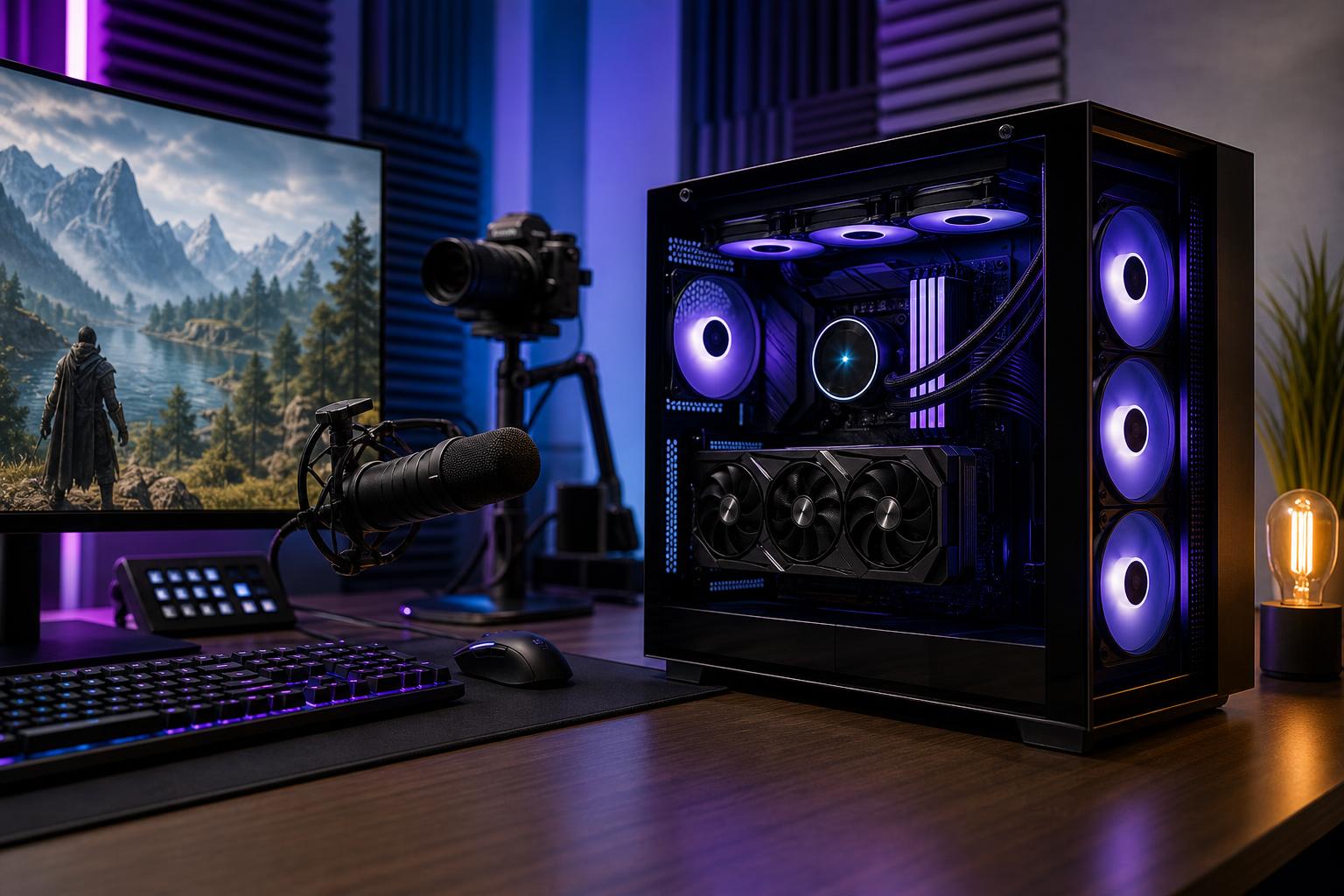
The best gaming PC for streaming in 2026 is usually a balanced, single-PC system with a strong graphics card that supports modern hardware encoding, a capable 8-core-or-better CPU, 32GB of RAM, and at least 2TB of fast NVMe storage. For most people, the graphics card deserves the largest share of the budget. It determines game performance, helps handle video encoding, and has the biggest effect on how long the system remains satisfying at higher resolutions.
Don’t buy a second streaming PC unless you have a specific reason for one. Modern GPU encoders have made single-PC streaming practical and effective for most Twitch, YouTube, and Kick creators. Put the budget into a better main PC, a good microphone, sensible lighting, and a stable wired internet connection first.
These are sensible starting points for a new custom system. Exact component models change, but the performance priorities do not.
This tier is a good fit when the stream matters, but you don’t need every new demanding game at maximum settings. Spend carefully here: a system that is merely adequate for gaming can become frustrating when a browser, chat bot, alerts, camera software, and OBS are all open.
For most buyers researching the best gaming PC for streaming, this is the sweet spot. It has enough CPU overhead for a clean overall experience, while the GPU is strong enough to keep frame rates healthy after you raise game resolution, settings, or ray tracing.
This is where extra spending makes sense for creators whose channel also produces long-form edited content. It is not necessary just to broadcast a webcam and gameplay at 1080p. A premium CPU and GPU are wonderful tools, but they can’t make an uninteresting stream interesting. Hardware has limits, thankfully.
Gaming is usually GPU-limited at 1440p and 4K. Streaming adds another workload, but the right hardware encoder can handle video compression with minimal impact on game performance compared with traditional CPU encoding.
Look for a current GPU with a proven hardware encoder and support for the streaming platform and format you plan to use. NVIDIA, AMD, and Intel all offer hardware encoding on modern graphics products, but quality, software support, and application behavior can vary by codec and platform. Before buying, confirm what your chosen broadcast platform accepts and test your preferred OBS settings.
VRAM deserves special attention. It stores textures, frame buffers, geometry data, and other graphics assets. It isn’t only a concern for 4K. Newer games, high-resolution texture packs, ray tracing, and background capture can all make a modest VRAM allocation feel restrictive. For a PC intended to last several years, buying more VRAM can be more valuable than buying a small step up in CPU tier.
For a hardware-encoded stream, a good current 8-core CPU is the practical recommendation for most gaming streamers. It leaves room for the game, OBS, browser sources, Discord, chat, music, peripheral software, and the assorted little programs that somehow become part of every stream setup.
A current 6-core CPU can still work well for 1080p gaming and streaming, particularly in GPU-heavy games. The reason to choose 8 cores is not that OBS itself demands them all. It is the smoother experience when the entire desktop is busy.
Spend more on the CPU when you play simulation, strategy, sandbox, or competitive games that are heavily CPU-bound; use CPU-based encoding intentionally; or edit and render video frequently. Otherwise, don’t sacrifice a much stronger GPU just to move from a very good gaming CPU to the most expensive one available.
32GB is the right baseline for a new gaming and streaming PC. It gives modern games, OBS, web browsers, overlays, and communication apps enough breathing room. It also avoids the annoying stutters and background-app compromises that can come with 16GB.
Choose 64GB if you regularly edit 4K video, keep large creative projects open, work with substantial mod packs, use virtual machines, or want to retain the system for a long time without revisiting memory capacity. More RAM will not meaningfully increase frame rates if 32GB is already sufficient, so it should not take budget away from the GPU in a gaming-first build.
A 1TB SSD is workable, but it is not generous once you install a large game library and save high-quality recordings. Local recordings can consume tens of gigabytes per session depending on resolution, frame rate, codec, and bitrate. Video-editing cache files are not known for restraint either.
We recommend at least 2TB of NVMe storage for a serious streaming PC. Creators who record often benefit from separating the operating system and games from active recordings and editing projects. A second SSD can make organization easier and prevents a nearly full drive from becoming a constant housekeeping project. Fast NVMe storage improves loading and file transfers, but capacity is often the more important purchase decision for streamers.
Streaming sessions can run for hours. That makes component quality and cooling more than cosmetic concerns. A properly sized CPU cooler, a case with clear airflow, quality fans, and a reliable power supply help the system sustain performance without excessive heat or fan noise reaching your microphone.
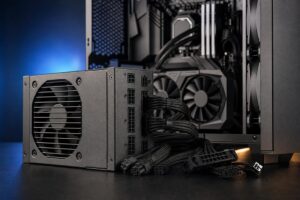
There is no prize for buying the largest power supply on the shelf. The correct unit has adequate capacity for the selected CPU and GPU, enough connectors, a quality platform, and reasonable headroom for transient loads and future upgrades. It should also be installed in a case that can actually feed the components cool air.
For broadcasting, use wired Ethernet whenever possible. Wi-Fi has improved substantially, but a wired connection removes one variable from a setup that already relies on your internet upload speed, platform settings, game servers, and software. Confirm your real upload bandwidth and stability before blaming the computer for dropped frames.
A second PC is justified for a small group of users: tournament broadcasters, creators who need complete separation between a gaming system and production system, people using specialized capture workflows, or those who intentionally rely on CPU-based encoding while playing especially demanding games.
For everyone else, it adds cost, desk clutter, capture hardware, audio-routing complexity, and another Windows machine that may decide it needs attention five minutes before you go live. Start with one well-configured PC and hardware encoding. Upgrade to a dual-PC setup only after you can identify a real limitation in your current workflow.
The right streaming PC is not defined by a single parts list. A creator playing competitive games at 1080p needs a different balance than someone streaming visually demanding single-player titles at 1440p, recording high-quality footage, and editing videos every week.
Overclock Computers can build around the games you play, your monitor resolution and refresh rate, the broadcast platform you use, recording needs, creative applications, budget, preferred appearance, and future upgrade plans. A well-balanced custom PC gives you performance where viewers will notice it and avoids spending heavily on parts that won’t improve your stream. Contact our team to plan a system that fits the work you actually do when the camera is on—and when it is not.