Best Gaming PC for 1440p Gaming in 2026: Specs That Make Sense

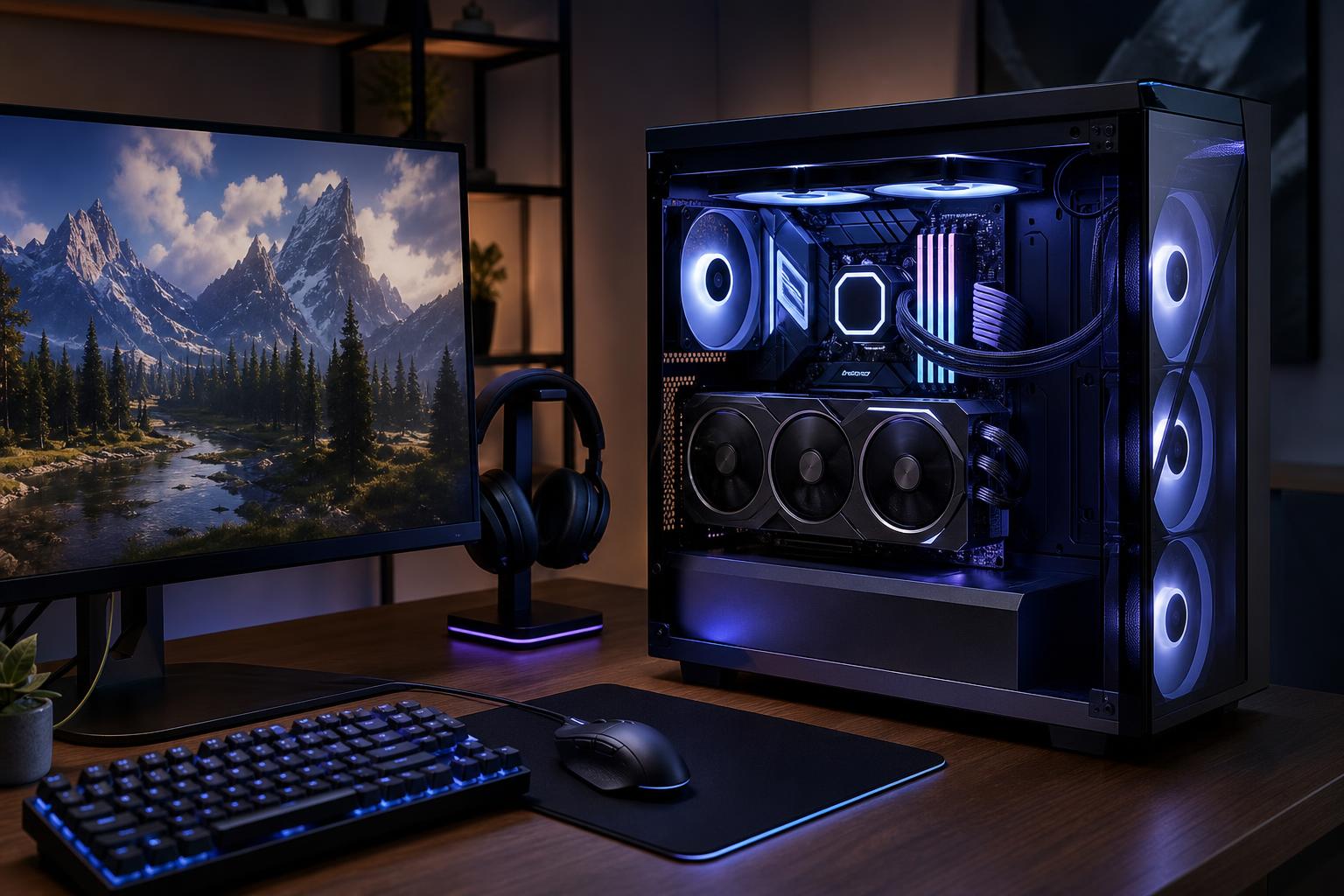
A well-balanced 1440p gaming PC is the sensible sweet spot for many buyers in 2026. It delivers a noticeably sharper image than 1080p, puts less strain on the graphics card than 4K, and can take proper advantage of a 144Hz, 165Hz, or higher-refresh monitor.
For most people, the best gaming PC for 1440p gaming should put the largest share of the budget into the graphics card, pair it with a modern six- to eight-core CPU, include 32GB of DDR5 memory, and use at least a 1TB NVMe SSD. Spend more when you want demanding ray-traced games, very high frame rates, heavy mods, or a system intended to stay near the top of the performance ladder for several years.
These three tiers are more useful than shopping by a single advertised feature or an arbitrary component list.
Choose this tier if you want modern games to look good at 1440p and play smoothly on a 144Hz-class monitor, but you are comfortable adjusting a few demanding settings. It is a strong fit for esports titles, older games, and most current single-player games without treating maximum ray tracing as mandatory.
This is usually the best value tier. Do not undercut it with 16GB of memory or a tiny SSD just to advertise a stronger graphics card. Those compromises become annoying quickly.
This is the best fit for buyers who want high settings in demanding new games, a 165Hz or 240Hz monitor, and more breathing room for future releases. A stronger GPU matters far more here than jumping from a capable gaming CPU to an expensive flagship processor.
If your goal is a premium 1440p experience rather than a specification contest, this is where we would generally aim.
Buy at this level when you own a 240Hz or 360Hz 1440p monitor, want to use demanding ray tracing settings, play heavily modded games, or simply prefer to replace hardware less often. This tier can make sense, but it is also where diminishing returns begin. Paying for the fastest available GPU is reasonable only when the monitor and games can show the difference.
For a standard 1440p 144Hz monitor, an extreme GPU may be excessive. You are often better served by a strong high-end card, 2TB or more of storage, quiet cooling, and a quality power supply.
At 1440p, the GPU is usually the part setting your frame rate and graphics quality. That is why a balanced 1440p system should prioritize graphics performance before luxury motherboard features, excessive CPU cores, or decorative extras.
VRAM deserves attention as well. Modern games can use substantial video memory when texture quality, ray tracing, high-resolution asset packs, and mods are involved. More VRAM does not automatically make a GPU faster, but too little can force texture compromises, cause stutter in certain situations, or shorten the useful life of an otherwise capable card.
For a new 1440p gaming PC, we would avoid treating low VRAM capacity as an acceptable tradeoff unless the system is clearly positioned as an entry-level, budget-conscious build. Buyers planning to keep a PC for several years should favor a GPU with enough headroom for newer games rather than shopping solely by its average frame-rate results in a few current titles.
Ray tracing can improve reflections, shadows, and lighting, but it is expensive to run. A PC that handles conventional rasterized graphics very well may need lower ray-tracing settings, upscaling, or frame generation to maintain high refresh rates in the most demanding games.
That is not a failure of the system. Upscaling is a practical tool at 1440p when configured sensibly. Still, if ray tracing is central to the games you play, move up a GPU tier before spending more on the CPU.
A fast modern six-core CPU is enough for many 1440p systems. An eight-core or gaming-focused processor is a better long-term choice for buyers pursuing very high frame rates, streaming, simulation games, strategy games, large multiplayer matches, or demanding background tasks.
At 1440p with high visual settings, the GPU often limits performance first. That means spending heavily on a top-end CPU while choosing a modest graphics card is usually backwards. The exception is competitive gaming: titles such as tactical shooters and battle royale games can run at very high frame rates, making CPU speed important on a 240Hz or faster display.
For a 144Hz or 165Hz monitor and a mix of modern games, a sensible CPU paired with the strongest GPU the budget allows is the correct starting point.
We recommend 32GB of RAM for a new 1440p gaming PC. Many games still run on 16GB, but the real PC experience includes a browser, game launcher, voice chat, recording software, RGB utilities, and the occasional mysterious background process that refuses to leave quietly.
Two matched memory sticks are normally preferable to one because they allow dual-channel operation. Memory speed and timings matter, but they are secondary to having enough capacity and a stable, compatible kit. For gaming alone, 64GB is usually unnecessary. It becomes worthwhile for streaming, editing, development work, large mod lists, virtual machines, or a PC that will also serve as a workstation.
A 1TB NVMe SSD is the minimum we would specify in a premium new gaming system. Modern games are large, and Windows, applications, recordings, and downloadable content add up fast. A 2TB drive is often the more comfortable choice for someone who plays several large games at once.
Drive speed matters most for operating-system responsiveness, game loading, file transfers, and certain creation workloads. For gaming, capacity and reliability should come before paying a steep premium for the highest benchmark number. A good motherboard with extra M.2 slots also makes later storage expansion straightforward.
A 1440p gaming PC can spend hours under a substantial load. Poor cooling does not just make a system loud; it can reduce sustained performance and make the entire ownership experience less pleasant.
Look for a case with a clear airflow path, properly sized intake and exhaust fans, and a CPU cooler appropriate for the processor. Liquid cooling is not automatically better than air cooling. A good tower air cooler can be quiet, reliable, and entirely adequate for many gaming CPUs. Larger liquid coolers make the most sense for processors with high sustained heat output or for buyers prioritizing a particular look and acoustic profile.
The power supply should be from a reputable platform, have the correct wattage and connectors for the GPU, and leave reasonable headroom. Chasing the largest wattage number is not necessary; buying a cheap unit to support an expensive graphics card is a mistake.
Monitor choice determines what performance is meaningful. A 1440p 144Hz or 165Hz display is an excellent all-round target for most players. It offers smooth motion without demanding the extreme frame rates needed to fully feed a 240Hz or 360Hz panel.
Adaptive-sync support is also worthwhile. It helps the monitor match its refresh behavior to changing frame rates, reducing visible tearing and making occasional dips feel less distracting.
A good prebuilt can be a reasonable purchase, especially when its exact component list is transparent and its cooling, power supply, and upgrade path are sound. The trouble is that many mass-market systems highlight the CPU and GPU while staying vague about the motherboard, power supply, memory configuration, cooling, and case airflow.
A thoughtfully configured custom PC lets you direct the budget toward the parts that affect your experience: the right GPU, enough memory and storage, reliable power delivery, and cooling that keeps the system quiet and consistent. It also avoids paying for components that do not help your games.
Overclock Computers can design a 1440p gaming PC around the games you play, your monitor, budget, streaming needs, preferred appearance, and future upgrade plans. If you are deciding between two performance tiers, bring us the details of your display and the games you care about most; we can help build the version that makes sense rather than simply the one with the longest specification sheet.