Best PC for Microsoft Flight Simulator in 2026: Specs That Make Sense

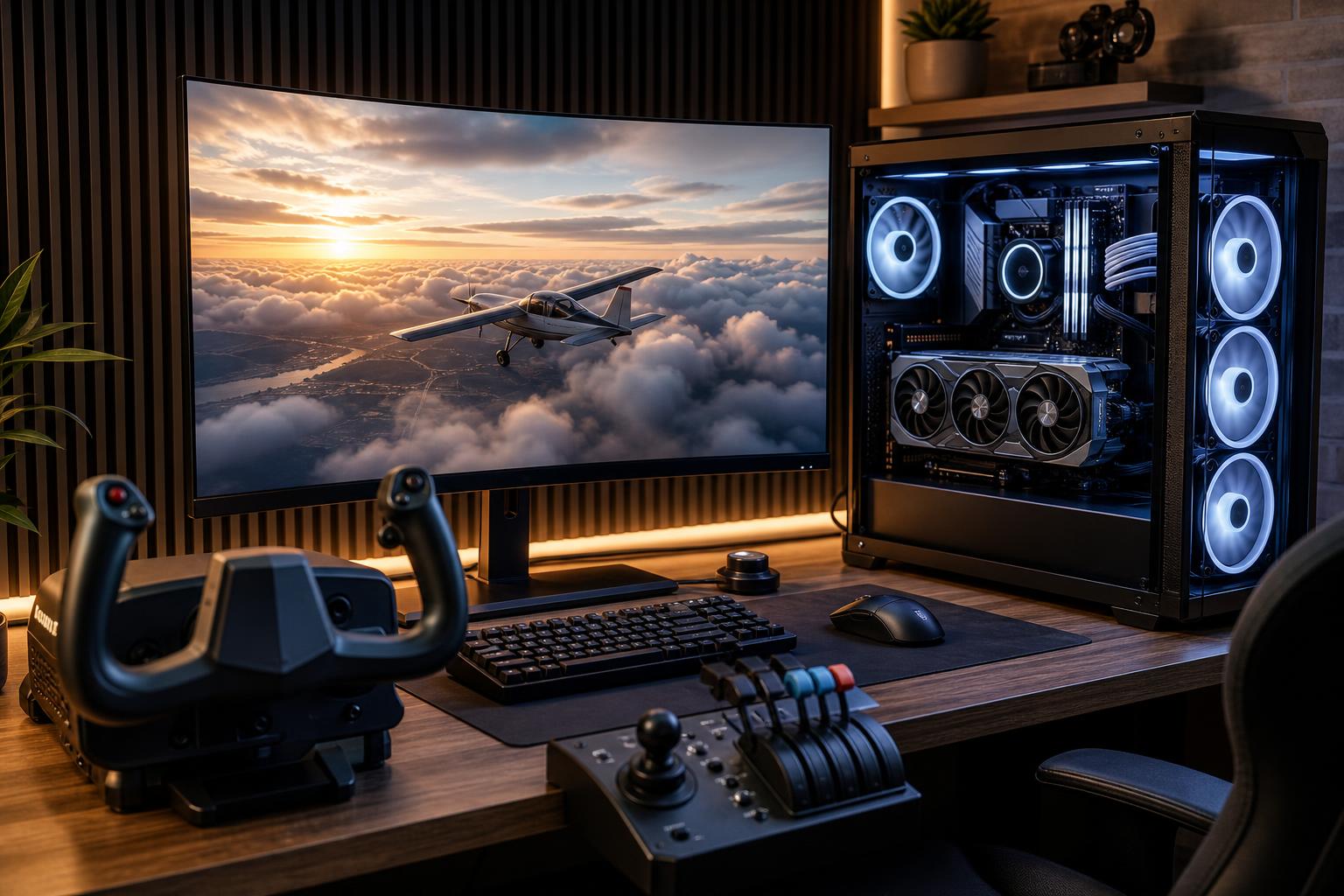
Microsoft Flight Simulator is one of the harder games to build a PC around. It can look spectacular at almost any altitude, but smooth performance becomes much tougher near detailed airports, dense cities, heavy weather, air traffic, and complex aircraft. A PC that runs a fast-paced shooter well is not automatically the right PC for a flight sim.
For most buyers, the best PC for Microsoft Flight Simulator is a balanced system with a strong modern gaming CPU, a capable graphics card with adequate VRAM, 32GB of RAM, and a 2TB NVMe SSD. Spend more on the GPU for 4K, ultra settings, multiple displays, or VR. Spend more on the CPU and RAM if you fly detailed airliners, use extensive scenery add-ons, or want reliable performance at large hubs.
Choose this tier for a single monitor, high settings rather than every setting at maximum, and a reasonable mix of regional flights and airliner flying.
This is the sensible floor for a new dedicated flight-sim PC. We would not deliberately configure a new simulator-focused system with 16GB of RAM or a small 500GB system drive. Both decisions become annoying faster than they save money.
This is the sweet spot for 1440p ultra settings, a large 4K television with optimized settings, demanding aircraft, major airport scenery, and a good amount of add-on content.
For many people shopping for the best PC for Microsoft Flight Simulator, this is where the money should go. It gives the system enough headroom to remain enjoyable when the simulator, airports, aircraft, and graphics demands all become more ambitious.
Choose this tier if your goal is native-feeling 4K quality, virtual reality, a large ultrawide or multi-display cockpit, or high settings at busy handcrafted airports. It is also the appropriate starting point for buyers who use the PC for video editing, streaming, or other demanding work when they are not flying.
Even this class of system cannot make every complex airport, live-traffic setting, weather condition, and add-on aircraft perform identically. Flight simulation is unusually variable. The goal is to reduce compromises, not promise a fixed frame rate in every possible scenario.
Flight Simulator does use multiple CPU cores, but it is also sensitive to how quickly its busiest processing threads can run. Aircraft systems, traffic, world data, terrain, scenery objects, and draw-call preparation can all place pressure on the processor. This is why a powerful graphics card alone does not guarantee smooth landings at a crowded airport.
Prioritize a modern gaming CPU with strong single-thread performance. CPUs with a large on-chip cache can also be particularly attractive for simulation-heavy games. You do not need a workstation processor with a huge core count purely for flying. In fact, paying for 16, 24, or more cores can be a poor use of the budget if it forces you to choose a weaker graphics card.
Buy extra CPU cores when you also render video, compile large software projects, run virtual machines, or perform professional production work. For a dedicated simulator PC, a fast 8-core gaming-oriented processor is usually the practical target.
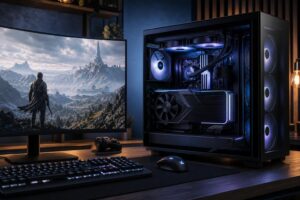
The graphics card determines how comfortably you can raise resolution, render scale, texture quality, shadows, clouds, and other visual settings. At 1080p, a well-balanced midrange GPU is enough for an attractive experience. At 1440p, GPU demands increase meaningfully. At 4K and in VR, the graphics card becomes the largest expense for a good reason.
VRAM matters because Flight Simulator can use substantial graphics memory with high-resolution textures, detailed scenery, high render scaling, and complex environments. A card with too little VRAM may force lower texture settings or create inconsistent performance when scenes become demanding. For a new build intended for 1440p or 4K flying over several years, we prefer to avoid entry-level VRAM capacities.
Features such as upscaling and frame generation can be useful tools, particularly at 4K. They are not substitutes for appropriate hardware, however. Start with a GPU that can run the simulator well at your intended resolution, then treat these features as useful extra headroom.
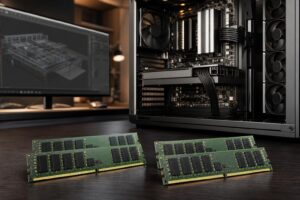
Microsoft Flight Simulator, Windows, background software, browser tabs, navigation tools, voice applications, and add-ons can make 16GB feel restrictive. 32GB is the right baseline for a new flight-sim PC. Use two matched memory modules so the system operates in dual-channel mode.
Move to 64GB if you regularly use large scenery libraries, detailed aircraft, mapping tools, streaming software, multiple displays, or productivity applications alongside the sim. It is also a sensible choice for an enthusiast build intended to stay in service for years. More than 64GB rarely improves the simulator itself; it is usually a workstation requirement.
Install the simulator on an NVMe SSD. It improves loading and makes a better home for large aircraft and scenery libraries than an older mechanical hard drive. A 1TB drive works, but a 2TB SSD prevents the familiar ritual of uninstalling another game every time a new world update arrives.
Microsoft Flight Simulator can stream world and terrain data, so a stable internet connection is part of the overall experience. Wired Ethernet is preferable when practical. If Wi-Fi is necessary, use a modern, reliable wireless setup rather than assuming the PC is at fault when streaming data stutters.
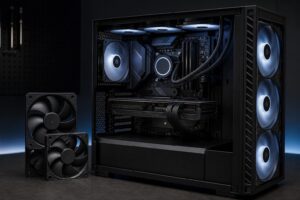
A flight simulator can keep a PC busy for hours. That makes cooling and power delivery more relevant than they are in a short benchmark run. A good tower air cooler or appropriately sized liquid cooler, a case with unrestricted intake airflow, and quality case fans help the CPU and GPU sustain their intended performance without unnecessary noise.
Likewise, choose a reputable power supply with sufficient capacity for the actual CPU and GPU combination. Oversizing it dramatically is not required, but cutting it too close is false economy. A quality unit also makes future graphics-card upgrades easier.
Before ordering a system, decide whether you will fly at 1440p, 4K, ultrawide, multiple monitors, or VR. Also consider your preferred aircraft and airports. A pilot flying GA aircraft through rural scenery has a different performance target from someone operating complex airliners into detailed international hubs with live traffic and add-on scenery.
A thoughtfully configured custom PC is useful here because it avoids the common mass-market mistake of pairing a flashy GPU with too little RAM, a weak CPU cooler, limited storage, or a generic power supply. The best configuration is not simply the most expensive list of components. It is the one that supports the way you fly now and leaves sensible room to grow.
Overclock Computers can help design a flight-simulator PC around your monitor or VR headset, aircraft and scenery preferences, budget, visual goals, and future upgrade plans. Bring us the way you want to fly, and we can help turn it into a balanced system specification.