Best Gaming PC in 2026: Choose the Right Specs for Your Monitor and Games

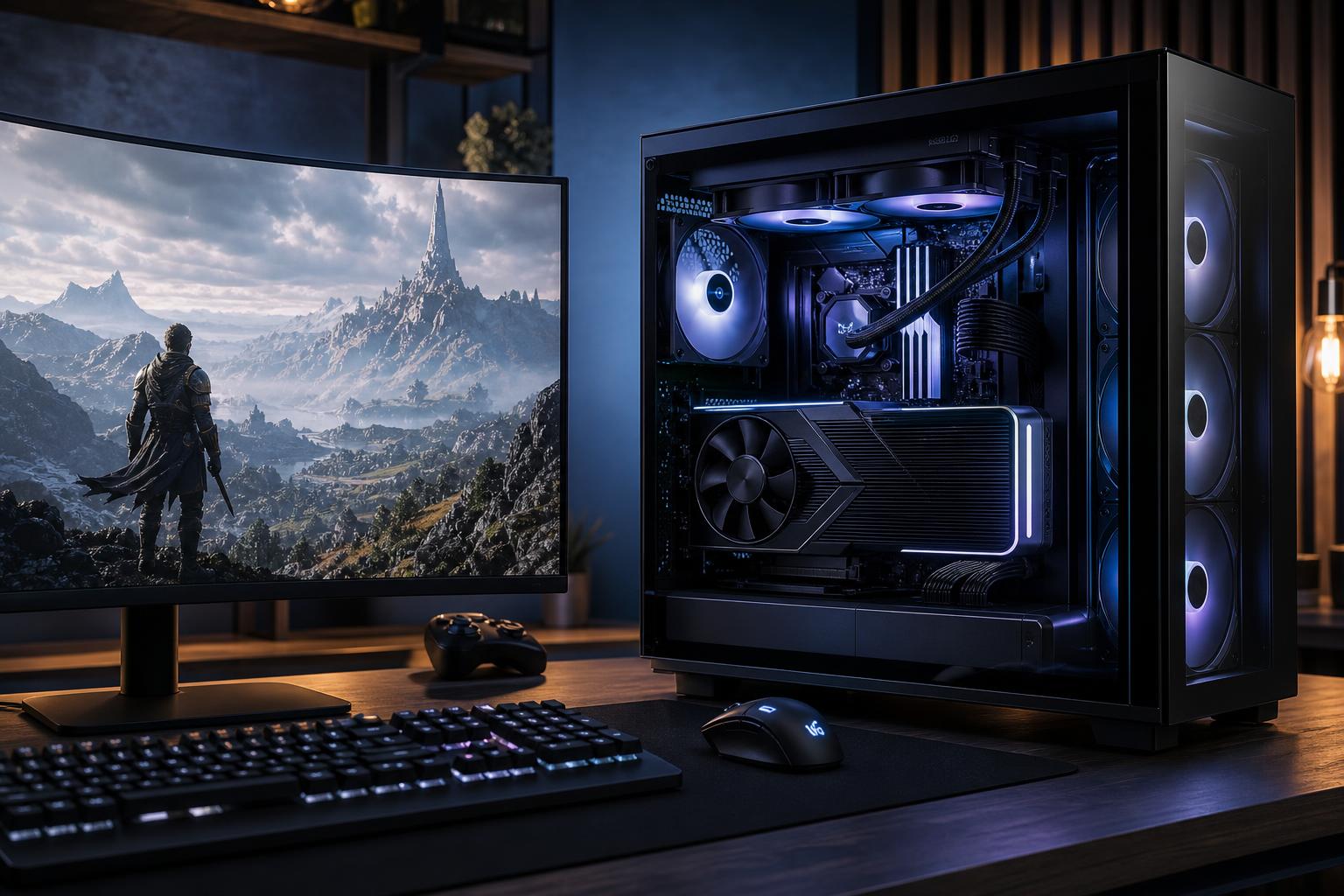
Searching for the best gaming PC in 2026 can get confusing fast. Every product page has a long parts list, every retailer has a different sale, and the most expensive system is often presented as the obvious choice. It usually is not.
The right gaming computer is the one that delivers the frame rates and image quality you want on the monitor you actually own or plan to buy. A powerful 4K system is wasted on a basic 1080p display, while a modest graphics card can make a great 1440p monitor feel like an expensive slideshow in demanding new games.
Start with your display target, then select a balanced CPU, GPU, memory, cooling system, and power supply around it. That approach produces a better experience than simply buying the biggest number in a component name.
Resolution determines how many pixels the graphics card must render. Refresh rate determines how many frames per second the system needs to produce before the monitor can show them. Both matter.
At 1920 × 1080, modern midrange hardware can run many games at high frame rates. This is still an excellent choice for esports titles such as Counter-Strike 2, Valorant, Rocket League, Fortnite, and Overwatch, especially with a 144Hz, 240Hz, or faster monitor.
For a competitive-focused build, prioritize a fast gaming CPU and a capable midrange GPU. At very high frame rates, the processor matters more than it does in a typical 4K gaming PC. A weak CPU can hold back performance even when the graphics card has plenty of headroom.
For many people, 2560 × 1440 is the sweet spot. It looks noticeably sharper than 1080p on a desktop monitor, but it is far less demanding than 4K. A well-configured 1440p system can provide excellent image quality in single-player games and high refresh rates in competitive titles.
For a best gaming PC 2026 build aimed at 1440p, put a meaningful share of the budget toward the GPU. Pair it with a current gaming-focused processor, 32GB of DDR5 memory, and a quality 1TB or 2TB NVMe SSD. This is the configuration range where balanced parts selection matters most: overspending on the CPU while cutting corners on the GPU is a common mistake.
At 3840 × 2160, the graphics card does most of the heavy lifting. High settings, ray tracing, and a 120Hz or 144Hz 4K display demand a genuinely high-end GPU. You do not necessarily need the most expensive processor available, but you should not compromise on GPU performance, video memory, cooling, or power delivery.
Modern upscaling technologies can make 4K far more practical than native rendering alone. They are useful tools, not magic. A stronger graphics card still gives you better image-quality options, more consistent performance, and a longer useful life as game requirements rise.
For 1440p and especially 4K gaming, the graphics card is usually the largest performance decision. Compare GPUs using trusted game benchmarks at your target resolution, not just synthetic scores or a single advertised clock speed.
Pay attention to video memory as well. For a new midrange 1440p system, 12GB is a reasonable starting point. A high-end 1440p or 4K system is better served by 16GB or more, particularly if you enjoy high-resolution texture packs, ray tracing, heavily modded games, or plan to keep the PC for several years.
Gaming rarely needs the highest core-count processor sold for professional rendering or simulation work. A current midrange or upper-midrange CPU with strong per-core performance is enough for most gaming systems. Moving to a faster gaming-focused processor makes sense for 240Hz-and-beyond competitive gaming, simulation-heavy games, strategy titles, and systems that also stream, record, or run background applications.
More cores are valuable if you edit video, compile large software projects, or use your gaming PC for demanding work. For gaming alone, do not sacrifice GPU budget just to buy a processor with more cores than you will use.
For a new premium gaming PC, we recommend 32GB of RAM. It gives modern games, Discord, browser tabs, game launchers, and background tools room to coexist without constant memory pressure. Choose 64GB if you stream with a more complex setup, work with large creative projects, run virtual machines, or simply prefer extra headroom.
A 1TB SSD works, but it fills surprisingly quickly once several large games are installed. A 2TB NVMe SSD is the more comfortable choice for many buyers. Very fast drives help with load times and file transfers, but capacity and reliability are usually more valuable than chasing the highest benchmark number.
A premium gaming PC should remain stable and reasonably quiet during a long gaming session. That requires a case with unrestricted airflow, enough quality fans, a CPU cooler suited to the processor, and a correctly sized power supply from a reputable platform.
Do not judge a case by glass panels and RGB alone. A beautiful case with poor airflow can make a high-end GPU louder, warmer, and less consistent. Likewise, a bargain power supply is a poor place to save money in a system built around expensive components.
This system is for players targeting 1080p or 1440p at 240Hz or higher in esports and fast multiplayer games.
Spend more on the CPU here than you would for a typical 4K build, but remember that a 360Hz monitor will not improve a game that cannot run at very high frame rates on your chosen settings.
This is the best fit for most people who want a premium custom gaming PC without paying for hardware they will not use.
This configuration should handle modern games very well at 1440p, while leaving room to use high settings, upscaling, and high-refresh displays where the game allows it.
This is for buyers with a 4K 120Hz-or-faster display, a large OLED monitor or television, or a firm preference for demanding visual settings.
The GPU is the centerpiece of this build. If budget requires a compromise, reduce cosmetic extras or storage expansion before stepping down to a graphics card that does not suit 4K.
No gaming PC is permanently future-proof. New games will always become more demanding. A better goal is to buy a system that gives you useful options for the next several years: enough GPU performance for your target display, adequate VRAM, 32GB of memory, a quality power supply, spare storage capacity, and a platform that can support sensible upgrades.
Future-proofing does not mean buying a flagship GPU for a 1080p monitor “just in case.” It means avoiding short-sighted cuts that force an early replacement. A balanced 1440p computer with a good power supply and cooling may be a smarter long-term purchase than an unbalanced system with one flashy component and several weak ones.
A gaming PC for sale can look compelling because it lists a recognizable CPU and GPU. Read the rest of the specification sheet before committing.
If these details are missing, ask. Generic descriptions often mean the builder reserves the right to use whatever compatible parts are available. That may be acceptable for a low-cost office computer; it is less appealing in a premium gaming machine that should run hard for years.
The best gaming PC is not a universal configuration. It is a system built around your monitor, favorite games, performance target, and plans outside gaming. A 1440p player seeking smooth high settings needs a different machine than a competitive player chasing 300 FPS or a 4K player who wants ray tracing turned up.
Overclock Computers designs custom-built gaming PCs around those practical details, including the less glamorous but essential parts such as cooling, airflow, power delivery, and upgrade paths. If you are comparing options and want a clear recommendation based on your games, monitor, and budget, contact our team to plan a system that fits the way you actually play.