Best Gaming PC for Ultrawide Gaming in 2026: Specs That Make Sense

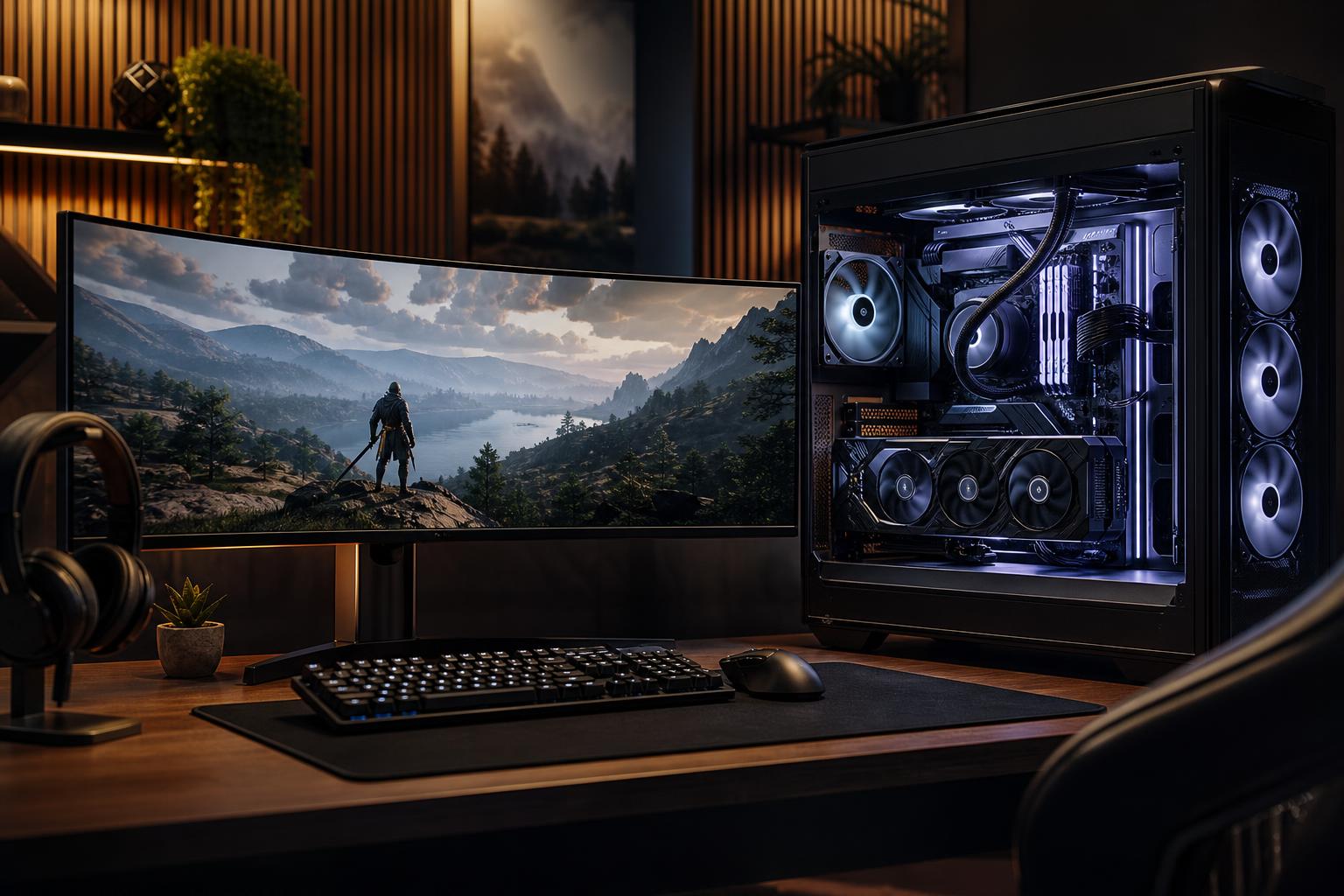
An ultrawide monitor can make a gaming PC feel far more immersive than a standard 16:9 display. Racing sims offer a wider view of the cockpit. Strategy games provide more room for maps and menus. Open-world games simply look better when the image fills more of your peripheral vision.
There is one catch: ultrawide gaming requires more graphics performance than many buyers expect. A gaming computer that feels excellent at 2560×1440 may struggle to maintain the same settings and frame rates at 3440×1440, especially in newer, demanding games.
The best gaming PC for ultrawide gaming is not necessarily the most expensive one. It is a balanced system built around the resolution, refresh rate, and types of games you actually play.
“Ultrawide” covers several very different monitor types. Their pixel counts matter because the graphics card has to render every one of those pixels each frame.
A 3440×1440 165Hz monitor does not mean every game needs to run at 165 frames per second. For slower single-player games, 80 to 120 FPS with adaptive sync can feel excellent. Competitive players may reasonably target 144 FPS or more, but they should prioritize the games they play most rather than chasing a number in every new cinematic title.
For a gaming PC intended primarily for ultrawide use, put the largest practical share of the budget toward the graphics card. The GPU has much more influence on image quality and frame rate than the CPU once resolution rises.
Look for a current-generation upper-midrange or high-end GPU with strong rasterized performance and enough video memory for modern high-detail textures. For a new premium build, 12GB of VRAM is a sensible starting point; 16GB provides more breathing room for demanding games, texture packs, ray tracing, and future releases.
This class of GPU is the right fit for players who want high settings in most games, good performance in competitive titles, and the option to use upscaling when a particularly demanding game needs help. It is also the practical sweet spot for many 3440×1440 systems.
Move up to a high-end GPU. Super-ultrawide gaming is much closer to 4K than regular 1440p in workload, and an underpowered card will force regular compromises in newer games.
We generally recommend 16GB or more of VRAM for a new 5120×1440-focused gaming PC. That does not guarantee every game can run at maximum settings with ray tracing enabled, because game engines and settings vary wildly. It does give the system a more appropriate margin for the monitor’s resolution.
If you care about ray tracing, compare real game benchmarks rather than relying on a single headline specification. Ray tracing can sharply change GPU requirements. Upscaling and frame-generation technologies can improve smoothness in supported games, but they should be treated as useful tools, not as a substitute for buying enough baseline GPU performance.
At ultrawide resolutions, the GPU usually limits performance in graphically demanding games. That does not mean the CPU is unimportant. A weak processor can still hold back frame rates in esports titles, large multiplayer matches, simulation games, strategy games, and busy open-world areas.
For most ultrawide gaming PCs, a modern 6- or 8-core mainstream CPU with strong per-core performance is the sensible floor. An 8-core gaming-focused processor is an excellent all-around choice for buyers who want high frame rates, stream occasionally, or keep many background applications open.
Spend more on a top-tier gaming CPU when you play CPU-heavy games, use a 240Hz ultrawide monitor, or want the highest possible minimum frame rates. Otherwise, putting that money into the GPU is usually the better decision. A flagship processor paired with a merely midrange graphics card is a classic case of a build that looks impressive on a parts list but leaves gaming performance on the table.
32GB of DDR5 memory is the right recommendation for most new high-performance gaming PCs. Many games still run with 16GB, but modern game engines, browser tabs, Discord, launchers, capture software, and background tasks can make 16GB feel restrictive. The savings usually are not worth it on an ultrawide-focused system.
Choose 64GB if the PC will also handle serious video editing, large mod collections, development work, virtual machines, or demanding creative applications. It will not normally add gaming FPS by itself.
For storage, start with a 2TB NVMe SSD if the budget allows. Modern games are large, and a 1TB drive can fill surprisingly quickly once Windows, applications, and several major titles are installed. A quality PCIe Gen 4 SSD is plenty fast for gaming; paying a large premium for a faster drive rarely makes game loading feel dramatically different.
Ultrawide gaming places sustained load on the GPU, often for hours at a time. That makes cooling and power delivery more than cosmetic details.
A well-cooled system maintains more consistent performance, produces less noise, and is easier to upgrade later. These are the parts mass-market gaming PCs often cut first, because they do not make a flashy benchmark chart. They still matter.
This system should pair a strong upper-midrange GPU with a modern 6- or 8-core CPU, 32GB of DDR5, and a 1TB or 2TB NVMe SSD. It is designed for high settings and enjoyable high-refresh gaming at 3440×1440 without paying for performance the monitor cannot use.
For competitive games at 144Hz, 165Hz, or higher, step up the GPU and use a CPU known for high gaming performance and strong frame-time consistency. This is the right configuration for players who split their time between esports titles and visually demanding single-player games.
This is a high-end gaming computer. It needs a high-end GPU, 16GB or more of VRAM, 32GB of system memory, robust cooling, and a quality power supply. Spending more on the graphics card is justified here because the monitor is asking it to do almost 4K-class work.
A 3440×1440 monitor rewards a carefully chosen upper-midrange or high-end system. A 5120×1440 display deserves a genuinely high-end GPU configuration. In both cases, 32GB of RAM, a 2TB SSD, quality cooling, and a reliable power supply make for a better long-term ownership experience than chasing one oversized headline component.
If you are choosing an ultrawide monitor or already own one, Overclock Computers can help configure a custom gaming PC around its exact resolution, refresh rate, and the games you play. Contact our team with your display model, target games, and budget, and we will help you build a system that makes proper use of that extra screen space.