Best Gaming PC Under $1,500 in 2026: Specs That Deliver Real Performance

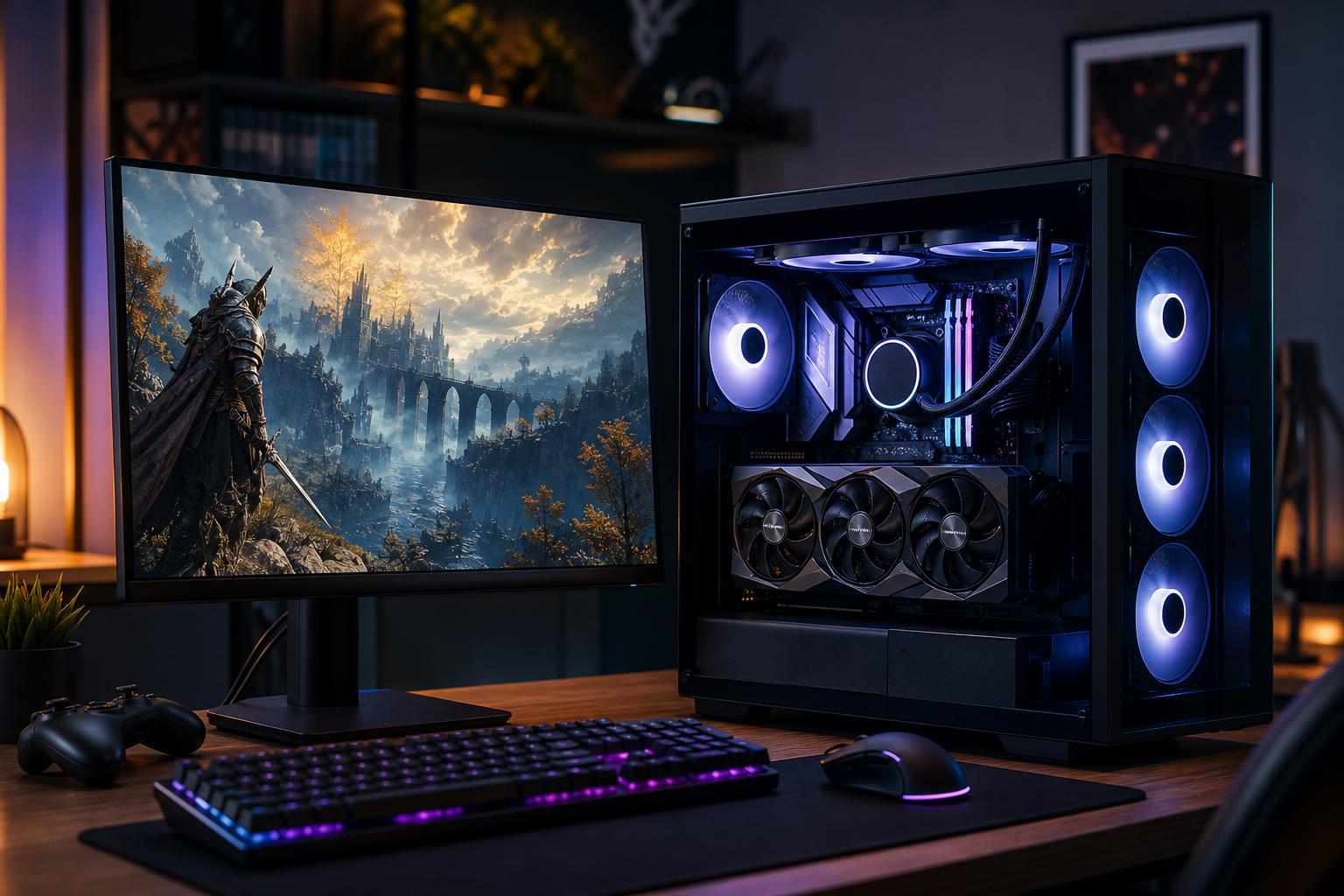
A $1,500 budget is one of the strongest places to shop for a new gaming PC. It is enough money to build a genuinely capable system for modern games at 1440p, while still leaving room for the supporting parts that make a computer pleasant to own: 32GB of memory, a useful-sized SSD, a quality power supply, and cooling that does not sound like a small leaf blower.
It is also a budget where bad configurations are common. A flashy case, RGB fans, and a large number printed on the CPU box can distract from a graphics card that is a tier too slow, too little storage, or a power supply chosen purely because it was cheap.
The best gaming PC under $1,500 in 2026 puts the largest practical share of the budget toward the graphics card, then builds a balanced system around it. Here is what that should look like and where it is sensible to compromise.
At this price, the primary goal should be excellent 1440p gaming. That means strong performance in new games at high settings, with room to use sensible upscaling settings or adjust a few demanding options when a game is especially hard on hardware. It should also be a very capable 1080p system, including for many high-refresh-rate games.
4K is possible in less demanding titles and in games where upscaling is effective, but it should not be the reason to buy a $1,500 computer. A good 1440p monitor is usually the better pairing. It gives a sharp image, supports high refresh rates without requiring extreme GPU power, and lets the PC stay satisfying for longer.
This budget can also support Discord, web browsing, music, game capture, and occasional streaming while playing. Serious video editing, 3D rendering, or professional work may change the component balance, but a gaming-first system does not need an oversized workstation CPU.
Exact pricing changes often, especially for graphics cards, but the spending priorities should remain consistent.
That is not a rigid formula. A sale can justify shifting money around. But if a system has an expensive CPU and premium liquid cooler paired with a modest graphics card, it is usually not the best gaming PC for the money. In most games, the GPU determines the settings and frame rate you can actually enjoy.
The graphics card is the most important part of a gaming PC under $1,500. Look for a current midrange-to-upper-midrange GPU designed for 1440p play, rather than an entry-level card attached to a more expensive processor.
Raw speed matters, but so does video memory. New games can use more VRAM when texture quality, resolution, ray tracing, and detailed environments are turned up. We would be cautious about buying a new $1,500 gaming computer with the minimum VRAM capacity available in its performance class, particularly if 1440p is the plan for several years.
NVIDIA and AMD can both make sense here. NVIDIA is often attractive for buyers who place a high value on broad ray-tracing performance, mature upscaling support, and hardware video encoding for streaming. AMD cards can offer excellent conventional rendering performance and VRAM capacity at a given price. The better choice is the card that provides the strongest overall value in the games and features you care about when you are ready to buy—not the logo on the box.
Do not spend heavily on factory overclock labels. The difference between card models with the same GPU is usually small in actual frame rates. A model with a solid cooler, reasonable noise levels, and a proper warranty matters more than a tiny advertised clock-speed advantage.
A current six-core, 12-thread desktop processor is a sensible starting point for this budget. It is enough for most games, everyday multitasking, and normal background tasks. A modern eight-core processor can be worthwhile if the price difference is modest, especially for simulation games, strategy titles, heavy multitasking, or a buyer who streams and edits clips regularly.
What you should avoid is paying for a high-core-count CPU that provides little gaming benefit while forcing a step down in graphics card performance. More CPU cores are useful in the right workloads, but games still tend to reward strong per-core performance and a balanced GPU pairing.
Both current AMD and Intel platforms can produce excellent gaming results. The practical decision often comes down to total platform price, motherboard features, power use, and future upgrade plans. A well-priced platform with a good motherboard and the better GPU is normally the smarter $1,500 purchase.
For a new system in this class, we recommend 32GB of DDR5 memory in a two-stick configuration. It is enough for current games, background applications, mods, and multitasking without making memory capacity a constant concern. A 16GB configuration can still run many games, but it is an unnecessary corner to cut in a new midrange system.
Buy a 1TB NVMe SSD at minimum. Modern games are large, and the usable capacity of a 500GB drive disappears surprisingly quickly after Windows, applications, and a handful of major titles are installed. A 2TB drive is a worthwhile upgrade if it fits the budget without downgrading the graphics card.
Chasing the highest benchmark SSD speeds is less important for gaming than capacity and a reputable drive. Game load times do not scale neatly with peak sequential speed. A solid 1TB or 2TB PCIe NVMe drive is the right answer for most buyers.
Cases, cooling, and power supplies rarely appear in FPS charts, but they affect noise, reliability, and how easy the computer is to upgrade later.
A good tower air cooler is usually all a gaming-focused midrange CPU needs. It can run quietly, perform well, and leaves more budget for the graphics card. An all-in-one liquid cooler can be a reasonable aesthetic choice, but it is not a requirement for a $1,500 build.
Choose an airflow-focused case with at least two intake fans and one exhaust fan. Glass-fronted cases with minimal ventilation may look tidy in product photos, but they can make the GPU louder and warmer during long gaming sessions.
Do not accept a vague listing that simply says “700W power supply.” The unit’s quality, protections, connector support, and warranty matter as much as the wattage. A reputable, appropriately sized PSU with enough headroom for the selected GPU is the correct choice. It protects a significant investment and makes a future graphics-card upgrade less complicated.
You do not need the most expensive motherboard to get good gaming performance. You do need one with reliable power delivery, the storage slots you need, enough USB connectivity, and networking that suits your setup. Built-in Wi-Fi is worth selecting if the PC will not be near Ethernet. Otherwise, it is not a reason to overspend.
Moving above this budget makes sense for people targeting high-detail 4K gaming, demanding ray-traced games, ultrawide monitors, or consistently high frame rates in visually intensive titles. It can also be justified if you need a larger SSD, more storage expansion, quieter premium cooling, or a system that will handle gaming alongside substantial creative work.
For a standard 1440p setup, though, spending more is not automatically better. A carefully chosen $1,500 custom-built gaming PC can offer the part balance that many mass-market systems miss. The goal is not to buy the most expensive computer. It is to buy the one that makes the most sense for your monitor, your games, and how long you expect to keep it.
The right $1,500 system starts with the display and games you plan to play, then selects the GPU, CPU, memory, and supporting hardware to suit them. At Overclock Computers, we design custom gaming PCs around that real-world use instead of filling a fixed configuration with impressive-sounding parts. If you are comparing options, contact our team with your monitor, favorite games, and budget, and we can help configure a system that puts the money where it will matter most.