Best Gaming PC for Streaming in 2026: Specs That Make Sense

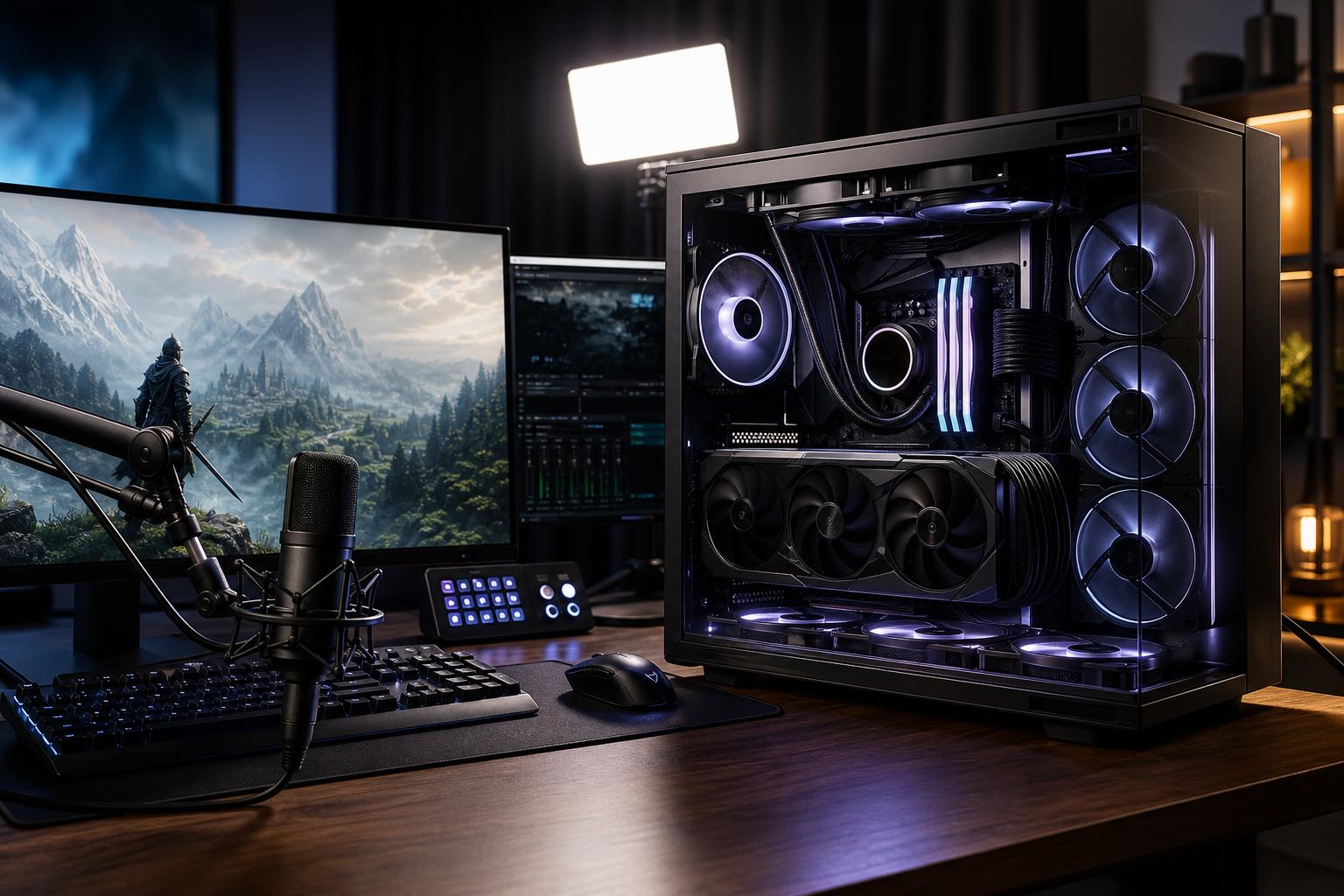
A good gaming PC for streaming has to do two demanding jobs at once: run the game smoothly and create a clean live video feed without turning the experience into a stuttering mess. The right answer is rarely “buy the most expensive CPU available.” For most people, the best results come from a balanced system with a strong graphics card, a modern hardware video encoder, enough CPU headroom, and sensible supporting parts.
This guide focuses on a single-PC streaming setup, where one computer plays the game, runs streaming software, manages chat and alerts, and sends the broadcast to Twitch, YouTube, or another platform. A separate streaming PC still has a place for certain professional setups, but it is no longer necessary for most new streamers.
Streaming requirements are tied to what you play and how you play it. A system that comfortably streams esports titles at 1080p is not automatically the right gaming computer for a demanding new game at 1440p or 4K with high visual settings.
Also separate your gaming resolution from your stream resolution. Many excellent streams are broadcast at 1080p while the creator plays at 1440p. That is normal. Viewers benefit more from a stable, well-encoded stream than from a resolution number that overwhelms their connection or platform bitrate limit.
For a modern single-PC setup, hardware encoding on the graphics card is usually the sensible default. It handles video compression on dedicated encoder hardware rather than asking the CPU to encode every frame in software. The practical result is more CPU capacity for the game, browser sources, chat, Discord, alerts, and everything else that seems to accumulate during a stream.
Both major GPU vendors offer capable modern hardware encoders. NVIDIA-based RTX gaming PCs are popular with streamers because their encoder support has been mature and widely used in streaming software for years. Recent AMD graphics cards also include capable hardware encoding, including AV1 support on applicable models. The better choice often comes down to the GPU’s gaming performance, price, VRAM capacity, and features at the time of purchase—not a logo alone.
AV1 is worth having when your chosen platform and viewers can benefit from it. It can provide better image quality at a given bitrate than older codecs. However, codec support and recommended settings differ by platform, so do not buy a PC based on AV1 alone. A strong current-generation hardware encoder using H.264 or HEVC can still produce an excellent broadcast.
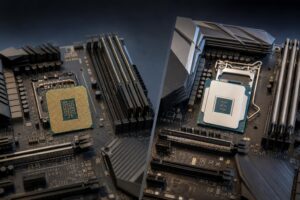
When the GPU handles encoding, gaming performance and system responsiveness matter more than chasing an enormous core count. A current midrange-to-high-end gaming CPU is usually the right fit: think at least 8 strong modern cores for a premium streaming build, with 12 or more cores making sense for people who also edit video, render, compile code, or run heavier production tools.
CPU-based x264 encoding can still be useful, especially in a dedicated streaming PC or a carefully tuned production workflow. But it is not the best starting point for a new single-PC stream. It can reduce game frame rates, worsen frame-time consistency, and make troubleshooting harder. If your goal is smooth gameplay and a reliable first stream, use the GPU encoder first.
A fast CPU remains especially valuable for high-refresh competitive gaming. Games that push 240 FPS or more can become CPU-limited even with an expensive graphics card. If you play titles such as Valorant, Counter-Strike, Fortnite, or racing simulators on a high-refresh monitor, do not pair a top-tier GPU with a bargain CPU simply because the encoder lives on the GPU.
The graphics card generally deserves the biggest part of a streaming gaming PC budget. It determines your gaming settings, resolution, ray-tracing performance, and frame-rate headroom. Hardware encoding is a bonus that lets the system stream without leaning heavily on the CPU.
Do not judge the GPU by the phrase “RTX gaming PC” or “AMD gaming PC” alone. Sellers sometimes use broad labels to make a configuration sound more powerful than it is. Ask for the exact GPU model, its VRAM amount, and the performance target it is meant to serve.
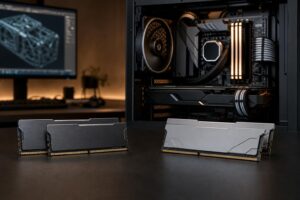
For a new streaming-focused custom gaming PC, we recommend 32GB of RAM. A game, streaming software, a browser full of tabs, Discord, music, camera tools, plug-ins, and capture utilities can use memory surprisingly quickly. With 16GB, the system may work at first, but it leaves less room for multitasking and makes background slowdowns more likely.
Move to 64GB if you regularly edit long videos, work with large Photoshop projects, use virtual machines, keep many production applications open, or want generous headroom for modded games. For streaming alone, 64GB is nice rather than necessary. Money is often better spent on the GPU or storage first.
A 1TB NVMe SSD is the starting point, not the ideal finish line, for many streamers. Modern games are large, and recorded footage grows even faster. If you plan to keep local recordings for editing, clips, or highlights, a two-drive layout is practical:
Recording to a separate SSD can help keep large video writes away from the drive loading the game and running the operating system. It is not mandatory for every setup, but it is a smart quality-of-life upgrade. Avoid relying on a small boot drive plus a slow hard drive for active editing and recording work. Hard drives remain useful for affordable archives, not as the main workspace for current video files.
Streaming often means long sessions. That changes what “good enough” looks like. A system that survives a short benchmark can still be unpleasant if its fans become loud after three hours of gaming and broadcasting.
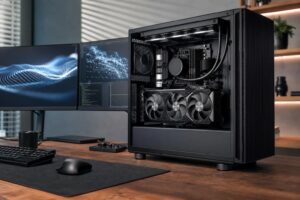
Choose a case with genuine airflow, a CPU cooler matched to the processor, and a properly sized, high-quality power supply from a reputable platform. These parts do not add frames directly, but they affect noise, sustained performance, reliability, and future GPU upgrade options. A sealed-looking glass box with restricted intake may photograph well, but it is not our first choice for a PC that will be under load for long stretches.
Check connectivity before ordering, too. Streamers commonly need more ports than expected: webcam, microphone interface, capture card, wireless receiver, external storage, and sometimes a control pad. Built-in Wi-Fi is convenient, but wired Ethernet remains the preferred connection for a stable live stream whenever it is possible.
This budget can support a balanced midrange GPU, a modern gaming CPU, 32GB of RAM, and a 1TB SSD. It is a good fit for esports, popular multiplayer games, and sensible settings in more demanding titles. The priority is balance; avoid sacrificing the GPU, power supply, or memory capacity to fund cosmetic extras.
This is where many buyers will find the best gaming PC for streaming. A stronger GPU enables high-quality 1440p gaming, while the rest of the system can support 32GB of memory, 2TB of fast storage, competent cooling, and a CPU with useful multitasking headroom. It is a far more rounded setup than chasing a flagship graphics card in an otherwise compromised build.
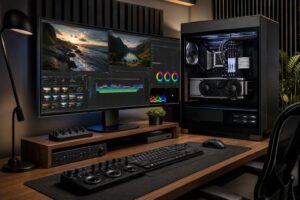
A high-end gaming PC makes sense if you use a 4K display, want demanding games to look their best, play at very high refresh rates, or also produce edited video and other creative work. The extra budget should buy meaningful GPU performance, larger storage, quieter cooling, and strong power delivery—not merely RGB lighting or an oversized CPU that will sit mostly idle.
The best gaming PC for streaming is one that meets your real gaming target without creating trouble elsewhere. For most buyers, that means a modern GPU with a capable hardware encoder, a strong gaming CPU, 32GB of RAM, at least 1TB of NVMe storage, and cooling and power components built for sustained use. For a serious 1440p stream, a well-balanced $2,000 to $2,500 custom-built gaming PC is often the most sensible place to shop.
If you are planning a streaming setup, Overclock Computers can help match the system to your games, monitor resolution, preferred streaming platform, recording needs, and budget. Contact our team with the details of your setup, and we will help design a gaming PC that spends your money where it will actually improve the experience.