How Much VRAM Do You Need for Gaming, 3D Work, and AI in 2026?

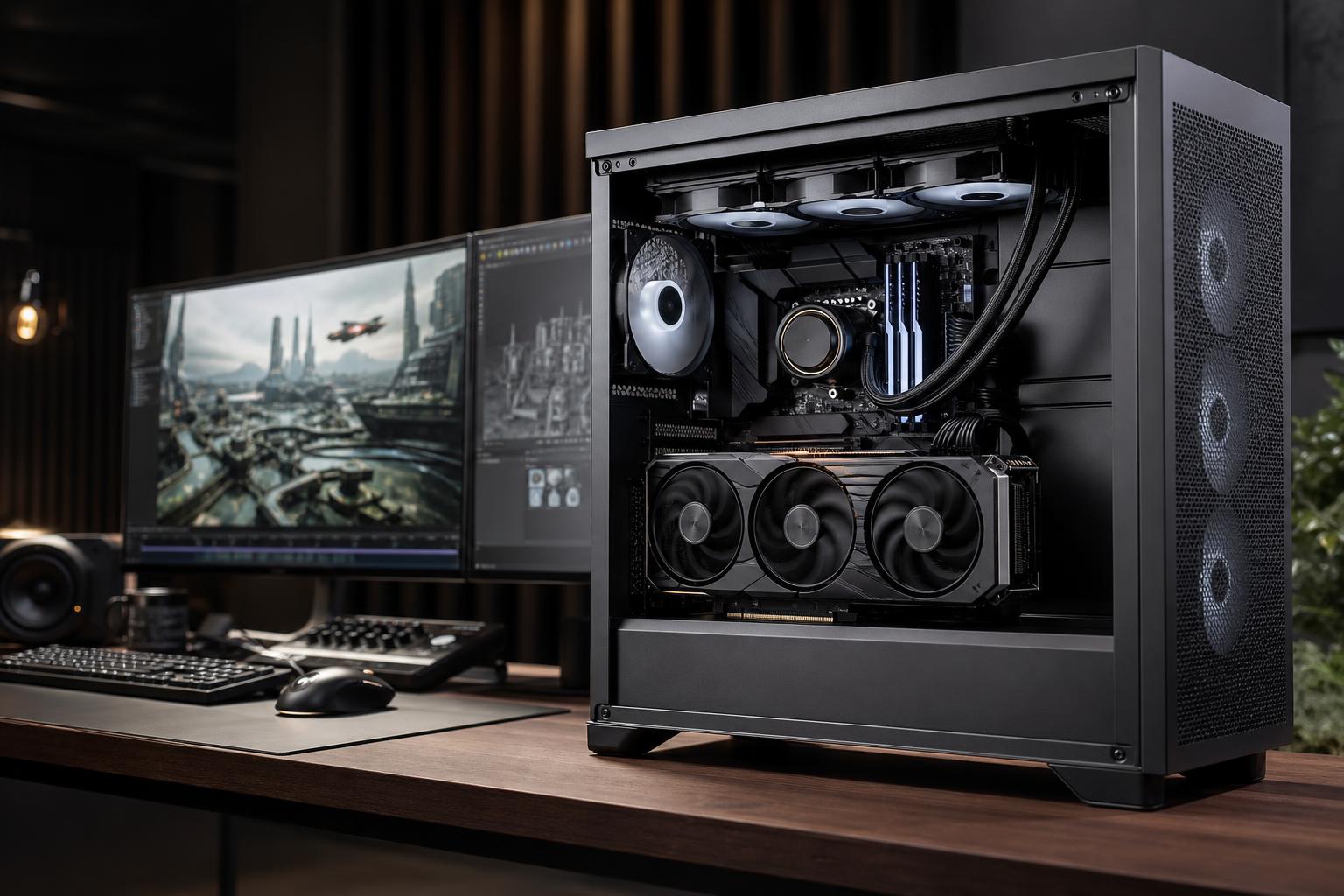
VRAM is the dedicated memory built into a graphics card. It holds the textures, geometry, frame buffers, ray-tracing data, and other visual information the GPU needs right now. When there is enough VRAM, a game or professional application can keep that data close to the processor and work smoothly. When there is not, performance can fall off sharply rather than gradually.
For a new gaming PC in 2026, 12GB is a sensible practical floor for most buyers who want to play modern games at high settings. For 1440p with demanding texture settings, ray tracing, or a longer upgrade cycle, 16GB is the more comfortable target. For 4K gaming, serious 3D rendering, large creative projects, or local AI, 16GB to 24GB or more can be justified—but only when the rest of the system and the actual workload support it.
The right amount is not simply “the most you can afford.” GPU performance, memory bandwidth, your monitor, and the software you use matter just as much. A slower graphics card with a huge memory pool is not automatically a better buy than a faster card with enough VRAM for your needs.
System RAM is shared by the CPU and all running programs. VRAM is local memory attached directly to the graphics card. It is designed for extremely fast access by the GPU.
Games use VRAM for high-resolution textures, shadows, world geometry, rendering buffers, and effects such as ray tracing. Higher display resolutions require larger frame buffers, while higher texture settings can substantially increase memory use. Open-world games can be especially demanding because they must keep a larger set of environment assets ready as you move through the map.
Creative and technical applications may use VRAM even more aggressively. A 3D scene, a complex CAD viewport, a large video timeline, or an AI model can need to fit substantial data in GPU memory. If it does not fit, the software may move data back and forth through system memory, reduce quality, use a slower fallback path, or refuse to run a task at the desired settings.
An 8GB card can still be appropriate for esports titles, older games, lighter 1080p gaming, and general desktop work. It can also run many current games well when texture settings are chosen sensibly.
However, 8GB is increasingly restrictive for a new high-performance gaming PC. The issue is not that every game instantly becomes unplayable. More often, you must turn down texture quality, avoid the most demanding ray-tracing modes, or accept inconsistent frame times in newer titles. For a buyer hoping to keep a system for several years, it is usually worth stepping up if the budget allows.
For many 1080p and 1440p gaming systems, 12GB is a reasonable baseline. It provides enough headroom for high texture settings in most games and avoids some of the compromises that can appear on lower-memory cards.
This is a good fit for someone targeting a fast 1080p monitor or a mainstream 1440p display, especially if ray tracing is not the main priority. It is also workable for occasional video editing or modest 3D projects. The tradeoff is that demanding 1440p games with maximum textures and ray tracing may benefit from more memory over the life of the PC.
For most buyers building a premium gaming PC today, 16GB is the sweet spot. It gives a 1440p system more breathing room for high-resolution assets, demanding new releases, mods, and ray tracing. It also makes more sense for someone who wants to use the same GPU for several years rather than replacing it early because texture settings have become a compromise.
Sixteen gigabytes is also a much stronger starting point for creative work. It is useful for GPU-accelerated editing, motion graphics, mid-sized 3D scenes, and engineering viewports. It does not make every application faster by itself, but it reduces the chance that memory capacity becomes the first obstacle.
At 4K, games need more graphics memory for rendering buffers, and users are more likely to select the highest texture packages and visual settings. A 20GB or 24GB GPU is not mandatory for every 4K player, but it is a strong choice for buyers who expect to use demanding settings, ray tracing, graphics-heavy mods, or a large high-refresh 4K display.
This range is often more compelling for professional work than for gaming alone. Large Blender scenes, GPU rendering, high-resolution video workflows, complex point-cloud visualization, and sizeable datasets can all benefit when the working set fits comfortably in VRAM.
Very large VRAM capacities are valuable for specialized workstations: complex GPU rendering, large simulation or visualization workloads, massive scenes, and local AI models. They are not a universal “future-proofing” purchase.
Before spending at this level, identify the exact application, scene size, model, dataset, and GPU acceleration method involved. Some professional software also benefits from specific driver support, error-correcting memory, or certified hardware. In those cases, the correct solution may be a purpose-built workstation rather than simply the gaming card with the largest memory number.
Resolution is a useful starting point, but it does not tell the whole story. A 1440p player who uses ultra textures, ray tracing, and heavily modded games may need more VRAM than a 4K player who uses sensible settings in less demanding titles.
VRAM capacity matters only after the GPU has enough processing power for the job. Think of it like a workshop: a larger bench helps only if you also have the tools and workers to use it.
A graphics card needs sufficient shader performance, ray-tracing capability, memory bandwidth, cooling, and power delivery alongside enough VRAM. For gaming, the faster card with a sensible amount of memory will often deliver the better experience. For example, choosing a very slow GPU solely because it has more VRAM can mean lower frame rates even when memory is not the limiting factor.
Memory bandwidth matters too. VRAM is not just about capacity; it must be fed quickly enough for the GPU to use it efficiently. This is one reason comparison shopping should include independent performance testing and not just the memory number printed on a product page.
Low average frame rate is not proof of a VRAM problem. A GPU can simply be out of processing power. More telling signs include sudden hitching while moving through a game world, delayed or blurry textures, crashes at high texture settings, or performance that worsens after playing for a while.
Monitoring tools can show VRAM allocation and usage, but treat those figures carefully. Applications often reserve memory they might use, so a full-looking meter does not always mean the card is struggling. The stronger evidence is a repeatable problem that improves after reducing texture quality, resolution, ray tracing, or scene complexity.
For workstation buyers, start with the application rather than a generic capacity target. Video editing may be limited by CPU performance, system RAM, storage speed, codecs, or VRAM depending on the project. CAD workloads can prioritize viewport performance, driver support, CPU speed, or GPU memory based on the model size and software. GPU rendering and AI are often especially sensitive to available VRAM because the scene or model must fit in memory.
Local AI is the clearest example. More VRAM can allow larger models, longer context windows, bigger batches, or less aggressive compression. But a 24GB card is not automatically the best answer for every developer. CPU RAM, storage, software compatibility, model format, and inference speed all matter. Buy around the models and tools you expect to run, not a vague promise that AI will need “lots of memory.”
A well-chosen GPU should meet your target resolution and settings today with room for the games or projects you expect to tackle over the next few years. For most new enthusiast gaming PCs, that means treating 12GB as the minimum worth considering and 16GB as the comfortable all-around choice. Move to 20GB or 24GB when 4K, large creative workloads, substantial 3D work, or local AI gives that capacity a clear purpose.
Overclock Computers can help translate your games, monitor, applications, project sizes, and budget into a balanced custom PC. The goal is not to overspend on one impressive specification; it is to build a system whose GPU, CPU, memory, cooling, storage, and power supply all support the work you actually do.