How Many Watts Does Your PC Need? A Practical Power Supply Buying Guide

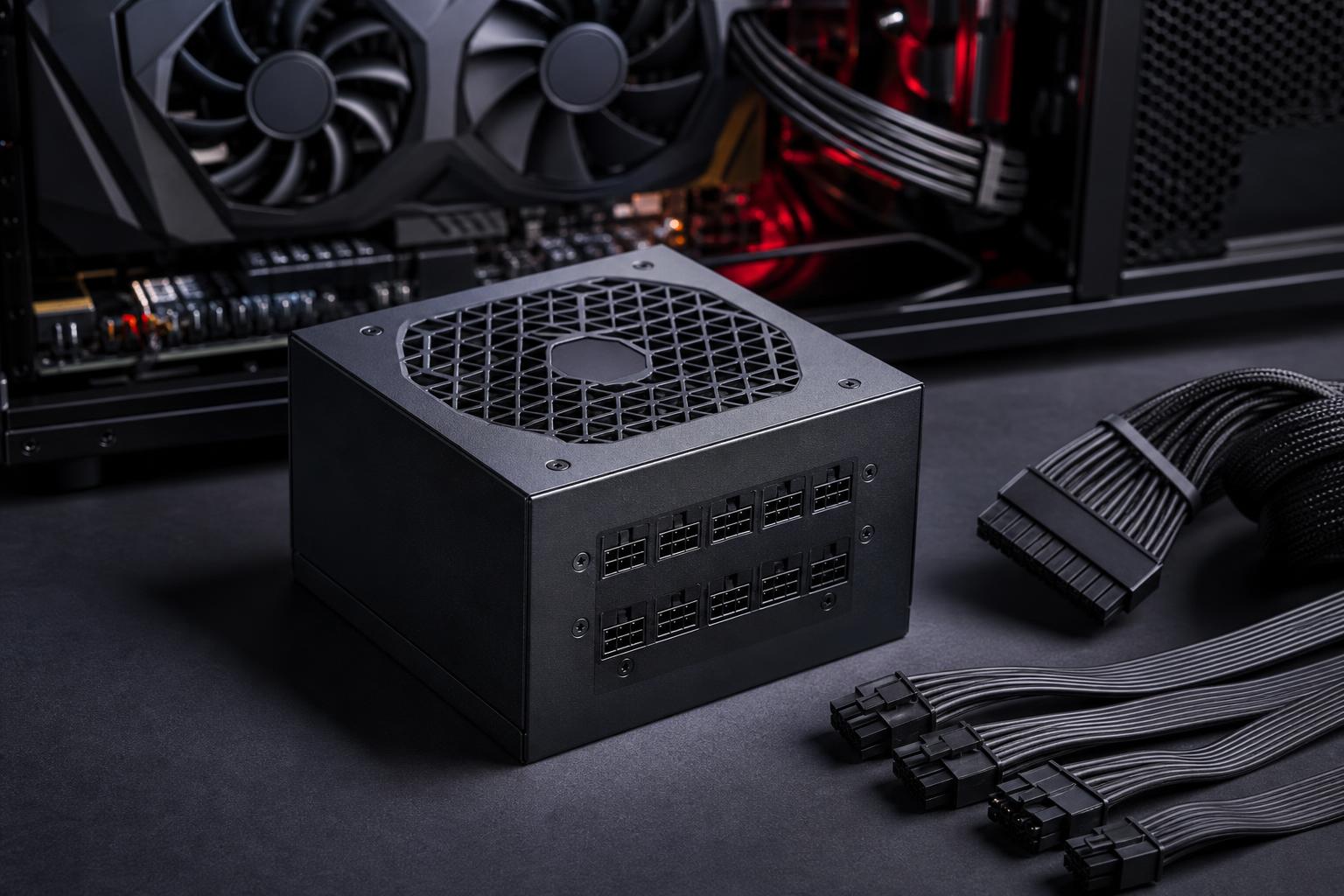
A power supply is one of the least glamorous parts of a PC, right up until it causes crashes, excess fan noise, cable clutter, or an awkward GPU upgrade. It is also one of the components we are least willing to compromise on in a custom build.
The right power supply unit (PSU) does not need to be wildly oversized. But it should have enough capacity for your components under sustained load, enough headroom for brief power spikes, the correct connectors, and the build quality to deliver stable power for years.
For most new gaming PCs, a quality 750W or 850W unit is the sensible middle ground. High-end graphics cards, powerful workstation CPUs, or multiple GPUs can justify 1000W and beyond. The details matter, though, so let’s make the choice properly.
CPU and GPU power use determine most of your system’s demand. The graphics card is usually the biggest factor in a gaming PC. In a rendering, engineering, or AI workstation, both the CPU and GPU may run hard at the same time, raising the required capacity.
Memory, SSDs, fans, USB devices, motherboard power delivery, and RGB lighting do use power, but they are rarely the reason a well-planned system needs a much larger PSU. Leave room for them, certainly. Just do not choose a 1200W unit solely because you installed four RGB fans.
GPU board power and CPU package power are useful starting points, not complete system measurements. Modern components can briefly draw more power than their typical rated figures. These short bursts are often called transient spikes. A good PSU is designed to handle them, but running too close to its limit is still unwise.
Manufacturer PSU recommendations are worth considering, particularly for a high-power GPU. They generally assume a complete PC rather than the graphics card alone. Still, the recommendation may be conservative because it must account for a wide range of CPUs, motherboards, and power supply quality levels.
These ranges assume a reputable, modern power supply and a normally configured desktop with one graphics card. They include reasonable headroom rather than aiming for the smallest unit that might turn on.
If you are torn between two sensible sizes, choose the larger unit when the price difference is reasonable. Moving from 750W to 850W can be useful headroom. Moving from 1000W to 1600W for a single-GPU system that draws 600W at load usually buys little besides a lighter wallet.
Headroom is the difference between your PC’s expected maximum demand and the PSU’s rated output. It helps the PSU handle short load spikes, keeps fan noise lower, and leaves room for component upgrades. It can also keep the unit operating in a more comfortable efficiency range during demanding work.
A useful target is to have your typical worst-case sustained load land around 50% to 75% of the PSU’s rated capacity. This is a guideline, not a law. A quality 750W PSU can safely power a system that occasionally approaches 700W if the unit, connectors, and load behavior are appropriate. We simply would not design a premium system around that narrow a margin.
Do not confuse headroom with a need to multiply estimated power draw by two. A PC estimated at 500W does not automatically require a 1000W PSU. A well-built 750W or 850W model is generally the more rational choice, depending on the CPU, GPU, and planned upgrades.
Two 850W power supplies can be very different products. The wattage printed on the box is only one specification. A dependable unit uses better internal components, provides stable voltage regulation, includes complete protection circuits, and is more likely to deliver its rated output at realistic operating temperatures.
Look for a unit from an established power-supply platform and brand with credible independent reviews. Useful features include over-current, over-voltage, under-voltage, over-temperature, short-circuit, and over-power protection. A long manufacturer warranty is also a positive sign, although it should not be the only thing you judge.
An 80 Plus rating describes efficiency: how much power the PSU wastes as heat while converting wall power into the DC power used by your components. Higher tiers such as Gold, Platinum, and Titanium are generally more efficient than Bronze.
For most premium gaming PCs and workstations, 80 Plus Gold is a very sensible target. It balances efficiency, noise, and cost well. Platinum and Titanium can make sense in systems that run under heavy load for long hours, but they do not automatically make a PSU electrically safer or better built. Review the specific model rather than buying based on the badge alone.
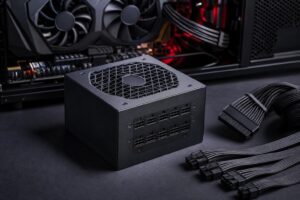
A PSU can have enough wattage and still be the wrong choice if it lacks the necessary connectors. This is especially relevant with modern high-performance graphics cards.
Never mix modular cables from different PSU models or manufacturers. Even when plugs physically fit, the wiring at the PSU end may differ. Reusing the wrong cable can damage components.
For a new PC using a modern high-power graphics card, an ATX 3.x power supply is often the cleanest choice. These newer units are designed with contemporary GPU power behavior in mind and may provide a native high-power GPU cable rather than requiring an adapter.
This does not mean an older, high-quality unit is automatically unsuitable. Many remain excellent choices when properly matched to the hardware. But if you are buying new and selecting an upper-tier GPU, choosing a current standard PSU improves cable management and reduces unnecessary adapter complications.
For a balanced gaming PC, start by looking at quality 750W and 850W Gold-rated PSUs. Choose 850W if you are pairing a higher-end GPU with a capable modern CPU or want a comfortable upgrade path. Move to 1000W when the build includes a flagship-level graphics card, a high-power workstation CPU, or workloads that can fully load both at once.
The goal is not to buy the biggest number. It is to buy a dependable power supply that fits the system, has the right cables, runs quietly, and will not become the weak link when you upgrade.
If you are planning a gaming PC or professional workstation and want the power budget checked alongside every other component, contact Overclock Computers. We can help configure a balanced system around the software, games, display, and upgrade plans that actually matter to you.