Best Gaming PC for 1440p Gaming in 2026: Specs That Make Sense

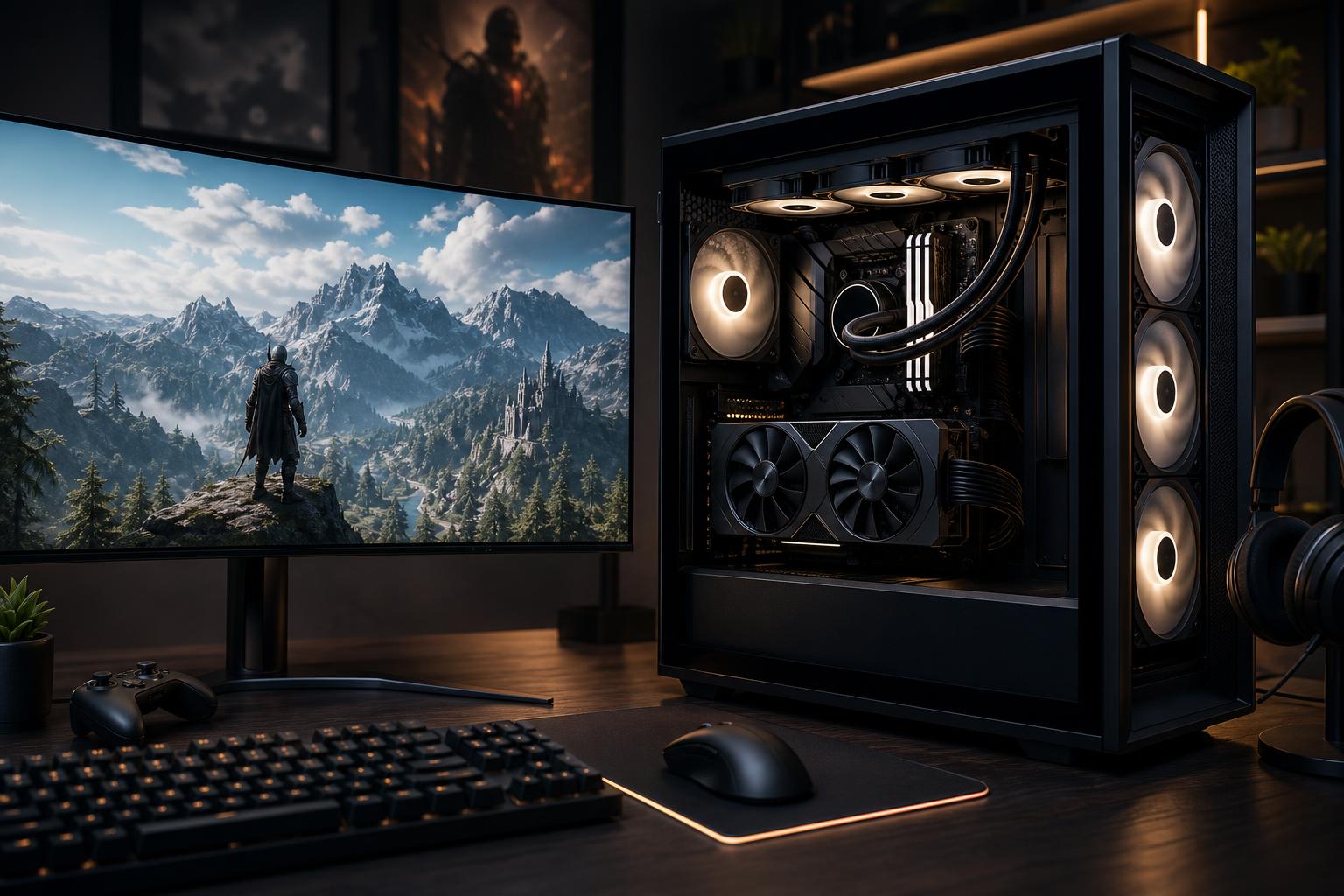
For many PC gamers, 1440p is the sweet spot. It looks noticeably sharper than 1080p, runs well on sensibly priced high-refresh monitors, and does not demand the same graphics budget as 4K. A well-configured 1440p gaming PC can deliver excellent image quality in demanding single-player games while still producing the high frame rates competitive games need.
That does not mean every gaming computer advertised as “1440p ready” is equally good. Some save money with a weak graphics card. Others pair an expensive GPU with a CPU, power supply, cooler, or case that limits the experience later. The best gaming PC for 1440p is a balanced system built around the monitor and games you actually plan to use.
“1440p gaming” covers a wide range of targets. A 2560 x 1440 monitor at 144Hz, a 165Hz IPS display, a 240Hz esports monitor, and a 34-inch ultrawide all place different demands on a PC.
Frame-rate claims also need context. Native rendering, ultra settings, ray tracing, frame generation, and quality upscaling can produce very different results. There is nothing wrong with using modern upscaling technologies. They are now a normal part of PC gaming. Just do not buy a system based solely on a headline number that leaves out how that number was achieved.
At 1440p, the graphics card usually has the biggest effect on visual quality and frame rate. A good rule is to put the largest portion of a gaming PC budget toward the GPU, then choose the remaining parts to support it properly.
For a new 1440p gaming PC, look for a modern graphics card with enough performance for your target frame rate and enough VRAM for the games you play. For most buyers aiming at high settings and a 144Hz or 165Hz monitor, 16GB of VRAM is a comfortable target. It provides useful breathing room for detailed textures, newer game engines, mods, and ray-traced games. Cards with less memory can still be viable at the right price, but they deserve a closer look if you plan to keep the PC for several years.
An NVIDIA RTX gaming PC may be the better fit if you place high value on ray tracing, broad DLSS support, or NVIDIA’s mature hardware video encoder for streaming. An AMD gaming PC can be especially compelling when its graphics cards offer more rasterized gaming performance or VRAM for the money. Neither badge is automatically the correct answer. Compare the actual GPU tier, memory capacity, game performance, features you will use, and price of the complete system.
One practical warning: avoid a configuration that uses a flashy CPU name to distract from an entry-level graphics card. At 1440p, an oversized processor cannot make up for a GPU that is short on performance or memory.
Gaming is no longer a two- or four-core workload, but most buyers also do not need a workstation-class processor. A current, quality six-core CPU with strong per-core performance is a reasonable starting point for a 1440p system. For a more premium build, an eight-core gaming-focused CPU is often the better long-term choice, particularly if you play CPU-heavy games, use a 240Hz monitor, stream, or keep several applications open while gaming.
AMD Ryzen CPUs with 3D V-Cache are frequently excellent gaming choices because the extra cache can improve frame rates and, just as importantly, frame-time consistency in many games. Intel’s higher-performance desktop processors also remain sensible for buyers who want strong gaming performance alongside productive multitasking. The right choice comes down to the specific platform, current pricing, cooling requirements, and whether gaming is your primary use.
For a standard 1440p 144Hz or 165Hz build, do not overspend on the CPU at the expense of the graphics card. For competitive high-FPS gaming, strategy games, simulation titles, or heavily modded games, stepping up the CPU can be worthwhile.
These are useful starting points rather than rigid recipes. Part availability and pricing change, but the balance behind the recommendation remains sound.
This level suits players targeting high settings at 1440p and roughly 100 to 165 FPS in a broad mix of games, with adjustments for the most demanding titles.
This is the right direction for a 240Hz 1440p monitor, demanding ray-traced games, ultrawide gaming, or buyers who want to preserve higher settings for longer.
GPU and CPU specifications are easy to compare, so lower-quality prebuilts often cut costs elsewhere. Those less glamorous components matter.
A good prebuilt gaming PC can be convenient, especially when it uses standard parts and clearly lists every component. The problem is that many listings only advertise the CPU, GPU, and total RAM. They may not identify the power supply model, memory speed, SSD capacity, motherboard, case airflow, or cooling setup. Those omissions make it hard to judge value.
A custom-built gaming PC makes more sense when you want choices made around your monitor, favorite games, noise preferences, storage needs, and upgrade plans. You should not have to pay for parts that do nothing for your experience, nor should you discover later that a bargain system cannot support the GPU upgrade you expected to make.
At Overclock Computers, we approach a 1440p gaming computer as a complete system. That means matching the graphics card to the display target, selecting a CPU that will not hold it back, verifying cooling and power headroom, and using components we would be comfortable maintaining and upgrading ourselves.
No PC is permanently future-proof. New games raise the bar, and monitor expectations change. The more useful goal is to buy a system that stays enjoyable and easy to update.
For most 1440p buyers, prioritize a strong GPU with adequate VRAM, 32GB of memory, a modern CPU platform, a quality power supply, and an airflow-friendly case. Those choices give you strong performance now and make a future graphics card or storage upgrade far less painful. Spending more on the right core parts is worthwhile; paying extra for specifications that do not improve your games is not.
If you are choosing a monitor, have a list of games you play, or are torn between two component tiers, contact Overclock Computers. We can help configure a custom gaming PC around the 1440p performance you actually want.