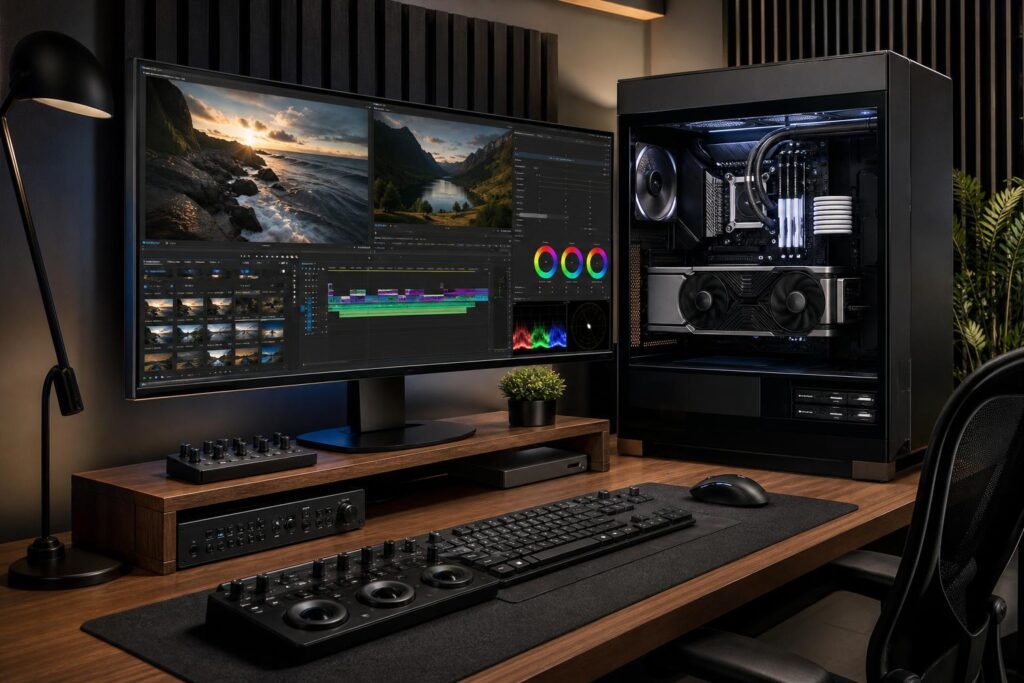
A practical guide to choosing the right CPU, GPU, RAM, storage, and cooling for an Adobe Premiere Pro workstation without overspending on parts that will not improve your editing workflow.
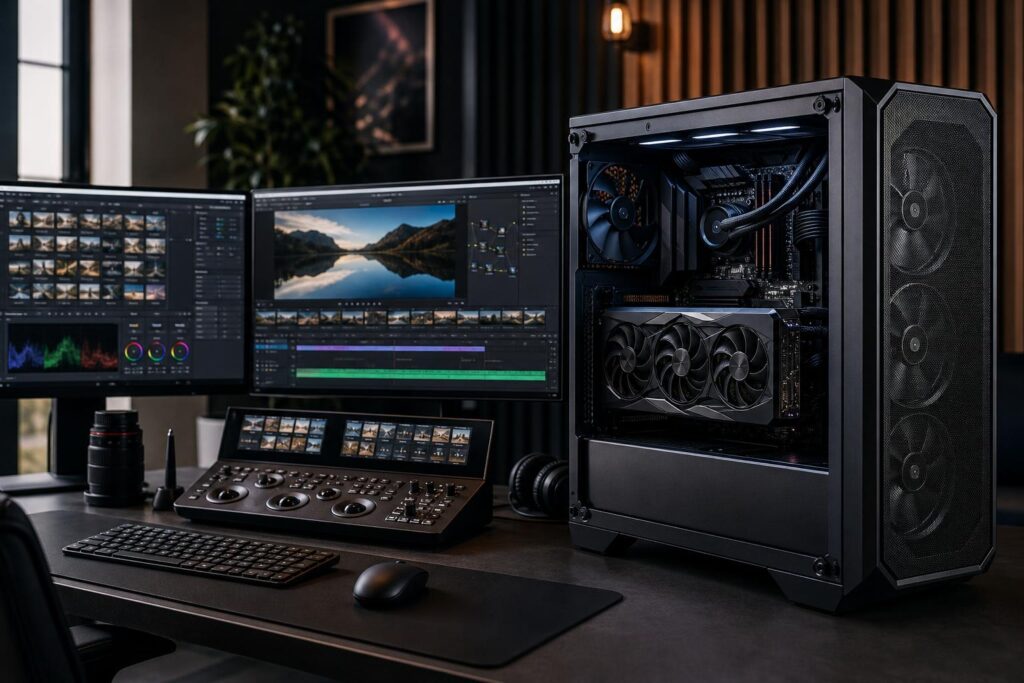
A practical guide to choosing the right DaVinci Resolve workstation, including GPU, VRAM, CPU, RAM, storage, cooling, and sensible configuration tiers.
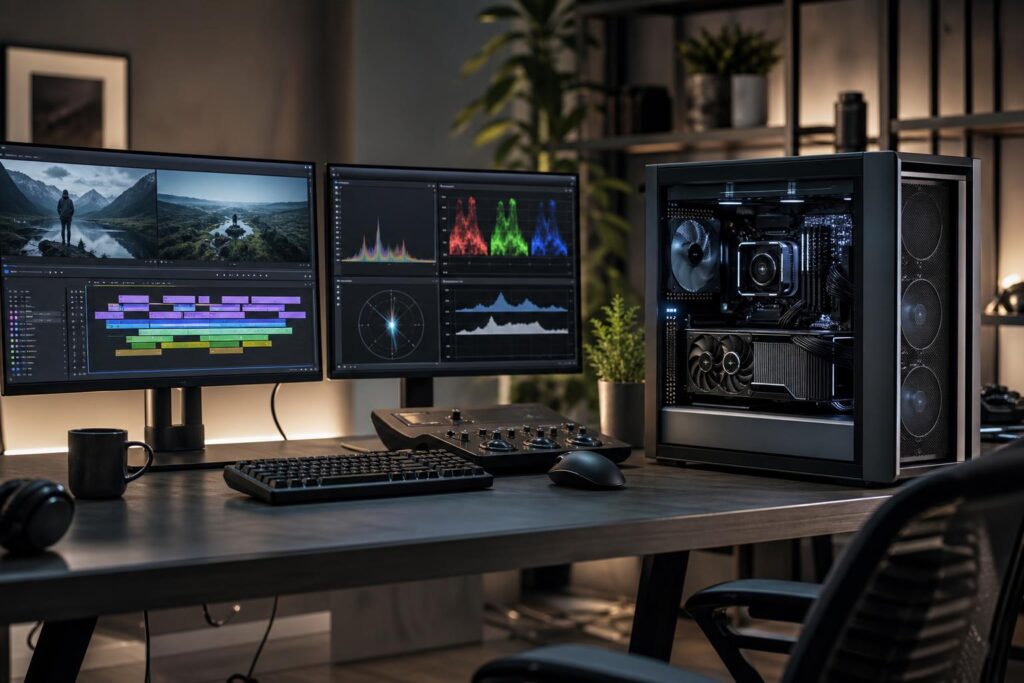
A practical guide to choosing an Adobe Premiere Pro workstation, from capable 4K editing systems to high-memory builds for multicam, RAW, and motion-graphics-heavy projects.
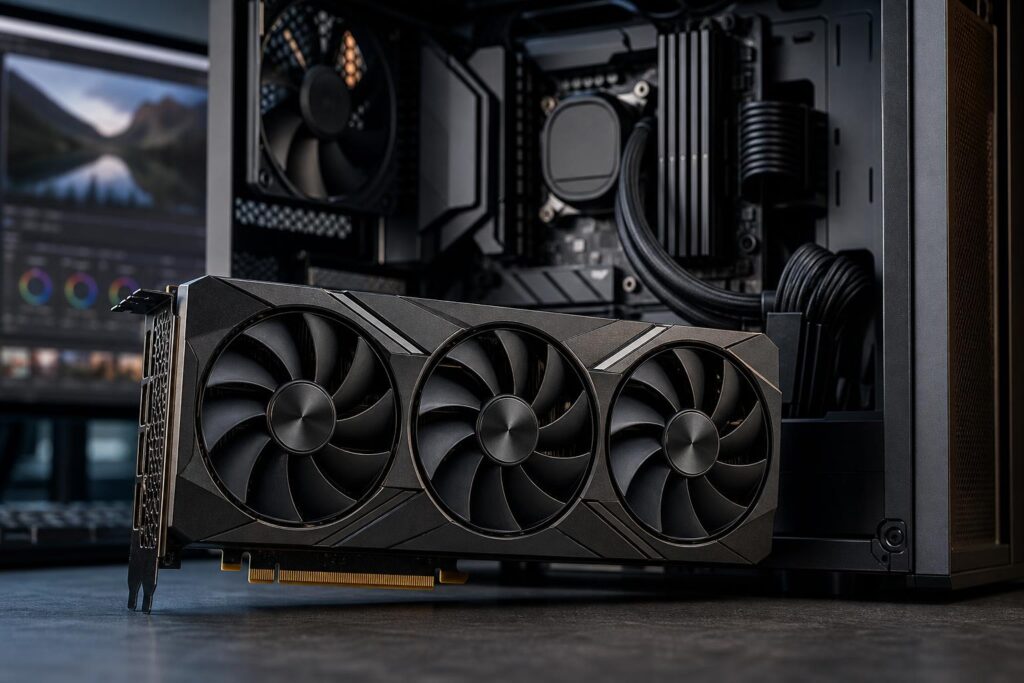
The best GPU for video editing depends on your editing software, footage, effects, and export needs. Learn when 12GB, 16GB, or 24GB of VRAM makes sense—and why NVIDIA is often the safe choice.
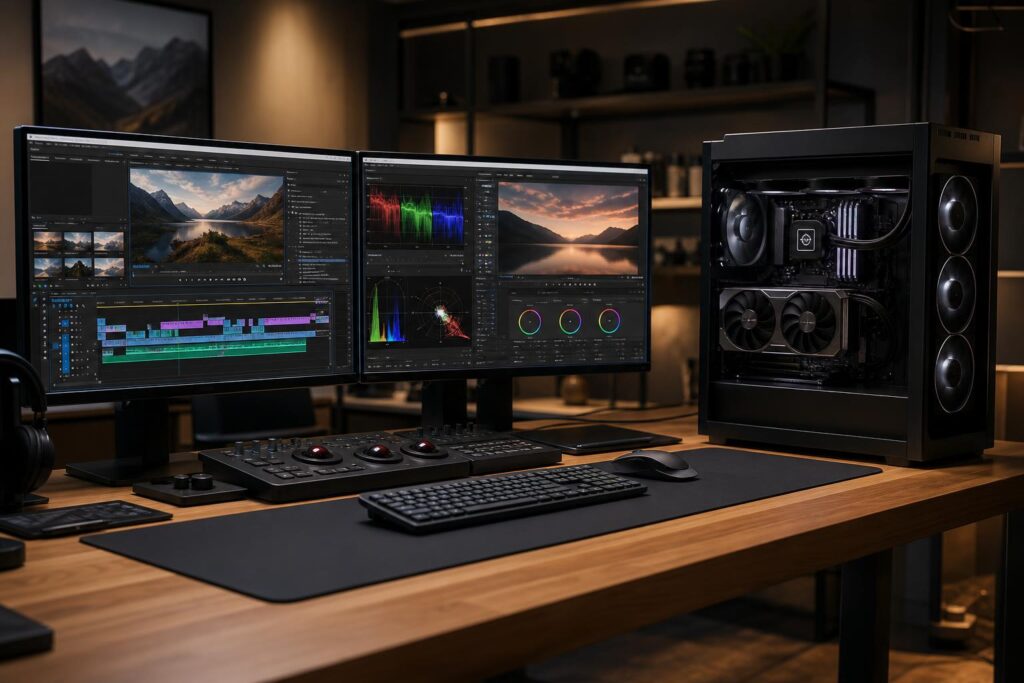
Choosing a PC for Adobe Premiere Pro is mostly about balancing CPU speed, GPU acceleration, RAM, and fast storage. Here are practical workstation specifications for HD, 4K, multicam, and demanding professional editing.
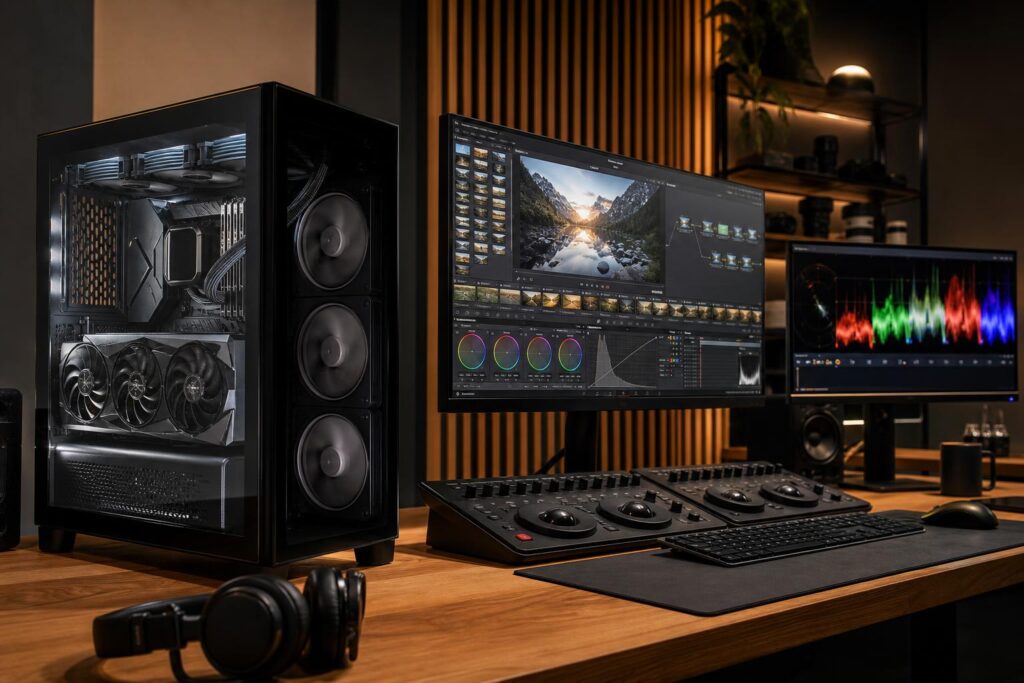
Choose the right DaVinci Resolve PC by matching the CPU, GPU, VRAM, RAM, and storage to your footage, timeline complexity, color work, and delivery requirements.
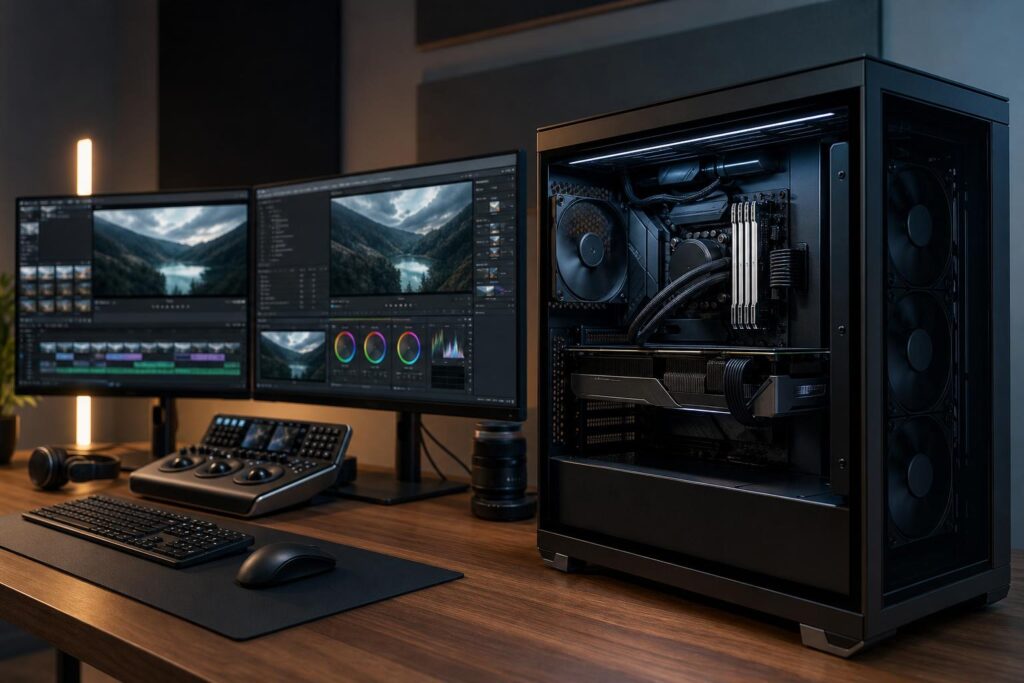
A practical guide to choosing a video editing PC, including sensible CPU, GPU, RAM, storage, cooling, and expansion recommendations for 4K, multicam, and professional workflows.
