Best PC for Software Development in 2026: Practical Specs for Developers

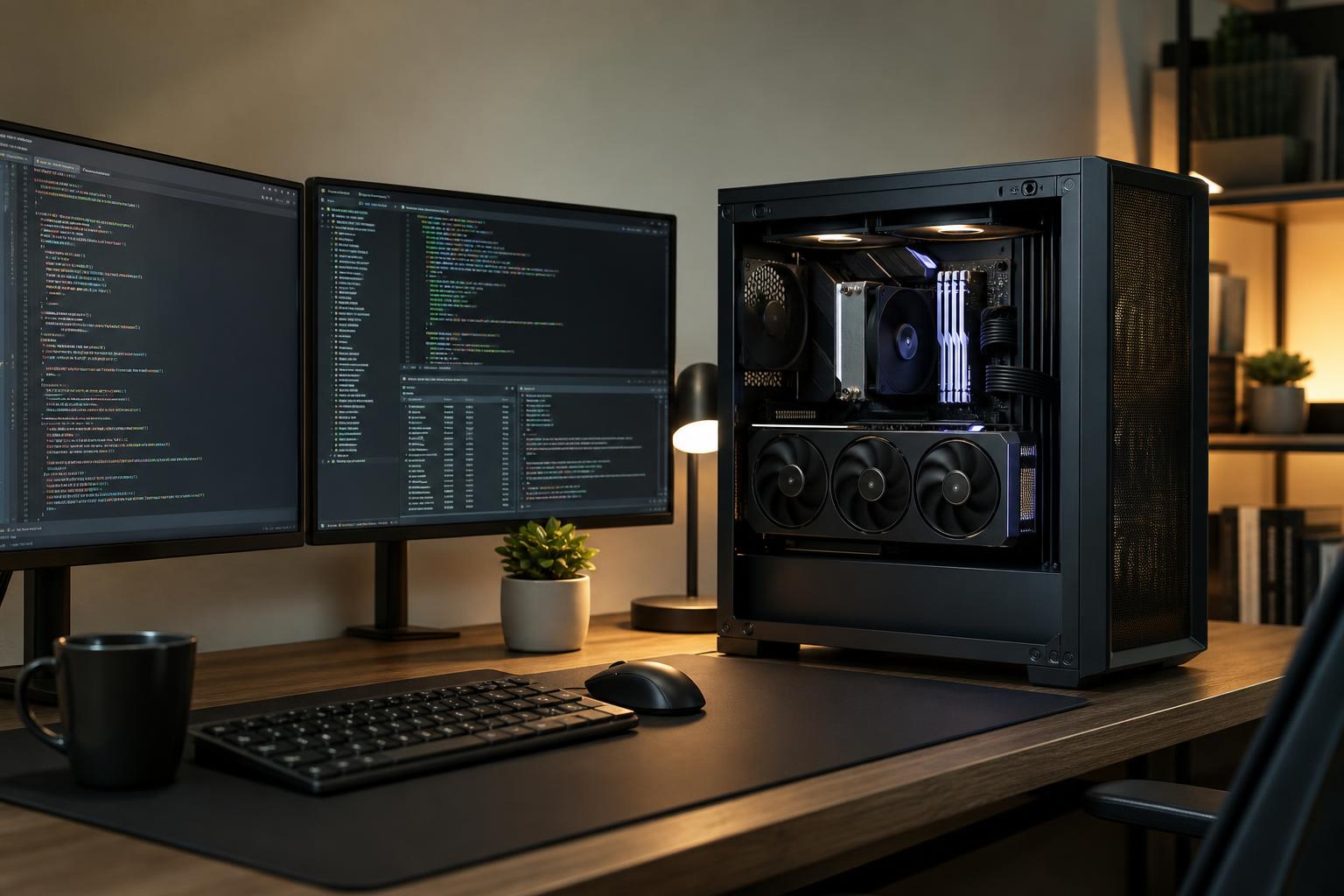
The best PC for software development is not necessarily the most expensive workstation. For many developers, a modern mid-to-high-tier CPU, 32GB of RAM, and a fast NVMe SSD will make a far bigger difference than an extreme graphics card. The right configuration changes when your work includes virtual machines, large codebases, game engines, 3D tools, data work, or local AI.
Start with the tools you run at the same time, not just the programming language you use. A browser with dozens of tabs, an IDE, local databases, Docker containers, Teams or Slack, and a second monitor can turn an apparently modest workload into a real test of a PC’s memory, processor, and storage.
For general software development, prioritize components in this order: RAM capacity, CPU performance, storage speed and capacity, then graphics performance. That order may shift for game development, GPU computing, 3D work, and machine learning.
Most coding feels more responsive with strong single-core CPU performance. This affects opening projects, navigating a large codebase, using an IDE, running scripts, and plenty of build tasks. More CPU cores become valuable when you compile large projects, run several services locally, build containers, or run virtual machines.
A current mainstream processor with 8 strong cores is an excellent starting point for professional development. Move toward a higher-core-count CPU if long builds are part of your daily routine, you regularly run several virtual machines, or your development workstation also handles video production, rendering, simulation, or heavy data processing.
There is little value in buying a very high-core-count CPU solely for lightweight web development or small scripts. A balanced system with adequate memory and storage will feel better in normal use than an expensive processor paired with too little RAM.
Memory determines how comfortably you can keep your whole working environment open. When RAM runs short, Windows starts moving data to the SSD. Even with a fast drive, that causes pauses, sluggish switching between applications, and an IDE that feels strangely heavy.
For a new custom development PC, we would generally start at 32GB. It avoids a common false economy and gives the system useful breathing room for the next few years.
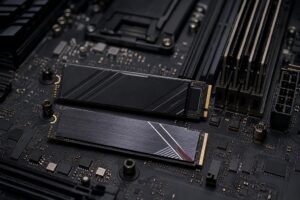
A quality NVMe SSD makes development work feel less tedious. It improves boot time, project loading, source indexing, package installation, builds that read many small files, and virtual machine responsiveness. It will not turn a weak CPU into a fast compiler, but it removes a great deal of avoidable waiting.
A 1TB NVMe SSD is a reasonable floor for a development machine. Choose 2TB if you work with several repositories, containers, virtual machines, media assets, game-engine projects, or local databases. Virtual machine images and development dependencies can consume storage far faster than expected.
For heavier professional use, a two-drive layout is often sensible: one reliable NVMe drive for Windows and applications, and a second drive for active projects, virtual machines, caches, or local data. This keeps the system organized and makes future storage expansion simpler. Backups still need separate attention; a second internal drive is not a backup plan.
Many developers do not. For web development, backend services, business applications, desktop tools, and ordinary database work, integrated graphics or an entry-level dedicated GPU is usually enough. Spend that portion of the budget on RAM, storage, CPU performance, a good monitor, or a quieter cooling setup instead.
A dedicated GPU becomes important for specific work:
For these uses, graphics memory matters as much as raw GPU speed. A card with inadequate VRAM can limit the size of the scenes, assets, models, or workloads you can work with locally. Choose the GPU around the actual software and project size, rather than assuming every workstation needs the largest card available.
This is the right place to be sensible. A clean, quiet desktop with fast storage and plenty of memory is more valuable than spending heavily on hardware your toolchain will not use.
Docker, Kubernetes environments, local databases, Android emulators, and virtual machines all multiply resource use. In this category, RAM capacity and SSD space are usually the first constraints. Do not configure a VM-heavy PC with only 16GB of RAM and expect it to stay pleasant.
Game development machines need balance. A strong GPU helps editor responsiveness and real-time scene work, while a capable CPU and ample RAM help with builds, asset processing, and running tools together. A gaming PC can work well here, but it should be configured like a workstation rather than simply chasing frame rates.
Before buying, confirm your framework, libraries, and operating environment support the GPU you are considering. Compatibility matters here. Also be realistic about scale: local hardware can be excellent for development, inference, experimentation, and smaller training jobs, but it does not replace large-scale cloud infrastructure for every model or data set.
A productive development PC needs more than a CPU, GPU, and memory total. Reliable power delivery, effective cooling, and a sensible case affect how the system behaves during long compiles, overnight builds, rendering, or data processing. A CPU that repeatedly throttles because of poor cooling is not delivering the performance you paid for.
Upgradeability also has real value. Choose a motherboard with unused memory slots, enough M.2 storage slots, and appropriate connectivity for your needs. A quality power supply and case can stay with the system through more than one upgrade cycle. These are not glamorous choices, but they are often what separates a well-planned custom workstation from a parts list that only looks good on paper.
Put your budget into the bottleneck you will notice every day. If builds take too long, prioritize CPU performance. If your PC bogs down with containers and a browser open, add RAM. If projects, virtual machines, and caches are constantly fighting for space, buy more SSD capacity. If you build real-time 3D applications or use local AI, allocate enough budget to the GPU and its VRAM.
Also leave room for the display setup. Developers spend hours looking at code, terminals, documentation, and debug tools. A good monitor arrangement improves day-to-day comfort and organization in a way another small CPU tier often does not.
The best PC for software development is the one that handles your normal working day without forcing compromises: your IDE, browser tabs, containers, databases, virtual machines, test devices, creative tools, and the occasional demanding build. For most people, that means 32GB of RAM, a fast modern CPU, and ample NVMe storage. For heavier local infrastructure, 3D development, and AI work, 64GB of memory and a more purposeful CPU and GPU configuration quickly become worthwhile.
Overclock Computers can help design a custom development workstation around the software you use, the projects you expect to run locally, your upgrade plans, and your budget. Contact our team with your applications and performance goals, and we’ll help translate them into a balanced, practical system.