How to Choose DDR5 RAM: Capacity, Speed, Timings, and Kits That Make Sense

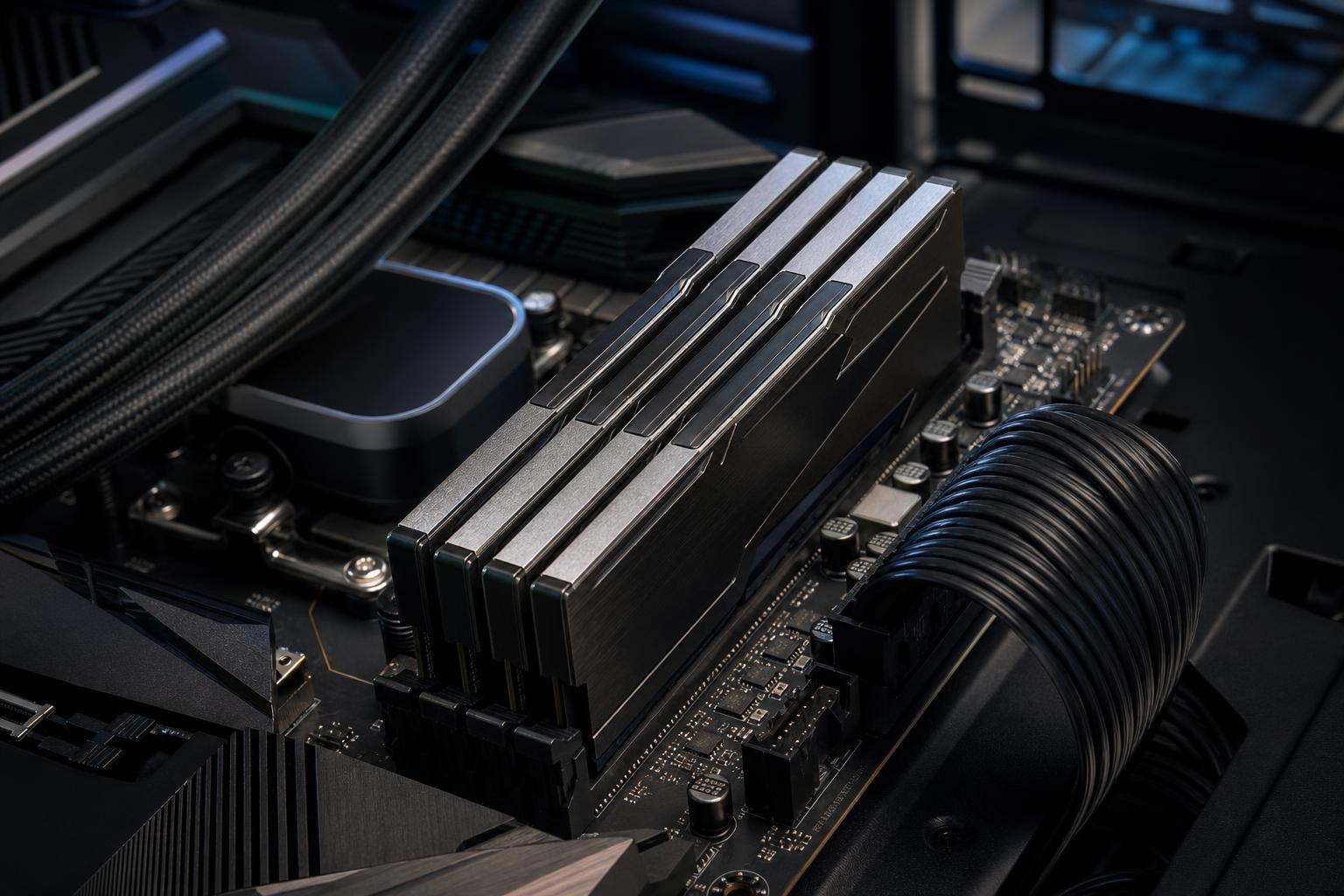
DDR5 memory is now the normal starting point for many new gaming PCs and workstations, but the product listings are still full of numbers that make simple shopping feel needlessly complicated. Capacity is measured in gigabytes, speed is shown in MT/s, timings appear as a string of letters and numbers, and every kit seems to promise extreme performance.
Here is the practical answer: buy enough RAM capacity for your work, use a matched two-stick kit when possible, and choose a speed your CPU and motherboard can run reliably. Chasing the highest number on the box is rarely the best use of a PC budget.
This guide explains how to choose DDR5 RAM for a new build or upgrade, including the configurations we generally recommend for gaming systems and demanding professional machines.
System memory holds the programs, files, browser tabs, game assets, and project data your PC is actively using. When RAM fills up, Windows has to lean more heavily on storage as temporary memory. Even a fast NVMe SSD is dramatically slower than RAM, so the result can be stutters, long pauses, slow application switching, and an overall sluggish machine.
Capacity should therefore come before memory speed in nearly every buying decision.
16GB can still run many games and everyday applications, but it leaves little room for modern game launches, background apps, browser tabs, Discord, streaming tools, or creative software. For a new performance-focused desktop, we generally consider 16GB a minimum rather than a target.
For most gamers, 32GB of DDR5 is the sweet spot. It gives modern games room to breathe while leaving enough headroom for background applications, game capture, web browsing, and routine multitasking. A 32GB kit, usually configured as 2 x 16GB, is the most broadly useful choice for a new gaming PC.
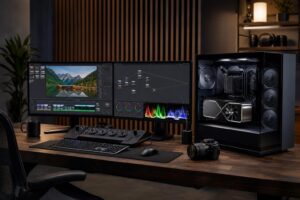
Choose 64GB when the PC will regularly handle large photo projects, video editing, music production, software development with containers or virtual machines, large mod lists, heavier streaming setups, or several demanding applications at once. It is also a reasonable choice for buyers who prefer to keep systems for many years and know their workloads tend to grow.
High-capacity memory makes sense for serious workstation tasks: large video timelines, complex CAD assemblies, 3D scenes, simulation, point-cloud data, multiple virtual machines, data analysis, and local AI workflows. It is not a gaming performance upgrade by itself. If a game uses 18GB of memory, moving from 64GB to 128GB will not make its frame rate magically double.
Before paying for a large kit, check actual memory use in the applications that matter to you. For a business workstation, it is better to size memory around the largest normal project rather than an unusually small sample file.
DDR5 speed is normally listed in MT/s, or mega transfers per second. You will often see this written as DDR5-5600, DDR5-6000, or DDR5-6400. Higher transfer rates increase memory bandwidth, which can help some CPU-limited games and memory-sensitive professional tasks.
But speed is only one part of the story. Memory latency matters too, and the CPU’s integrated memory controller must be able to run the selected kit stably. A fast kit that requires excessive tuning, runs unreliably, or forces compromises elsewhere is not a good purchase.
For many current DDR5 gaming systems, a quality kit in the broadly mainstream performance range is more sensible than an extreme overclocked kit. It offers strong real-world results without turning memory setup into a weekend project.
Memory speed matters most when the graphics card is waiting on the CPU. This is common at lower resolutions, very high refresh rates, and in simulation-heavy or strategy games. At 4K with demanding graphics settings, the GPU is usually the limiting factor, so expensive RAM provides a smaller benefit.
RAM timings describe how long memory waits before completing certain operations. The first number in a timing set, such as CL30 or CL36, is CAS latency. Lower is generally better when comparing kits at the same transfer rate.
However, a lower CL number alone does not guarantee lower real-world latency. DDR5-6000 CL30 and DDR5-5600 CL30 do not operate at the same clock speed. To make a meaningful comparison, consider speed and timings together.
You do not need to calculate nanoseconds for every kit. A practical rule is enough: when comparing similarly priced DDR5 kits at the same speed, choose the one with tighter primary timings. Do not pay a major premium for tiny timing differences unless you are intentionally building a high-refresh competitive system or tuning an enthusiast platform.
For most buyers, capacity, a stable speed, and reputable memory chips matter more than squeezing out the last fraction of a percent through timing selection.
A matched memory kit is sold and validated as a set. Instead of buying one 16GB stick now and trying to find an identical stick later, buy a 2 x 16GB kit for 32GB or a 2 x 32GB kit for 64GB. This gives the system access to more memory channels and avoids unnecessary compatibility uncertainty.
On mainstream desktop platforms, two DIMMs are usually preferable to one because they provide better memory bandwidth. They are also generally easier to run at higher rated speeds than filling all four motherboard slots.
Four DIMMs may be necessary when you need a large capacity, but fully populating a motherboard puts more electrical load on the memory controller. Depending on the CPU, board, modules, and BIOS version, the system may need to run at a lower speed than the rating printed on the kit.
If you know you want 64GB, buying 2 x 32GB is usually cleaner than starting with 4 x 16GB. For 128GB, 2 x 64GB is often preferable to four smaller modules when supported and reasonably priced. This also keeps slots open for a future upgrade.
Mixing separate kits is especially risky. Two kits with identical branding and specifications may use different memory chips or firmware revisions. They might work together, but they were not validated together. For a dependable gaming PC or workstation, buy the full capacity you need as one kit.
Most DDR5 kits are sold with an overclocking profile that allows them to reach their advertised speed and timings. Without enabling that profile in the motherboard BIOS, memory may run at a lower default speed.
Many motherboards can use more than one profile type, but the best starting point is a kit explicitly listed as compatible with your intended platform. Check the motherboard manufacturer’s memory support list, often called its QVL, when choosing a high-speed or high-capacity kit. A kit not listed is not automatically incompatible, but a listed kit gives an extra layer of confidence.
After the PC is built, enable the intended profile, update the BIOS when appropriate, and test stability. Random crashes, blue screens, corrupted archives, or applications closing without explanation can all be signs of unstable memory. Memory that passes a quick boot test is not necessarily stable during a long render or an all-night compile.
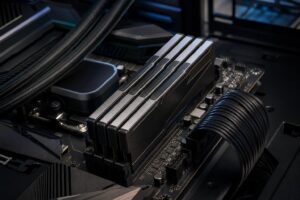
DDR5 heat spreaders are useful, but enormous decorative heat sinks are rarely necessary for a sensible memory kit. Tall modules can interfere with large air coolers, particularly the front cooling fan. If you are using a substantial dual-tower air cooler, verify RAM clearance before buying tall RGB memory.
RGB is a personal preference, not a performance feature. Spend the extra money if you genuinely enjoy the look of the build. Otherwise, put that budget toward capacity, storage, a better graphics card, or a higher-quality power supply.
The best DDR5 RAM is not automatically the fastest or flashiest kit on a retailer’s page. It is the capacity your work actually needs, installed in a sensible two-DIMM configuration, running at a stable speed that suits the platform. For most performance-focused PCs, 32GB or 64GB from a reputable manufacturer is the right place to start.
If you are planning a new gaming PC or workstation and want the memory, motherboard, CPU, and cooler chosen as a properly compatible package, contact Overclock Computers. We can help configure a system around the applications and games you actually use, without wasting budget on specifications that look better on paper than they feel in daily use.