DDR5 RAM Speed and Timings: What Should You Buy for a Gaming PC or Workstation?

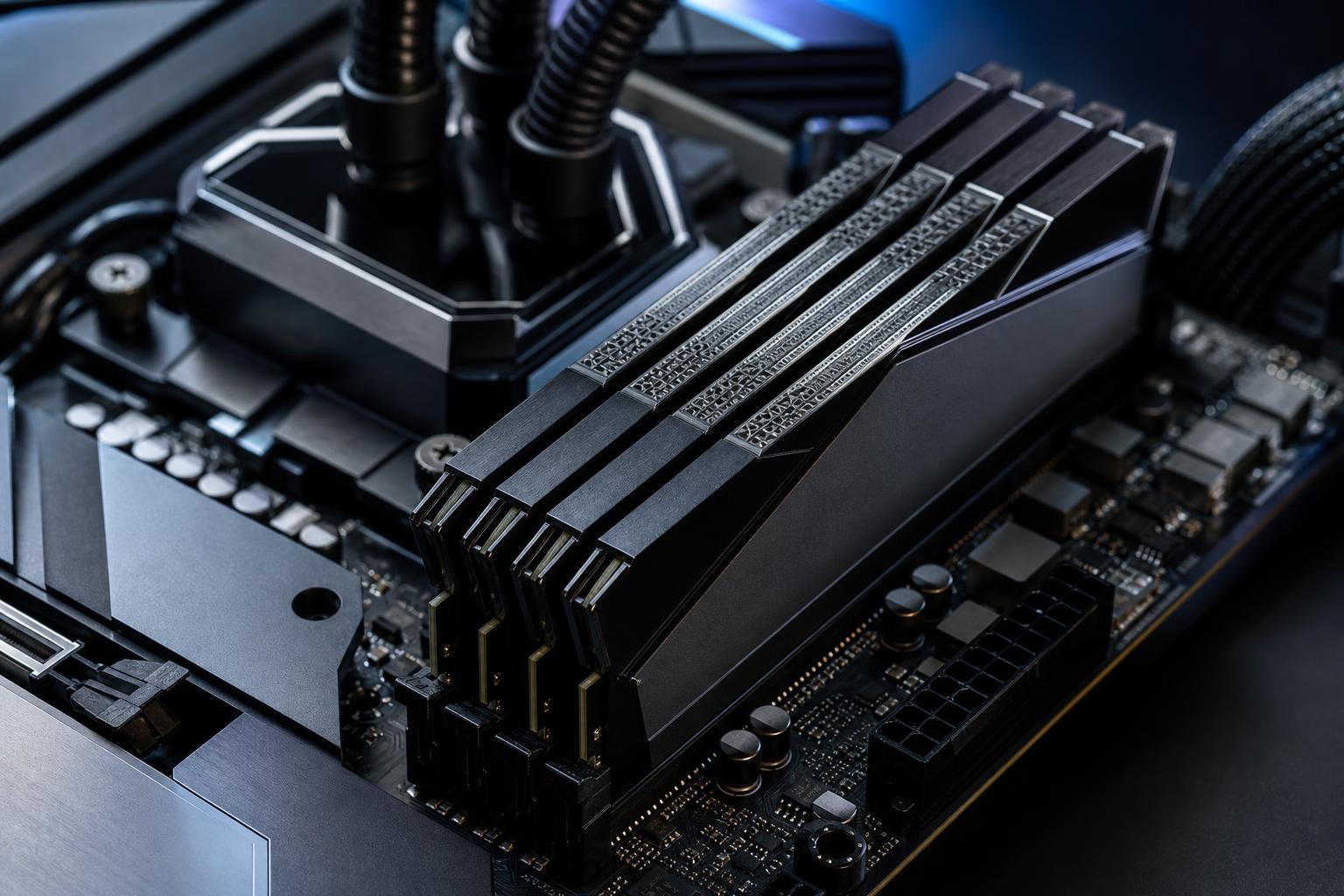
Choosing DDR5 memory has become needlessly confusing. There are kits with huge numbers on the box, timing strings that look like a password, and claims that one speed is automatically “best” for every PC.
Here’s the practical answer: buy enough RAM capacity first, then choose a well-supported DDR5 speed with sensible timings for your CPU platform. For many new gaming PCs, a quality 32GB DDR5-6000 kit with reasonably tight timings is a strong starting point. For heavier professional work, 64GB or more matters far more than chasing the highest advertised memory speed.
The right choice still depends on the processor, motherboard, software, and the number of memory modules you need. This guide explains what those specifications mean and where spending more actually helps.
Memory capacity determines how much data your PC can keep readily available. When RAM fills up, Windows has to move data to storage. Even with a fast NVMe SSD, that is dramatically slower than working from system memory. The result can be stutters, slow application switching, long previews, or an application that simply runs out of memory.
A fast 32GB kit is not a substitute for 64GB if your workload routinely needs more than 32GB. Capacity shortages are obvious and painful. The difference between two already-fast RAM kits is usually much smaller.
DDR stands for Double Data Rate. Memory product listings commonly describe transfer speed in MT/s, or mega transfers per second, although “MHz” is still often used casually. DDR5-6000 transfers data at 6,000 million transfers per second.
Higher transfer rates provide more bandwidth. That can help a CPU feed data to its cores and, in some situations, improve game frame rates or reduce the time needed for memory-heavy tasks. Modern processors are sensitive to memory settings, but the gains are not unlimited. Moving from a basic DDR5 speed to a balanced enthusiast kit can be worthwhile; moving from a fast, stable kit to an extreme one often costs more than the real-world improvement justifies.
For a computer that must work every day, stable memory settings beat a screenshot-worthy overclock. A workstation crashing halfway through a render does not care that its RAM was rated for an impressive number.
RAM timings describe how long the memory waits before completing certain operations. You will often see a string such as CL30-36-36-76. The first number, CAS latency or CL, gets the most attention, but the full timing set matters.
Lower timings are generally better at the same data rate. However, comparing CL numbers by themselves can be misleading. DDR5-6000 CL30 and DDR5-6400 CL32 are not directly comparable by looking at 30 versus 32 alone because the faster kit has a shorter clock cycle.
A useful rough calculation for first-word latency is:
CAS latency in nanoseconds ≈ CL ÷ data rate × 2,000
Using that formula, DDR5-6000 CL30 is about 10 nanoseconds, while DDR5-6000 CL36 is about 12 nanoseconds. That does not predict every benchmark, but it explains why a lower-latency kit at the same speed is normally preferable if the price difference is reasonable.
Don’t overpay heavily for tiny timing improvements. In a balanced PC, money often produces a larger visible benefit when directed toward the graphics card, additional RAM capacity, storage, or a better display.
Most performance DDR5 kits do not run at their advertised speed automatically. They start at a conservative default setting so the system can boot safely. To use the rated speed and timings, you enable a memory profile in the motherboard BIOS.
Many motherboards can use either type of profile, but the best approach is to buy memory explicitly validated for your CPU platform and motherboard where possible. Check the motherboard manufacturer’s memory support list, often called the QVL, especially for high-capacity kits or speeds above DDR5-6000.
Enabling EXPO or XMP is technically an overclock, even when the memory kit is sold at that rating. Quality parts normally handle approved profiles well, but no two CPU memory controllers are perfectly identical. If a system shows crashes, application errors, failed boots, or random blue screens after enabling a profile, memory stability should be tested rather than ignored.
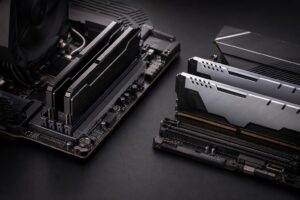
For most desktop DDR5 systems, use a matched two-module kit: 2x16GB for 32GB, 2x32GB for 64GB, or 2x48GB for 96GB. Install them in the motherboard slots specified in the manual, commonly the second and fourth slots from the CPU socket.
Four DIMMs can work, but they put more electrical load on the memory controller and motherboard. That can limit the stable speed available, particularly with high-density modules. A four-stick configuration is not automatically bad, but it is less forgiving than two modules.
This is why buying 2x32GB from the start is usually smarter than purchasing 2x16GB now and hoping to add a different 2x16GB kit later. Even kits with the same label may use different memory chips or profiles between production runs. Mixing kits is a gamble we would avoid in a performance system.
Choose 32GB as a starting point, installed as 2x16GB. DDR5-6000 with tight, well-supported timings is a practical sweet spot for many modern gaming systems. A move to 64GB is sensible if you run heavily modded games, stream while gaming, keep many applications open, or want extra breathing room for the next several years.
Very fast RAM can improve CPU-limited frame rates and 1% lows in certain games. At 4K with a powerful graphics card doing most of the work, the difference is often modest. Don’t cut GPU budget to buy exotic memory.
Prioritize capacity based on actual project size. For a video editor working with larger projects or a developer running containers and virtual machines, 64GB of stable DDR5 is usually a better purchase than 32GB of ultra-fast RAM. Move to 96GB or 128GB when your applications show high memory use or you know your projects demand it.
DDR5-5600 or DDR5-6000 from a reputable kit is generally an excellent target. Some workloads respond well to bandwidth, but reliability and adequate capacity carry more weight in a machine that earns its keep.
When building for 128GB or more, verify the CPU’s supported memory capacity, motherboard layout, and QVL before selecting parts. Be prepared for a lower stable data rate than a 32GB gaming build can achieve. That is normal, not a defect. A stable 192GB system is more useful than an unstable 128GB system chasing aggressive memory settings.
For most premium gaming systems, start with a matched 32GB DDR5-6000 kit that supports the platform’s preferred profile and has sensible timings. Choose 64GB when you multitask heavily or use creative and technical applications alongside gaming. For professional machines, select the capacity your applications need first, then choose a conservative, validated speed that will remain stable under long workloads.
If you are planning a new gaming PC or workstation and are unsure how much memory your software will actually use, Overclock Computers can help match the RAM, CPU, motherboard, cooling, and storage to the work you do—without spending extra on specifications that will not improve your experience.