DDR4 vs. DDR5 RAM: Which Memory Should You Buy for a New PC?

RAM is one of the easier PC parts to misunderstand because the numbers on the box can get ridiculous quickly. Capacity, speed, timings, channels, profiles, DDR4, DDR5—none of it matters much if the memory does not suit the CPU, motherboard, and work you actually plan to do.
For most people building a new performance PC, DDR5 is the sensible choice. It is the current memory standard on modern desktop platforms, offers higher available speeds, and gives a new system a better upgrade path. DDR4 is not suddenly useless, though. It remains a practical option when you are upgrading an existing compatible PC or building from discounted parts with a strict budget.
The key is not simply buying the newest RAM. It is buying enough memory, at a sensible speed, on a platform that supports the rest of the PC you need.
DDR5 provides more bandwidth than DDR4. In plain English, it can move more data between system memory and the processor each second. That helps most in workloads that frequently access large data sets: some games, code compilation, rendering, simulation, image processing, and integrated graphics workloads.
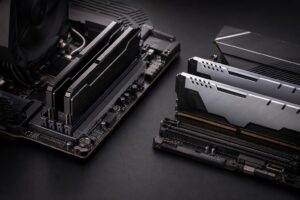
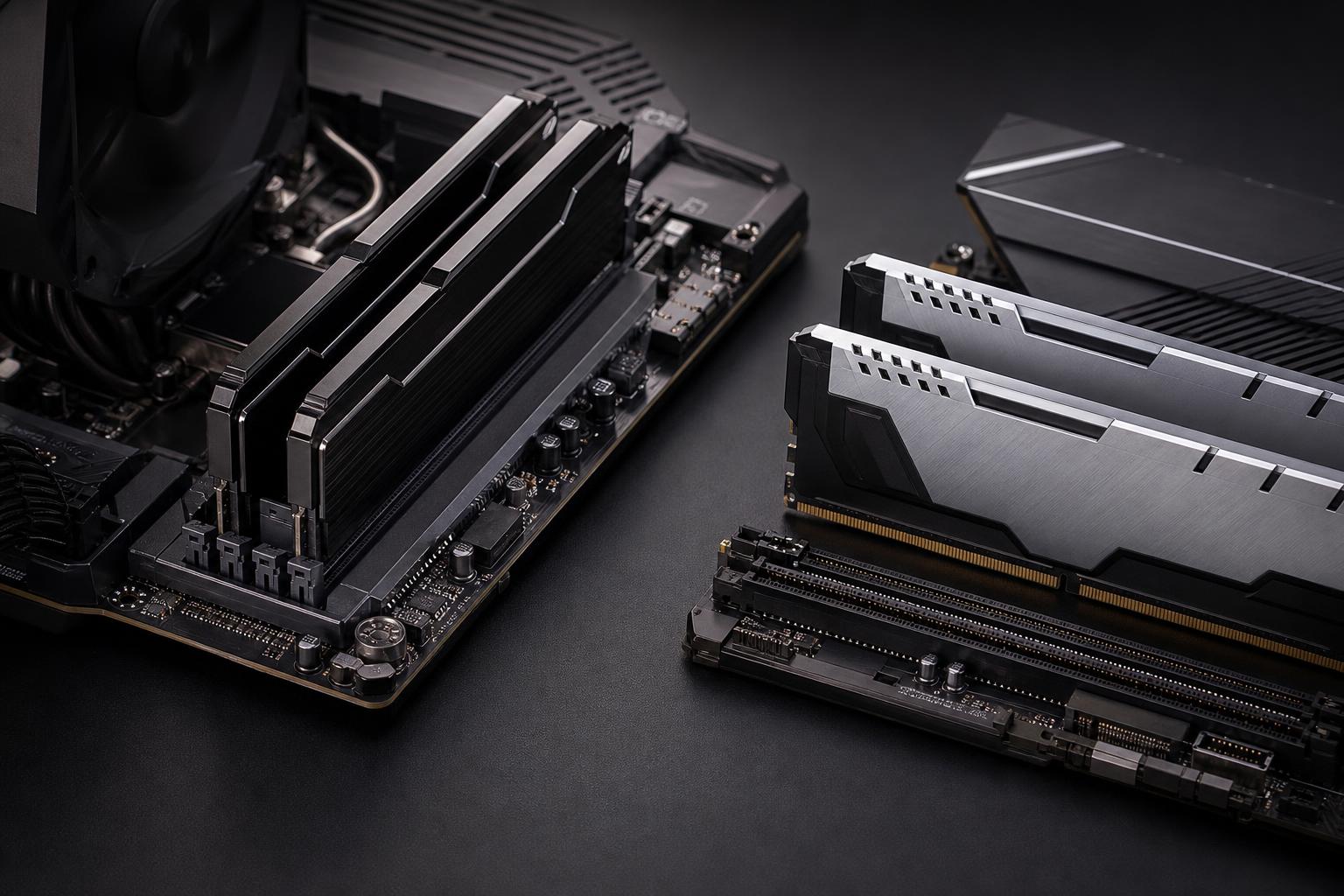
DDR5 also changes how a memory module is organized. A typical DDR5 desktop module is divided into two smaller 32-bit subchannels rather than one wider 64-bit channel. This can improve efficiency when the CPU is working with smaller chunks of data. DDR5 also moves voltage regulation onto the memory module itself, rather than leaving all of that work to the motherboard.
Those design changes are useful, but they do not mean every PC becomes dramatically faster. In many GPU-limited games, particularly at 1440p or 4K with high visual settings, the graphics card remains the main performance limit. DDR5 may improve average frame rates a little and improve low frame rates in some titles, but it will not make a midrange GPU perform like a high-end one.
Where DDR5 is most worthwhile is in a balanced new system. You get the advantages of a current platform without treating memory speed as a magic performance switch.
Not by replacing the RAM alone. DDR5 sticks will not fit a DDR4 motherboard, and DDR4 sticks will not fit a DDR5 board. The notch is in a different location for good reason: forcing the wrong module would damage hardware.
Some processor generations were sold with motherboards available in either DDR4 or DDR5 versions. That does not make the motherboard convertible. Its memory slots determine the type it supports permanently.
If your current PC has a capable processor and needs more memory, upgrading DDR4 capacity is often excellent value. For example, moving an older system from 16GB to 32GB of matched DDR4 can fix browser slowdowns, game stutter caused by memory pressure, and poor multitasking without the cost of replacing the entire platform.
On the other hand, if you are already planning a CPU and motherboard replacement, DDR5 is the better direction. Buying a new DDR4 motherboard for a fresh high-performance build generally saves money only in a narrow set of budget-focused configurations.
Capacity has a more obvious effect on everyday use than small differences in speed. When a system runs out of available RAM, it has to lean heavily on the SSD for temporary storage. Modern NVMe drives are fast, but they are nowhere near as responsive as RAM. The result can be hitching, slow application switching, long pauses, or a browser that needs to reload tabs you thought were still open.
16GB is workable for office tasks, web browsing, schoolwork, and lighter gaming. It can also be appropriate for a modest upgrade to an older computer. But large modern games, background applications, browser tabs, voice chat, game launchers, and recording software can push close to that limit. We would not choose 16GB for a new enthusiast gaming PC unless the budget is unusually tight and the system has a clear plan for a near-term upgrade.
For a new gaming desktop, 32GB is the recommendation we make most often. It leaves healthy room for current games, Windows, background programs, modded titles, multitasking, and occasional content creation. A 2 x 16GB kit also runs in dual-channel mode, which is the normal target for a desktop build.
Choose 64GB if you edit high-resolution video, work with large Photoshop or Lightroom projects, use virtual machines, compile large software projects, keep heavy applications open all day, or create in 3D. It is also a good choice for a workstation expected to remain productive for several years.
Higher capacities are for users with a demonstrated need: large assemblies in CAD, major point-cloud datasets, demanding simulations, several virtual machines, substantial local AI workloads, or memory-heavy production projects. More RAM does not make a PC inherently faster if your usual workload never uses it. It simply provides more working space.
Memory speed is normally shown in MT/s, or mega transfers per second, although product listings often casually call it MHz. Higher transfer rates increase bandwidth. Timings, commonly represented by a number such as CL30 or CL36, describe part of the delay involved in accessing memory. Lower timings are generally better when comparing kits at the same speed, but they should not be considered in isolation.
A moderately fast, stable DDR5 kit is better than chasing the highest number on a product page. Very high-speed memory can cost substantially more, may offer modest real-world gains, and can require more tuning to run reliably—especially at higher capacities.
For many current desktop builds, DDR5 kits in the broadly mainstream performance range offer the best balance of cost, speed, and stability. The exact sweet spot depends on the processor family, motherboard memory support, number of modules, and total capacity. This is why a memory recommendation should be tied to a complete parts list rather than chosen separately.
Performance memory does not always run at its advertised speed automatically. It may start at a conservative default setting until you enable its profile in the motherboard firmware. Depending on the platform and kit, this profile may be labeled XMP, EXPO, or a similar term.
Use a memory kit specifically validated for your platform where possible, enable the appropriate profile, and test stability after the build is complete. A PC that boots is not necessarily a PC that is stable through a long render, a competitive gaming session, or an overnight compile.
For most DDR5 gaming PCs, two matched memory modules are the cleanest choice. A 2 x 16GB kit for 32GB or a 2 x 32GB kit for 64GB typically provides dual-channel performance while putting less strain on the memory controller than four modules.
Four sticks can work, but DDR5 systems may need lower memory speeds or more careful configuration when all slots are populated. That does not make four modules wrong; it simply means planning capacity from the start is wise. If you know you need 64GB, buying a matched 2 x 32GB kit is usually preferable to filling four slots with smaller modules.
Also avoid combining separate RAM kits, even if their model numbers appear identical. Manufacturers validate modules as a matched kit. Mixed kits may work, but they can require slower settings or introduce difficult-to-diagnose instability.
DDR4 remains a reasonable purchase in three situations:
What we would avoid is paying premium money for top-end DDR4 in a new build simply because it looks cheaper than DDR5 at first glance. Platform cost, upgrade options, CPU choice, and total system value matter more than the price of one component.
DDR5 is the clear default for a new high-performance PC. It supports modern platforms, provides stronger bandwidth, and avoids putting a new build on an older memory standard from day one. Still, DDR4 is far from obsolete when it is part of a capable existing machine. A sensible DDR4 capacity upgrade can deliver more real benefit than an expensive platform replacement.
If you are choosing parts for a gaming PC or workstation, Overclock Computers can help match the CPU, motherboard, RAM capacity, and memory kit to the software you use—not just the biggest number in a specification list. Contact our team to plan a balanced custom system or a practical upgrade path.