CPU Upgrade vs. GPU Upgrade: Which Will Improve Your PC More?

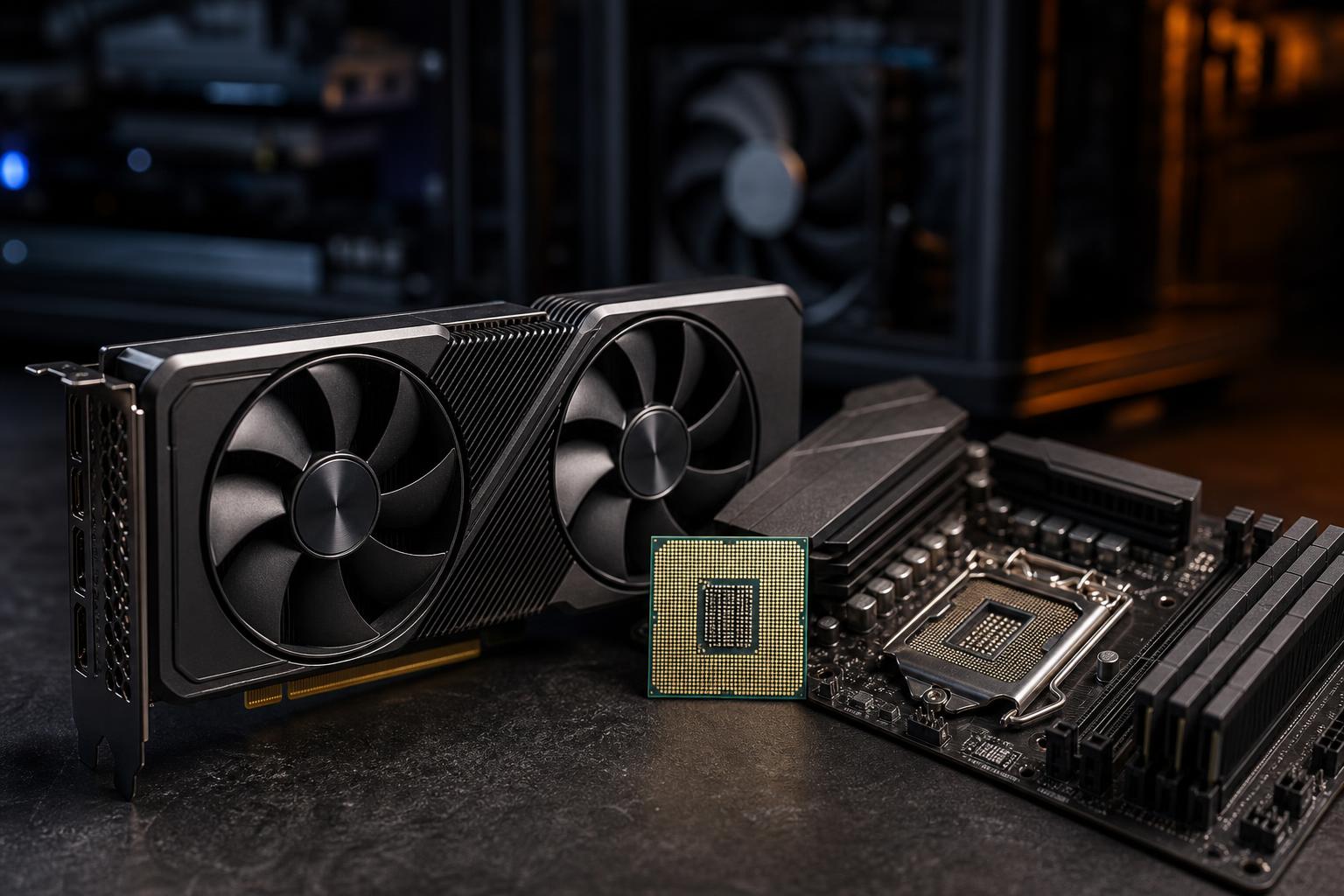
A faster graphics card is often the most noticeable upgrade for a gaming PC, but not always. If your processor is already struggling to prepare frames, a new GPU can sit underused while your frame rate barely moves. On the other hand, replacing a capable CPU when you mainly play demanding games at 1440p or 4K is a quick way to spend money without seeing much benefit.
The right choice comes down to what you do with the PC, the monitor you use, and the specific limit in your current system. Here’s how to tell whether a CPU upgrade or GPU upgrade will make the bigger real-world difference.
The GPU draws the images on screen. In games, it handles work such as shading, textures, lighting, ray tracing, and image rendering. The CPU handles game logic, physics, AI, background tasks, and the work required to feed the GPU each frame.
Neither part works in isolation. A game needs both, but the component that reaches its limit first determines performance.
For most gaming PCs built within the last several years, the graphics card deserves the larger share of the budget. It is usually the limiting part at 1440p and especially at 4K. But “usually” is not a buying strategy, so let’s narrow it down.
A graphics card upgrade is the clear first move if your goal is to make modern games look better or run better at a higher resolution.
Higher resolutions put far more work on the GPU. A 4K image has four times as many pixels as 1080p, so the graphics card has much more rendering to do every frame. At these settings, even a midrange modern CPU can often keep up well enough while the GPU does the heavy lifting.
If you are playing at 1440p or 4K and your GPU is frequently near full utilization during gameplay, a faster graphics card will generally provide the most direct improvement.
Higher texture settings, shadows, anti-aliasing, ray tracing, and demanding effects are primarily GPU workloads. A CPU upgrade will not turn a struggling graphics card into a comfortable 4K ray-tracing card. Features such as upscaling and frame generation can help on supported hardware, but they do not replace sufficient GPU performance or video memory.
Large, visually detailed games tend to reward GPU upgrades. If you play cinematic action games, open-world titles, racing games, or visually ambitious RPGs and want a better-looking experience, prioritize the graphics card after confirming your power supply and case can support it.
Many video editing, 3D rendering, AI-assisted, and design workloads benefit significantly from a capable GPU. The exact answer depends on the application: some renderers and AI tools place a high value on GPU compute performance and VRAM, while other tasks remain CPU-led. Check the requirements for the software you actually use rather than buying around a generic benchmark chart.
A CPU upgrade matters most when the GPU is waiting for the processor rather than the other way around. The symptom is not always a low average frame rate. Often, it is inconsistent performance: sudden dips, uneven frame pacing, or a game that cannot reach the refresh rate of your monitor even with reduced graphics settings.
At 1080p and high refresh rates, the CPU becomes more important. Games such as competitive shooters, battle royale games, simulation titles, and some esports games can demand very high frame rates. If you are trying to make good use of a 240Hz, 360Hz, or faster monitor, the processor may be the limiting component long before the GPU is fully loaded.
Lowering graphics settings can expose this problem. If settings are reduced but frame rates barely improve, the game may be CPU-limited. That is not a perfect test, but it is a useful clue.
Strategy games, city builders, management simulations, heavily modded games, multiplayer games with large player counts, and flight or driving simulations can put a serious load on the CPU. In these games, a faster processor can improve late-game turns, simulation speed, crowded areas, and the low frame rates that make a game feel less smooth than its average FPS suggests.
If gaming performance drops when you stream, record, run browser tabs, compile code, or keep creative applications open, the CPU may be short on cores, cache, or single-threaded performance. More CPU capacity can make the whole system feel calmer under a mixed workload.
That said, do not blame every stutter on the CPU. Insufficient RAM, a nearly full SSD, overheating, background software, shader compilation, and game-specific issues can all cause hitching.
You do not need a lab full of test equipment. Use a trusted monitoring tool while playing the games or running the applications that matter most to you. Watch GPU utilization, CPU usage by individual core if available, temperatures, clock speeds, and frame-time behavior.
Run the test in the situations that bother you: a crowded multiplayer match, a dense city, a demanding race, or a complex project timeline. A quiet indoor scene tells you very little about worst-case performance.
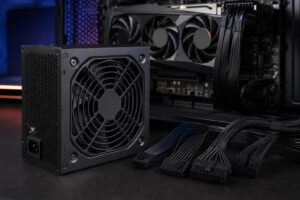
A GPU is not always a simple drop-in purchase. Large cards may require more physical clearance, better airflow, newer power connectors, or a stronger power supply. A quality power supply with enough capacity and the correct cables is part of a reliable graphics upgrade, not an optional extra.
CPU upgrades can be even more complicated. The best processor for your current motherboard may require a BIOS update, and moving to a newer CPU generation often means replacing the motherboard and possibly the RAM as well. A CPU, board, memory, and cooler package can cost much more than the processor alone.
This is why an older platform can change the answer. If a modest CPU upgrade fits your existing socket and solves a clear performance problem, it can be excellent value. If the only worthwhile CPU option requires a platform rebuild, putting the budget toward a GPU may make more sense unless CPU-heavy work is your priority.
If you want higher detail settings, better 1440p or 4K performance, and more visual horsepower, upgrade the GPU first. If you are chasing very high frame rates, dealing with poor minimum FPS in CPU-heavy games, or working in processor-bound software, upgrade the CPU first.
The best upgrade is not necessarily the most expensive part. It is the component that removes the limit you actually encounter, while still fitting the power, cooling, motherboard, and budget of the whole system. If you would like a second opinion before buying parts, contact Overclock Computers with your current specifications, monitor, games, and applications. We can help map out a sensible upgrade path or design a balanced new system.