Best Power Supply for a Gaming PC: How to Choose a PSU That Won’t Let You Down

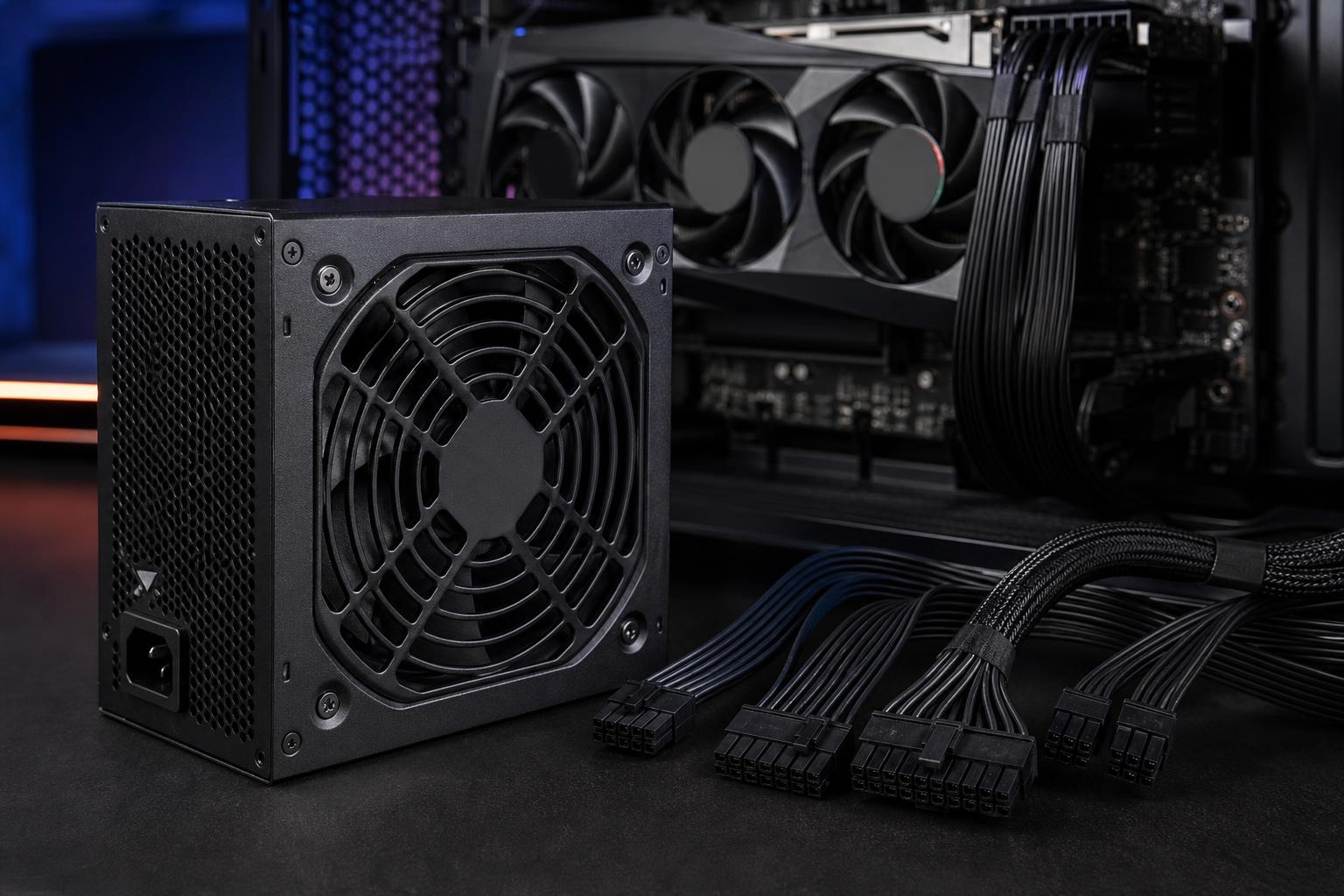
The power supply is one of the least glamorous parts of a gaming PC. It does not add frames per second, light up your desk, or make a game load faster. It does, however, supply clean, stable power to every expensive component in the system. A poor PSU can cause instability, excessive fan noise, difficult upgrades, or, in the worst cases, damage when it fails.
For a new gaming PC, the best power supply is usually a well-reviewed, appropriately sized unit from a reputable platform, with the right cables for your graphics card and enough capacity for a future upgrade. Buying the cheapest unit with a big wattage number on the box is a classic false economy.
Wattage is the maximum power a PSU can deliver. It matters, but it is only the first filter. A 1,000-watt low-quality unit is not automatically safer or better than a carefully built 750-watt unit from a respected manufacturer.
For most gaming computers, these ranges are sensible starting points:
Those are not hard rules. A system’s actual requirement depends mainly on the graphics card, CPU, and whether either component is allowed to draw extra power under boost settings or manual tuning. The GPU is usually the biggest factor. Two computers with the same processor can need very different PSUs if one uses a modest graphics card and the other uses a flagship model.
As a practical rule, choose a quality PSU with enough capacity that typical heavy gaming loads land well below its maximum output. Around 25% to 40% headroom over a realistic peak system draw is often a sensible target. This gives the unit room for short power spikes, reduces heat, and leaves options open for future components. It does not mean every 500-watt PC needs a 1,200-watt PSU. Excessive capacity is usually money better spent on the GPU, storage, or a better monitor.
Modern graphics cards can briefly ask for substantially more power than their average gaming draw. These short events are called transient spikes. A capable power supply is designed to handle them without shutting down or allowing voltage to wander outside safe limits.
This is one reason a borderline PSU may seem fine during light use but restart the computer under a sudden GPU load. It is also why nameplate wattage alone is not enough. Quality units are tested and designed to deal with real-world load changes, not just a steady number in a simplified specification sheet.
For a performance gaming PC, do not select a PSU that barely matches the combined rated wattage of the CPU and GPU. Leave meaningful room above it, particularly with a high-end graphics card.
For a new build using a recent high-power NVIDIA graphics card, an ATX 3.0 or newer power supply is a sensible choice. These units were designed with modern GPU power behavior in mind and commonly include a native high-power graphics connector.
The newer connector is often described as 12VHPWR or 12V-2×6. The latest 12V-2×6 design improves the connection standard, though people still use both names in everyday conversation. What matters to a buyer is simple: if your GPU uses this connector, a PSU with a native cable designed for it is cleaner and preferable to using a bundle of adapter cables.
Native cables reduce clutter and remove extra connection points. They must still be installed properly. Fully seat the connector, avoid sharply bending the cable immediately next to the plug, and make sure the case has enough side-panel clearance. A fancy PSU cannot compensate for a connector that is only half inserted.
AMD graphics cards generally use familiar 8-pin PCIe power connectors. Check how many the specific card requires, and use separate PCIe cables where the PSU manufacturer recommends them. Do not use random aftermarket cables or reuse cables from another power supply. PSU-side pinouts are not universal, even when the connectors physically fit. Mixing them can destroy hardware.
An 80 Plus rating describes power efficiency: how much electricity from the wall becomes usable DC power for the PC, rather than heat. Higher efficiency can mean lower electricity use and less heat inside the PSU.
For most gaming PC buyers, 80 Plus Gold is the sensible target. It is widely available in quality units, efficient enough for nearly any build, and usually avoids the premium attached to the highest-rated models.
Efficiency certification does not prove that a power supply uses better internal components, has superior voltage regulation, or includes stronger protections. A Gold label is a good sign, not a complete verdict. Review quality, warranty terms, platform design, and manufacturer reputation still matter.
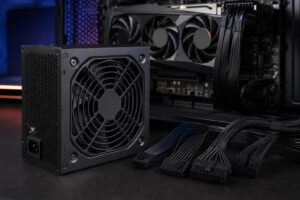
A fully modular PSU lets you connect only the cables your build needs. That makes cable routing easier, improves airflow around the bottom of the case, and simplifies future changes such as adding drives or replacing a graphics card.
Semi-modular models are also perfectly functional. Their essential motherboard and CPU cables are permanently attached, while peripheral cables can be added as needed. Non-modular units are mostly best reserved for tightly budgeted systems where every dollar has to go toward core performance.
For a premium gaming PC, we generally favor fully modular units. It is a modest convenience upgrade that pays off during assembly, cleaning, troubleshooting, and later upgrades.
Many better PSUs include a semi-passive or zero-RPM mode. At light loads, the fan may remain off, making desktop use nearly silent. Under sustained gaming or rendering loads, it ramps up as needed. This is normal.
A larger fan and a well-designed internal layout often matter more than a marketing claim about silent operation. Good case airflow also helps. If the PSU draws air from below the case, keep its bottom dust filter clean and do not place the computer on thick carpet that blocks the intake.
Check the case specification before ordering an extra-long unit. Standard ATX power supplies vary in depth, and a deep 1,000W or 1,200W model can crowd hard-drive cages or leave little room for cable bends in compact cases. Small-form-factor systems may require an SFX or SFX-L power supply instead of a full-size ATX model.
A good PSU should include protections against conditions such as over-current, over-voltage, under-voltage, short circuits, and overheating. These features are not exciting, but they are part of the reason reliable models cost more.
Warranty length is also a useful clue, though not a guarantee of quality. A long warranty from an established brand suggests that the manufacturer expects the unit to remain in service for years. Read the specific product documentation rather than assuming every model in a brand’s lineup is built to the same standard.
For many midrange and upper-midrange gaming PCs, a quality 750W 80 Plus Gold, fully modular PSU is the sensible default. Move to 850W when the build includes a high-end graphics card, a power-hungry CPU, or you want extra room for the next GPU generation. Choose a modern ATX 3.x model with a native high-power GPU cable when your graphics card calls for one.
The right PSU is not the component you notice every day. That is the point. It should run quietly, keep the system stable, fit cleanly in the case, and provide enough reserve capacity that upgrades do not turn into a second shopping trip.
If you are planning a gaming PC or a workstation and want the power supply matched correctly to the GPU, CPU, cooling, and case, contact Overclock Computers. We can help configure a balanced system without spending money on capacity or features you will not use.