Custom Gaming PC vs. Prebuilt: Which Should You Buy in 2026?

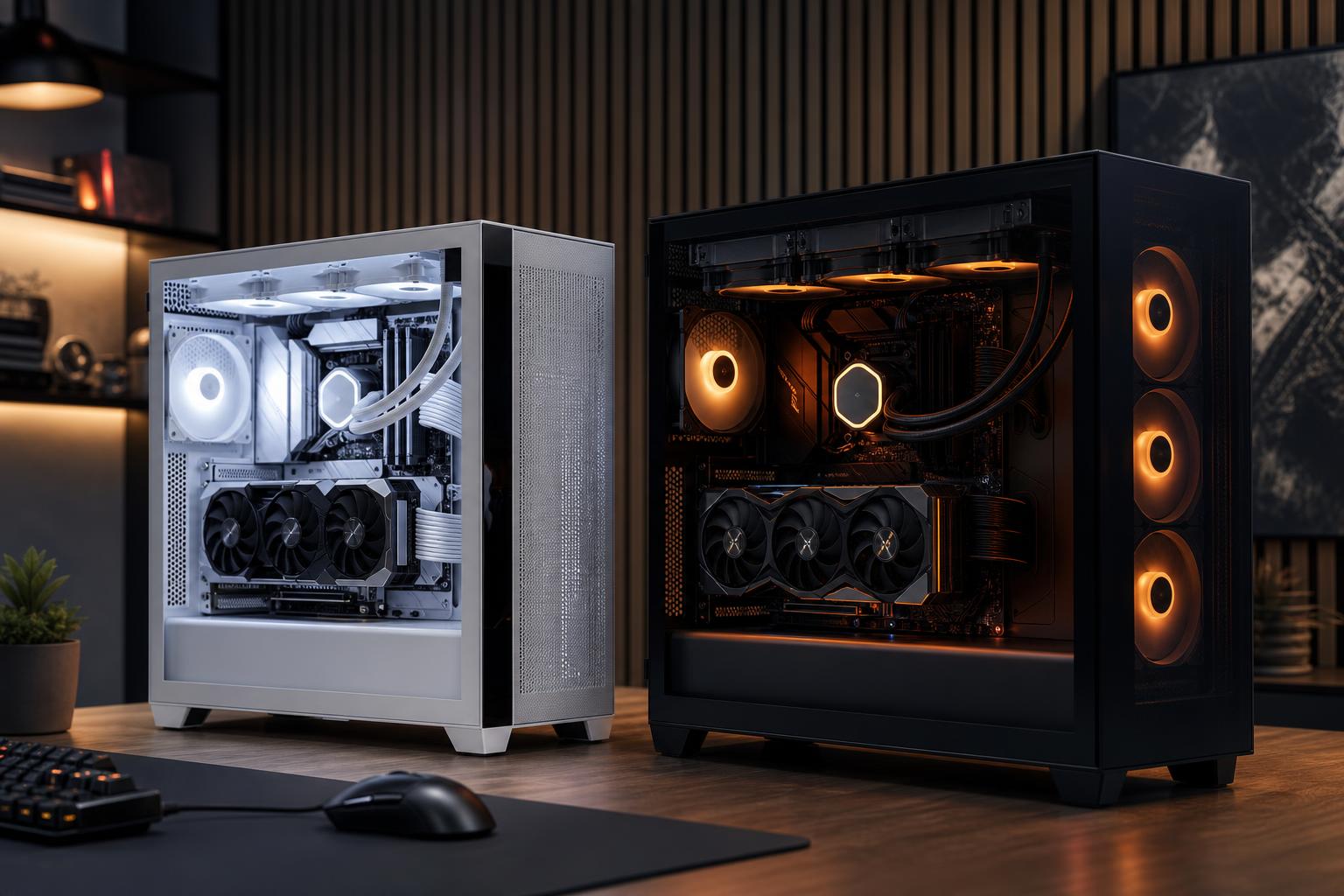
Buying a gaming PC is easier when you stop treating “custom” and “prebuilt” as opposites. A mass-market prebuilt from a big retailer, a small-builder configured system, and a PC assembled entirely by you are three very different purchases.
The right choice comes down to how much control you need, how comfortable you are troubleshooting hardware, and whether the listed specifications tell the whole story. For most buyers who want a premium machine without turning PC assembly into a weekend project, a professionally built custom gaming PC is often the sensible middle ground.
It delivers chosen components and a balanced configuration, while someone else handles the compatibility checks, assembly, cable management, testing, and support.
A prebuilt gaming PC is usually sold as a fixed configuration. You choose from a few models with broad specifications: processor, graphics card, memory capacity, and storage. This can be convenient, especially when the system is discounted and the exact hardware is clearly listed.
A custom-built gaming PC is configured around your actual target: the games you play, monitor resolution and refresh rate, visual-quality preferences, streaming plans, storage needs, noise tolerance, and budget. It can be assembled by a boutique builder or by the buyer at home.
There is overlap. Some reputable prebuilt brands use standard retail parts and offer reasonable configurations. Some “custom” menus still limit choices. The useful distinction is not the label; it is how transparent, balanced, serviceable, and well-built the final computer is.
A fixed prebuilt can be a good purchase if you want a straightforward, ready-to-use computer and find one with the right parts at a fair price. It is particularly appealing when you need a PC quickly or do not care about choosing the case, cooler, motherboard, or power supply.
The problem with many gaming PCs for sale is that the headline parts can hide cost-cutting elsewhere. “RTX gaming PC,” “32GB RAM,” and “1TB SSD” are not complete descriptions of quality. The exact model of graphics card may be less important for performance, but the motherboard, power supply, cooling, case airflow, and memory configuration have a real effect on noise, sustained speed, reliability, and future upgrades.
A system with a powerful GPU and a minimal cooler may look impressive on a product page but run louder than it should during a long gaming session. A low-capacity or proprietary power supply may complicate a future graphics-card upgrade. One stick of memory can leave performance on the table compared with a matched dual-channel kit. These are not glamorous components, which is exactly why they are often omitted from short listings.
A good custom build is not simply a list of expensive components. It is a system where each part supports the others. That means putting the largest sensible share of the budget toward graphics performance, using a CPU that can keep up with the desired frame rate, choosing enough memory and storage, and then supporting those parts with appropriate cooling, airflow, and power delivery.
For example, a gaming computer intended for a 1440p high-refresh monitor needs a different balance from one built for 4K cinematic single-player games. At 4K, the graphics card usually does most of the heavy lifting, so spending disproportionately on the GPU makes sense. For competitive games at 240Hz or above, CPU performance, memory tuning, and consistent frame times matter more. A builder can design around that difference instead of selling the same configuration to everyone.
This does not mean every custom configuration needs premium parts in every slot. Spending extra on an elaborate liquid-cooling loop, oversized motherboard, or cosmetic accessories will not automatically raise frame rates. The goal is to spend where it improves the experience and avoid false economy where a cheaper part creates a limitation later.
Building your own PC remains the best route for people who enjoy the process and are willing to research parts, update firmware if necessary, install the operating system, and diagnose the occasional surprise. It gives you full control and can save money, particularly if you already own reusable parts or can shop patiently for sales.
But DIY savings are not guaranteed. Individual component pricing moves constantly, shipping costs add up, and a mistake can erase a modest parts-price advantage. More importantly, when something goes wrong, you are the system integrator. You may need to determine whether the issue is the memory, motherboard, power supply, driver, game, or your own installation.
A boutique custom gaming PC suits buyers who value control over the component choices but would rather have an experienced team take responsibility for the build quality and initial testing. That includes plenty of experienced PC users. Knowing how to build a PC and wanting to spend time building one are not the same thing.
Start with your monitor. A best gaming PC for a 1080p display is not necessarily the best purchase for 4K, and a system that runs a story-driven game beautifully at 100 FPS may not be the best PC for high-FPS competitive gaming.
Then compare complete configurations rather than just CPU and GPU names. Ask these questions:
If a seller cannot answer basic questions about the power supply, cooling, motherboard, or memory, treat the configuration cautiously. A lower sticker price may still be worthwhile, but you should know what compromises you are accepting.
Do not reject every prebuilt, and do not assume every custom PC is worth a premium. Buy the system with the best complete design for your needs. At lower budgets, a transparent sale-priced prebuilt can be excellent value. As the budget rises, the benefits of thoughtful component selection become more meaningful: better cooling, lower noise, appropriate power delivery, cleaner upgrade options, and fewer corners hidden behind a strong CPU-and-GPU headline.
At Overclock Computers, we start with the games you play, the display you own or plan to buy, and the experience you want from the system. If you are comparing a custom gaming PC vs. prebuilt options, contact our team with the configurations you are considering. We can help identify the parts that matter, the compromises that are reasonable, and the build that fits your budget without paying for performance you will not use.