
What Does a $3,000 Gaming PC Actually Get You in 2026?

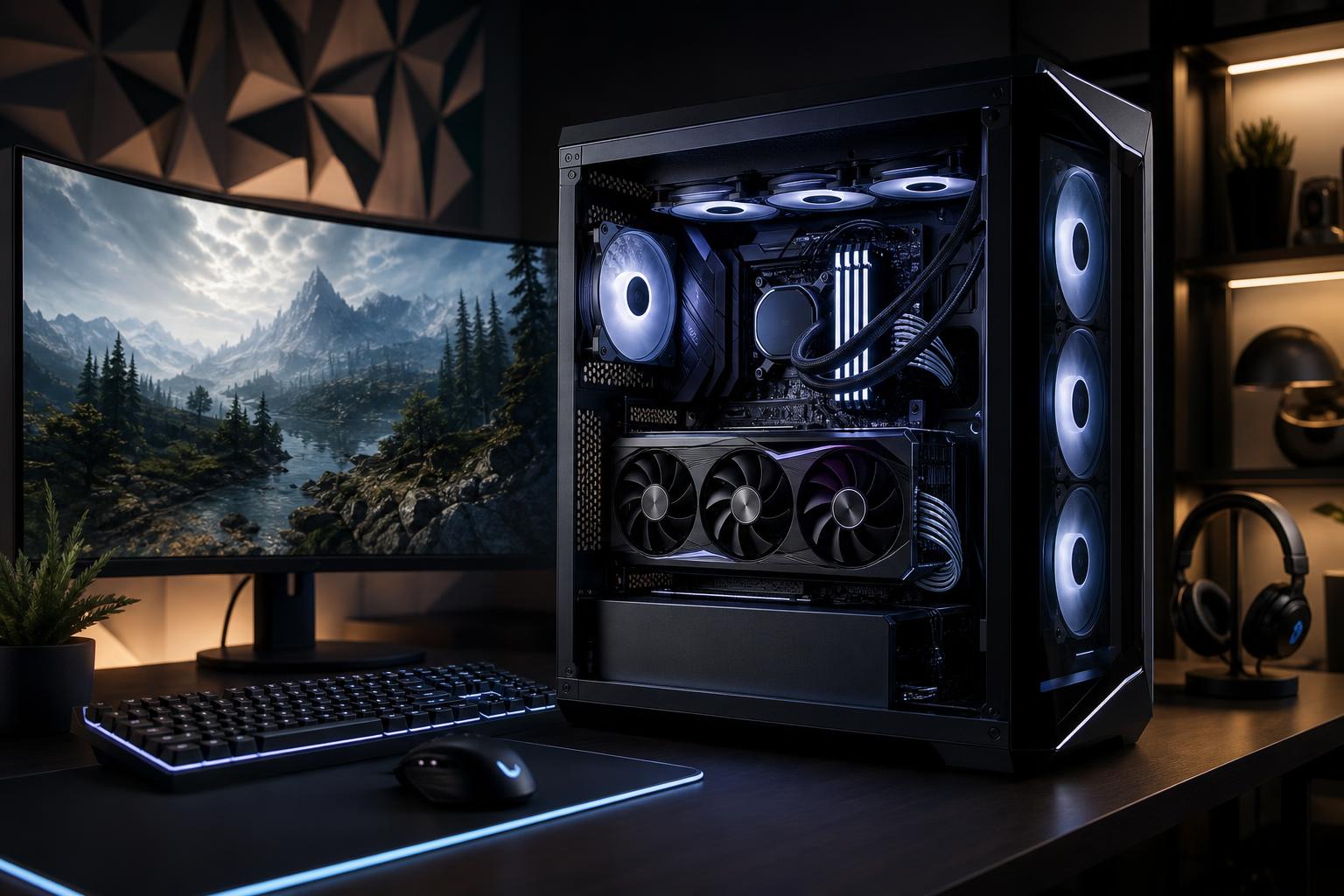
A $3,000 gaming PC is firmly in high-end territory. It should not be a machine that merely looks expensive under a sheet of RGB lighting. At this budget, you should expect excellent 1440p performance, a strong 4K experience, fast load times, quiet cooling, and components chosen to work well together.
That does not mean every $3,000 gaming computer is a good buy. It is still possible to find systems that spend too much on appearance, oversized memory kits, or a flagship CPU while cutting corners on the graphics card, power supply, cooling, or storage.
The best gaming PC under $3,000 puts most of the budget toward the parts that affect games every day: the GPU, a gaming-focused CPU, enough fast memory, quality cooling, and a properly sized power supply. Here is what that looks like in practice.
A well-configured $3,000 custom gaming PC should be built around an upper-tier graphics card. That is the centerpiece of the system, especially if you play at 1440p ultrawide or 4K. The CPU matters, but buying the most expensive processor available does not make sense if it forces a step down in GPU class.
This budget is excellent for a 1440p monitor running at 144Hz, 165Hz, or higher. In many competitive games, a properly balanced system can drive very high frame rates with sensible settings. In demanding single-player games, it should provide smooth performance with high or ultra-quality settings, often with ray tracing or upscaling features used selectively.
Do not read “high refresh” as a promise of 240 frames per second in every game. Modern cinematic games can be extremely demanding, particularly with maximum ray tracing enabled. But $3,000 is enough to make a high-quality 1440p, high-refresh setup feel genuinely premium rather than compromised.
A $3,000 budget can also make sense for 4K gaming, but expectations should be realistic. Native 4K at maximum settings is hard work for any graphics card in the most demanding new releases. Upscaling technologies are now a normal, useful tool rather than a dirty secret. Used well, they can preserve excellent image quality while delivering much smoother performance.
For a 4K 120Hz or 144Hz display, prioritize the strongest GPU that fits the complete build. If you mainly play visually demanding games on a large 4K OLED or television, spending more on graphics performance is usually smarter than paying extra for cosmetic upgrades.
For esports titles such as Counter-Strike 2, Valorant, Fortnite, Overwatch, or similar fast-paced games, CPU performance becomes more important at very high frame rates. A $3,000 system can be more than enough for this use, but it may not be the most efficient use of money if competitive gaming is your only goal. A lower-cost system paired with a strong CPU and an excellent 240Hz or 360Hz monitor may provide the better overall experience.
Component prices move constantly, so it is more useful to think in priorities than fixed dollar amounts. In a gaming-first build, the graphics card should generally receive the largest share of the budget. After that, focus on the platform quality and the parts that keep the system cool, stable, and easy to live with.
For most buyers, the GPU should be the single most expensive component. It determines the visual settings, resolution, ray-tracing capability, and frame rates you can realistically target.
A $3,000 gaming PC should not pair a top-tier processor with a midrange graphics card just to advertise an impressive CPU name. That is a classic imbalanced configuration. At 1440p and 4K, the GPU is usually the performance limit, so this is where additional spending most often produces a visible benefit.
VRAM also deserves attention. More video memory does not automatically make a card faster, but it can matter in newer games using high-resolution textures, ray tracing, mods, and 4K settings. It is especially worth considering if you plan to keep the graphics card for several years.
A modern upper-midrange or high-end gaming CPU is the sensible match for this class of GPU. Look for strong single-core performance, good gaming cache performance where applicable, and a platform with a reasonable upgrade path.
More CPU cores can help with video editing, compiling code, rendering, and heavy multitasking. For a system used almost entirely for gaming, however, an expensive workstation-class processor rarely improves the experience enough to justify taking money away from the graphics card.
If you stream, a capable modern GPU encoder handles most game streams very well. A massively overbuilt CPU is not required simply because you want to broadcast gameplay.
For a high-end gaming computer in 2026, 32GB of dual-channel memory is the right starting point for most people. It gives modern games, Discord, a browser, launchers, and background applications room to coexist without making memory capacity a routine concern.
Moving to 64GB is worthwhile if you use heavily modded games, run virtual machines, create content, keep large projects open, or simply want more headroom for multitasking. It is not usually the upgrade that raises gaming frame rates. Do not sacrifice GPU performance to buy an extravagant memory kit.
A 2TB NVMe SSD is a sensible baseline at this budget. Modern games are large, and a drive that is nearly full is annoying long before it becomes technically unusable. A second SSD is often cleaner than relying on a pile of external drives or constantly uninstalling games.
For gaming, a good PCIe 4.0 NVMe drive is already very fast. Paying a large premium for the newest storage interface usually makes less difference than investing that money in the GPU, monitor, or a larger SSD.
High-end components generate real heat. A quality air cooler or appropriately sized liquid cooler, a case with open airflow, and properly placed case fans help the PC sustain performance without sounding like a leaf blower.
The power supply deserves the same attention. Choose a reputable, appropriately sized unit with the correct modern power connectors for the selected GPU. Cheap power supplies are a false economy in any build, especially one with a powerful graphics card. A clean, stable power foundation also makes future upgrades easier.
The right configuration depends more on your monitor and game library than on a universal parts list.
This is the best fit for players using a 1440p 165Hz to 240Hz monitor. Put substantial budget into a fast gaming CPU and a powerful GPU, then round it out with 32GB of RAM and 2TB of storage. This setup is ideal for someone who plays a mix of competitive games and demanding AAA releases.
For 4K gaming, shift even more of the budget toward the GPU. A slightly less expensive CPU can be perfectly appropriate if it enables a stronger graphics card, because 4K gaming is commonly GPU-limited. This is the configuration for players who value detailed worlds, ray tracing, large displays, and strong couch gaming performance.
If the same PC will edit video, render 3D work, compile large code projects, or handle professional applications, allocate more budget to CPU cores, 64GB of RAM, and additional storage. The GPU still matters greatly for games, but this is one situation where a more capable processor can be worth the tradeoff.
Premium parts can be worthwhile, but only when they solve a real problem for you. Be cautious about spending too much on the following before the core configuration is right:
It is worth it if you have a monitor and game library that can use the performance. A high-end system makes the most sense for 1440p high-refresh, ultrawide, and 4K gaming; demanding games with ray tracing; VR; and buyers who want a machine that stays capable for years without immediately chasing upgrades.
It is less sensible for a 1080p 60Hz monitor or a player whose favorite games are lightweight esports titles. In that case, a lower-cost PC and a better monitor, keyboard, mouse, or headset can create a more noticeable improvement.
The strongest build is not the one with the longest specification sheet. It is the one designed around the games you play, the display you own or plan to buy, and the work you expect the computer to handle outside of gaming.
A $3,000 budget gives a custom-built gaming PC builder room to choose quality parts throughout the system, not just one expensive GPU. That means better thermal behavior, sensible cable routing, stable power delivery, quieter operation, and a configuration that does not need an immediate fix after it arrives.
If you are comparing high-end gaming PCs, Overclock Computers can help match the component balance to your monitor, favorite games, streaming plans, and upgrade goals. Contact our team to plan a custom gaming PC that puts your budget into performance you will actually notice.






