Best Gaming PC Under $2,000 in 2026: Specs That Make Sense

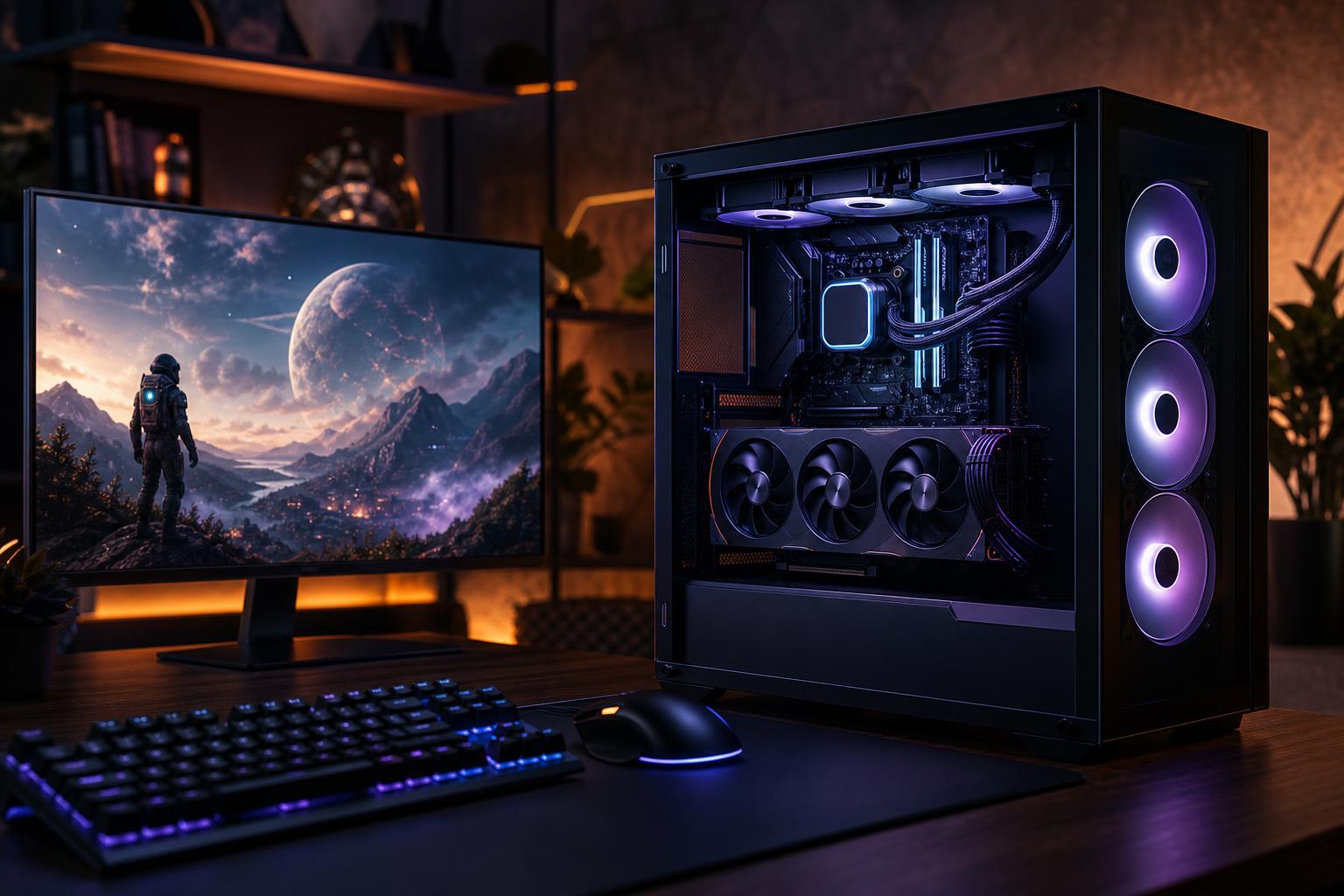
A $2,000 budget is a very good place to buy a gaming PC. It is enough for a system that feels properly premium in day-to-day use and delivers excellent 1440p performance in demanding new games. It is also enough money to make bad decisions: too much RGB, an oversized CPU, or a flashy graphics card paired with cheap supporting parts.
The best gaming PC under $2,000 should be built around a strong graphics card, a gaming-focused CPU, 32GB of DDR5 memory, a fast 2TB NVMe SSD, and a case, cooler, and power supply that do their jobs quietly and reliably. That combination is much more valuable than chasing the longest specification list.
For most buyers, this budget should target high-refresh-rate 1440p gaming. It can also provide a very enjoyable 4K experience with sensible settings, upscaling, or both. It is not the budget for treating every new game at native 4K with maximum ray tracing as a non-negotiable requirement. That last slice of performance costs a surprising amount.
At this price, expect a machine that handles modern games at 1440p high or ultra settings with strong frame rates. In lighter competitive games, it should have plenty of headroom for a 165Hz, 240Hz, or faster monitor. In visually demanding single-player games, the practical goal is smooth performance rather than a particular number printed on a box.
A well-chosen $2,000 gaming computer should also be comfortable with Discord, a browser, game launchers, background recording, and occasional streaming. Modern graphics cards include capable video encoders, so game streaming does not automatically require a huge multicore CPU. If you edit video seriously, render 3D scenes, or run several virtual machines, that changes the CPU and memory recommendation. For gaming first, keep the budget focused on gaming.
The graphics card has the largest effect on gaming performance, especially at 1440p and 4K. A balanced $2,000 build should put roughly 40 to 50 percent of the tower budget toward the GPU. That does not mean buying the most expensive card possible and cutting corners everywhere else. It means choosing the strongest GPU that still leaves room for reliable supporting hardware.
Look for a current upper-midrange GPU with enough video memory for the games and settings you intend to use. For a new $2,000 system, 16GB of VRAM is a comfortable target for high-detail 1440p gaming and a useful cushion for 4K. A card with less can still perform well, particularly in esports titles, but VRAM can become the limiting factor before raw GPU horsepower in texture-heavy games.
NVIDIA cards are often appealing for buyers who value broad ray-tracing support, mature upscaling options, and strong hardware encoding for streaming. AMD cards can offer excellent rasterized performance and generous VRAM at a given price. Neither logo wins every comparison. Compare the actual cards available in the configuration, their memory capacity, their performance in the games you play, and the price of the complete system.
For a gaming PC under $2,000, a modern 8-core gaming-oriented processor is usually the sweet spot. Some current 6-core CPUs are also capable, but the savings are not always large enough to justify them in a premium build. You do not need a top-end 16-core processor just to play games.
At 1440p, the GPU often sets the frame rate in demanding games. CPU choice becomes more noticeable in esports, simulation games, large multiplayer matches, strategy titles, and any situation where you want very high frame rates. Processors with extra cache can be particularly effective for gaming, but they are not mandatory if moving to one would force a major downgrade in graphics card.
For a gaming-first machine, we would generally favor a strong 8-core CPU and better GPU over a workstation-class processor with many unused cores. It is the less glamorous choice on a spec sheet and the better choice once the game is running.
Choose 32GB of DDR5 memory in a matched two-stick kit. It gives modern games room to breathe while leaving capacity for Windows, voice chat, browsers, mods, and background tools. A 16GB configuration can still function, but it is difficult to recommend in a new $2,000 gaming PC.
For 64GB, there should be a reason: heavily modded games, large simulation titles, content creation, local development work, or simply a known multitasking habit. More RAM does not raise frame rates by itself once the system already has enough. It prevents slowdowns when workloads exceed available memory.
Game installations are large, and modern PC libraries grow quickly. A 2TB NVMe SSD is the right starting point for this budget. It leaves enough space for Windows, applications, several large games, and normal day-to-day files without requiring immediate storage management.
Do not spend heavily on a top-tier PCIe Gen 5 drive solely for gaming. A quality PCIe Gen 4 NVMe SSD is already extremely fast for game loading and general use. More capacity, good reliability, and a sensible upgrade path are usually better uses of money than benchmark-chasing sequential speeds.
These parts are easy to ignore because they do not add an FPS number to an advertisement. They still determine whether the system stays quiet, stable, cool, and pleasant to own.
Prices move constantly, particularly for graphics cards, so a good configuration is better described by its priorities than by a fixed shopping list. A strong target looks like this:
That is the recipe for a custom-built gaming PC that is fast now and straightforward to maintain or upgrade later.
When comparing a gaming PC for sale, look beyond the headline CPU and GPU. Some listings hide weak choices in the rest of the system.
Moving above $2,000 is worthwhile if you have a specific performance goal: a 4K high-refresh monitor, demanding ray-traced games, a large ultrawide display, or a desire to keep higher settings for longer before upgrading. It can also make sense when gaming shares the system with paid creative or technical work.
If you use a 1440p 144Hz monitor and mainly play competitive games, stretching the budget may provide very little visible benefit. In that situation, spending some of the difference on a better monitor, a quality headset, or simply keeping it in your pocket is entirely reasonable. A balanced $2,000 PC is already a serious gaming machine.
The best gaming PC under $2,000 is not defined by one brand or one maximum-spec component. It is a balanced 1440p-focused system with a powerful GPU, a fast gaming CPU, 32GB of memory, 2TB of storage, and the cooling and power hardware to run it reliably for years.
If you are comparing configurations and want a second opinion, contact Overclock Computers. We can help translate your monitor, games, performance target, and budget into a custom gaming PC that spends money where you will actually feel the difference.