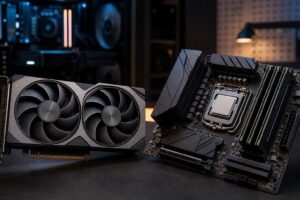
Best Gaming PC for 4K Gaming in 2026: Specs That Make Sense

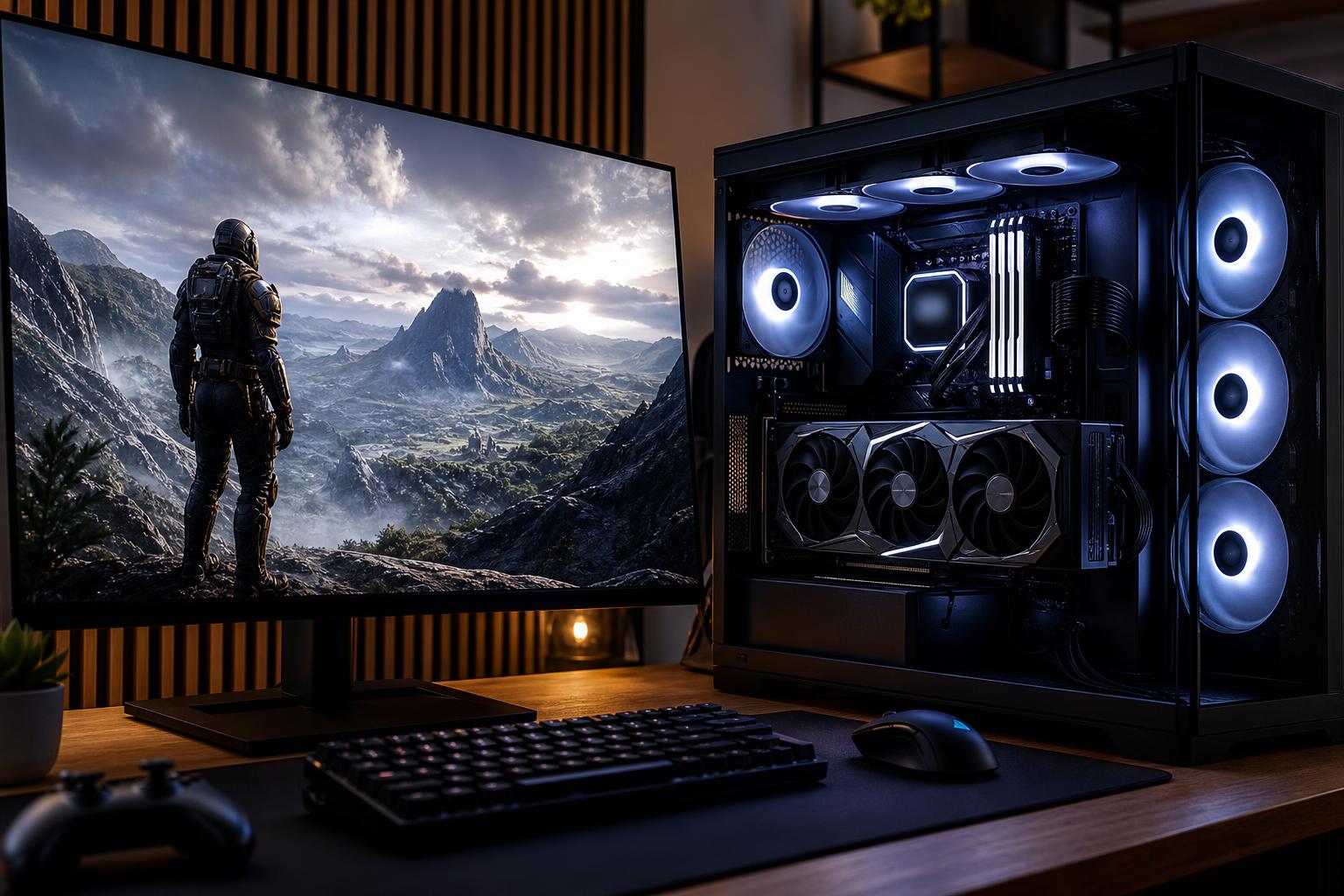
A 4K gaming PC can produce a spectacular image, but it also asks far more of the graphics card than a 1080p or 1440p system. At 3,840 by 2,160 pixels, a game must render four times as many pixels as 1080p. That changes where your budget should go.
For most buyers, the best gaming PC for 4K gaming puts the largest share of its budget into the GPU, then supports it with a fast modern CPU, 32GB of memory, a quality power supply, and cooling that can run hard without turning the room into a wind tunnel. It should not simply have an expensive processor and an “RTX” label on the box.
Here is how to choose a 4K gaming computer that makes sense for the games you play and the frame rates you actually want.
“4K gaming” covers several very different targets. A PC that runs a slower strategy game at 60 frames per second is not necessarily the right PC for a 4K 144Hz OLED display and demanding ray-traced games.
This is still a very good experience, especially in cinematic single-player games. A capable upper-midrange or high-end GPU can often reach 60 FPS at 4K with well-chosen quality settings, and upscaling technologies can help substantially. You may need to reduce the most expensive settings, such as ray tracing, ultra shadow quality, or extreme draw distance in newer games.
This tier suits players with a 60Hz or 120Hz TV, people who value image quality over maximum frame rate, and buyers who would rather spend carefully than chase every last setting.
A high-refresh 4K monitor looks best when the PC can regularly deliver well above 60 FPS. This calls for a genuinely powerful graphics card, particularly in recent AAA games. Modern image reconstruction and frame-generation features can be useful here, but the underlying frame rate still matters. Starting with a solid native or upscaled frame rate gives smoother input response and more consistent image quality than relying on generated frames to rescue an overloaded system.
For many enthusiasts, this is the best balance of visual quality and fluid motion. It is also where component selection becomes especially important: a weak GPU cannot be fixed by buying an extravagant CPU.
If your goal is 4K at 144 FPS or higher in the newest games with maximum settings, ray tracing, and no compromises, expect to shop at the top of the graphics-card market. Even then, performance varies sharply by game. A well-optimized esports title may fly; a newly released, ray-traced open-world game may require DLSS, FSR, XeSS, reduced settings, or all three.
This level makes sense for buyers with a premium 4K high-refresh monitor who want to use it fully. It is not required to enjoy 4K gaming.
At 4K, the graphics card is usually the limiting component. It handles the huge pixel workload, textures, lighting effects, ray tracing, and much of the work behind modern upscaling. Allocate accordingly.
When comparing GPUs, look beyond the model name and consider three practical factors:
Do not buy a low-end or lower-midrange GPU simply because it has enough display outputs to connect a 4K monitor. It can display 4K; that is not the same as rendering modern games well at 4K.
At 4K, games tend to be more GPU-bound than they are at 1080p. That means a strong current Ryzen 7 or Core Ultra 7-class gaming processor is often the smart pairing for a high-end GPU. These chips provide excellent gaming performance without taking an unreasonable bite out of the budget.
The very fastest gaming CPUs can still be worthwhile for players who also play CPU-heavy simulation, strategy, and competitive games; stream; or want extremely high frame rates in lighter titles. But spending hundreds more on the CPU while stepping down a graphics-card tier is usually the wrong trade for a 4K-first system.
For gaming alone, an 8-core modern processor is a comfortable target. More cores can be useful for serious video production, 3D work, software development, or other professional tasks, but they do not automatically improve 4K game performance.
For a premium 4K gaming PC in 2026, specify 32GB of DDR5 memory. It is enough for current games, background applications, voice chat, browsers, game launchers, and modest multitasking. It also avoids the frustrating situation where a high-end GPU is paired with just enough memory to get by.
64GB is worth considering if you routinely leave creative applications open, edit video, run virtual machines, use heavily modded games, or want generous multitasking headroom. It is not mandatory for a gaming-only machine.
Storage deserves equal practical attention. Many current games occupy 100GB or more once updates and downloadable content are included. A 2TB NVMe SSD is the right starting point for most 4K systems. Choose 4TB if you maintain a large installed library, record gameplay locally, or prefer not to manage storage every few months.
PCIe Gen 4 NVMe drives remain quick enough for gaming. A premium Gen 5 drive can make sense for certain workstation workloads, but it will not transform game frame rates or loading screens in the way a better GPU will.
High-end graphics cards and CPUs produce serious heat under load. A good 4K gaming computer needs a case with open, well-planned airflow; quality intake and exhaust fans; and a CPU cooler matched to the processor’s actual power draw.
A large air cooler is often quiet, reliable, and more than adequate for many gaming CPUs. A quality liquid cooler can be a good choice for hotter processors, compact builds, or buyers who prefer its appearance. The important part is not the cooler type; it is choosing a proven solution and giving it enough fresh air.
The power supply should be from a reputable platform, properly sized for the GPU and CPU combination, and equipped with the correct native connectors for the graphics card. Avoid treating it as an invisible place to cut costs. A quality 850W unit is often appropriate for a powerful single-GPU 4K build, while the most demanding GPU configurations may call for 1,000W or more. Exact requirements depend on the selected parts.
A 4K PC only feels as good as the display attached to it. For a premium gaming setup, look for a 27- to 32-inch 4K monitor with a refresh rate of at least 120Hz if your budget allows. Variable refresh rate support is valuable because it keeps motion smooth when performance moves below the monitor’s maximum refresh rate.
OLED monitors offer superb contrast and motion clarity, while quality mini-LED and IPS displays can provide excellent brightness and sharp text performance. No panel type wins for every desk. Consider the games you play, room lighting, work use, and your comfort with OLED’s image-retention considerations before deciding.
For most buyers pursuing high-quality 4K gaming, this is the configuration to aim for:
Spend more on the GPU before spending more on RGB, motherboard features you will never use, or extreme CPU specifications. A clean, well-cooled, upgrade-friendly build with the right graphics card is the better long-term investment.
A custom-built gaming PC is particularly useful at the high end because small component choices matter more. You want a case that can actually cool the selected GPU, a power supply appropriate for future upgrades, memory configured correctly, storage capacity that fits your library, and no odd mismatch such as a flagship processor paired with a compromised graphics card.
Overclock Computers designs gaming systems around the display, games, performance target, and budget you have in mind. If you are planning a 4K setup, contact our team with the monitor you own or plan to buy, the games you play, and whether features like ray tracing, streaming, or quiet operation matter most. We can help configure a balanced custom gaming PC that puts the budget where you will feel it every time you play.