Best Gaming PC for 1080p Gaming in 2026: Specs That Make Sense

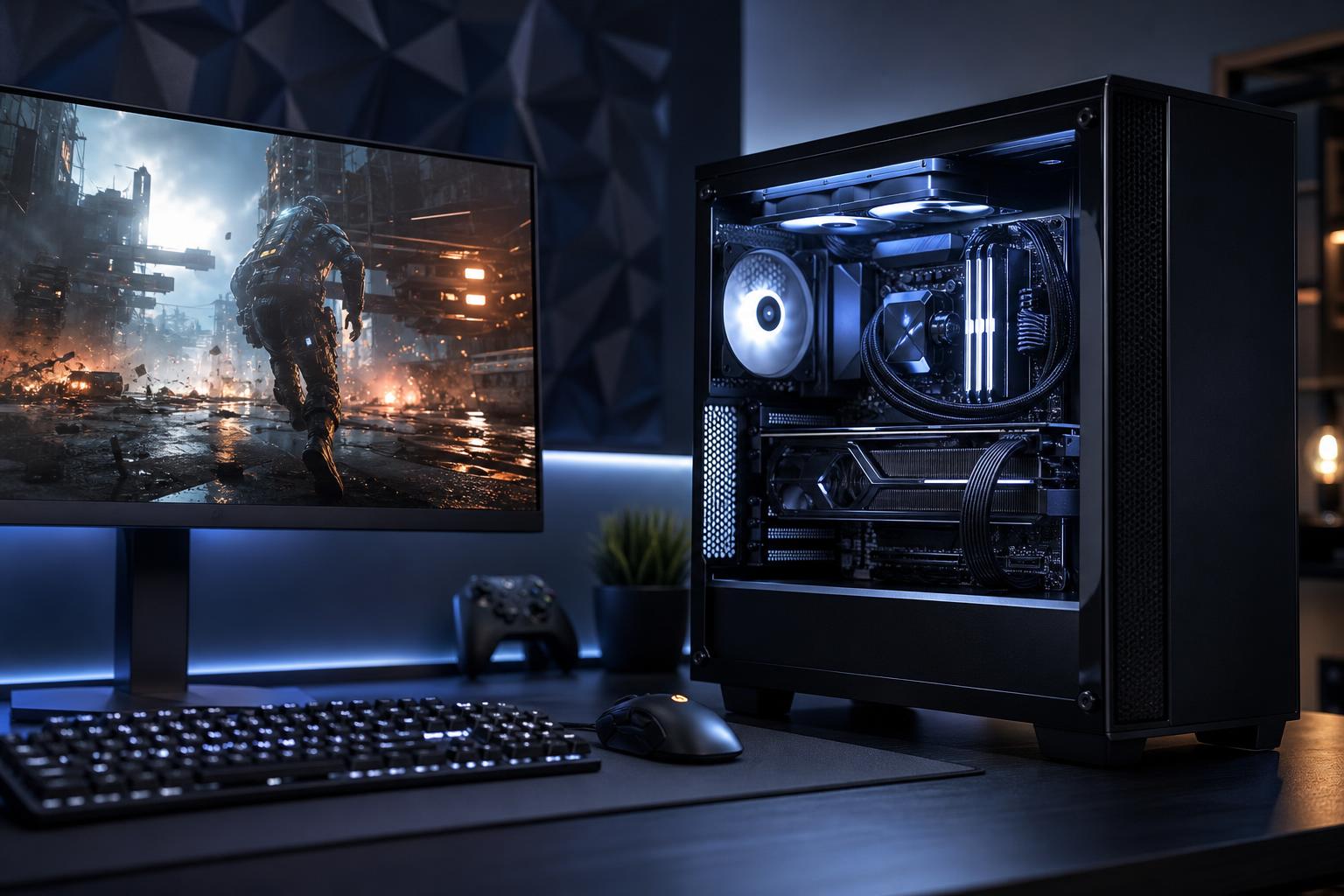
A well-chosen 1080p gaming PC can deliver excellent results without the cost of a top-tier 4K system. It is still the most practical resolution for many players, especially if the goal is fast frame rates in competitive games rather than maximum pixels on a huge monitor.
The catch is that “1080p gaming” covers a wide range of expectations. Running a single-player game at 70 frames per second (FPS) is very different from trying to hold 240 FPS in a competitive shooter. The best gaming PC for 1080p depends first on the monitor you own or plan to buy.
For most buyers, the sensible target is a balanced system with a capable midrange graphics card, a modern six- or eight-core CPU, 32GB of RAM, and a 1TB or larger NVMe SSD. That combination handles current games well, leaves room for normal background tasks, and should age more gracefully than a bargain build built around one expensive part and several compromises.
Resolution tells us how many pixels the graphics card must draw. Refresh rate tells us how often the monitor can show a new frame. Both should shape the PC configuration.
This is a good target for story-driven games, strategy games, RPGs, and players using a basic 60Hz or 75Hz display. A modern entry-to-midrange GPU is usually enough to run many games at high settings. You do not need an extreme gaming CPU, either.
Buyers in this group should be careful not to overspend on the tower while keeping an old, low-quality monitor. Moving from a 60Hz panel to a good 144Hz variable-refresh-rate monitor can be a bigger day-to-day improvement than moving up one GPU tier.
This is the sweet spot for a lot of gaming PCs. It provides visibly smoother motion and lower perceived input lag in fast games, while remaining achievable in demanding titles with sensible graphics settings.
A solid midrange GPU and a strong modern CPU make sense here. In esports titles such as Valorant, Counter-Strike 2, Rocket League, and Overwatch, the processor can matter as much as the graphics card once frame rates climb. In visually heavy games, the GPU remains the main performance driver.
A 240Hz monitor is primarily a competitive-gaming purchase. To make it worthwhile, your PC needs to produce very high and consistent frame rates, not merely hit 240 FPS in an empty practice map once in a while.
Prioritize a fast gaming CPU, low-latency memory configured correctly, and a graphics card appropriate for the games you actually play. Competitive players also commonly lower certain visual settings to reduce distractions and raise FPS. Spending heavily on ray tracing performance makes less sense if the plan is to play everything on low settings for tournament-style responsiveness.
Here is the configuration we would normally recommend as a starting point for a premium, well-balanced 1080p gaming computer.
This is not a request to buy the most expensive version of every component. It is a reminder that gaming PCs are systems. A powerful GPU paired with 16GB of memory, a cramped case, a weak power supply, and a nearly full small SSD is not a premium experience for long.
At this resolution, it is easy to buy more graphics performance than your monitor can use. If you have a 1080p 60Hz display and do not plan to replace it, a high-end GPU is usually poor value. The card may be capable of producing far more frames than the display can show, while the extra money could have improved the monitor, storage, or overall build quality.
More GPU power is worthwhile when you want one or more of the following:
VRAM deserves attention, but it should not be treated as the only GPU specification. Capacity affects how comfortably a card can hold textures and other graphics data, especially at higher quality settings. Actual GPU speed, feature support, cooling, and the games you play still matter. For a new 1080p gaming PC intended to last several years, we would avoid treating the lowest VRAM capacities as a long-term solution simply because they are inexpensive today.
At 4K, the graphics card is usually working flat out, so the GPU often limits frame rate. At 1080p, especially with a fast graphics card and competitive settings, the CPU has a larger job. It must process game logic, physics, draw calls, player input, and background activity quickly enough to keep the GPU fed with work.
That is why a high-refresh 1080p build should not pair a powerful graphics card with an older or low-end processor. It may deliver respectable average FPS while suffering worse one-percent lows: the brief drops and stutters that make a game feel less smooth than the benchmark average suggests.
For gaming alone, a modern six-core CPU can still be a sensible choice. An eight-core model is often worthwhile for buyers who stream, record gameplay, keep many programs open, use CPU-heavy simulation games, or simply want more breathing room over the life of the system. Beyond that point, extra cores can be valuable for professional work, but they do not automatically make a gaming PC faster.
16GB of RAM can still run many games, but it is no longer where we would start for a new premium gaming PC. Modern games, launchers, browser tabs, voice chat, capture software, and background utilities add up. 32GB reduces the chance that ordinary multitasking becomes a source of stutter or inconvenience.
Use two matched memory modules so the system runs in dual-channel mode, and make sure the memory profile is enabled during setup. Fast RAM that runs at a slow default setting is an oddly common waste of good hardware.
Storage fills faster than people expect. Several current games can occupy well over 100GB each, before mods and recorded clips enter the picture. A 1TB SSD is workable, but 2TB is the better choice for someone who keeps a broad library installed. SSD speed matters, but capacity and reliability matter more than chasing impressive benchmark numbers.
If you are starting from scratch and your budget allows it, 1440p is worth serious consideration. It provides a sharper image on common desktop monitor sizes and is a natural match for a capable midrange or high-end gaming PC. It also makes better use of stronger graphics cards that may be overkill for a 1080p 60Hz display.
Still, 1080p remains the right choice for competitive players who want 240Hz or higher without spending excessively, buyers on a tighter budget, and people who prefer smaller monitors or sit farther from the screen. A good 1080p high-refresh monitor is not obsolete. It is a focused tool for fast, responsive gaming.
The best gaming PC for 1080p is not necessarily the one with the most expensive graphics card. It is the one that meets your real frame-rate target, supports a monitor you enjoy using, stays cool and quiet under load, and does not force awkward compromises elsewhere.
At Overclock Computers, we build custom gaming PCs around the games, monitor resolution, refresh rate, and upgrade plans that matter to you. If you are deciding between a value-focused 1080p system, a high-FPS competitive build, or a PC ready for a future 1440p monitor, contact our team and we can help configure a system that makes sense from the first part to the last cable.