Best Gaming PC for 240Hz Gaming in 2026: Specs That Make Sense

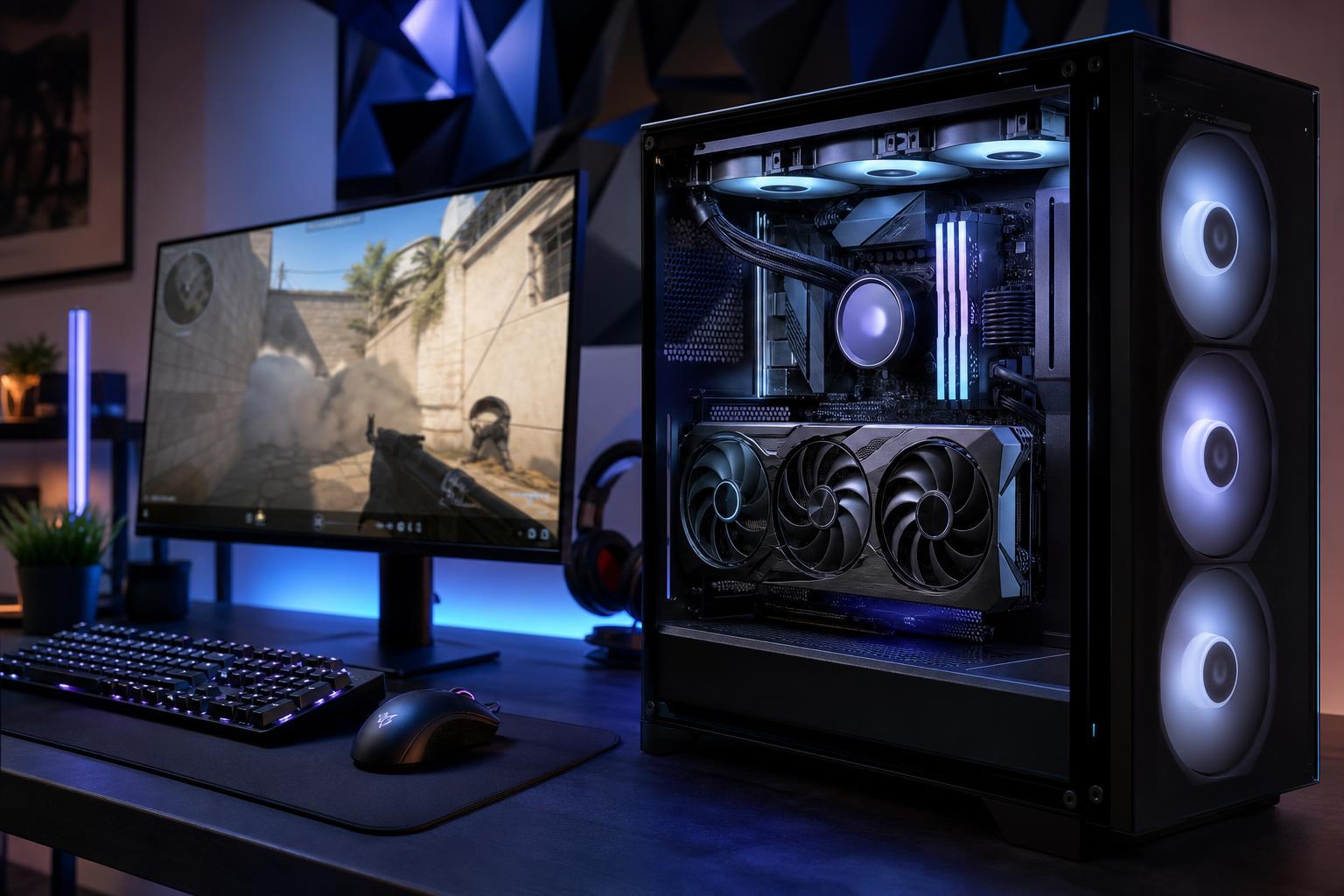
A 240Hz monitor can make fast games feel noticeably smoother and more responsive, but only when the PC can deliver high, consistent frame rates. That last part matters. Seeing 240 FPS in an empty practice range is not the same as holding a stable frame rate during a crowded match, a smoke-filled fight, or a busy multiplayer objective.
The best gaming PC for 240Hz gaming is usually not the most expensive PC available. It is a balanced system built around the games you play, your monitor resolution, and the frame-rate consistency you expect. For competitive esports at 1080p, CPU performance is often the priority. For 1440p at 240Hz, the graphics card becomes far more important. Buy for the workload you actually have, not the largest number printed on a component box.
“240Hz gaming” covers very different hardware requirements. A system that plays Valorant at 300 FPS is not automatically capable of running a demanding new single-player game at 240 FPS with maximum settings.
For games such as Valorant, Counter-Strike 2, Rocket League, Overwatch 2, Fortnite, Rainbow Six Siege, and similar esports titles, 1080p at 240Hz remains a sensible choice. It puts less pressure on the GPU and makes very high frame rates realistic without buying an extreme graphics card.
At this resolution, a fast gaming CPU is often the deciding factor. These games can become CPU-limited, particularly at competitive settings where visual effects and resolution are turned down to prioritize speed and clarity. A powerful GPU still helps, but pairing a top-tier graphics card with a modest CPU can leave frame rates lower and less stable than expected.
A 1440p 240Hz monitor offers a sharper image than 1080p while retaining excellent motion clarity. It is an outstanding option for someone who plays competitive games but also wants their PC to look good in larger, more cinematic titles.
The trade-off is cost. Moving from 1080p to 1440p means rendering substantially more pixels every frame. For a 1440p 240Hz gaming PC, budget for a strong upper-midrange or high-end GPU along with a fast CPU. This is where a well-configured custom gaming PC earns its keep: neither the processor nor graphics card should be the obvious weak link.
4K at 240Hz is impressive, but it is not a realistic native-resolution, maximum-settings target for every modern game. Even a high-end gaming PC will need sensible settings choices in demanding titles. Upscaling technologies and frame generation can improve perceived smoothness, but they are not a substitute for strong base performance in competitive games where low latency is the goal.
For 4K 240Hz, expect to reach 240 FPS most often in lighter esports games, older titles, and games where you reduce settings. In graphically demanding new releases, 100 to 160 FPS can still feel excellent on a 240Hz variable-refresh-rate display.
There is no single parts list that suits every buyer, but the following configuration targets are practical starting points.
For high-FPS gaming, look for a current-generation midrange-to-high-end desktop CPU with strong single-core performance and enough cores for background tasks. Six modern performance-oriented cores can still play many games well, but an eight-core-class processor is a more comfortable choice for a new premium build, especially if you stream, record gameplay, run Discord, keep browser tabs open, or play CPU-heavy multiplayer titles.
Cache-heavy gaming CPUs can also perform exceptionally well in games that are sensitive to memory latency and simulation workload. They are often worth considering for buyers focused on high-refresh-rate gaming, though they are not automatically the right choice for every mixed gaming and productivity build.
For a dedicated 240Hz machine, do not overspend on a workstation-style processor with a huge core count. More cores do not necessarily produce more frames. A faster gaming-focused CPU, paired with the right GPU, is normally the better use of the budget.
VRAM capacity matters more as resolution, texture quality, ray tracing, and game complexity increase. A card that is fast enough on paper can still suffer stutters or require texture compromises if it runs short of video memory. For a premium 1440p or 4K gaming computer intended to last several years, avoid treating VRAM as an afterthought.
For a new high-FPS gaming PC, we recommend 32GB of DDR5 memory in a matched two-stick kit. It gives modern games, launchers, voice chat, browsers, and capture software room to breathe. It also avoids the frustrating situation where an otherwise capable system starts stuttering because memory is full.
Speed and memory settings matter, but capacity and stability come first. Very aggressive memory overclocks can produce benchmark gains while introducing crashes that only appear after hours of play. A properly tested, stable kit at an appropriate speed for the platform is the grown-up choice.
A 1TB NVMe SSD is workable, but 2TB is the better starting point for many buyers. Current game installations are large, and leaving some free space helps avoid constant uninstall-and-reinstall housekeeping. A fast PCIe Gen 4 NVMe drive provides excellent real-world game load times; spending heavily on the fastest available drive usually has a smaller gaming benefit than moving up a GPU tier.
A benchmark average can hide the experience that actually matters. A PC averaging 250 FPS but frequently dropping to 130 FPS can feel less consistent than one capped steadily near 220 FPS. Those drops are often called poor “one percent lows,” and they can come from a CPU limitation, insufficient RAM, a background process, shader compilation, overheating, or a game engine problem.
For competitive gaming, build with some performance headroom. If your real target is a stable 240 FPS, do not choose parts that only reach 240 FPS under ideal conditions. Lower a few settings that have a large performance cost and little competitive value, then use an in-game frame cap where appropriate. Consistent delivery usually feels better than wild swings between very high and merely good frame rates.
High-FPS gaming keeps the CPU and GPU busy for long sessions. Good cooling is about more than component temperatures. It helps the system sustain boost clocks without becoming distractingly loud. A sensible air cooler or quality liquid cooler, a well-ventilated case, and correctly placed case fans are worth paying for in a high-end gaming computer.
Use a reputable power supply with adequate capacity, the correct modern GPU power connections, and room for transient power spikes. This is not where to chase the lowest possible price. A quality power supply supports system stability and makes future GPU upgrades less complicated.
Finally, use wired Ethernet when practical. A fast PC cannot correct for unstable Wi-Fi, network congestion, or a distant game server. Wi-Fi can work well with a good adapter and router, but a wired connection remains the simplest way to remove one variable from online competitive play.
For most players, 240Hz is the practical high-performance target. It offers a major improvement over 60Hz and a meaningful step up from 144Hz or 165Hz, without demanding the extreme and game-specific frame rates of 360Hz or 500Hz.
A 360Hz or higher display makes the most sense for players who focus heavily on a few lightweight competitive games and are willing to optimize settings around maximum frame rate. For everyone else, a quality 1440p 240Hz monitor paired with a balanced custom-built gaming PC is often the better long-term experience.
The best gaming PC for 240Hz gaming is designed around a clear goal: the games you play, the resolution you use, and the settings you are willing to run. A competitive 1080p build should emphasize CPU speed and dependable frame times. A 1440p 240Hz system needs a more substantial GPU investment. A 4K 240Hz setup should be built with realistic expectations and enough performance headroom to make a premium display worthwhile.
Overclock Computers can help you translate your monitor choice, favorite games, and budget into a properly balanced custom gaming PC. Contact our team to discuss a configuration built for the frame rates you actually want, without paying for hardware that will not improve your experience.