Best Gaming PC for 4K Gaming in 2026: Specs That Make Sense

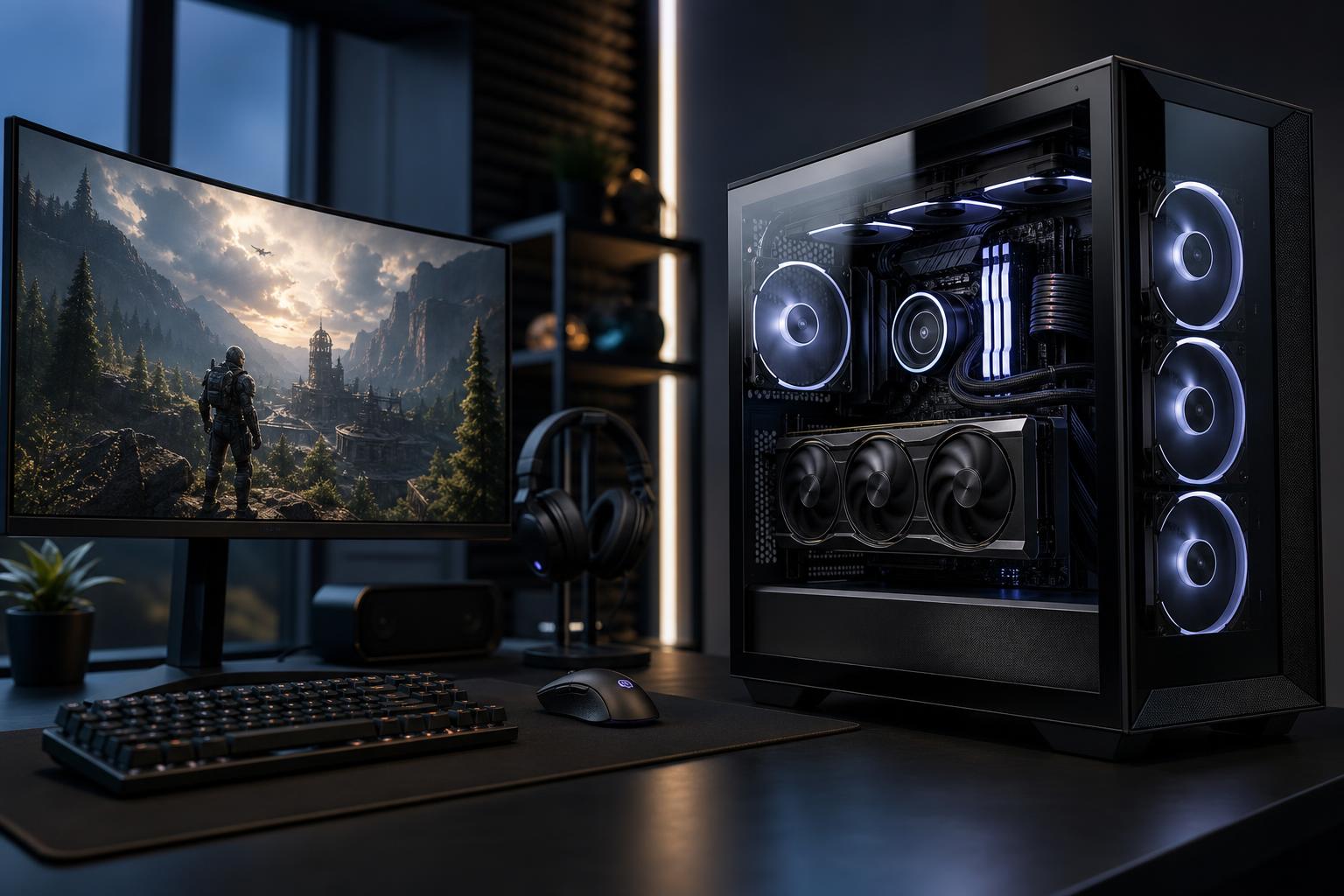
A 4K gaming PC should be built around one goal: giving the graphics card enough performance, memory, cooling, and power to drive nearly 8.3 million pixels per frame. That is four times as many pixels as 1080p and more than twice as many as 1440p. At this resolution, the GPU does most of the heavy lifting.
That simplifies some buying decisions, but it also makes a poorly balanced system easier to spot. A flashy case, a huge CPU, and lots of RGB do not compensate for a graphics card that cannot meet your target frame rate. For most buyers looking for the best gaming PC for 4K gaming in 2026, the right approach is to spend heavily on the GPU, pair it with a sensible modern CPU, and avoid cutting corners on the parts that keep the machine quiet and reliable.
“4K gaming” can mean very different things. A story-driven game at 60 frames per second with high settings has a much lower hardware requirement than a competitive game at 4K and 144Hz. Before choosing components, decide which experience you are buying.
Do not judge a system only by an “up to 4K” label. Nearly any modern gaming PC can technically output a 4K signal. The important questions are which games you play, which settings you expect to use, and what frame rate feels good on your monitor.
At 4K, put the largest share of your budget into the graphics card. In many well-designed 4K systems, the GPU will account for roughly half the core component budget. That is normal, not a design flaw.
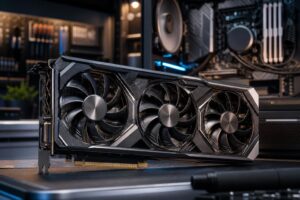
Look for a current high-end GPU with enough raw raster performance for your games and a healthy amount of VRAM. Newer games can use substantial video memory at 4K, particularly with high-resolution textures, ray tracing, or mods. A card with 16GB of VRAM is a practical starting point for a new premium 4K-focused build. More can be worthwhile for the most demanding games, extensive texture mods, and buyers who intend to keep the same GPU for several years.
GPU choice also determines which features you will use. NVIDIA RTX cards are often attractive for buyers who prioritize strong ray tracing performance and broad DLSS support. AMD Radeon cards can offer very compelling traditional, non-ray-traced performance and VRAM at certain price points. Neither badge alone makes a gaming PC better. Compare performance in the games and settings you actually care about.
Modern upscaling is one of the most useful tools in 4K gaming. Rather than rendering every pixel at native 4K, the game renders at a lower internal resolution and reconstructs the image. Quality modes can look very close to native resolution on a good 4K display while providing a meaningful frame-rate increase.
Frame generation can raise displayed frame rates further, but it is not a substitute for solid base performance. It works best when the game is already running smoothly and responsively. For a fast competitive shooter, prioritize native responsiveness and consistent frame times. For a cinematic single-player game, frame generation can be an excellent option.
4K gaming is usually GPU-limited, so spending a huge premium on the very fastest gaming CPU often produces smaller gains than putting that money toward a better graphics card. A current mid-to-high-tier CPU with strong gaming performance is the right match for most 4K builds.
For a dedicated gaming machine, a modern 8-core-class processor or a current gaming-focused processor with strong per-core performance is an excellent target. Six capable modern cores can still work well, but an 8-core option gives a premium build more breathing room for background tasks, game updates, voice chat, browser windows, and future titles.
Spend more on the CPU when you also stream using CPU encoding, compile code, edit video, run virtual machines, or play simulation-heavy games. Flight simulators, strategy games, city builders, and large multiplayer environments can lean harder on the processor than a typical action game.
A high-end gaming PC is only as pleasant to own as its supporting hardware allows. This is where many mass-market systems look good on a spec sheet but become noisy, cramped, or difficult to upgrade later.
For a new 4K gaming computer, 32GB of DDR5 memory is the practical recommendation. It is enough for modern games and normal multitasking without paying for capacity you may never use. Move to 64GB if you regularly keep demanding creative applications open, use large mod lists, host game servers, or want extra headroom for work alongside gaming.
A 1TB NVMe SSD fills quickly once several large games are installed. For most premium gaming PCs, a 2TB NVMe SSD is a much more comfortable starting point. Game load times will be excellent on a quality PCIe Gen 4 drive; an expensive Gen 5 drive rarely makes a noticeable difference in actual gameplay. Capacity, proven reliability, and the option to add another drive matter more.
High-end GPUs and CPUs produce real heat. A case with unrestricted front or side intake, quality fans, and a correctly sized CPU cooler helps the system sustain performance without sounding like a small vacuum cleaner.
An air cooler is enough for many gaming CPUs and is simple, reliable, and easy to service. A quality liquid AIO can make sense for hotter processors, tighter builds, or buyers who want lower noise under sustained loads. The important part is not the cooler’s appearance; it is matching the cooling solution and airflow plan to the hardware inside.
Do not treat the power supply as an afterthought. A reputable, appropriately sized unit with modern GPU power support helps the system handle brief power spikes reliably and keeps cable routing cleaner. For a high-end 4K build, the exact wattage depends on the GPU and CPU, but buying the bare minimum is false economy. A quality unit with reasonable headroom is quieter, more durable, and gives you better future upgrade options.
A good 4K gaming PC is usually a premium purchase because the GPU is expensive. As a broad guide, around $2,000 can buy a capable entry point for 4K when you are comfortable adjusting settings and using quality upscaling. Around $2,500 to $3,500 is often where buyers find the strongest balance of high settings, high refresh rates, and component quality. Beyond that, returns diminish quickly unless you specifically want maximum ray tracing performance, 4K at very high refresh rates, or a system that also handles demanding production work.
Prices and component availability move around, so use these ranges as planning tools rather than fixed rules. If two systems cost the same, favor the one with the stronger GPU, 32GB of RAM, a 2TB SSD, quality cooling, and a reputable power supply over one with a more extravagant CPU or decorative extras.
The best gaming PC for 4K gaming is not automatically the one with every top-tier component. It is the one that meets your frame-rate target in your favorite games, fits the monitor you own or plan to buy, stays cool under load, and leaves a sensible path for future upgrades.
At Overclock Computers, we build custom gaming PCs around the games, display, performance target, and budget that matter to you. If you are planning a 4K setup and want help choosing a balanced configuration, contact our team to discuss the hardware that makes sense for your system.