Best PC for Photogrammetry in 2026: Workstation Specs That Make Sense

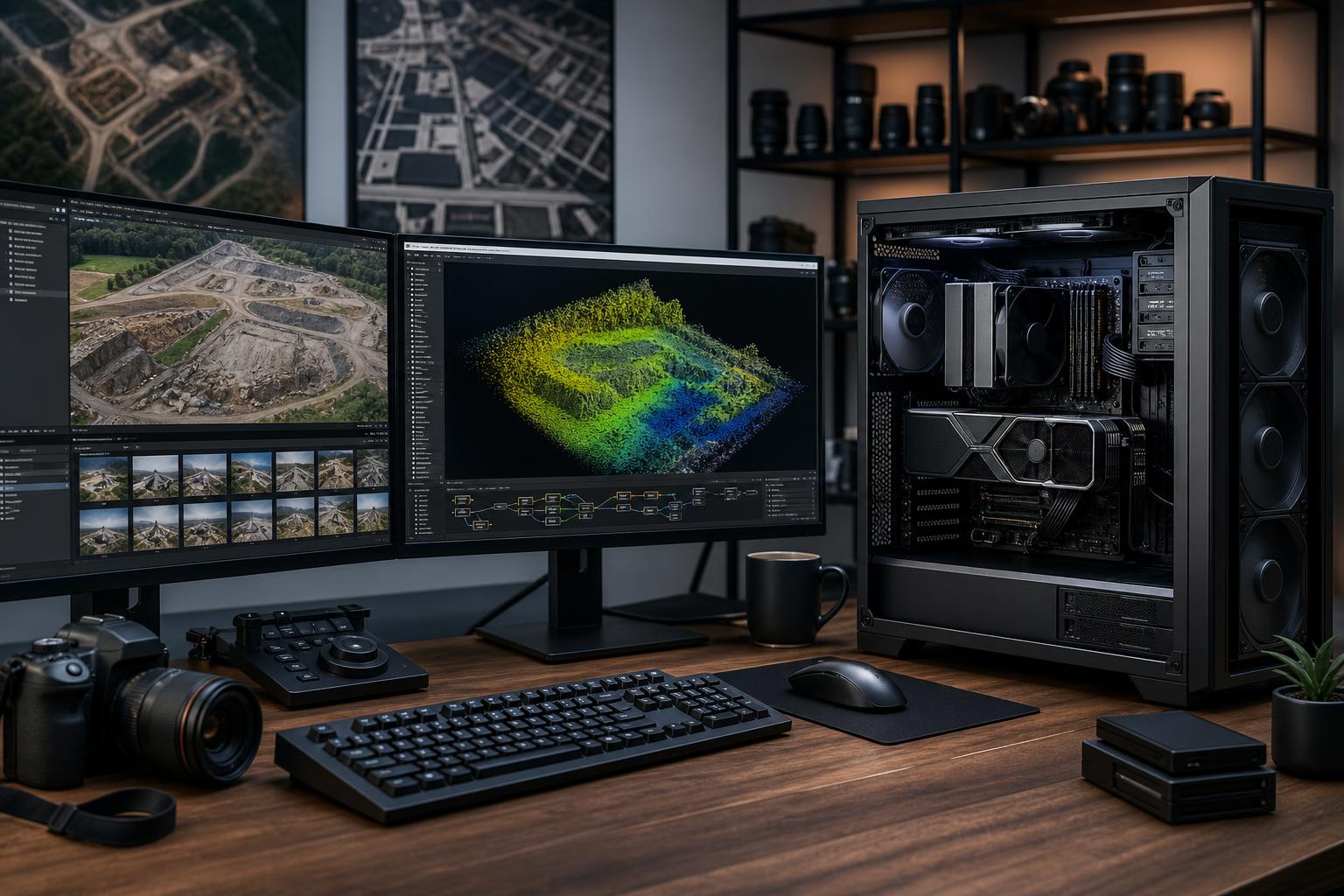
The short answer: for most serious photogrammetry work, buy a workstation with a modern high-performance CPU, an NVIDIA GPU with enough VRAM for your expected project size, 64GB to 128GB of RAM, and multiple NVMe SSDs. Spend first on RAM capacity, GPU VRAM, fast working storage, and cooling that can sustain long processing jobs. A flashy gaming-oriented parts list is not automatically a good photogrammetry workstation.
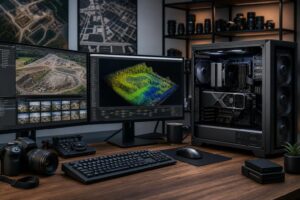
Photogrammetry turns overlapping photographs into point clouds, meshes, orthomosaics, and textured 3D models. It can be demanding in several different ways: image alignment may lean heavily on the CPU, depth-map generation and reconstruction can benefit from GPU acceleration, and large image sets consume substantial memory and storage. The best PC for photogrammetry is therefore a balanced machine, not simply the one with the most expensive graphics card.
For a professional starting point, we recommend a workstation with a strong mainstream desktop CPU, an NVIDIA GPU with at least 16GB of VRAM, 64GB of system memory, a 2TB NVMe project drive, and separate storage for source images and archives. That configuration suits many drone mapping, building documentation, inspection, land-survey support, and small-to-medium reality-capture projects.
Move to 128GB of RAM and a GPU with 24GB or more of VRAM when you routinely process large image collections, high-resolution camera files, extensive aerial surveys, or detailed architectural and industrial captures. If your projects are truly large, the storage plan and memory capacity often matter more than chasing a small CPU clock-speed advantage.
This is the right starting point for smaller commercial jobs, occasional drone captures, and users who need a system that also handles CAD, office work, and general creative tasks. Do not drop to 32GB merely to afford a slightly faster GPU. Once a large project forces the system to lean on disk-based virtual memory, the whole workflow becomes less pleasant.
For many firms, this is the best workstation for photogrammetry. It has enough memory headroom for serious jobs, enough fast local storage to avoid constantly shuffling files, and a GPU capable of working with more demanding datasets. It also leaves room for applications such as CAD, GIS, video editing, or rendering without making the system feel compromised.
This tier makes sense when processing time affects billable work, when projects regularly include thousands of high-resolution images, or when the workstation has to serve several roles. The goal is not bragging rights. It is reducing avoidable wait time and preventing a project from hitting a memory, VRAM, or disk-capacity wall halfway through a deadline.
Many photogrammetry applications use GPU acceleration for parts of reconstruction, depth-map generation, mesh creation, or image processing. In practical terms, a stronger compatible GPU can reduce processing time, but VRAM capacity determines which workloads fit comfortably on the card. A fast GPU with too little VRAM can become a frustrating limitation on larger projects.
NVIDIA GPUs are commonly the safe recommendation because GPU-accelerated professional software often has well-established support for NVIDIA compute technologies. That does not mean every AMD GPU is a poor choice, or that every stage in every application uses the GPU equally. Before buying, confirm your specific software version’s current hardware support and check whether it favors CUDA, OpenCL, DirectX, or another acceleration path.
For occasional smaller reconstructions, 12GB to 16GB of VRAM can be workable. For frequent professional work, 16GB to 24GB is a more comfortable target. Above that, pay for additional VRAM when your projects require it, not because a bigger number looks impressive on a parts list.
Photogrammetry is not a pure GPU workload. Image loading, feature detection, alignment, optimization, exporting, compression, and other tasks may use the CPU heavily. A current CPU with strong per-core performance and a healthy number of cores is usually the best fit.
For most users, a quality 12- or 16-core desktop CPU is a better balance than a lower-clocked many-core workstation processor. Move to a higher-core-count platform when you process large jobs continuously, run multiple CPU-heavy applications at once, or need more memory capacity, PCIe expansion, and storage than mainstream platforms comfortably offer.
Be cautious with the idea that “more cores always wins.” Some workflow stages do not scale perfectly across huge core counts. A balanced CPU, plenty of RAM, and fast project storage will often deliver a better day-to-day experience than putting the entire budget into cores.
Photogrammetry can hold a remarkable amount of data in memory: source images, image pyramids, point data, depth information, application caches, and the operating system all compete for space. When available RAM runs short, Windows starts moving data to the SSD. Even with a fast NVMe drive, that is far slower than keeping the working set in memory.
Memory speed can help in some workloads, but capacity comes first. It is better to have stable 128GB memory running at sensible settings than 64GB of aggressively tuned memory that leaves no room for a growing project.
Aerial imagery and high-resolution camera files fill drives quickly. Reconstruction software may also create substantial cache and intermediate data. One crowded SSD handling Windows, source files, temporary processing data, exports, and backups is a recipe for poor organization and inconvenient slowdowns.
A practical layout uses separate locations for different jobs:
Fast storage improves responsiveness and file handling, but it is not a substitute for backups. Original image captures are often the irreplaceable part of a project. Keep at least one separate copy before clearing an active-project drive.
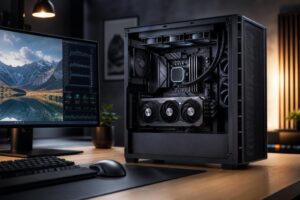
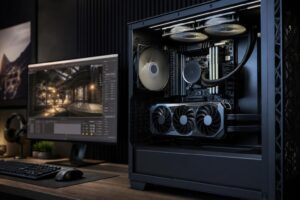
Photogrammetry processing can keep the CPU and GPU busy for hours. Inadequate cooling may cause components to reduce speed to control temperature, while cheap power supplies are an unnecessary risk in a system with expensive hardware running sustained loads.
Choose a well-ventilated case, a capable CPU cooler, and a quality power supply sized for the actual CPU and GPU combination with reasonable headroom. A sensible motherboard matters too: prioritize stable power delivery, enough M.2 slots, sufficient USB connectivity, and expansion options. You usually do not need the most expensive board on the shelf.
If you move large datasets to a server or NAS, fast wired networking can be a meaningful upgrade. A 10GbE connection is especially useful when network storage is part of the daily workflow. Wi-Fi is convenient, but it is not the first choice for transferring project files that may span hundreds of gigabytes.
Mass-market desktops often advertise the CPU and GPU but say little about the power supply, cooler, storage layout, motherboard expansion, or memory capacity. Those details matter more in a sustained professional workflow than they do in a quick retail comparison.
A properly designed custom workstation lets you direct the budget toward the parts that serve your actual captures and software. A surveyor processing large drone jobs may need 128GB of RAM and more local storage. A 3D visualization team may place greater value on GPU capability. An office running several smaller jobs may benefit most from a reliable, expandable performance-tier system rather than an extreme workstation platform.
Overclock Computers can help design a photogrammetry workstation around your software, typical image count and resolution, storage workflow, budget, and future expansion plans. Bring the details of a representative project, and we can help translate them into a balanced system that is built for the work you actually do.