Best PC for Microsoft Flight Simulator in 2026: Specs That Make Sense

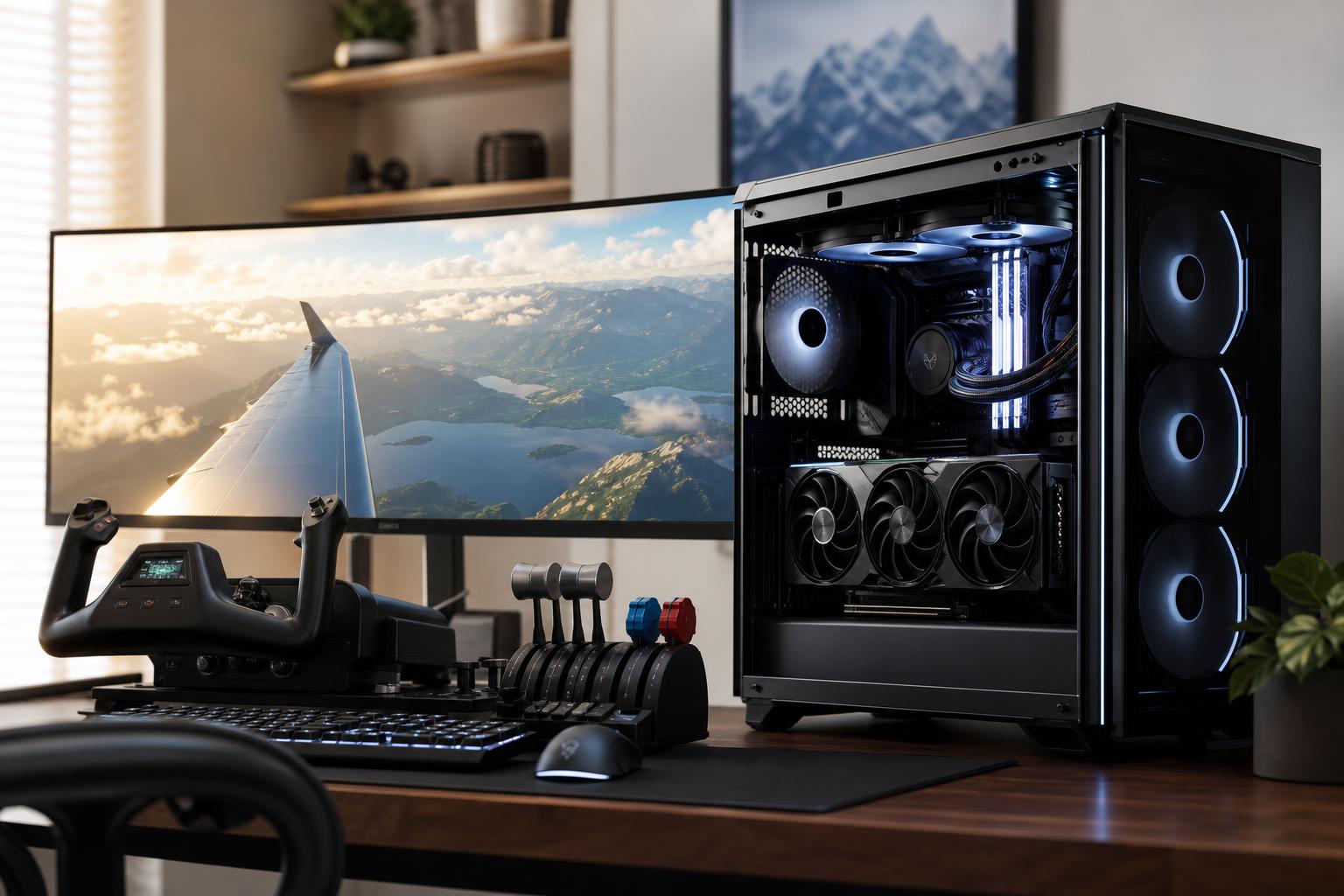
Microsoft Flight Simulator is one of the more demanding games you can build a PC around. It combines detailed scenery, live data, large airports, complex aircraft systems, AI traffic, weather effects, and long draw distances. That means a graphics card matters, but it is not the whole story.
For most buyers, the best PC for Microsoft Flight Simulator is a balanced performance system with a modern high-performance gaming CPU, a strong upper-midrange or high-end GPU, 32GB of RAM, and at least a 2TB NVMe SSD. Move to 64GB of RAM and a higher-tier GPU if you fly with substantial add-ons, use virtual reality, target 4K, or want more headroom over several years.
Do not build this machine around an expensive CPU and a modest graphics card, or the other way around. Flight Simulator can expose either weak point depending on where and how you fly.
This is the right starting point for a buyer who wants an excellent simulator experience without chasing every last frame. Spend enough on the GPU to avoid compromising visual settings, but do not cut the CPU too far. Busy airports and complex airliners can make a budget CPU feel older than it is.
For many serious sim pilots, this is the best place to spend. A good 1440p monitor paired with this level of PC delivers sharp scenery and smooth camera movement without the cost of a no-compromise 4K or VR system.
This tier makes sense if Flight Simulator is a primary hobby, not an occasional game. It is also appropriate for pilots using multiple monitors, motion peripherals, virtual reality, or large amounts of third-party scenery. The hardware still cannot guarantee a perfectly locked frame rate in every airport, aircraft, and weather condition. Simulation software is simply harder to predict than a typical action game.
In many games, the GPU does most of the heavy lifting once visual quality is turned up. Microsoft Flight Simulator also places a major load on the CPU. The processor has to manage aircraft systems, terrain and object data, traffic, physics-related tasks, and the instructions that tell the GPU what to render.
This becomes most obvious on the ground at a detailed airport, in a complex airliner cockpit, or when flying low over a dense city. You may have a powerful graphics card and still see lower frame rates because the CPU is preparing the next frame.
For that reason, prioritize a current gaming CPU with excellent per-core performance. More cores are useful for background tasks, streaming, and other programs, but a 16-core workstation processor is not automatically better for the simulator than a faster gaming-oriented chip. Buy extra CPU cores when you also render video, compile large software projects, or run other heavily multithreaded work. For a dedicated flight sim PC, gaming performance comes first.
The GPU determines much of the visual experience: resolution, clouds, shadows, anti-aliasing, terrain detail, render scaling, and ray-traced effects where supported. It becomes increasingly important as you move from 1080p to 1440p, 4K, ultrawide, multiple displays, or VR.
VRAM is the graphics card’s dedicated memory. Flight Simulator benefits from having enough of it because high-resolution textures, detailed airports, cockpit displays, and scenery all consume memory. A card with limited VRAM may require more conservative texture settings and can be less comfortable with add-on-heavy installations.
For a new simulator-focused system, 12GB is a sensible practical floor. We prefer 16GB or more for a 1440p system intended to last, and for 4K or VR we would strongly favor a high-end card with substantial VRAM. More VRAM does not fix a CPU limitation, but insufficient VRAM can lead to avoidable compromises in a visually demanding simulator.
Buy 32GB as the minimum for a new Flight Simulator PC. It is enough for many users and a major improvement over 16GB once Windows, the simulator, browser-based charts, voice applications, and basic add-ons are running together.
Choose 64GB if you are serious about add-ons. Detailed aircraft, photogrammetry scenery, airport packages, traffic tools, external maps, streaming software, and background applications can add up. It is also the sensible choice for VR, multi-monitor setups, and anyone who dislikes closing everything before a flight.
Memory speed and timings matter somewhat, but capacity matters more here. We would rather build with a stable, well-matched 64GB DDR5 kit than pay heavily for a small amount of ultra-fast memory.
Flight Simulator installations grow quickly. The base installation is only the start; world updates, aircraft, airport packages, liveries, cache files, screenshots, and other games soon make a 1TB drive feel cramped.
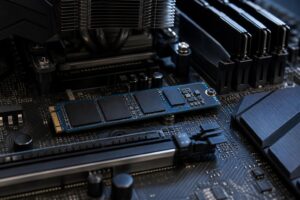
A 2TB NVMe SSD is the sensible minimum for most new builds. Choose 4TB if Flight Simulator is one of several large games or if you expect a sizeable add-on library. Fast NVMe storage helps loading and general system responsiveness, but you do not need the most expensive PCIe 5.0 drive solely for the simulator. A quality PCIe 4.0 NVMe SSD offers excellent real-world results and often leaves more budget for the CPU or GPU.
If you use photogrammetry and download large scenery packages, a second SSD can be a tidy solution. Keep Windows and core applications on one drive, then use another for games and simulator content. It is not required, but it makes capacity management easier.
Your display target should shape the build before you select parts. A GPU that is excellent at 1440p may not deliver the same experience at 4K, while a powerful 4K-focused GPU is wasted on a basic 1080p monitor unless you plan to upgrade soon.
A simulator build benefits from quality supporting components, but there are sensible limits.
Flight Simulator can keep a PC busy for hours at a time. That is why a well-ventilated case, appropriate CPU cooler, and reputable power supply matter. These parts may not appear in a frame-rate chart, but they affect noise, stability, temperatures, and the ability to install a future graphics card.
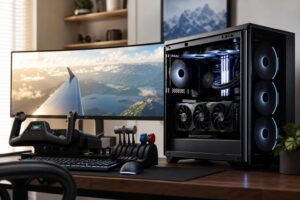
Look for a case with real front intake airflow rather than a sealed glass box, a cooler sized for sustained CPU loads, and a power supply selected for the actual graphics card with reasonable headroom. Also consider front or rear USB ports for yokes, throttles, pedals, head tracking, VR equipment, and external storage. Flight sim desks collect peripherals quickly; plan for them from the start.
The best PC for Microsoft Flight Simulator is not necessarily the most expensive one. A 1440p pilot flying general aviation over rural areas needs far less hardware than a VR user operating a detailed airliner into major international airports with live traffic and a folder full of scenery add-ons.
At Overclock Computers, we can design a custom gaming PC around the simulator version you use, your monitor or VR headset, preferred aircraft, add-ons, other games, budget, and upgrade plans. Bring us the way you actually fly, and we will help you put the money into the components that will make a difference.