Best Gaming PC for Streaming in 2026: Specs That Make Sense

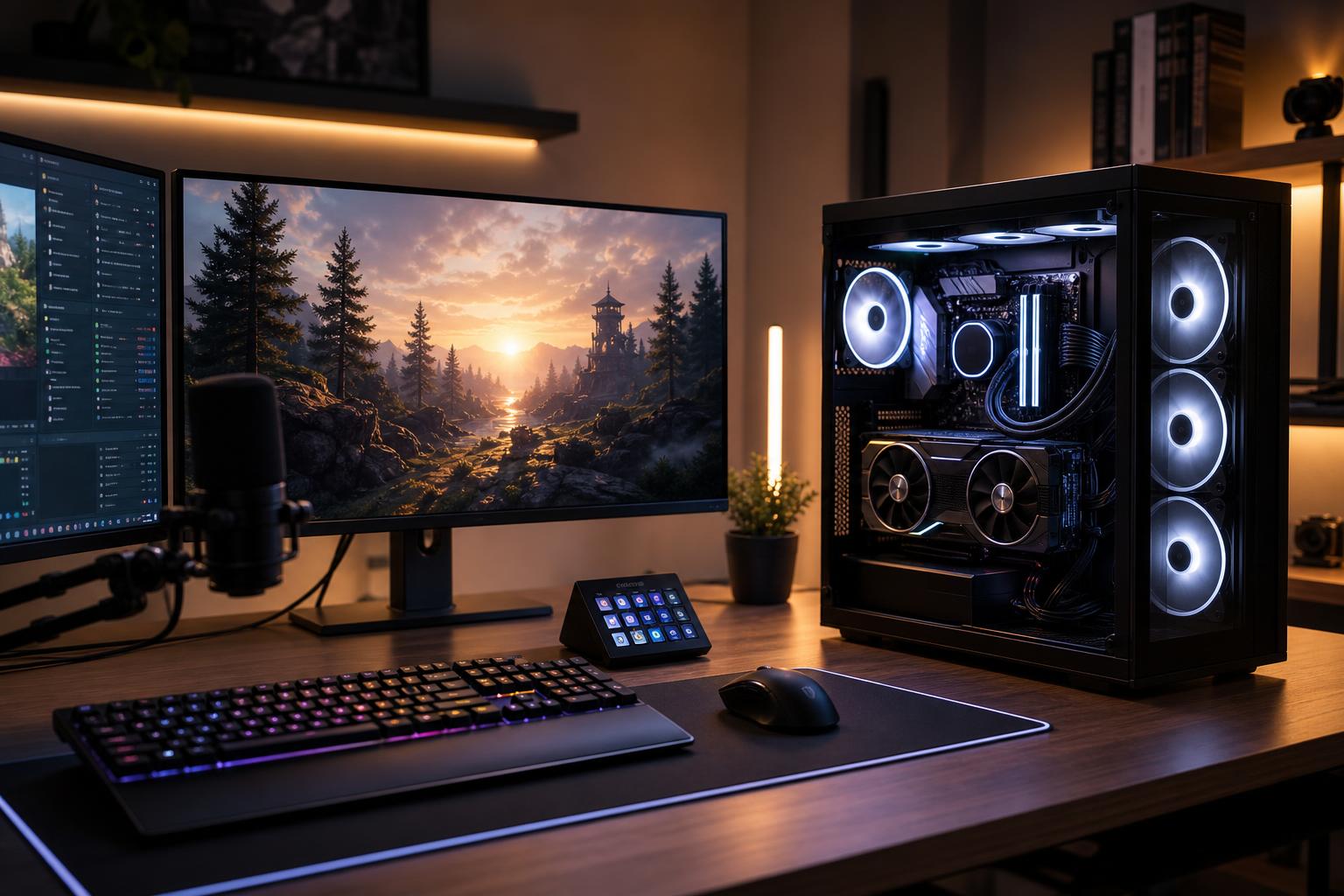
A good streaming PC should let you play comfortably, maintain a clean and stable broadcast, and keep everyday background tasks from turning the experience into a stuttering mess. For most people, that does not mean buying the most expensive CPU available or building a separate streaming computer.
The practical recommendation is simple: start with a modern midrange-to-high-end graphics card with a capable hardware encoder, pair it with a fast mainstream CPU, use 32GB of RAM, and install at least 2TB of NVMe storage. Put more of the budget toward the GPU if gaming quality is your priority. Spend more on CPU cores and RAM only when your stream is part of a heavier production workflow.
This tier suits players streaming esports titles, indie games, older games, or mainstream titles at 1080p. It is also a sensible starting point for someone who streams a few times a week rather than running a full production setup.
This is the right place to spend carefully. A lower-cost GPU may still stream well, but it can force you to reduce game settings or rely more heavily on upscaling in demanding new releases. That is fine if your monitor is 1080p and your expectations are realistic.
This is the sweet spot for most buyers who want to game and stream from one PC at 1440p, play newer AAA titles, use a high-refresh monitor, or add a webcam, alerts, browser sources, voice chat, and recording without constantly managing resource use.
For many people researching the best gaming PC for streaming in 2026, this is the configuration class to target. It provides a noticeable step up in game performance while keeping the system responsive when OBS, Discord, a capture source, and a browser full of stream tools are open.
Spend at this level if you want high-settings 4K gaming, demanding ray-traced games, regular 4K video production, serious local recording, complex scenes, or a system that also earns its keep as a creative workstation.
This tier is excellent when the PC is both your gaming system and your production workstation. It is overkill for a player who only wants to stream competitive games at 1080p. There is no prize for buying CPU cores that sit idle.
In a modern single-PC setup, the graphics card usually does two jobs: it renders the game and handles video encoding through dedicated hardware. Hardware encoding is the reason streaming and gaming on one computer is far more practical than it was years ago. Rather than asking the CPU to compress every video frame, the system can use the GPU’s dedicated encoder for the stream.
This means the GPU deserves the largest share of the budget for most gaming-focused streamers. A stronger graphics card improves the game experience directly, especially at 1440p and 4K. It also gives you more room for higher settings, ray tracing, and demanding titles while the stream is running.
When comparing graphics cards, do not look only at average frame rates. Consider the amount of VRAM, the quality and format support of the card’s encoder, the display outputs you need, and how well the card fits the games you actually play. VRAM becomes more valuable at higher resolutions, with high texture settings, heavy mods, ray tracing, and multi-monitor use.
A fast modern 6-core CPU can handle a straightforward 1080p stream when the GPU is doing the encoding. An 8-core CPU is a better long-term choice for many new streaming PCs because it leaves useful breathing room for game updates, background tasks, chat tools, music, alerts, and occasional editing.
Moving to a much larger CPU makes sense in specific cases: you use CPU-based encoding by choice, stream simulation or strategy games that are already CPU-heavy, edit substantial video projects, compile code, render 3D work, or run multiple production applications at once.
Do not overspend on CPU power while settling for a weak graphics card. A very expensive processor cannot make up for a GPU that cannot deliver the resolution, settings, and frame rate you want in your games.
Most new streamers should begin with the hardware encoder available on their graphics card. It keeps CPU load under control and delivers a reliable stream with sensible OBS settings. You can experiment with CPU encoding later, but it should not dictate the entire computer purchase unless you have a clear reason to use it.
Your internet connection still matters. A powerful PC cannot compensate for an unstable upload connection. Use wired Ethernet where possible, test your real upload consistency, and choose stream settings that fit the platform’s current bitrate guidance. A stable, properly configured 1080p stream is better than an unstable stream chasing a larger resolution.
Streaming software alone does not require huge amounts of memory. The problem is everything around it: the game, browser sources, chat, Discord, music, capture utilities, background launchers, and sometimes a second display full of control panels. With a new streaming PC, 32GB avoids unnecessary memory pressure and is usually the best value.
Choose 64GB if you record while streaming, edit video often, use large mod packs, work with Adobe applications or DaVinci Resolve, or simply keep many demanding programs open. For a gaming-and-streaming-only system, more than 64GB rarely changes the experience.
Game libraries are large, but local recordings can fill a drive surprisingly quickly. A 2TB NVMe SSD is a practical starting point for a performance-tier system. If you record high-quality footage for later editing, a second internal SSD is worthwhile. Keeping recordings and editing caches away from the operating system drive helps organization and reduces competition for drive activity during long sessions.
You do not need the most expensive SSD on the shelf just for streaming. Capacity, reliability, and having enough separate storage matter more than chasing tiny differences in peak sequential speed.
Usually, no. A well-balanced modern single-PC setup is simpler, less expensive, easier to troubleshoot, and more than capable for most Twitch, YouTube, and live-production needs. Start there.
A dedicated second streaming PC becomes reasonable when you need isolation between gaming and production, use a capture card from a console or another computer, run unusually complex broadcasts, or cannot tolerate any performance compromise in a competitive environment. It also adds cables, audio-routing complexity, capture hardware, and another machine to maintain. It is a specialist solution, not a required rite of passage.
The right parts change with your target resolution, games, monitor refresh rate, editing habits, planned recording quality, and future upgrade plans. A competitive 1080p streamer has different needs from someone producing edited 4K gaming videos or broadcasting a demanding flight simulator at 1440p.
Overclock Computers can design a gaming and streaming PC around your budget, the games you play, your preferred platform, your recording workflow, and the peripherals you plan to use. The goal is a balanced, cleanly built system with the performance you will notice—not an expensive parts list padded with upgrades you do not need.