Best PC for Microsoft Flight Simulator: Specs That Make Sense in 2026

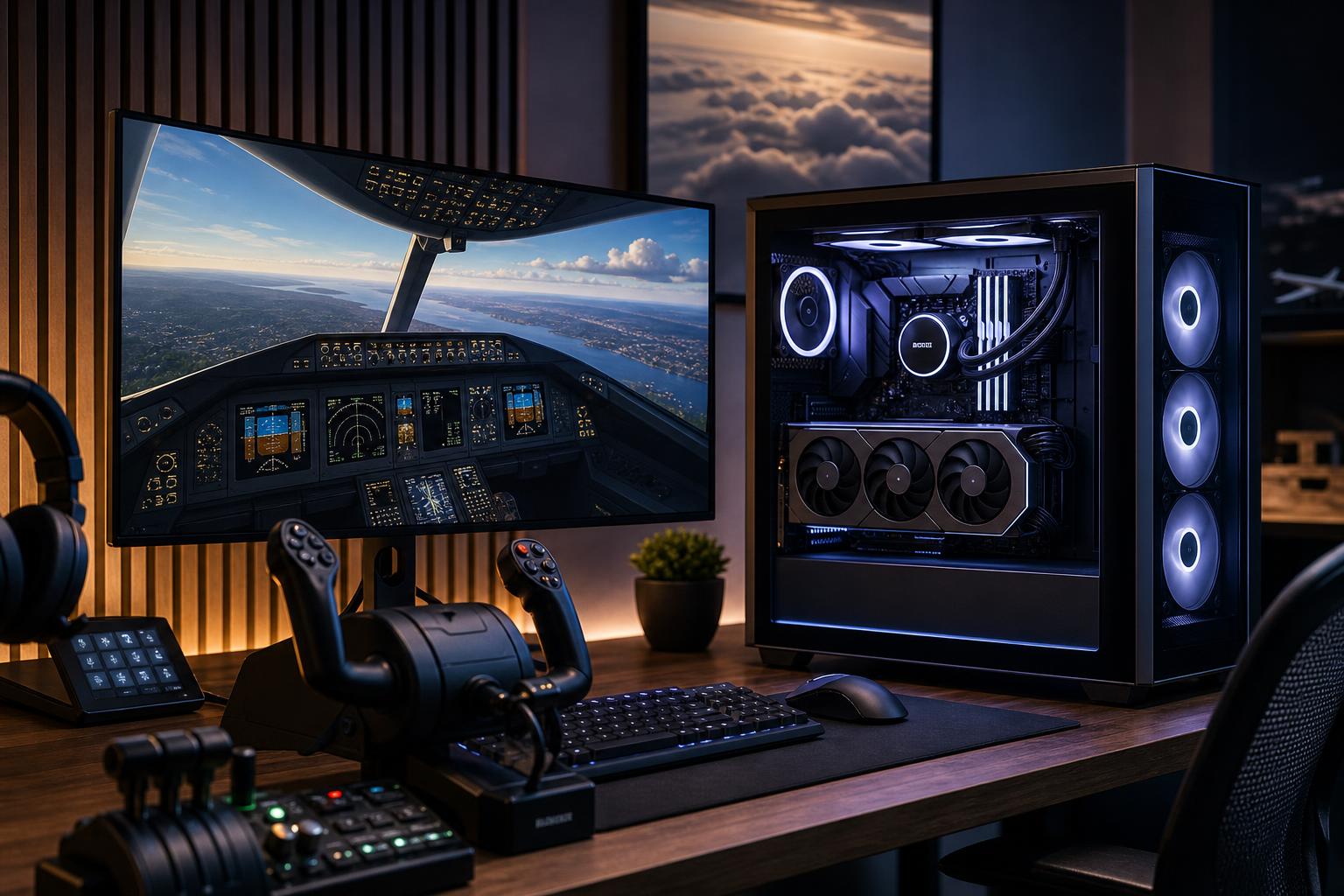
For most people buying a PC primarily for Microsoft Flight Simulator, the smart target is a balanced performance system: a high-performing modern gaming CPU, a graphics card with at least 16GB of VRAM, 32GB of RAM, and a 2TB NVMe SSD. That is the configuration range that makes the most sense for detailed 1440p flying, quality settings, live traffic, and popular aircraft or scenery add-ons.
If your goal is 4K, demanding airliners, large handcrafted airports, virtual reality, or a multi-monitor cockpit, step up to a faster GPU and 64GB of RAM. Flight Simulator can make even excellent hardware work for its lunch. It combines detailed terrain streaming, complex aircraft systems, dense scenery, weather, AI traffic, and a huge view distance. A PC that looks great in a conventional shooter is not automatically the best PC for Microsoft Flight Simulator.
The simulator settings menu matters, but so does your typical flight. A simple VFR trip over open countryside places very different demands on a PC than an airliner approach into a busy airport with live weather, traffic, detailed scenery, and several browser tabs open for charts.
Before choosing parts, decide on the monitor or headset you intend to use. Buying a modest GPU and later attaching a 4K display is a reliable way to turn a satisfying PC into a settings-compromise machine.
This tier suits pilots using one display who want an enjoyable simulator experience without chasing maximum settings in the busiest locations.
Spend carefully here. Do not trade 32GB of RAM or a 2TB drive for an expensive motherboard, decorative accessories, or a stronger CPU cooler than the processor needs. Flight Simulator installations, world updates, add-on airports, aircraft packages, and video captures consume storage surprisingly quickly.
This is our usual recommendation for someone building a dedicated, long-lived Flight Simulator PC. It makes room for high settings at 1440p, demanding aircraft, detailed scenery, and a better experience at busy airports.
For most buyers, this is where the money is best spent. It provides meaningful headroom without paying the steepest premium for the final slice of performance.
Choose this tier when you are running a high-resolution display, a demanding VR headset, multiple monitors, or a cockpit with numerous USB peripherals. It also makes sense for pilots who want high settings in difficult scenarios rather than only impressive screenshots over mountains.
This tier is not mandatory for everyone. If you fly on a 1440p monitor and are happy limiting a few settings around large airports, the performance tier is generally the better value.
The simulator benefits from strong CPU performance because it must prepare terrain, aircraft systems, traffic, and draw calls before the GPU can render the scene. Busy hubs and sophisticated airliners can become CPU-limited even when the graphics card is excellent.
That does not mean you need a workstation processor with an enormous core count. For a simulator-focused build, a fast modern gaming CPU is usually a better purchase than a many-core CPU designed around rendering. Spend on core count only if you also have genuinely CPU-heavy work such as video production, code compilation, or 3D rendering.
The GPU controls how comfortably you can run high resolutions, detailed clouds, high render scaling, and demanding graphics settings. At 4K and in VR, it becomes especially important.
VRAM deserves attention because high-resolution textures, detailed airports, photogrammetry areas, and add-ons can put real pressure on graphics memory. A 12GB card can be reasonable for a cost-conscious 1080p or 1440p build. For a new performance-oriented simulator PC, 16GB or more gives more breathing room and is the safer long-term choice. For 4K, VR, or a heavily modified simulator installation, prioritize the high-end GPU with the larger VRAM allocation rather than overspending on a CPU that will sit mostly underused.
We would not configure a new Flight Simulator PC with 16GB of system memory. It may run, but background programs, add-ons, terrain data, and complex flights leave too little margin. Thirty-two gigabytes is the sensible starting point.
Move to 64GB if you use many add-ons, fly complex aircraft into detailed airports, stream or record flights, run flight-planning tools alongside the simulator, or simply want fewer memory-related compromises. More than 64GB is rarely a simulator-only upgrade worth paying for.
An NVMe SSD improves loading and makes the whole system feel more responsive, but capacity is the bigger purchasing decision. A 1TB drive fills up fast once the operating system, simulator, updates, rolling cache, add-ons, and other games arrive. Start with 2TB. Choose 4TB if Flight Simulator will be a major hobby rather than one title among many.
A two-drive setup can also be practical: one SSD for Windows and everyday software, another for the simulator and add-on library. It is not required for performance, but it can make storage management and future expansion much easier.
Long flights are sustained workloads, not five-minute benchmark runs. Good case airflow and properly selected cooling help the CPU and GPU hold consistent performance without unnecessary fan noise. A premium-looking glass case with restricted intake is a poor trade for a simulator PC that may run for hours.
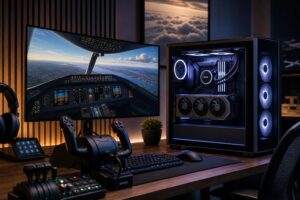
Count USB devices before choosing a motherboard. A yoke, throttle quadrant, pedals, radio panel, webcam, headset, mouse, keyboard, and external drive can exhaust ports faster than expected. Front-panel USB, rear I/O, and expansion options matter more here than RGB lighting or extreme overclocking features.
Reliable wired Ethernet is also preferable when possible. The simulator relies on online data for many features, and a stable network connection helps avoid a weak wireless link becoming the frustrating part of an otherwise excellent setup.
Flight Simulator performance changes dramatically by location, aircraft, weather, traffic, and add-ons. No responsible builder should promise one universal frame rate. Instead, build for stable, enjoyable performance in the situations you actually fly.
At crowded airports, CPU-heavy settings such as traffic density, terrain detail, and object detail may be more important than simply lowering GPU settings. At 4K or in VR, render resolution and GPU-focused settings matter more. Upscaling and frame-generation technologies can be useful tools on supported hardware, but they should complement a balanced system, not excuse an underpowered one.
A mass-market gaming PC can be a good deal when its parts happen to match your needs. The problem is that simulator buyers often need a less generic balance: more storage, additional USB connectivity, stronger cooling, more RAM, a higher-VRAM GPU, and a case with room for future drives or expansion.
Overclock Computers can configure a Flight Simulator PC around your display or headset, preferred aircraft, add-on plans, budget, peripherals, and upgrade goals. If you are deciding between 1440p and 4K, building a cockpit, or trying to avoid paying for parts that will not improve your flights, contact our team to plan a system that fits the way you actually fly.