Best PC for 4K Gaming in 2026: What Specs Do You Actually Need?

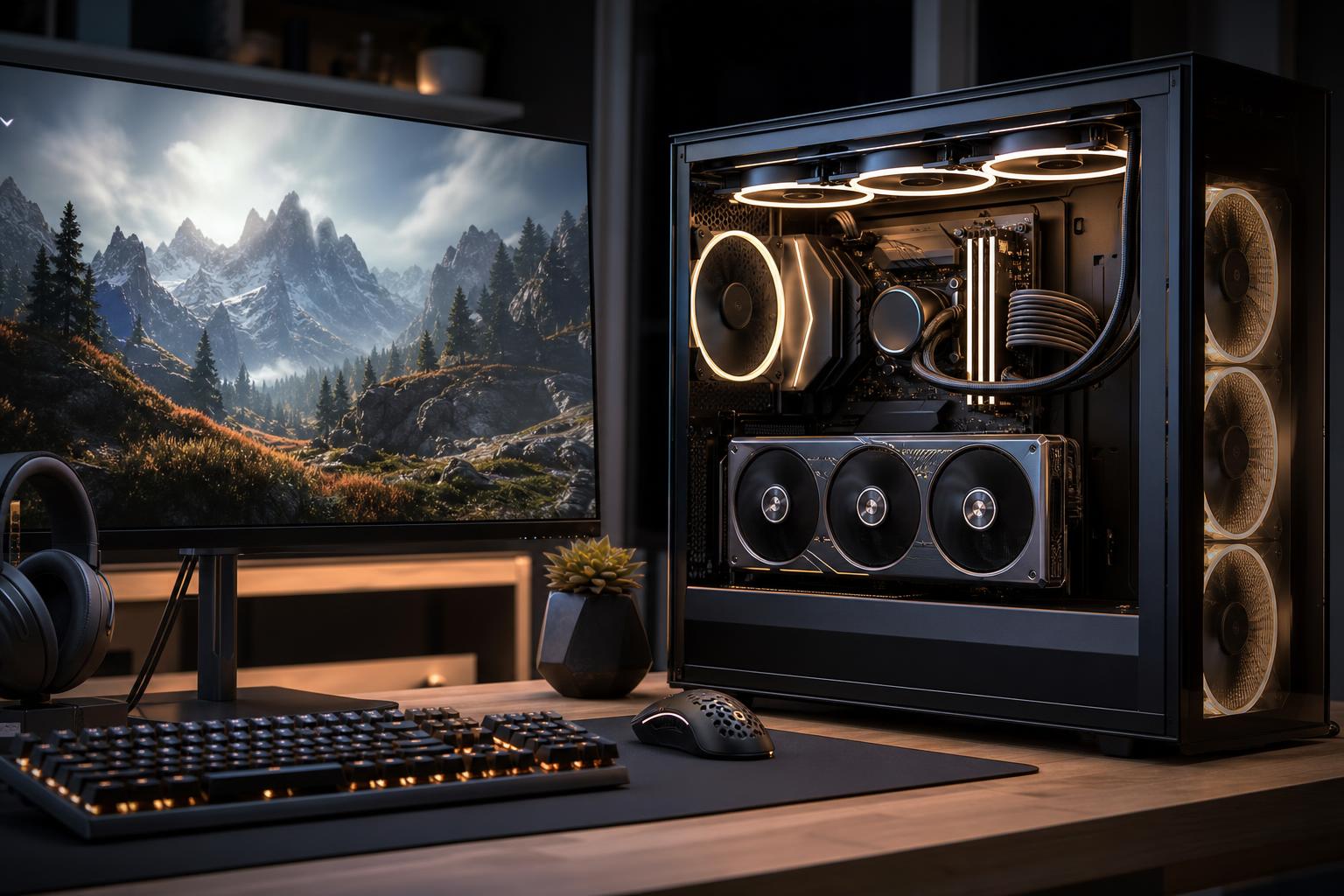
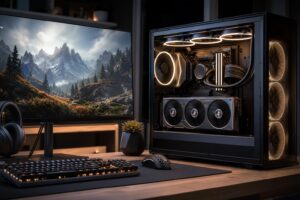
A good 4K gaming PC should be built around a powerful graphics card, not an oversized CPU or a flashy motherboard. If you want high settings in demanding new games, start with a GPU carrying at least 16GB of VRAM, pair it with a current midrange-to-high-end gaming CPU, 32GB of RAM, and a fast 2TB SSD.
For most buyers, that is the sensible 4K recipe. Spend more only if you want maximum ray tracing settings, very high frame rates on a 4K 144Hz-or-faster monitor, heavy modding, or a system that will remain capable at 4K for longer.
4K has more than twice as many pixels as 1440p. That extra detail looks excellent on a quality monitor or TV, but it places a much heavier load on the graphics card. At this resolution, the GPU usually determines your frame rate.
This tier is where we would place the majority of buyers with a 4K 120Hz or 144Hz display. It is powerful enough for modern games at high or ultra-quality settings, while leaving room to use sensible settings, upscaling, and frame generation where those features improve the experience.
Move to the fastest available GPU class, more VRAM, and a top gaming CPU if you are trying to get the most from a 4K high-refresh monitor. This is also the sensible tier for players who care deeply about ray tracing, use demanding visual mods, play poorly optimized releases at launch, or simply prefer to adjust fewer settings over the life of the PC.
The important point is not that every part needs to be extreme. A flagship GPU can make sense for 4K; an extravagant motherboard, 64GB of memory for a gaming-only PC, or a giant CPU intended for rendering often does not.
For a 4K gaming PC, the graphics card is the main event. A faster GPU improves frame rates, allows higher visual settings, and gives you more room for ray tracing. It also tends to provide the most meaningful improvement when new games become more demanding.
We generally recommend treating 16GB of VRAM as the practical starting point for a new premium 4K system. VRAM stores textures, frame buffers, ray-tracing data, and other graphics assets. When a game runs short, lowering texture quality may help, but stutter and compromised settings can become part of the bargain. More VRAM does not automatically make a card faster, but it gives a high-end system useful breathing room at 4K.
If your favorite games are esports titles, older games, or well-optimized single-player games, a slightly lower GPU tier can still work well at 4K. If you play recent open-world games with ultra textures and ray tracing, do not economize too aggressively on the GPU.
Modern upscaling can produce excellent results at 4K, particularly when starting from a high internal resolution. It is a practical tool, not a sign that a PC has failed its job. In demanding games, a quality-focused upscaling mode often delivers a better balance of image quality and performance than native 4K with settings turned down.
Frame generation can also make motion appear smoother on compatible hardware and games. It is especially useful in slower-paced, cinematic titles. It is less suitable as a cure for low base frame rates in competitive games, where responsiveness matters as much as the number shown by the frame counter.
Buy enough GPU performance that you can use these features by choice, rather than needing the most aggressive performance modes in every game.
Usually, no. At 4K with high visual settings, the GPU is commonly the limiting factor. A sensible modern gaming CPU will keep a powerful graphics card well supplied in most games without consuming a disproportionate part of the budget.
Spend more on the CPU when you also play CPU-heavy simulation, strategy, or multiplayer games; chase very high refresh rates; stream and run substantial background software; or use the PC for production work. Games with large cities, extensive physics, complex AI, or large multiplayer servers can reward stronger CPU performance even at 4K.
For a straightforward 4K gaming machine, we would rather see money shifted from an unnecessarily expensive processor to a better GPU, more SSD space, a quality power supply, and proper cooling. Those choices produce a better computer in actual use.
32GB of RAM is the sensible target for a new 4K gaming PC. It gives modern games, browser tabs, voice chat, launchers, recording tools, and background applications room to coexist without making memory management a constant concern. 16GB can still run many games, but it is no longer where we would start on a premium new build.
64GB is worthwhile for people who also edit video, create 3D work, run virtual machines, use large mod lists, or genuinely multitask heavily. It is not a mandatory gaming upgrade.
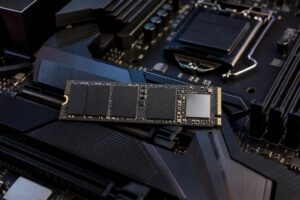
For storage, choose a 2TB NVMe SSD if the budget allows. Modern game libraries grow fast, and large games can easily occupy well over 100GB each. A good PCIe Gen 4 drive is already very quick for gaming. A more expensive Gen 5 drive may be worthwhile for certain workstation workflows, but it rarely changes the gaming experience enough to justify sacrificing GPU performance or capacity.
High-end 4K hardware creates substantial heat and can place real demands on the power supply. These are not glamorous components, but they matter.
Good thermals help the system sustain performance and reduce fan noise. They also make future upgrades easier because you are not starting with a case and power supply already at their limits.
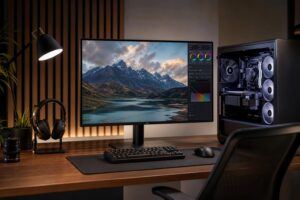
A 4K 60Hz monitor, a 4K 144Hz monitor, and a 4K OLED television create very different targets. If your screen is limited to 60Hz, buying the most expensive graphics card available may bring less value than improving the display, storage capacity, or overall build quality.
For 4K 120Hz and 144Hz displays, a stronger GPU becomes far more worthwhile. You will not reach the monitor’s maximum refresh rate in every demanding game, but the extra graphics performance provides smoother play and lets you preserve image quality. Competitive players should also consider whether 1440p at very high refresh better suits the games they play. 4K is beautiful; it is not automatically the best competitive choice.
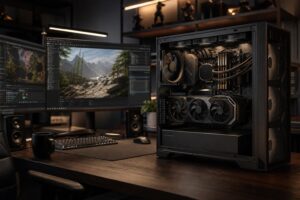
A custom system is especially valuable when you want a particular balance: maximum GPU performance at a defined budget, quiet operation, extra storage, a compact case, an all-white build, streaming capability, or a clear upgrade path. A generic prebuilt can be a good purchase when its exact parts, cooling, power supply, and upgrade options are clearly disclosed. The trouble is that those details are often where manufacturers cut costs.
Overclock Computers can help you configure a 4K gaming PC around your display, the games you play, your desired settings and frame rate, your budget, and your plans for future upgrades. Contact our team when you are ready to turn those requirements into a balanced system rather than a parts list full of expensive compromises.