Best Gaming PC Under $2,500 in 2026: Where to Spend for Real Performance

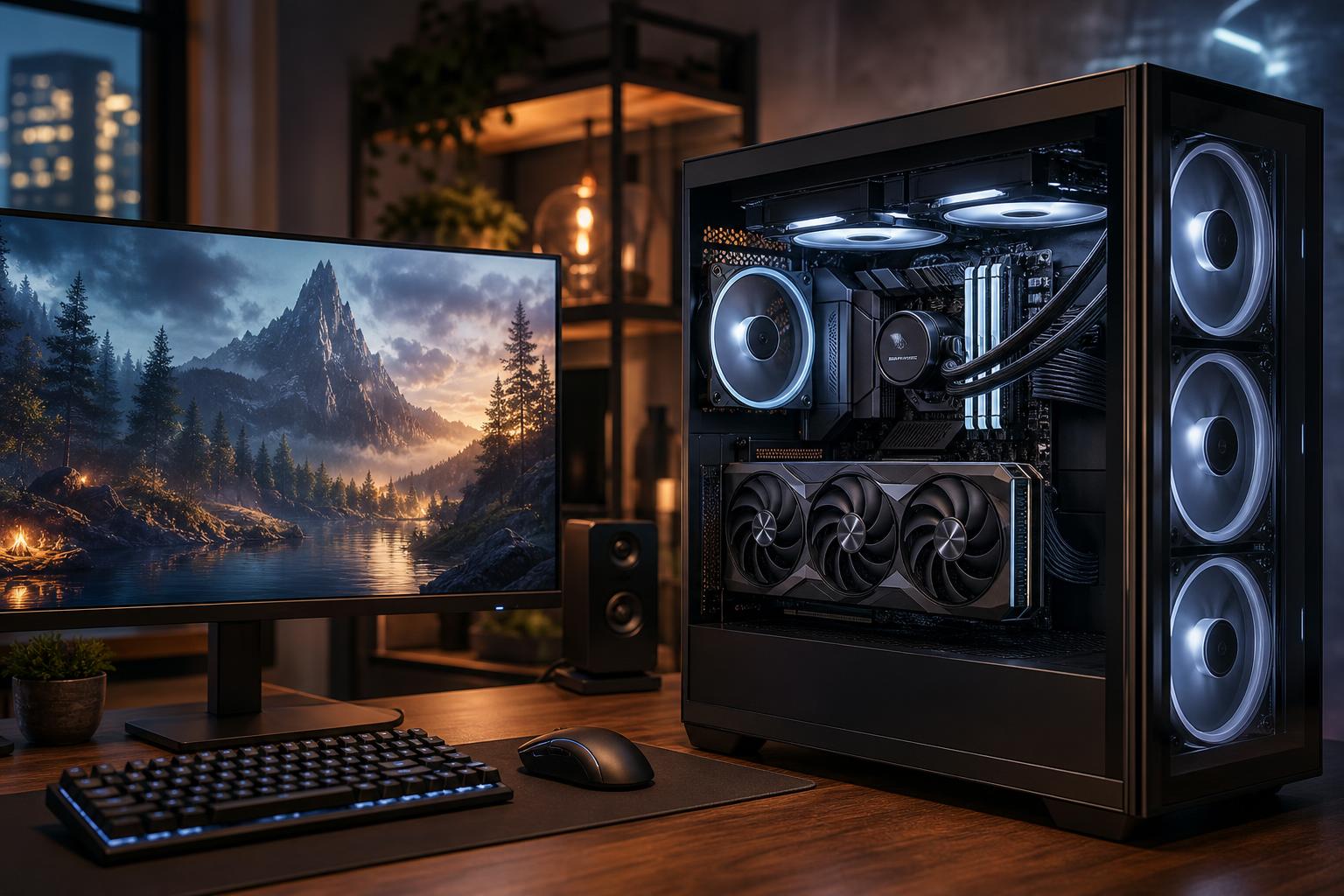
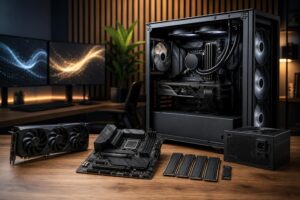
A well-configured gaming PC under $2,500 should be an excellent 1440p machine, a very capable 4K machine in many games, and a platform you can enjoy for years without feeling like you bought yesterday’s hardware. At this budget, the graphics card deserves the largest share of the money. That is the part that most directly determines frame rate, image quality, ray tracing performance, and how well the system handles demanding games over time.
Our straightforward recommendation: build around the strongest GPU that fits without cutting corners on the power supply, cooling, case airflow, or core memory capacity. Pair it with a current upper-midrange or high-performance CPU, 32GB of DDR5 memory, and at least a 1TB NVMe SSD. Don’t spend a disproportionate amount on an exotic motherboard, 64GB of memory you will not use, or decorative parts that force you into a weaker GPU.
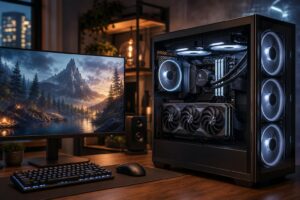
This budget is best suited to players who want high settings rather than compromises. It makes particular sense for a 1440p 165Hz to 240Hz monitor, ultrawide gaming, or 4K gaming where you are comfortable using sensible settings and modern upscaling when a game is especially demanding.
It is also a good budget for someone who plays a mix of visually demanding single-player games and competitive titles. A powerful GPU gives cinematic games the horsepower they need, while a fast CPU helps maintain high frame rates and consistent frame times in esports titles, large multiplayer matches, simulations, and strategy games.
What this budget does not guarantee is maximum settings, maximum ray tracing, native 4K resolution, and extremely high frame rates in every new game at once. Those goals can require significantly more spending and still vary greatly by game engine. A balanced $2,500 system should be fast, not magical.
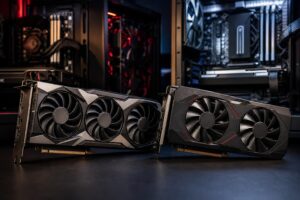
Plan to devote roughly 40 to 50 percent of the complete system budget to the GPU. In practical terms, this means shopping in the high-performance graphics card tier, not trying to stretch the budget toward a flagship card by downgrading everything else.
For a new build intended to last, we would strongly favor a GPU with at least 16GB of VRAM when the budget permits. VRAM is the graphics card’s dedicated memory. Higher-resolution textures, ray tracing data, mods, and 4K output can all increase demand. Running short on VRAM can cause stutters, texture compromises, or settings you would rather not have to lower.
Raw speed still matters more than a memory number by itself. Compare cards within the performance tier you can afford, then give meaningful weight to VRAM capacity, the games you play, ray tracing preferences, and the upscaling or frame-generation features you expect to use. For most buyers at this level, a faster card with 16GB or more is a comfortable target.
A strong current-generation gaming CPU is the right match for this budget. Look for excellent single-thread performance and a modern platform with DDR5 support. Eight fast cores are plenty for most gaming-focused systems, and some CPUs with additional gaming-focused cache can be especially attractive for simulation, open-world, and CPU-sensitive games.
More cores are useful for heavy video production, 3D rendering, code compilation, or running several demanding applications at once. They are not automatically the best use of money for a gaming-only PC. If choosing between a premium 16-core processor and a faster graphics card, the GPU is usually the better gaming purchase.
A sensible CPU allocation leaves room for the graphics card. Avoid pairing an entry-level processor with a premium GPU, but also avoid treating the processor as the star of a 4K-oriented build. At 4K, the GPU usually does far more of the work.
Install 32GB of DDR5 memory as a matched two-stick kit. Modern games, launchers, voice chat, a web browser, recording software, and background applications can make 16GB feel restrictive sooner than many people expect. With 32GB, the system has breathing room and you are less likely to close everything before launching a game.
For a pure gaming build, 64GB is usually not the best place to spend extra money. Consider it if you edit high-resolution video, work with large creative projects, run virtual machines, heavily mod games, or simply know your normal workflow consumes substantial memory. Otherwise, put that money toward the GPU, storage, or monitor.
A 1TB NVMe SSD is workable, but 2TB is the more comfortable recommendation for this price range. Current games can be enormous, and leaving some free space helps SSDs operate normally and saves you from constantly managing installations.
A quality PCIe Gen 4 NVMe drive offers excellent real-world gaming performance. A newer, faster SSD can make sense for certain professional workloads, but it will not materially improve in-game frame rates. Choose dependable capacity first. A motherboard with a spare M.2 slot makes adding a second drive later simple.
These components may not appear in benchmark charts, but they determine whether a powerful PC remains quiet, stable, and easy to upgrade.
Spend extra on a stronger GPU if it moves you into a noticeably higher performance class. Spend on a better monitor if your current display cannot show the performance you are buying. A $2,500 PC connected to an old 60Hz monitor is like fitting performance tires to a car that never leaves the parking lot.
It is also worth paying for adequate SSD capacity, a quality power supply, sensible cooling, and a case with genuine airflow. These decisions are less exciting than a new graphics card, but they influence reliability, noise, and upgrade options every day.
You can safely skip premium motherboard chipsets unless you need their specific expansion or connectivity. You can skip 64GB of RAM for ordinary gaming. You can skip an ultra-fast flagship SSD if gaming is the primary workload. And while a carefully chosen appearance is part of the enjoyment of a custom PC, do not let lighting, elaborate cable kits, or a display-heavy cooler consume the budget needed for the GPU.
Your display should guide the final configuration. For 1440p at high refresh rates, lean hard into GPU performance and pair it with a CPU that can sustain high frame rates. For 4K, GPU power and VRAM become even more important, while the difference between good gaming CPUs often becomes less dramatic. For competitive games at 240Hz or higher, CPU performance, memory configuration, and low-latency settings deserve extra attention.
If you have not chosen a monitor yet, a strong 1440p high-refresh display is often the most balanced partner for a $2,500 gaming PC. It delivers a clear visual upgrade over 1080p while allowing high frame rates without the extreme GPU demand of 4K.
A good prebuilt can be a reasonable choice, but read the complete specification list rather than focusing only on the CPU and GPU model. Check the power supply, cooling, memory configuration, SSD capacity, motherboard features, case airflow, and whether standard parts are used. Those details are often where a low advertised price is recovered.
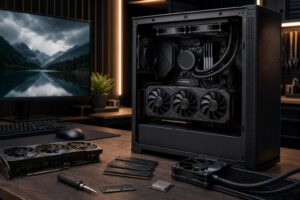
A thoughtfully configured custom system gives you more control over these less-visible parts. It also lets you direct the budget toward your own goals: quiet 4K gaming, high-refresh competitive play, streaming, a specific case size, or a machine that can later add more storage and memory without replacing half the system.
The best gaming PC under $2,500 is not the one with the longest parts list. It is a balanced system centered on a high-performance GPU, a fast modern gaming CPU, 32GB of DDR5 memory, a 1TB to 2TB NVMe SSD, and quality supporting hardware that keeps everything cool and stable. That combination is the sweet spot for serious 1440p gaming and credible 4K performance without wasting money on upgrades you will not feel.
If you are planning a system in this range, Overclock Computers can help configure it around your games, monitor, target frame rate, streaming plans, preferred look, and future upgrade path. The goal is simple: spend the budget where you will actually notice it.