Best Gaming PC for Streaming in 2026: Specs That Make Sense

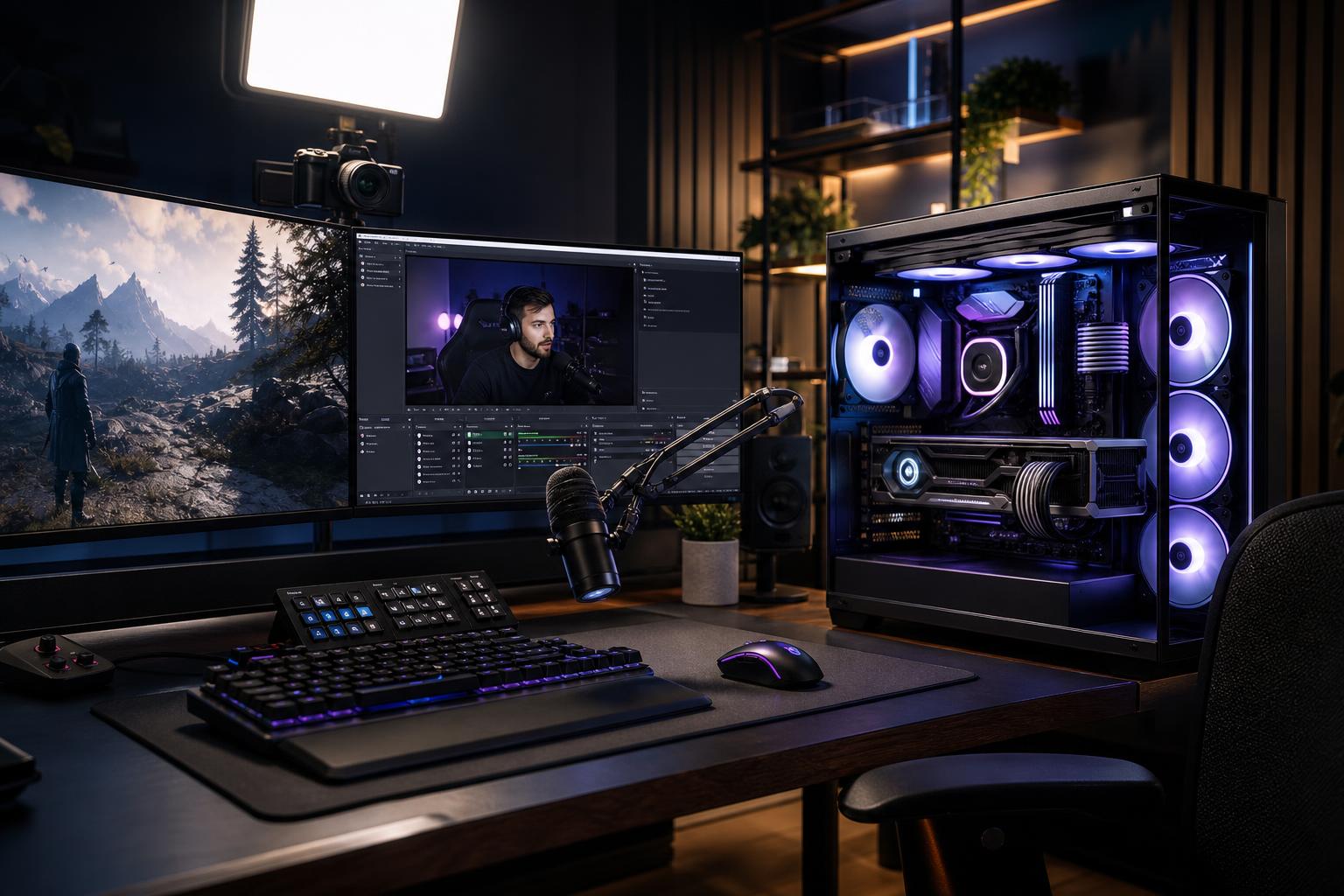
The best gaming PC for streaming is not simply the most expensive gaming PC you can afford. It needs enough graphics performance for the games and settings you play, enough CPU headroom for background tasks, and a sensible approach to video encoding. Get that balance right and one well-built computer can game, stream, record, chat, run alerts, and handle a browser full of tabs without becoming a hot, noisy mess.
For most people buying a new single-PC streaming setup in 2026, we recommend a modern upper-midrange or high-end GPU with a capable hardware encoder, a modern 8-core-or-better CPU, 32GB of DDR5 memory, and at least 2TB of NVMe SSD storage. Put the largest share of the budget into the GPU if gaming quality matters most. Spend more on CPU cores when you also edit video, use demanding production software, or regularly run many applications while live.
This tier suits 1080p streaming alongside 1080p or 1440p gaming, especially for esports games and less demanding titles.
Don’t cut memory to 16GB just to move up one small GPU tier. Modern games, streaming software, a web browser, Discord, capture tools, and background utilities can make 16GB feel tight sooner than many buyers expect.
This is the sensible target for buyers who want excellent 1440p gaming, high-quality streams, and the flexibility to record locally while live.
For many serious streamers, this is the sweet spot. It avoids the common mistake of pairing a powerful graphics card with too little memory, limited storage, or cooling that becomes distracting on a microphone.
Move into this class when you play demanding games at 4K, use ray tracing heavily, record high-bitrate footage, edit regular long-form video, or need one system to serve as both a gaming machine and a production workstation.
This is not the right answer for everyone. A top-tier GPU makes sense for a 4K high-refresh monitor or demanding creative work. It is usually wasted on a 1080p 60Hz display.
Years ago, serious streaming often meant a second computer dedicated to encoding video. That is still useful in specialized production setups, but it is no longer necessary for most creators.
Modern GPUs include dedicated media engines that can encode a stream with far less impact on game performance than CPU-based encoding. Streaming software can use these hardware encoders for common formats such as H.264 and, where the platform and viewer support are appropriate, newer formats such as AV1.
That changes where the money should go. For a typical gaming streamer, a stronger GPU with a capable encoder is generally more valuable than buying a huge CPU solely for software encoding. You still need a good CPU, but you do not need to treat it as the only part responsible for the stream.
Practical recommendation: Choose a current-generation GPU with a well-supported hardware encoder, then configure your streaming software around that encoder. Save CPU-based encoding for cases where you have a specific quality, compatibility, or production reason to use it.
Streaming does add CPU work: game logic, OBS or other broadcast software, browser sources, chat bots, audio processing, Discord, and general background activity all need resources. But gaming performance is still heavily influenced by CPU speed per core, not only the total number of cores.
A modern 6-core CPU can work for an entry-level stream-and-game PC. An 8-core CPU is the better recommendation for a new build because it provides useful breathing room for modern games and multitasking. More cores are worthwhile if you regularly edit video, render, compile code, run virtual machines, or use CPU-heavy tools while gaming.
Be cautious about paying a large premium for the highest core count if the system’s main job is gaming with GPU encoding. In that situation, money is often better spent on the GPU, 32GB of RAM, storage, and a better monitor.
A stream can look clean while your own game runs poorly. The GPU must first meet your gaming target. A player focused on competitive 1080p titles has very different needs from someone streaming new single-player games at 1440p with high settings or 4K with ray tracing.
VRAM matters because the game, textures, high-resolution assets, ray-tracing data, and display resolution all draw from it. Running short on VRAM can lead to stutters, reduced texture settings, or inconsistent frame times. It is especially worth prioritizing if you plan to keep the PC for several years, use high-resolution texture packs, play at 1440p or 4K, or work with GPU-accelerated creative applications.
Don’t select a graphics card based only on its ability to encode video. An encoder is valuable, but the card must also deliver the gaming performance your monitor demands.
32GB of RAM is the right starting point for a new gaming and streaming PC. It gives the system room for the game, broadcast software, browser tabs, music, communication apps, overlays, and background tasks. Choose 64GB if you edit video often, work with large media files, use virtual machines, or simply want extra headroom for a demanding mixed-use system.
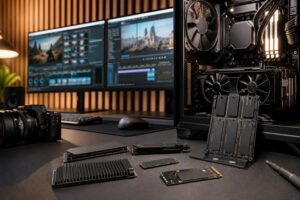
Storage deserves similar attention. Games are large, and local recordings become enormous quickly. A 1TB drive can be workable, but it fills faster than most streamers anticipate. A 2TB NVMe SSD is a practical starting point for a performance build. If you record often, add a second SSD dedicated to recordings and active editing projects. This helps organization and prevents your main drive from becoming permanently crowded.
For archival footage, a large hard drive or external backup can still make sense. Use an SSD for active captures and projects; use lower-cost bulk storage for material you need to retain but do not edit every day.
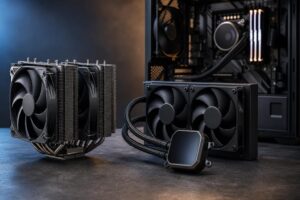
Streaming places a PC under long, sustained load. A case with restricted airflow and a bargain cooler may look fine during a short benchmark, then become loud and warm two hours into a stream. Good airflow, properly selected case fans, and a CPU cooler matched to the processor keep temperatures and fan noise under control.
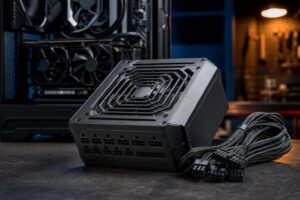
A quality power supply is also non-negotiable. It should be correctly sized for the chosen CPU and GPU, built by a reputable platform manufacturer, and include appropriate protection features. Buying more wattage than necessary does not automatically make a PC better, but choosing a poor-quality unit to save money is a bad trade.
Finally, use wired Ethernet whenever possible. Wi-Fi has improved, but streaming is a sustained real-time upload task. Ethernet removes a major source of avoidable instability. Your internet upload speed, routing, and streaming platform settings still matter, of course; no PC can compensate for an unreliable connection.
The best gaming PC for streaming starts with a few straightforward questions: What games do you play? At what resolution and refresh rate? Will you record locally? Do you edit videos? Which microphones, cameras, capture cards, and storage devices need to connect? How long do you expect to keep the system?
Those answers determine whether you need a balanced performance PC or a more substantial creator-focused workstation. They also prevent wasted budget on parts that sound impressive but do little for your stream.
Overclock Computers can configure a custom gaming and streaming PC around your games, display, streaming platform, budget, production tools, preferred look, and future upgrade plans. If you are ready to narrow down the right configuration, contact our team with your goals and the equipment you already own.