Best PC for Local AI in 2026: Practical Specs for Running Models at Home or Work

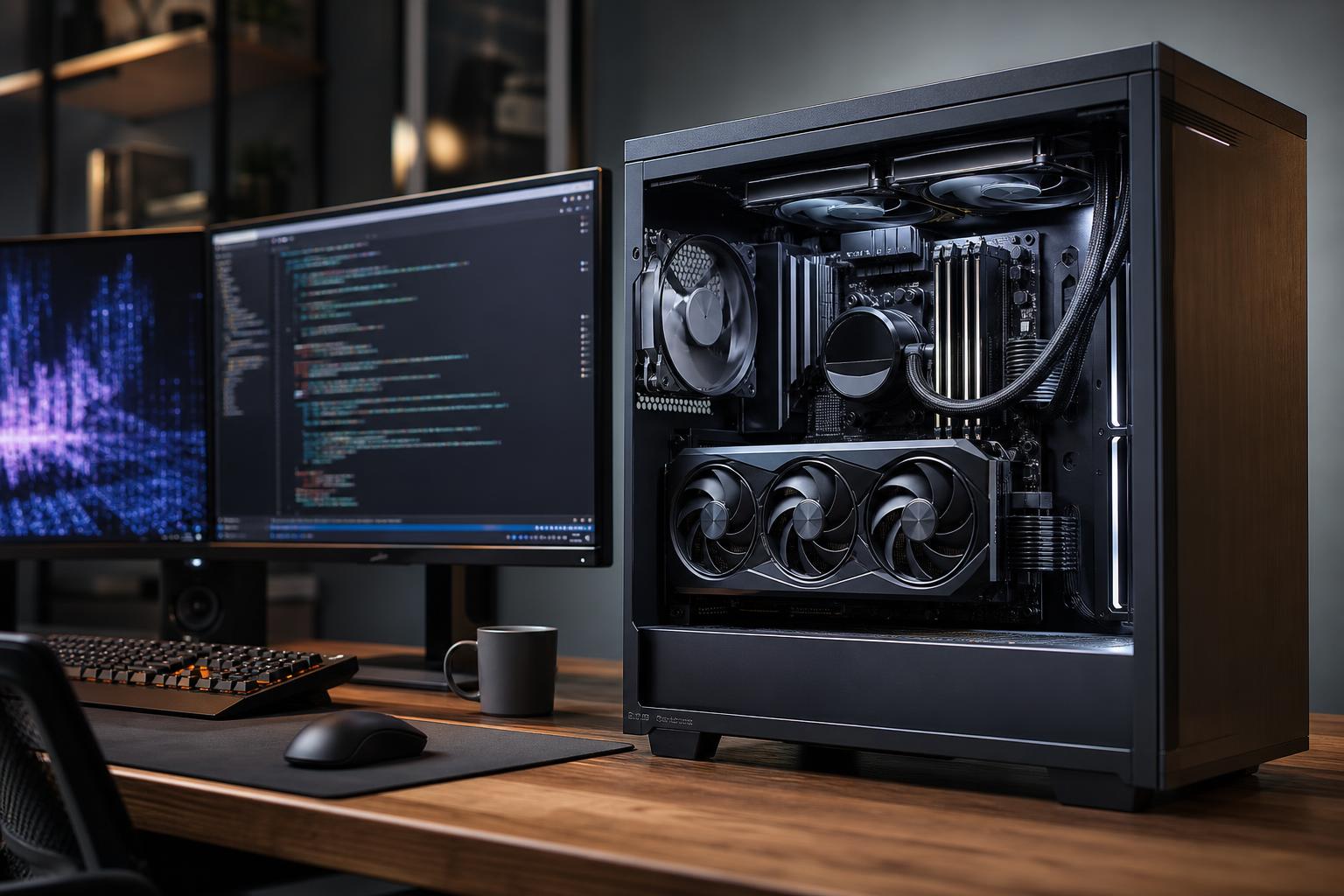
For most people buying a PC to run AI locally, the graphics card matters more than any other component. More specifically, GPU VRAM is the first specification to choose. It determines how large a model you can load, how much context it can handle, and whether you can run the model comfortably rather than forcing part of the workload into much slower system memory.
A sensible local AI PC starts with an NVIDIA GPU with as much VRAM as your budget allows, 64GB of system RAM, and at least 2TB of fast NVMe storage. Move to 128GB of RAM, additional storage, and a higher-core-count CPU when you are handling large documents, datasets, virtual machines, development tools, or image and video workflows alongside AI.
That is the short answer. The right machine changes considerably depending on whether you want a private chatbot, an image-generation workstation, a coding assistant, or a platform for AI development and model training.
“Local AI” covers several very different workloads. A PC that feels excellent for running a compact language model may be poorly suited to training models, generating large batches of images, or supporting multiple users.
Local large language models (LLMs) are used for private chat, document search, writing assistance, coding help, and offline research. In this use case, VRAM usually sets the ceiling. A GPU with more VRAM can load larger or less-compressed models and can generally accommodate more context before performance falls off.
Smaller quantized models can run on modest hardware. If you want to experiment with capable general-purpose models and have reasonable room for long prompts, documents, and future software changes, prioritize a GPU with 16GB or more of VRAM. Buyers who want to work with larger models locally should target 24GB or more.
System RAM can help through CPU or hybrid offloading, but this is a compromise. It may let a model run when it otherwise would not fit, yet token generation is often much slower than keeping the model in VRAM. Buy enough system memory for your applications, but do not mistake RAM for a substitute for GPU memory.
Image-generation tools also benefit heavily from a capable GPU and generous VRAM. Larger image sizes, more complex workflows, multiple control models, high-resolution refinement, and batch generation all increase memory demand. A 16GB GPU is a sensible starting point for serious image work. More VRAM is worthwhile if you regularly build complicated node-based workflows, generate in batches, or need more breathing room for new models.
CPU speed still matters for loading files, preparing data, and keeping the whole system responsive, but spending extra on the CPU while settling for a low-VRAM GPU is usually the wrong trade for this workload.
Development work adds demands beyond inference. You may be running containers, databases, IDEs, local servers, notebooks, and test environments at the same time. Fine-tuning and training can be far more demanding than simply running a model, particularly in VRAM capacity, storage space, cooling, and sustained power delivery.
A single desktop GPU can be a very useful development platform, but it is not a magic replacement for cloud infrastructure. For substantial training jobs, multi-GPU work, or models that exceed one GPU’s memory, cloud computing or a dedicated server may be more practical. A workstation should be configured to support the work you will genuinely keep local—not built around a vague hope that the biggest desktop will train anything.
This tier suits someone learning local AI, running smaller quantized language models, using a coding assistant, or generating images without turning the PC into a full-time production machine. It is also a reasonable hybrid gaming and AI build.
If the budget is tight, reduce CPU tier or decorative extras before reducing VRAM. A sensible motherboard, good airflow, and a quality power supply matter; premium RGB parts do not make a model load faster.
This is the practical sweet spot for buyers who want local AI to be a regular tool rather than a weekend experiment. The additional VRAM offers meaningfully more flexibility for LLMs and image-generation pipelines. The extra RAM and storage also prevent the common frustration of juggling models, Python environments, containers, source files, datasets, and creative projects on a nearly full drive.
This tier is for professionals who need a machine that stays responsive while AI tools run alongside their primary applications. It is not automatically the right answer for everyone. If your model or training requirement clearly exceeds a single desktop GPU, spend time evaluating cloud costs, data-security needs, and workflow constraints before committing to an expensive workstation platform.
AMD and Intel hardware can be useful in selected AI workflows, and software support continues to develop. However, many popular local AI applications, libraries, tutorials, and prebuilt environments are designed first around NVIDIA’s CUDA ecosystem. That can mean fewer setup problems and broader compatibility, especially for buyers who want to use established LLM, image-generation, and development tools without spending days troubleshooting dependencies.
This is not a claim that another GPU cannot run AI. It is a practical recommendation: when local AI is the reason you are buying the PC, broad software support is worth real money and time.
For GPU-accelerated inference, a top-tier CPU is rarely the best first upgrade. A modern midrange or upper-midrange processor is enough for many local AI systems. Spend more on the CPU when your workflow includes code compilation, virtual machines, data preprocessing, CPU rendering, engineering software, or heavy multitasking.
Do not pair an extremely powerful GPU with the cheapest processor, cooler, motherboard, and power supply available. That is how a promising parts list becomes a noisy, hot, unstable computer. But do not overspend on a flagship CPU if your main goal is loading and running GPU-resident models.
Local AI files consume space quickly. Model downloads, checkpoints, quantized variants, image-generation assets, datasets, Docker images, and development environments can fill 1TB sooner than expected. A 2TB NVMe SSD is a far more comfortable starting point for a serious AI PC, and a second SSD is useful for active projects or datasets.
For memory, 32GB is workable for light use. We recommend 64GB for a purpose-built local AI system because it leaves room for browsers, development tools, document processing, and other everyday work. Choose 128GB if you expect to use virtual machines, manipulate large datasets, run multiple local services, or offload parts of large models to system memory.
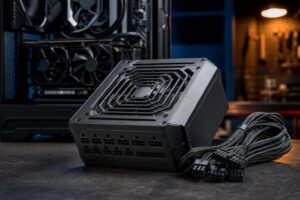
AI workloads can hold a GPU at high utilization for long periods. Good case airflow and a well-sized power supply are not luxury items; they support stable clocks, reasonable noise levels, and long-term reliability. The goal is not to buy the largest wattage number on a shelf. It is to use a reputable unit with enough continuous capacity, the correct connectors, and sensible headroom for the chosen components.
Also consider physical GPU clearance, available M.2 slots, memory expansion, front and rear USB ports, and network needs. These details matter more on a system intended to grow with your projects.
For most buyers, the best PC for local AI is a balanced system with an NVIDIA GPU carrying at least 16GB of VRAM, 64GB of system memory, and 2TB of NVMe storage. If local LLMs or complex image workflows are central to your work, moving to 24GB or more of GPU VRAM is usually the upgrade that changes what you can do—not an unnecessarily expensive CPU or motherboard.
At Overclock Computers, we can design a local AI PC around the models, applications, datasets, budget, noise preferences, and future expansion you have in mind. Bring us the tools you plan to run and the type of work you expect to do; we will help turn that list into a stable, properly balanced workstation.