NVIDIA vs. AMD GPUs: Which Graphics Card Should You Buy?

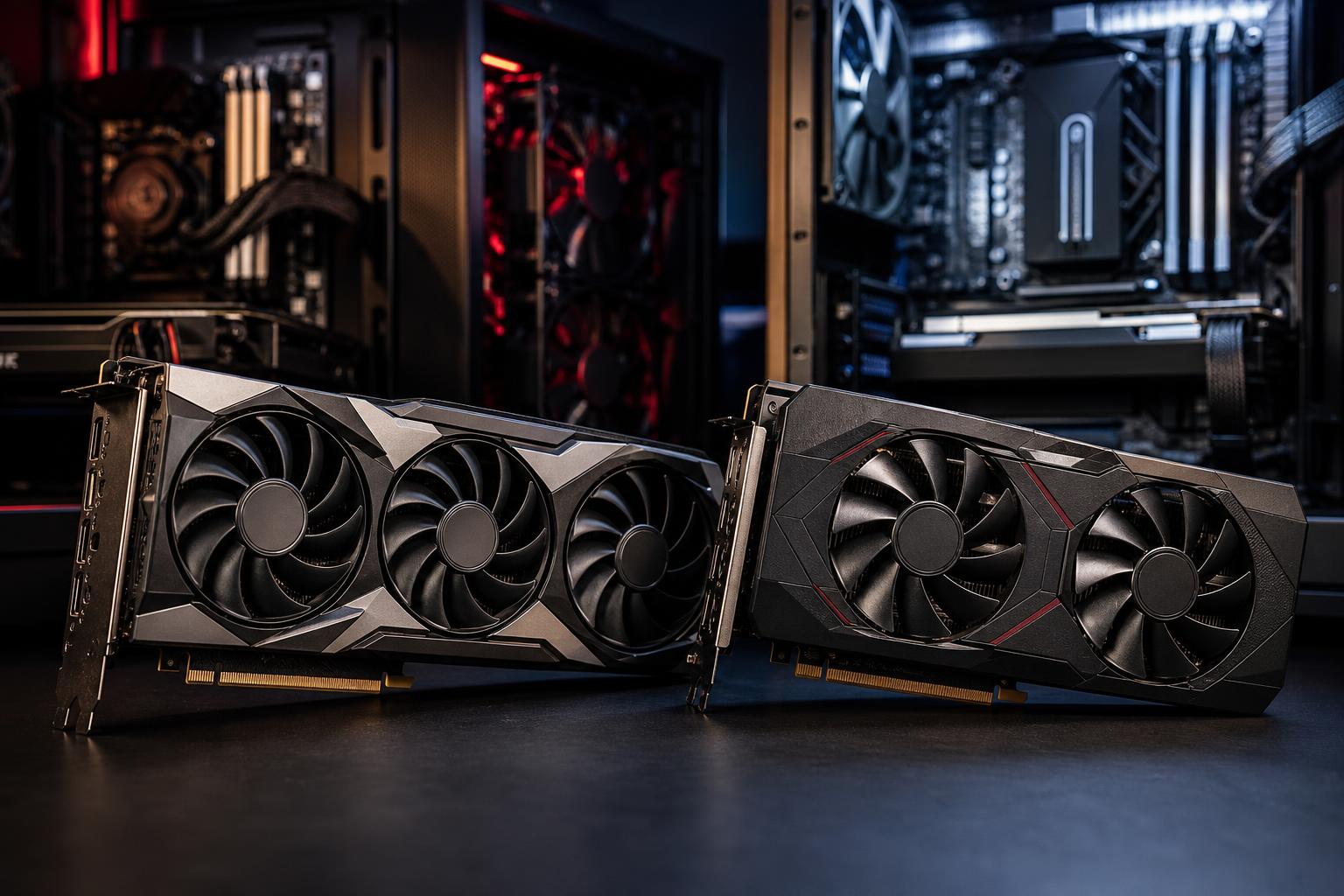
Choosing a graphics card is often the biggest decision in a gaming PC or performance workstation. It also produces some of the least helpful advice online: one person says NVIDIA is the only sensible choice, another says AMD always offers better value, and both may be overlooking what you actually plan to do with the computer.
The useful answer is simpler. Compare the specific cards available in your budget, then choose based on the games, software, monitor, and features you will use. NVIDIA GeForce and AMD Radeon cards can both make excellent PCs. Their strengths are different, and those differences matter more at some price points and workloads than others.
Before choosing a brand, establish the performance tier your monitor and workload require. A graphics card that is excellent for 1080p high-refresh gaming may be frustrating at 4K, while a card purchased solely for 4K gaming is unnecessary for a 1440p 165Hz display if you do not play especially demanding games.
Do not compare cards solely by their names, memory amount, or a single average frame-rate number. Look at reviews that test the games and programs you use at your intended resolution. Also compare the total system cost, including the power supply, case space, and cooling the card requires.
NVIDIA GeForce cards are often the safer choice for buyers who care heavily about ray tracing, broad software support, streaming, GPU-accelerated creative applications, or local AI tools. That does not automatically make them the right choice for every PC, but their ecosystem is a real advantage.
Ray tracing improves lighting, reflections, and shadows in supported games. It can look excellent, but it is demanding. NVIDIA cards have generally delivered stronger ray-tracing performance at comparable price levels, particularly when games use heavier ray-traced effects.
NVIDIA’s DLSS upscaling technology is also widely supported. Upscaling renders a game at a lower internal resolution and reconstructs the image to improve frame rate. Quality varies by game and setting, but good upscaling can make demanding settings practical without making the game look noticeably soft from a normal viewing distance.
Newer NVIDIA cards may also support frame generation in compatible games. This feature creates additional frames to increase displayed frame rate. It can make a game feel smoother, especially at 4K, but it is not a substitute for adequate base performance. Start with a card that runs the game well before generated frames are added; otherwise, input responsiveness and visual artifacts can become more noticeable.
NVIDIA has a meaningful advantage in many professional and enthusiast applications because CUDA is widely supported. CUDA is NVIDIA’s GPU computing platform, and many renderers, AI frameworks, video tools, and plug-ins are designed around it.
For example, an NVIDIA card is often the straightforward recommendation for Blender GPU rendering, many local AI image-generation and language-model workflows, and software pipelines that specifically list CUDA or OptiX acceleration. GeForce cards also include capable hardware video encoders, which are useful for streaming and exporting video.
That does not mean AMD cards cannot edit video, render, or stream. They absolutely can. The question is whether your preferred application performs similarly on Radeon hardware and whether the plug-ins or features you need support it well. If your work earns money or has deadlines, verify the application’s current hardware support before treating a lower purchase price as a bargain.
AMD Radeon cards are frequently compelling when conventional, non-ray-traced gaming performance and memory capacity are the priority. At comparable prices, AMD may offer a favorable combination of rasterized game performance and VRAM.
Rasterization is the traditional method games use to draw most of a scene. If you primarily play competitive titles, older games, or modern games without enabling demanding ray tracing, raster performance deserves more weight than ray-tracing benchmarks.
AMD often makes sense for a buyer who wants the highest practical frame rate for the budget and does not consider maximum ray-tracing settings essential. This can be particularly attractive for 1440p gaming, where a well-chosen Radeon card may deliver excellent results at high settings without forcing the rest of the PC budget upward.
AMD’s FidelityFX Super Resolution, usually called FSR, is its upscaling technology. FSR is supported in many games and works across a wider range of graphics hardware, including cards from both major brands. In a well-implemented game, it can provide a useful performance boost. Still, when comparing specific games, evaluate image quality rather than assuming every upscaler looks identical at every mode.
Video memory, or VRAM, stores textures, geometry, frame buffers, and other data the GPU needs quickly. When a game exceeds available VRAM, performance can drop sharply or become uneven, even if its average frame rate initially appears acceptable.
More VRAM is not a guarantee of a faster graphics card. The GPU itself must be powerful enough to use it. But memory capacity has become more relevant for high-resolution textures, 1440p and 4K gaming, mods, 3D scenes, and certain creative workloads. If two cards offer similar real-world performance and one has substantially more VRAM, that extra headroom can be a sensible reason to choose it.
Use this order of priorities when you are down to two or three realistic options:
High-performance GPUs produce substantial heat and can draw a great deal of power under load. Use the graphics card manufacturer’s power-supply recommendation as a starting point, then account for the CPU and the rest of the system. A quality power supply with the right native connectors is more valuable than an inflated wattage number from an unknown brand.
Check the card’s length, height, and thickness against the case specifications. Many powerful cards occupy three or more expansion slots, and some are long enough to interfere with front-mounted radiators or case fans. Good case airflow matters too. A fast GPU trapped in a restricted case may run hotter and louder than it needs to.
For a balanced gaming build, it is usually better to choose one GPU tier lower and keep a quality power supply, a ventilated case, and a CPU that can support your target frame rate than to overspend on the graphics card and compromise everything around it.
Choose NVIDIA if you place high value on ray tracing, want the most established path for CUDA-accelerated creation or local AI work, or need dependable support in a software package that favors NVIDIA hardware. It is also a strong fit for buyers who want access to NVIDIA-specific gaming features and are comfortable paying more when those features matter.
Choose AMD if your priority is conventional gaming performance, you care more about high settings and strong frame rates than heavy ray tracing, and a comparable Radeon card offers better pricing or more VRAM. For many 1080p and 1440p gaming PCs, that can be the smarter allocation of the budget.
Finally, do not become loyal to a logo. The best graphics card is the one that performs well in your games and programs, fits the monitor and PC around it, and does not make you pay for features you will never use. If you are planning a new system and want help balancing the GPU with the rest of the hardware, contact Overclock Computers. We can help configure a machine around the work and games you actually run.