How Much SSD Storage Do You Need for a Gaming PC or Workstation?

SSD capacity is one of the easiest PC specifications to underestimate. A 1TB drive sounds generous until a modern game library, a few large applications, project files, recordings, and Windows itself begin competing for space. Then there is the usual result: deleting files you may need later, moving games around before every install, and running the drive so full that it has little room to work comfortably.
For most new gaming PCs and many professional systems, a 2TB NVMe SSD is the sensible starting point. It provides enough space to live with the computer rather than constantly manage it. But the right amount of SSD storage depends heavily on what you create, play, and need to keep locally.
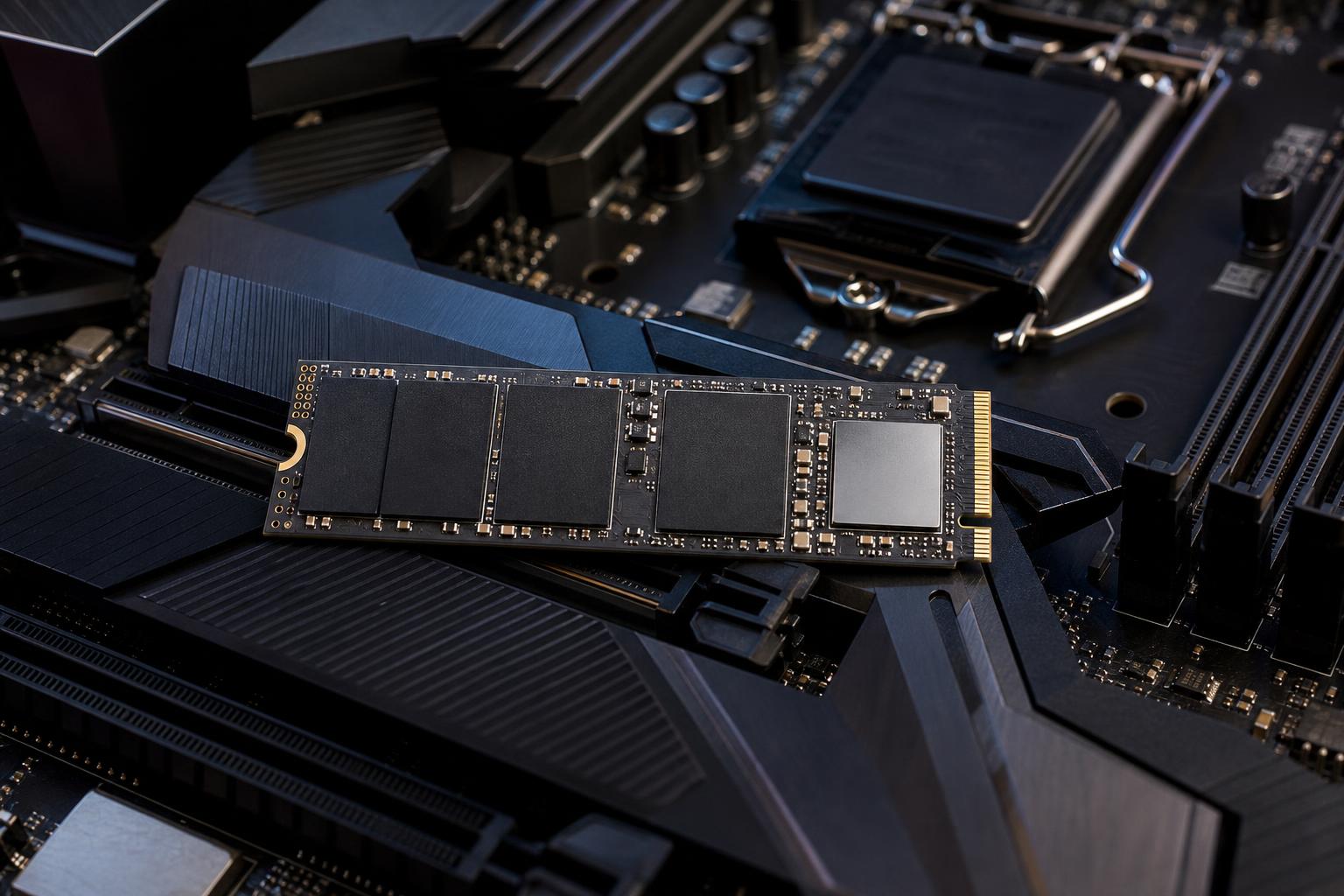
These recommendations refer to fast internal SSD storage, usually an M.2 NVMe drive. A secondary hard drive or external drive can still be useful for archives and backups, but it should not be the only place for files you use every day.
A drive sold as 1TB will show roughly 931GB in Windows. This is normal: storage makers count in decimal units, while Windows reports capacity differently. After Windows, recovery partitions, updates, applications, and a few utilities, a nominal 1TB drive may have closer to 800GB available before you install a game or open a project.
It is also wise not to fill an SSD to its absolute limit. Modern SSDs are far less troublesome than older drives, but leaving free space gives Windows room for updates, temporary files, virtual memory, and normal background maintenance. SSDs also use spare capacity internally to manage and write data efficiently.
A practical rule is to keep at least 15% to 20% of a drive free when possible. On a 1TB SSD, that means treating about 750GB to 800GB as your comfortable working capacity, not the full number on the box.
Game install sizes are no longer small. Many current big-budget games occupy 80GB to 150GB, and some can exceed that once high-resolution texture packs, expansions, updates, and shader caches are included. Add game captures, mods, launchers, and a few older titles, and a 1TB drive can feel crowded surprisingly fast.
A 1TB SSD works if you mainly play a few games at a time. It is a reasonable choice for a lower-cost build, particularly when you are happy to uninstall finished games and reinstall them later. It also makes sense if you plan to add a second NVMe drive soon.
The downside is convenience. You may fit Windows, everyday software, and perhaps five to ten large modern games without issue, but your library management becomes part of the routine. That is not a performance problem; it is just annoying on a PC that was supposed to make gaming easier.
For most gamers, 2TB is where storage stops being a constant concern. It leaves room for a healthy rotation of large games, smaller multiplayer titles, applications, screenshots, and downloads while preserving useful free space.
If the rest of the PC includes a midrange or high-end graphics card, spending the difference between 1TB and 2TB is usually worthwhile. A powerful gaming PC paired with a cramped boot drive is an oddly common mismatch.
A 4TB SSD is not necessary for every player, but it is a smart upgrade for people who keep dozens of large games installed. It is particularly useful for mod-heavy titles, simulation games with large add-on libraries, and users who record or edit gameplay footage.
Choose 4TB if you value having your library ready to play more than you value minimizing the initial system price. Storage upgrades are possible later, but starting with adequate capacity is simpler when the motherboard has limited M.2 slots.
Professional workloads can consume storage much faster than games because active project files often come with caches, previews, source media, exports, and multiple revisions. A workstation needs space not only for the finished job, but also for the messy work that happens along the way.
For 1080p projects with modest source material, 2TB can work well. For regular 4K editing, a 4TB internal SSD is often the more comfortable baseline, especially if footage and active projects stay on the workstation.
Video applications create cache files, optimized media, proxies, previews, and exports. These files can be large, and they are easy to overlook when estimating capacity. Editors working with high-bitrate 4K, 6K, 8K, RAW footage, or multi-camera projects may need several terabytes of fast active storage plus separate high-capacity archival storage.
Photographers with a modest catalog can be well served by 2TB, provided completed work is moved to a separate archive and backed up. High-resolution photo libraries, panoramic work, scans, and layered design files can justify 4TB.
CAD users do not always need huge drives solely for drawings. However, projects that include large reference files, scans, point clouds, visualization assets, or shared local datasets can grow quickly. The same is true for 3D artists: textures, simulation caches, render outputs, and asset libraries add up faster than the final project file suggests.
Developers often find that tools, containers, virtual machines, source repositories, build outputs, and test data gradually consume a 1TB drive. A 2TB SSD is a safer baseline for development work, while 4TB is sensible for several virtual machines, large datasets, or local model development.
Local AI workloads can be especially storage-hungry. Models, checkpoints, datasets, image-generation outputs, and Python environments can consume hundreds of gigabytes. If local AI is a regular part of the plan, start at 2TB and strongly consider 4TB.
There is no universal need to split a system across multiple SSDs. A single quality 2TB or 4TB NVMe drive is simple, fast, and perfectly appropriate for many PCs.
Multiple drives become useful when you want to separate active work from the operating system, manage large libraries, or avoid crowding one drive with everything. For example, a video workstation might use a 2TB SSD for Windows, applications, and current projects, plus a 4TB SSD for media and cache files. This organization can make project management and future upgrades easier.
Do not buy a smaller primary drive merely because a second drive sounds more professional. Two 1TB drives do not offer the same convenience as having 2TB available for a large game library or project folder. Plan capacity around how you work first, then decide whether separating that capacity has a real benefit.
NVMe SSDs are ideal for Windows, applications, games, active projects, scratch files, and files that are opened or edited often. They provide fast loading, responsive file handling, and fewer mechanical delays than hard drives.
Hard drives still have a place for large, infrequently accessed archives because they offer a lot of capacity for the money. An external drive or NAS can be excellent for completed projects, media archives, and backups. Just do not confuse archive storage with a backup plan: important files should exist in more than one location.
For many buyers, a good 2TB PCIe 4.0 NVMe SSD is a better purchase than a very fast 1TB flagship drive. Day-to-day Windows use and game loading are already very quick on a quality PCIe 4.0 model. Extra capacity improves the ownership experience every day.
Very fast drives can be worthwhile for specialized workloads with sustained large file transfers, heavy cache use, or demanding production pipelines. But for a typical gaming PC, capacity, reliability, cooling, and a reputable drive model matter more than chasing the highest sequential read-speed figure on the product page.
Buy 1TB only when the budget requires it or your storage needs are genuinely light. For most new gaming PCs and general high-performance desktops, 2TB is the right starting point. Step up to 4TB when you maintain a large installed game library, edit video, work with substantial creative assets, run virtual machines, or keep local AI models and datasets.
The right SSD should give you room to use your PC naturally, not force you into a cleanup project every month. If you are planning a gaming PC or workstation and are unsure how much fast storage your workload needs, contact Overclock Computers. We can help build a balanced system with storage capacity, drive layout, cooling, and upgrade options that make sense for the way you actually work and play.