PCIe Gen 4 vs. Gen 5 SSDs: Is a Gen 5 Drive Worth Buying?

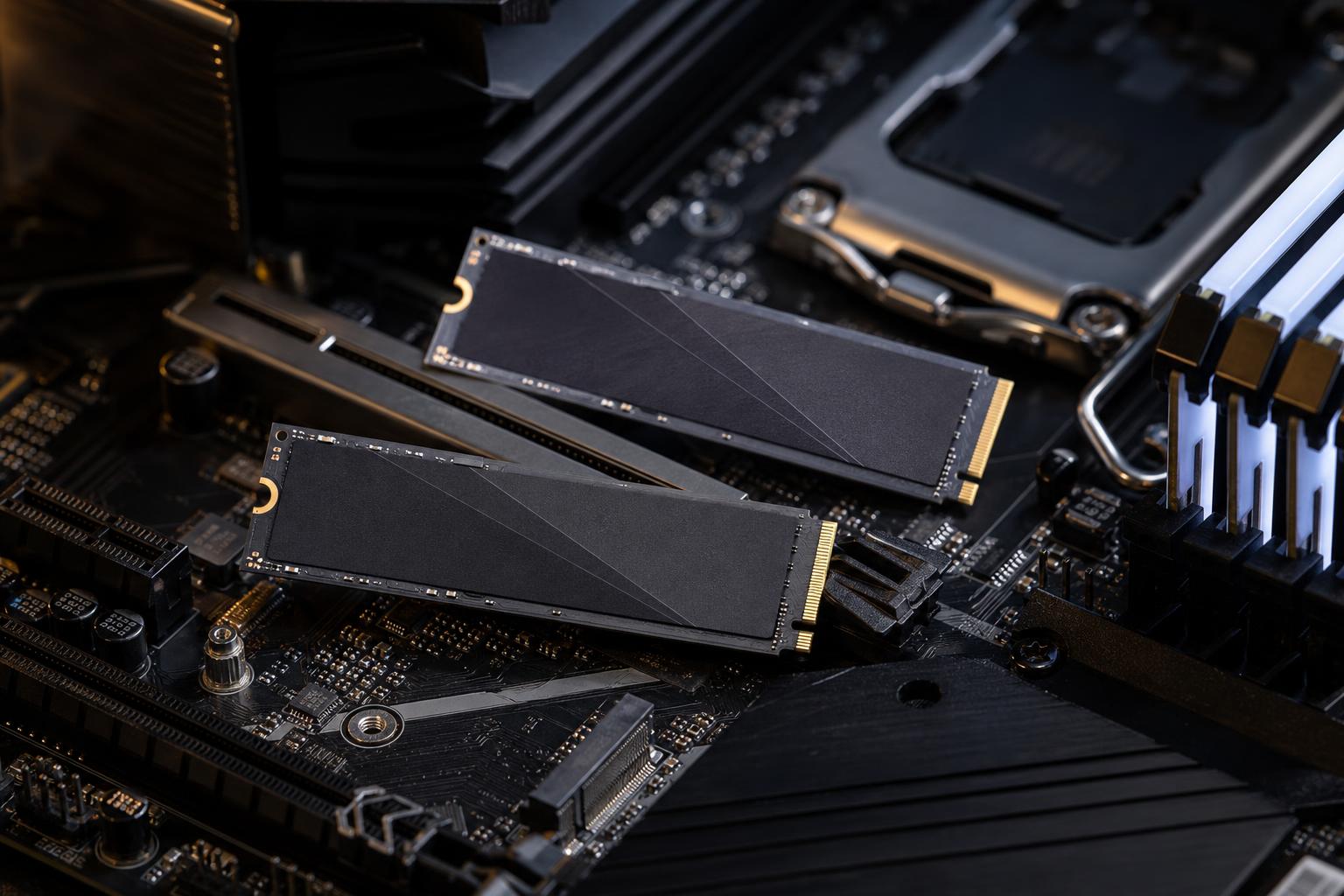
PCIe Gen 5 SSDs look very tempting on a specification sheet. Their advertised sequential read speeds can be roughly twice as high as many excellent PCIe Gen 4 drives. That sounds like an obvious upgrade, especially when you are building a premium gaming PC or workstation.
In practice, the right choice is more nuanced. A fast Gen 5 NVMe drive can make a real difference in a few demanding professional workflows. For most gaming PCs and general-purpose systems, however, a quality Gen 4 SSD remains the better value and the more practical recommendation.
The question is not simply, “Which drive has the larger number on the box?” It is, “Will my work actually use that extra bandwidth?”
PCIe is the connection between an NVMe SSD and the rest of the computer. Each new generation provides more bandwidth per lane. Most consumer NVMe drives use four PCIe lanes, often written as PCIe 4.0 x4 or PCIe 5.0 x4.
A good PCIe Gen 4 SSD commonly reaches sequential reads in the 6,000 to 7,500 MB/s range. Current Gen 5 drives can reach well into five figures, with some approaching or exceeding 14,000 MB/s in ideal benchmark conditions.
That is a substantial technical improvement. But sequential speed measures how quickly a drive can read or write one large, continuous file. It does not describe every storage task your PC performs.
Starting Windows, launching a game, opening a browser, and loading many applications involve a mixture of small, scattered reads, latency, CPU work, memory caching, and software behavior. In those jobs, the gap between a strong Gen 4 drive and a Gen 5 drive is usually much smaller than the headline figures suggest.
For a gaming PC, we would normally put the budget toward the graphics card, monitor, or a larger SSD before paying a major premium for Gen 5 speed.
A well-chosen 1TB or 2TB Gen 4 NVMe drive delivers quick boot times, responsive game installs, and excellent load times. A Gen 5 SSD may improve certain loading tasks by a small amount, but it will not turn a 90 FPS gaming system into a 120 FPS system. Storage speed has very little effect on average frame rate once a game is running.
Modern game-loading technologies can benefit from fast NVMe storage, but they do not make Gen 5 mandatory. Game engine design, CPU decompression performance, available RAM, and the GPU all affect loading and texture streaming. A weak or nearly full SSD can be a problem; a capable Gen 4 drive is not.
There are still reasonable cases for one:
Even then, capacity matters. Given a fixed budget, we would generally choose a quality 2TB Gen 4 drive over a smaller Gen 5 model. Modern games are large, and an SSD with useful free space is more convenient and often performs more consistently than a cramped drive with better peak benchmark numbers.
PCIe Gen 5 storage has a clearer purpose in a professional workstation, particularly where large files are read and written repeatedly. Examples include high-bitrate video editing, uncompressed or RAW media workflows, large scientific datasets, photogrammetry projects, local databases, software builds, and moving multi-gigabyte project assets between fast storage devices.
In these cases, a Gen 5 drive can reduce transfer time and improve the responsiveness of storage-heavy work. The drive is most useful when the rest of the workflow can keep up. Copying from a Gen 5 SSD to a slower SATA drive, a standard network share, or a USB hard drive will still be limited by the slower destination.
A sensible workstation storage layout often beats spending everything on one extreme-speed drive:
This arrangement gives the fast drive a job it can actually perform rather than using expensive bandwidth to launch email a fraction of a second sooner.
PCIe generations are backward compatible. You can install a Gen 5 NVMe SSD in many Gen 4 M.2 slots, but it will operate at Gen 4 speeds. Likewise, a Gen 4 drive works perfectly in a Gen 5 slot.
Before buying, check the motherboard manual or system specifications for these details:
This is especially relevant on enthusiast motherboards. The first M.2 slot may be directly connected to the CPU, while other slots run through the chipset at Gen 4 speeds. A Gen 5 drive installed in the wrong slot is still a fine SSD, but it is not operating as the Gen 5 drive you paid for.
High-speed flash controllers generate heat. Gen 5 SSDs generally consume more power and run warmer than Gen 4 drives, especially during sustained writes or long file transfers.
That does not mean Gen 5 SSDs are unreliable or unsuitable. It means cooling is part of the purchase decision. Use the motherboard M.2 heatsink if it is compatible, or use the heatsink supplied with the drive. Make sure the case has reasonable airflow across the motherboard area.
Without adequate cooling, an SSD may throttle itself to protect the controller. When that happens, long-transfer performance can drop significantly. A cooler, high-quality Gen 4 drive can be the faster real-world option for a poorly ventilated small-form-factor system.
Two SSDs with similar peak read ratings may behave differently in everyday use. When comparing drives, look beyond the largest number in the product listing.
For a primary drive in a premium custom PC, we favor established NVMe models with clear specifications, good thermal behavior, and a reputable warranty. Storage is not the component to buy from an unfamiliar brand solely because the advertised speed looks impressive.
Choose a PCIe Gen 4 SSD if you are building a gaming PC, a general enthusiast desktop, or a workstation whose day-to-day work is not dominated by huge file transfers. A quality Gen 4 drive offers excellent real-world performance, lower heat, broad compatibility, and better value.
Choose a PCIe Gen 5 SSD when you have a compatible platform and can identify a storage-heavy workload that benefits from sustained high bandwidth. It is most compelling as a dedicated active-project or scratch drive in a professional workstation, or in a high-end build where the cost premium is small relative to the whole system.
In short: Gen 5 is genuinely faster, but Gen 4 is far from outdated. The best SSD is the one that provides enough fast, reliable storage for the work you actually do.
If you are planning a gaming PC or a workstation and are unsure where Gen 5 storage belongs, Overclock Computers can help balance capacity, speed, cooling, and budget around your software and workflow. Contact our team to discuss a custom system configuration that makes practical use of every component.