Best PC for Local AI: Practical Specs for Running Models at Home or Work

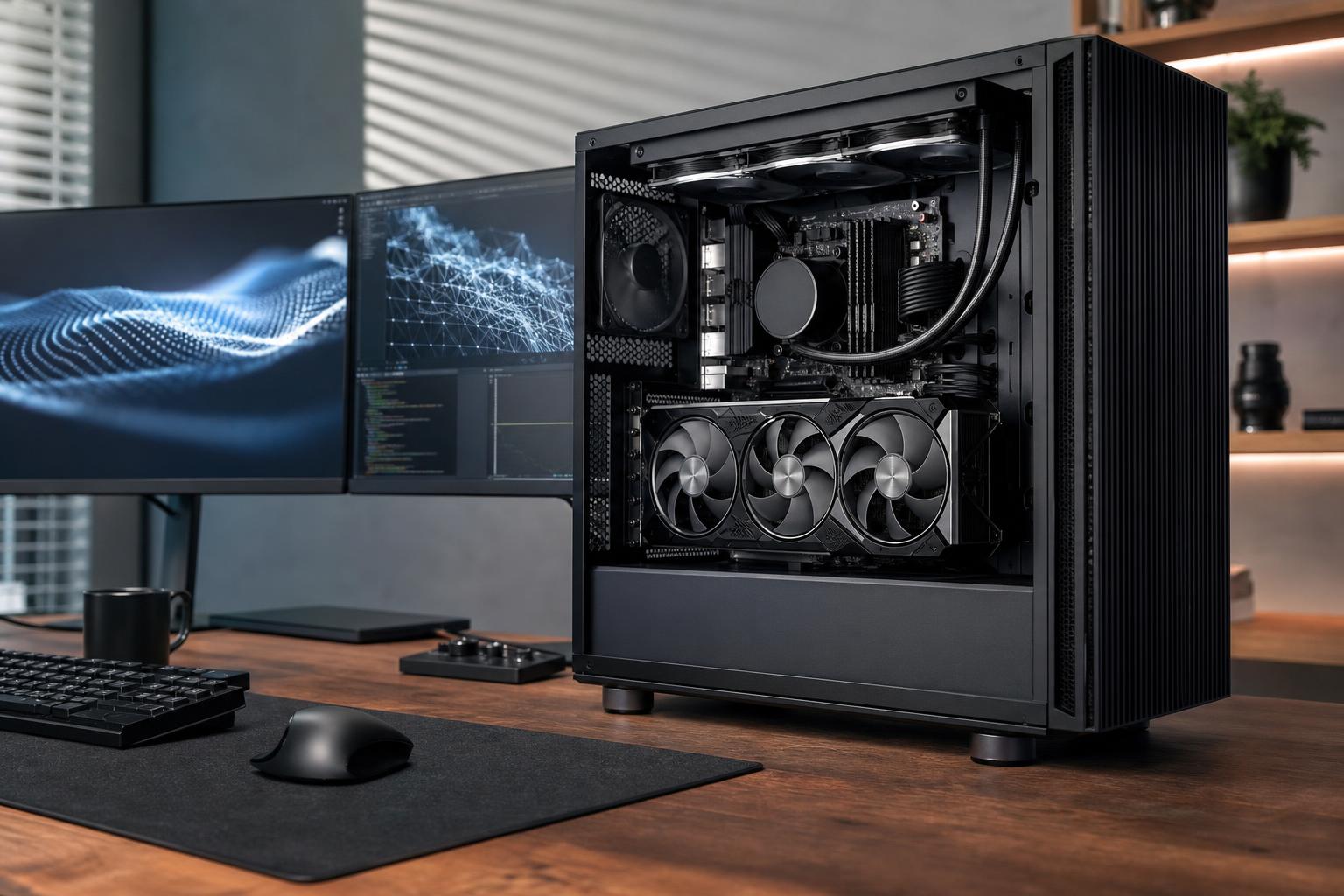
If you want to run AI models locally, put the largest practical share of your budget into the GPU and its VRAM. For most buyers, a desktop with an NVIDIA GPU, 16GB or more of VRAM, 64GB of system RAM, and a 2TB NVMe SSD is the sensible starting point. It is capable enough for local language models, coding assistants, image generation, and many development tasks without turning every model download into a storage-management project.
Buy more than that when your work involves larger models, long context windows, high-resolution image or video workflows, multiple users, or model training. Buy less only if you are mainly experimenting with smaller, quantized models and are comfortable with slower performance or tighter limits.
Local AI is not one workload. A PC that feels excellent for a private writing assistant may be a poor fit for training a custom image model or serving several developers at once. Before choosing parts, separate your needs into one of these categories.
This includes chat assistants, document analysis, coding tools, retrieval-augmented generation, and offline research tools. The practical limit is usually VRAM. Larger language models require more memory, while model quantization reduces that requirement by storing model weights with less precision. Quantized models can be very useful, but they still need adequate VRAM and may trade some quality or speed for efficiency.
CPU-only inference works, but it is usually much slower than GPU-accelerated inference. It is best treated as a fallback, not the main plan for a new AI PC.
Image-generation tools benefit heavily from a capable GPU. VRAM affects which models, resolutions, batch sizes, and add-ons you can use comfortably. A system that can generate standard images may run out of room once you add larger models, control tools, upscaling, or high-resolution workflows.
Training is far more demanding than inference. Fine-tuning can be realistic on a strong desktop with enough VRAM, depending on the model and method. Training large foundation models from scratch is generally a data-center or cloud workload, not a reasonable goal for one desktop. A well-configured local machine is still valuable for testing, prototyping, smaller experiments, and preparing workloads before using rented compute.
This tier suits people learning local AI, running modest language models, using coding assistants, and generating images without demanding huge resolutions or complex multi-model pipelines.
This is the right place to start if local AI is one of several things your computer does. Do not expect 12GB of VRAM to be carefree. It is enough to learn and run useful tools, but you will need to be selective about model size, context length, image resolution, and background applications.
For most people buying a dedicated local AI desktop, this is the tier to target. The key upgrade is a GPU with at least 16GB of VRAM, and 24GB is meaningfully better when the budget permits.
This configuration makes sense for frequent local inference, larger quantized language models, serious image-generation work, software development, and limited fine-tuning. It is also a much better long-term system because VRAM limits tend to arrive before raw GPU processing power does.
A professional local AI workstation should be designed around the exact software, model sizes, datasets, and concurrency requirements. For many buyers, that means a GPU with 24GB or more of VRAM, 128GB of RAM, multiple high-capacity SSDs, and a platform with sensible expansion options.
Do not buy this tier simply because it is available. It is worthwhile when time saved, larger models, local privacy requirements, or multi-application workloads directly support your business. For occasional AI use, a performance-tier system plus carefully chosen cloud compute is often the better value.
VRAM is the fast memory attached directly to the graphics card. It holds the model and the working data needed while the GPU processes it. When the model does not fit, software may fall back to system RAM or the CPU. That can still work, but performance often drops sharply.
Think of VRAM as the size of the workbench, not just the speed of the worker. A very fast GPU with too little VRAM can be less useful than a slightly slower card with enough memory for the models you actually want to run.
This is why we generally recommend choosing VRAM capacity first, then comparing performance within that capacity class. It is also why an expensive CPU cannot compensate for an undersized GPU in most local AI workflows.
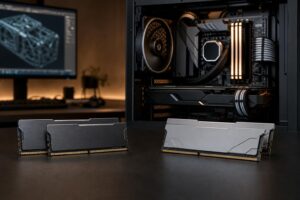
System RAM is separate from VRAM, but it still matters. Your operating system, browser, development tools, datasets, containers, and model-loading software all use it. RAM also becomes important when part of a model is offloaded from the GPU.
More RAM does not replace VRAM. It gives the whole system more breathing room, but it will not make a GPU with insufficient memory behave like one with a larger VRAM pool.
Models, checkpoints, datasets, image outputs, Docker containers, and project files can consume hundreds of gigabytes surprisingly quickly. A 1TB SSD is workable for experimentation. A 2TB drive is a more comfortable baseline, especially if the computer is also used for games, video, or professional files.
For serious work, use separate drives when practical: one for Windows and applications, one for models and active projects, and optionally a larger drive or NAS for archived datasets. This improves organization and makes it easier to reinstall or upgrade without moving everything at once.
For the broadest compatibility with common local AI tools, NVIDIA is usually the least-friction choice because much AI software has mature CUDA support. That does not mean every NVIDIA card is automatically the right purchase; VRAM capacity, cooling, power requirements, and your actual software still matter.
AMD hardware can be a good fit for users whose chosen tools and operating system support it well, particularly people comfortable validating their software stack before buying. The important point is to check the exact applications, frameworks, and operating system you plan to use. Do this before committing to any platform.
Professional GPUs can make sense when you need more VRAM, specialized drivers, compact form factors, or business-oriented support. For many individual developers and creators, however, a high-VRAM consumer GPU provides better compute value. Paying for professional hardware without a specific need is an easy way to overspend.
AI workloads can keep a GPU and CPU under load for hours. That makes the supporting hardware more important than it looks on a specification sheet.
The best PC for local AI is not defined by one component list. It starts with the software you plan to run, the largest models you expect to use, how private the workload needs to be, and whether the system also needs to serve as a gaming PC, editing workstation, or developer machine.
Overclock Computers can help design a local AI workstation around your models, budget, storage needs, preferred operating system, other applications, and upgrade plans. Bring us the tools and workloads you expect to run, and we can help turn them into a balanced system rather than an expensive collection of mismatched parts.