Custom Gaming PC vs. Prebuilt: Which Should You Buy in 2026?

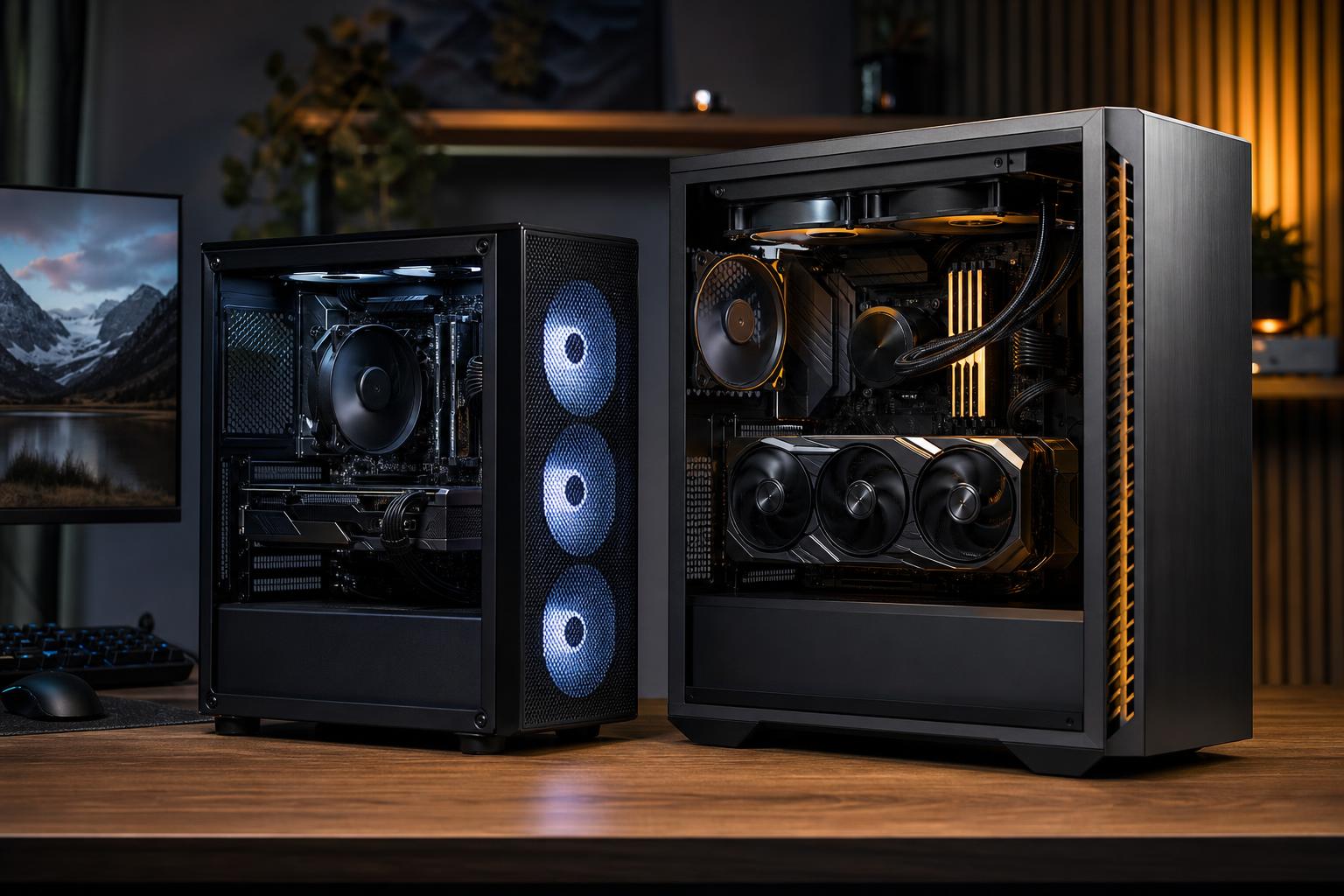
Shopping for a gaming computer is easier when you ignore the flashy case lighting for a minute and ask a simpler question: what are you actually buying?
A custom gaming PC is designed around your games, monitor, budget, and other jobs such as streaming or video editing. A prebuilt PC is a fixed configuration assembled in advance, usually for broad retail appeal. Neither is automatically the right choice. But the difference matters far more than the product photos suggest.
The best choice comes down to how much control you need, how demanding your performance target is, and whether the system’s less glamorous parts are specified clearly. A fast graphics card is great. A fast graphics card trapped in a hot case with a bargain-bin power supply is less great.
A quality prebuilt gaming PC is a sensible choice if you find a transparent configuration with the performance you need at a fair price. It is especially convenient for buyers who want a computer ready to use with a single warranty and no research marathon.
A custom-built gaming PC is usually the better investment when you have a specific monitor target, care about noise and thermals, want dependable component choices, or expect to upgrade over time. It is also the stronger option for high-end systems, where an unbalanced parts list can waste a surprising amount of money.
There is a useful middle ground, too: a boutique builder can assemble a system from standard retail-grade components while helping you make the decisions. You get a machine built for your needs without having to become the person who spends three evenings comparing motherboard manuals.
Not all prebuilts deserve the same reputation. The label covers several very different products.
These are the systems commonly sold through major retailers. They may offer good sale pricing and straightforward returns. Some use proprietary cases, motherboards, power supplies, or cabling, however. Those choices can limit cooling improvements, repairs, and future upgrades.
The main risk is that the headline specifications tell only part of the story. A listing may prominently name the CPU, GPU, and total RAM while saying very little about the power supply, CPU cooler, motherboard, SSD model, or case airflow.
Some prebuilt vendors use normal, widely available parts: an ATX power supply, a retail motherboard, standard memory, and a case that accepts ordinary fans and coolers. This is generally a better foundation. It is easier to service and upgrade, provided the components themselves are reasonable quality.
A custom builder starts with a conversation rather than a warehouse configuration. That does not mean every part needs to be exotic or expensive. It means the graphics card, processor, cooling, memory, storage, power supply, and case are selected as a complete system.
For example, a 1440p high-refresh gaming PC may need most of its budget directed toward the GPU, while a competitive esports system chasing extremely high frame rates may benefit more from a faster gaming CPU. A good builder won’t treat those two buyers as if they need the same computer.
For most gaming PCs, the graphics card has the largest effect on frame rate and image-quality settings. Start with the display you own or plan to buy:
A common prebuilt mistake is an impressive CPU paired with a graphics card that is a tier too low for the advertised gaming goal. The reverse can also be a problem: a premium GPU with an entry-level processor may leave performance on the table at lower resolutions and very high refresh rates.
When comparing systems, look beyond claims such as “ultra gaming” or “4K ready.” Ask which games, at what resolution, with which settings, and with or without upscaling or frame generation. Those details make an honest comparison possible.
Two computers can list the same processor and graphics card yet differ meaningfully in noise, sustained performance, reliability, and upgrade options. These are the parts worth checking.
Modern CPUs and GPUs can run warm under load. They are designed to protect themselves, but a restrictive case or undersized cooler can increase fan noise and reduce sustained boost behavior.
You do not need elaborate liquid cooling for every gaming system. A good tower air cooler is often an excellent choice for a midrange build. Higher-power CPUs may justify a quality liquid cooler, but the case still needs clear intake and exhaust airflow. More fans are not automatically better; correctly placed, quality fans are what count.
The power supply is rarely exciting, which is exactly why it gets hidden in weak configurations. A quality unit with enough capacity and the proper connectors supports stable operation, handles short power spikes gracefully, and leaves sensible room for future upgrades.
Do not choose based on wattage alone. The model, platform quality, warranty, protections, and connector support matter. In a high-end gaming PC, this is not a place to cut corners to fund extra RGB.
For a new gaming system, 32GB of RAM is the practical sweet spot for many buyers. It gives modern games, background applications, browser tabs, and voice chat room to breathe. More memory makes sense for heavy modding, content creation, virtual machines, or unusually demanding multitasking, not simply because a bigger number looks better.
A 1TB NVMe SSD is a workable starting point, but 2TB is often the more comfortable choice for a premium gaming PC. New games are large, and SSDs perform best when they are not packed to the absolute limit. Storage is one of the easier upgrades, but planning enough capacity upfront avoids immediate cleanup duty.
You do not need the most expensive motherboard to get excellent gaming performance. You do need one with suitable power delivery, the connectivity you will use, enough M.2 slots, and support for your memory and processor.
For long-term ownership, standard parts matter. A conventional motherboard, power supply, case, and cooler make later repairs and upgrades much less complicated than a proprietary design.
Buy a prebuilt with confidence when these points are true:
A good sale on a well-specified standard-parts prebuilt can be excellent value. The key word is well-specified. If the listing hides major components behind phrases such as “80 Plus power supply” or “brand may vary,” assume you need more information before buying.
A custom-built gaming PC is particularly worthwhile for buyers who want a system that feels intentional rather than merely assembled. Consider one if you want:
Customization should not mean adding expensive parts without purpose. For example, a buyer focused on 1440p single-player games may get more real value from a better GPU and a quiet airflow-focused case than from an extreme CPU or oversized motherboard. On the other hand, someone playing competitive titles at 240Hz or above may reasonably prioritize CPU performance and memory tuning.
Do not compare only the total price and the graphics card name. Make a short list of the parts and features that affect ownership:
That final point has value. Building a PC yourself can save money if you enjoy the process and are prepared to troubleshoot. A professionally assembled custom system costs more than a pile of parts because it includes planning, cable management, firmware setup, compatibility checks, stress testing, and a clear support path. The question is whether that service is worth it to you—not whether it is free.
The best prebuilt gaming PC is not necessarily the cheapest one or the one with the loudest marketing. It is the one with balanced parts, clear specifications, dependable cooling and power delivery, and performance that matches your monitor.
If you find that system at a good price, a prebuilt is a perfectly sensible purchase. If your needs are more specific—or you want every major part chosen with performance, noise, reliability, and future upgrades in mind—a custom gaming PC is usually the better route.
Overclock Computers can help you sort through the tradeoffs and configure a gaming PC around the games you play, the display you use, and the budget that makes sense. Contact our team when you are ready to turn a long parts list into a well-balanced system.