What Does a $3,000 Gaming PC Actually Get You in 2026?

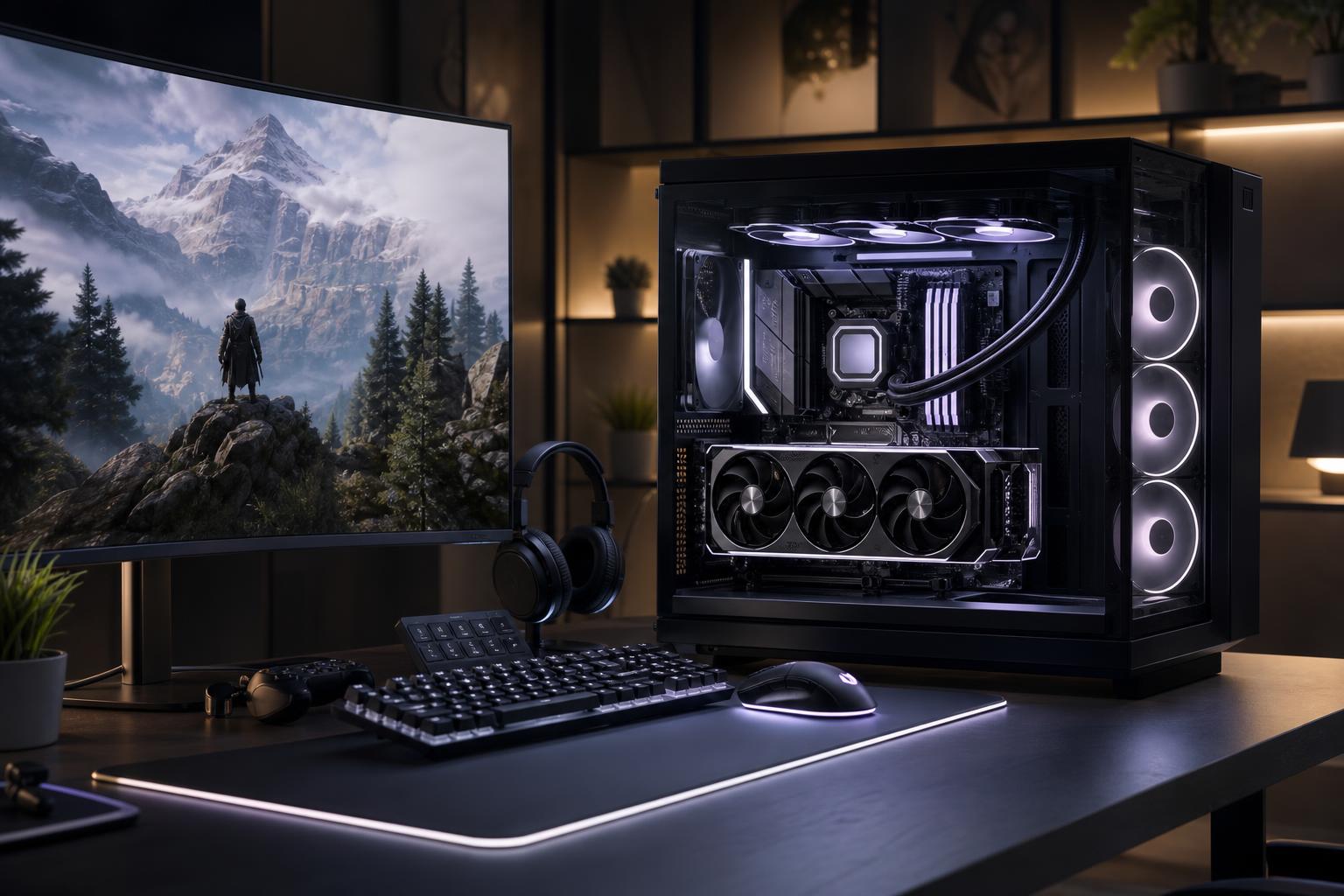
A $3,000 gaming PC is firmly in high-end territory. It should not be a machine that merely looks expensive through a tempered-glass panel. At this budget, you should expect outstanding performance in demanding new games, strong ray-tracing capability, enough memory and storage to live with comfortably, quiet cooling, and components that leave sensible upgrade options open.
It is also the point where poor parts selection becomes especially frustrating. A system can carry a premium price while wasting money on decorative extras, excessive CPU power, or a flashy case—then compromise on the graphics card, power supply, cooling, or storage. Those are not the trade-offs we’d make in a well-configured custom gaming PC.
Here is what a $3,000 gaming PC actually ought to provide in 2026, who benefits from one, and where the budget should go.
This budget makes the most sense for someone buying around a demanding display, rather than someone playing lighter games on an older 1080p monitor.
It is usually more PC than necessary for esports titles at 1080p. Games such as Valorant, Rocket League, League of Legends, and similar competitive titles can run very well on much less expensive hardware. A $3,000 system is justified if you also play visually demanding games, use a high-resolution display, or simply want more performance headroom.
For gaming, the graphics card determines more of the experience than any other component. At $3,000, the GPU should be the centerpiece of the build—not an afterthought squeezed in after an extravagant processor, RGB fans, and a display case.
A high-end GPU gives you the flexibility to raise resolution and image-quality settings, use ray tracing more comfortably, and maintain smoother frame rates as newer games become more demanding. It also matters for GPU encoding while streaming, video exports in supported software, and creative workloads that use GPU acceleration.
As a broad rule, a sensible $3,000 gaming PC often directs roughly 40 to 50 percent of the system budget toward the graphics card. The exact share moves with component pricing and the type of games you play, but the principle holds: don’t build a flagship-looking PC around a midrange GPU.
Not automatically. The very top graphics card can be a reasonable choice for uncompromised 4K gaming, demanding ray-traced games, heavy creator work, or buyers pairing the PC with a high-end 4K high-refresh display. But it can also consume so much of the budget that it forces avoidable compromises elsewhere.
For many buyers, the tier just below the absolute flagship is the smarter high-end gaming choice. It can provide excellent 4K and exceptional 1440p performance while leaving room for a good CPU, a quality power supply, 2TB or more of fast storage, and cooling that does not sound like a small vacuum cleaner.
At this price, the CPU should be fast enough to keep the GPU fed, especially at 1440p and high refresh rates. That does not mean every gaming PC needs a top-tier workstation processor with a huge core count.
Many games respond best to strong per-core performance, good cache design, and low latency. A modern upper-tier gaming CPU is generally the right fit. Spending hundreds more for additional cores that games rarely use can reduce the GPU budget without making gameplay noticeably better.
More CPU cores do make sense if the system has a meaningful second job. Regular video production, CPU-based rendering, software compilation, virtual machines, and professional applications can justify a more core-heavy processor. If gaming is the main purpose, prioritize the processor family and configuration known for gaming performance, then preserve budget for the GPU.
32GB of DDR5 memory is the practical baseline for a premium gaming PC. It is enough for current games, background apps, voice chat, a web browser, and moderate multitasking. The memory should be installed as a matched two-stick kit and configured at a stable, platform-appropriate speed.
64GB is worth considering if you frequently run demanding mod packs, create content, edit video, use virtual machines, or keep lots of large applications open alongside games. It is not likely to improve frame rates in ordinary gaming by itself, so it should not come at the cost of a weaker graphics card.
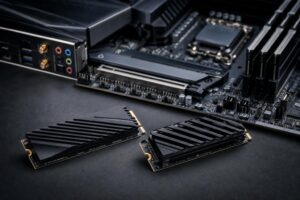
Storage deserves similar common sense. A $3,000 gaming computer should normally start with at least a 2TB NVMe SSD. Modern games are large, and a nominal 1TB drive can become cramped faster than buyers expect after Windows, applications, captures, and a few major titles are installed. A second SSD is often a cleaner answer than paying a large premium for one enormous drive, particularly for players with extensive game libraries or large recorded-video files.
High-end parts produce real heat. The cooling plan determines whether the system sustains its performance comfortably, how much noise it makes during a long gaming session, and how pleasant it is to own after the first week.
A strong air cooler or a properly selected all-in-one liquid cooler can both work well. The right choice depends on the processor, the case, noise goals, and the desired appearance. Liquid cooling is not automatically better, and it should not be treated as a mandatory luxury badge. A good air cooler in an airflow-focused case is often simple, reliable, and impressively quiet.
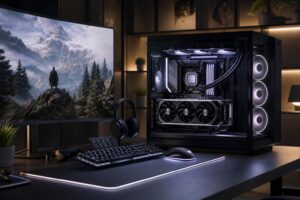
The case needs unrestricted intake and exhaust paths, capable fans, and enough physical room for the graphics card, cooler, and future upgrades. Glass is fine. Solid front panels that choke the system for the sake of appearance are less fine.
Also insist on a reputable, appropriately sized power supply. This is one of the least exciting parts to shop for and one of the worst places to cut costs. A quality unit with the correct modern GPU power connection, adequate capacity, and useful headroom supports stable operation and makes later upgrades easier.
Exact frame rates change dramatically by game, settings, game updates, and the display resolution. Still, a balanced $3,000 gaming PC should be built with clear expectations:
Upscaling and frame-generation features are useful tools, not cheats. At 4K especially, they can produce a better overall experience than blindly lowering every graphical setting. However, they do not replace having enough underlying GPU performance, particularly in fast competitive games where responsiveness matters most.
The best $3,000 gaming PC is not defined by one famous component. It is a balanced machine: a high-end graphics card matched to your display, a fast gaming CPU, 32GB or 64GB of well-chosen DDR5 memory, at least 2TB of NVMe storage, effective cooling, and dependable power delivery inside an airflow-friendly case.
That combination buys a gaming computer that feels premium in the ways that matter every day: smooth frame rates, low noise, fast load times, stable operation, and no immediate pressure to replace a part you should have bought properly the first time.
If you are planning a $3,000 gaming PC, Overclok Computers can help translate your monitor, game list, streaming plans, and preferences into a balanced custom-built gaming PC. Contact our team to discuss a configuration that puts the budget where it will make the biggest difference.