Prebuilt vs. Custom Gaming PC: Which Should You Buy?

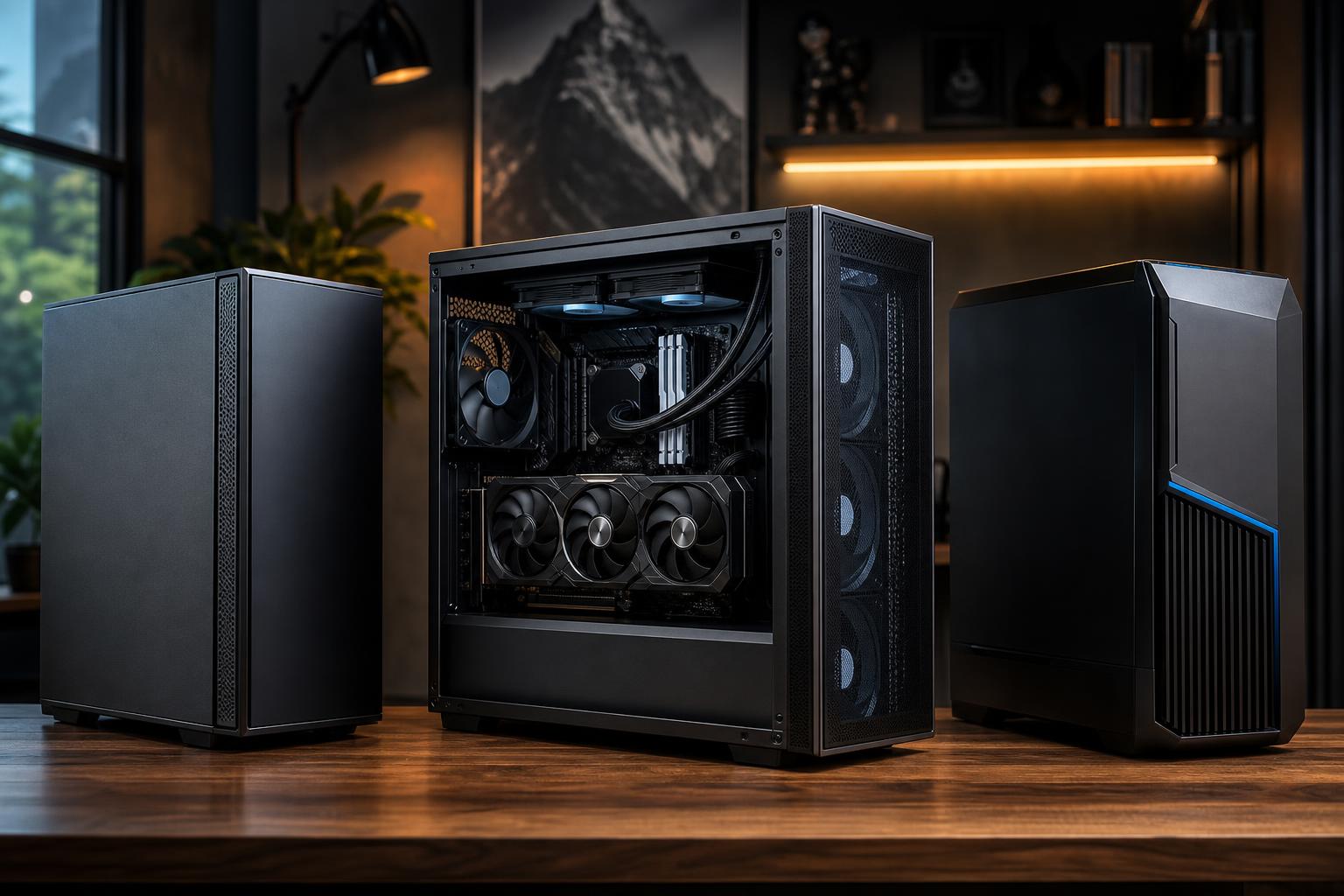
The best choice between a prebuilt and custom gaming PC is not simply “cheap versus expensive.” It is about how much control you need, how demanding your games and other applications are, and whether the system is built from balanced, standard parts.
A well-priced prebuilt can be a sensible way to get into PC gaming. A thoughtfully configured custom gaming PC makes more sense when you care about high-refresh-rate or 4K gaming, quiet operation, streaming, upgrades, or getting exactly the hardware your workload needs. Building it yourself offers the most hands-on control, but it also makes you responsible for every compatibility decision and every troubleshooting step.
Here is how to choose without getting distracted by a flashy case, a long RGB light show, or one oversized component on a spec sheet.
People use “custom PC” to describe two different things. One is a PC you select and assemble yourself from individual parts. The other is a system designed and assembled by a boutique builder using standard retail components.
Those are not the same purchase, though both can be more flexible than a typical big-box prebuilt.
The important distinction is not the label. It is whether the PC uses suitable components throughout the system, including the parts that do not make the marketing headline: the power supply, motherboard, cooler, case fans, and storage drive.
A prebuilt is often the right answer for someone who wants one straightforward purchase and has modest performance goals. If you play lighter esports games at 1080p, are comfortable with the included configuration, and do not expect to make major upgrades, a reputable prebuilt can do the job well.
It can also make sense when a particularly strong sale puts a complete system below the cost of comparable individual retail parts. That happens occasionally. Just make sure it is truly comparable.
Do not stop at the CPU, graphics card, and RAM capacity. Those three items matter, but the rest of the platform determines how well the PC runs over time.
A prebuilt with a strong graphics card but weak airflow, a bare-minimum power supply, and a single memory stick is not a bargain. It is a list of upgrades waiting to happen.
A custom gaming PC is most valuable when component balance matters. For example, a system intended for 1440p high-refresh gaming needs a capable GPU, but it also needs a CPU that can keep frame times consistent, adequate RAM, fast storage, and cooling that does not force the fans to roar during a long session.
At 4K, more of the performance burden shifts to the graphics card. For competitive games at very high frame rates, CPU performance becomes more important. Streaming, video editing, game development, CAD, or local AI work can change the equation again. A fixed retail configuration rarely fits all of those goals cleanly.
Custom does not mean putting the most expensive component in every slot. It means making deliberate trade-offs.
This is where a knowledgeable builder earns their keep. A $150 part that is not visible through the side panel can be far more important to reliability than extra lighting or a decorative liquid cooler.
Building your own PC can be rewarding, and it remains the best route for buyers who enjoy researching every part and solving problems. You control the exact case, fan layout, motherboard features, and firmware settings. You also learn a great deal.
But DIY is not always the least expensive or easiest route. Compatibility is usually manageable, yet the details matter: cooler clearance, RAM clearance, BIOS support, power connectors, fan headers, SSD lane sharing, and graphics card length can all affect the finished build. If a new system fails to boot or crashes under load, you are the support department.
A boutique custom builder is a practical middle ground. You retain much of the component choice and upgradeability of DIY, while the builder handles assembly, cable routing, operating system installation, firmware setup, thermal testing, and initial stability checks.
A single system warranty is convenient, but it is not automatically better than standard components with individual manufacturer support. What matters is who will help diagnose an issue and how easy it is to replace a failed part.
With a proprietary prebuilt, a repair may require a brand-specific power supply, motherboard, or case wiring assembly. With a system based on mainstream components, future repair or upgrading is usually more straightforward.
Before you buy, ask these questions:
If the seller cannot clearly answer basic questions about the power supply, cooling, or upgrade path, treat that as useful information—not a minor omission.
The best gaming PC is not the one with the loudest advertising or the longest list of headline specs. It is the one that delivers the performance you need at your monitor’s resolution and refresh rate, stays cool under load, uses reliable parts, and leaves room to upgrade without replacing the entire computer.
For simple needs, a carefully checked prebuilt can be perfectly sensible. For higher-end gaming and mixed gaming-and-work use, a custom-built PC is often the better long-term purchase because the whole system is designed as a system—not just a graphics card attached to whatever parts were available.
Overclock Computers can help you choose a balanced custom gaming PC or workstation around the games and applications you actually use, your display, performance goals, and budget. If you are comparing configurations and want a second opinion before buying, contact our team to discuss the details that matter.