Best PC for Competitive 240Hz Gaming: Specs That Prioritize Frame Rates

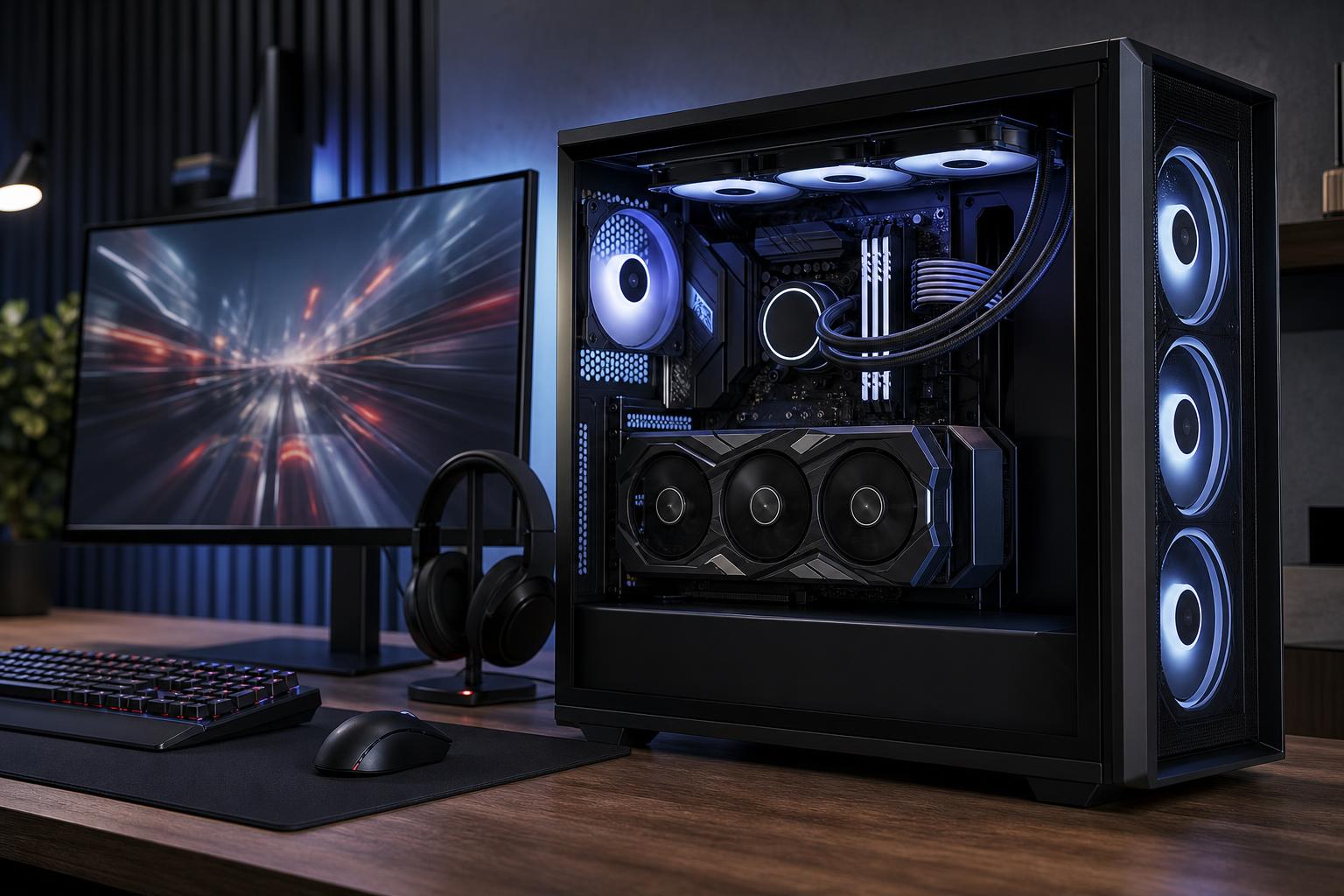
A 240Hz monitor can make competitive games feel noticeably more immediate: motion is clearer, tracking targets is easier, and mouse input reaches the screen sooner. But the monitor only delivers that experience when the PC can produce high, consistent frame rates. A system that averages 240 frames per second but regularly drops to 140 fps during a fight is less satisfying than one that holds a steadier frame rate.
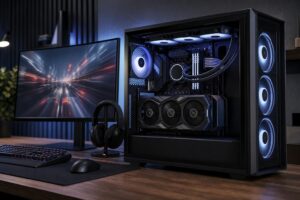
For most players, the best PC for competitive 240Hz gaming puts a fast gaming CPU first, pairs it with a capable midrange-to-high-end GPU, includes 32GB of RAM, and uses sensible cooling and a quality power supply. Spend according to the games you play. Esports titles such as Valorant, Counter-Strike 2, Rocket League, Overwatch 2, and Fortnite usually reward CPU performance heavily. Demanding games at higher settings shift much more of the burden to the graphics card.
Start with one of these three directions rather than buying the most expensive component in every category.
Choose a current six- or eight-core gaming CPU with strong per-core performance, 32GB of DDR5 memory, and a modern midrange graphics card. This is the sensible choice for players focused on esports titles at 1080p using competitive settings, where visual effects are reduced in favor of clarity and frame rate.
Put extra budget into the CPU before chasing a premium GPU. At 1080p, a powerful graphics card can spend a surprising amount of time waiting for the processor to prepare the next frame.
For a new 240Hz system with more headroom, use a top-tier mainstream gaming CPU, 32GB of DDR5, and an upper-midrange or high-end GPU. This tier makes sense if you play a mixture of esports games, newer multiplayer releases, and visually demanding single-player games. It also gives you more room to use higher image-quality settings without turning a 240Hz monitor into a very expensive 144Hz monitor.
A 1440p 240Hz display is substantially harder to drive than a 1080p 240Hz screen. Buyers targeting it should pair a flagship-class mainstream gaming CPU with a high-end GPU and 32GB or 64GB of memory. This is also the right tier for players who stream, record gameplay locally, use a second monitor, or want high frame rates in heavier games without stripping every setting to its minimum.
Even this class of PC will not run every new, graphically intensive game at a native 1440p and a locked 240 fps with maximum settings. That is not a build failure; it is the reality of modern rendering. Competitive settings, sensible upscaling where appropriate, and a variable-refresh-rate monitor make better use of the hardware.
At 240 fps, the PC has about 4.2 milliseconds to prepare each frame. The CPU handles game simulation, player positions, draw-call preparation, background tasks, and plenty of work that does not disappear just because graphics settings are low. When it cannot keep up, the GPU waits and frame times spike.
This is why a very fast gaming CPU is often more valuable than upgrading from an already capable GPU to an extreme GPU for competitive 1080p play. Look for a current processor known for strong gaming performance, not simply the highest core count. Extra cores are useful for heavy production workloads, but they do not automatically raise frame rates in esports games.
For a dedicated competitive PC, a modern six- or eight-core processor is generally enough. Step up to a higher-core model if the same machine will regularly render video, compile large projects, or run other demanding work alongside gaming. Do not buy a workstation-class CPU solely to play competitive shooters. The platform cost and lower gaming focus rarely make sense.
Graphics card requirements depend on resolution, game engine, and visual settings more than on the 240Hz label alone.
Do not select a graphics card based on average frame rate alone. Look for reviews that include the games you play and pay attention to low-frame-rate results and frame-time consistency. Those moments are what you notice when a smoke grenade lands, an ability animation fills the screen, or several players appear at once.
For a new competitive gaming PC, 32GB of RAM is the comfortable recommendation. It leaves room for the game, voice chat, a browser, anti-cheat software, launchers, and background applications without constant memory pressure. It is not a direct shortcut to higher average fps, but inadequate memory can cause stutters and makes multitasking miserable.
Choose 64GB if you regularly stream with a busy setup, edit video on the same system, run virtual machines, or keep unusually large creative applications open. Otherwise, put that money toward the CPU, GPU, monitor, or a better power supply.
A 1TB NVMe SSD is a reasonable minimum for a new gaming system, while 2TB is more comfortable if you maintain a large game library. Fast storage improves boot times and load times, but it will not turn 180 fps into 240 fps. Capacity, reliability, and keeping meaningful free space matter more than paying a premium for tiny sequential-speed differences.
Competitive gaming can keep a CPU working hard for hours. A properly sized air cooler or liquid cooler, a case with unobstructed airflow, and correctly placed case fans help the processor sustain its boost behavior without sounding like a desk fan on takeoff.
A premium cooler is worthwhile when it is paired with a hot CPU or when quiet operation matters. It is not a substitute for good case airflow, and an oversized liquid cooler will not fix a poor component balance.
Set the monitor to its intended 240Hz refresh rate in the operating system and graphics driver. It sounds obvious, but many systems run at a lower default refresh rate until this is changed. Use a suitable DisplayPort or HDMI connection supported by both the monitor and graphics card.
Variable refresh rate technologies can reduce tearing and uneven motion when frame rate varies. Competitive players may prefer different settings based on the game and personal preference, so test rather than copying a one-size-fits-all setup. An in-game frame cap slightly below the display limit can also make frame delivery more consistent in some situations.
For networked games, wired Ethernet is still the cleanest choice whenever it is practical. A fast internet plan does not overcome Wi-Fi interference, router bufferbloat, or a distant server, but a stable local connection removes one avoidable source of frustration.
The right 240Hz PC is not defined by a single parts list. A player focused on Counter-Strike 2 at 1080p needs a different balance than someone playing Fortnite at 1440p, streaming, and recording footage. The monitor resolution, the games you play, visual-quality preferences, and plans to keep the system for several years should shape the configuration.
Overclock Computers can help design a custom gaming PC around those details, including your budget, monitor, preferred games, streaming needs, noise goals, and future upgrade plans. The result should be a balanced system that delivers the frame rates you are buying the monitor for—not just an impressive-looking list of parts.