Do You Need a Wi-Fi 7 Motherboard for a New Gaming PC or Workstation?

Wi-Fi is easy to overlook when choosing PC parts. Then the system arrives, the desk is nowhere near an Ethernet jack, and suddenly the motherboard’s wireless connection matters a great deal.
For a new gaming PC or workstation, a Wi-Fi 7 motherboard can be a sensible purchase—but it is not automatically the right one. Wi-Fi 7 offers real improvements in the right network, yet many buyers will get the same everyday experience from Wi-Fi 6E, or a better experience from a wired Ethernet connection.
The practical question is not “Is Wi-Fi 7 newer?” It is: Will the rest of your network let you use it?
Wi-Fi 7 is the common name for the IEEE 802.11be wireless standard. Its headline speed ratings can look enormous, but those maximum figures assume ideal conditions, compatible equipment, and very wide wireless channels. A house or office is rarely ideal. Walls, distance, nearby networks, and older connected devices all affect the result.
Still, Wi-Fi 7 brings a few changes that can make a noticeable difference.
A Wi-Fi 7 client and router can use more than one wireless band or channel as part of the same connection. This feature is called Multi-Link Operation, or MLO. In plain English, it gives compatible devices more ways to move traffic when one band is busy or unreliable.
That can help reduce interruptions and improve responsiveness on a crowded network. It will not turn a poor internet connection into a great one, and it will not eliminate the small amount of latency wireless naturally adds compared with Ethernet. But it can make wireless performance less fragile in a busy home or office.
Wi-Fi 7 can support 320 MHz channels in the 6 GHz band, while Wi-Fi 6E tops out at 160 MHz. Think of channel width as the width of a road: a wider road can carry more traffic. When the router, PC, and environment support it, this can substantially improve transfers between devices on the same network.
This matters most when copying large video projects, game files, backups, CAD assets, or datasets to and from a network-attached storage device. It matters much less for web browsing, video calls, and online gaming, where the internet connection is usually the limiting factor.
Wi-Fi 7 also improves the way wireless networks manage available spectrum. That is useful in apartments, shared offices, and homes with many phones, TVs, consoles, smart devices, and computers competing for airtime. The benefit is usually smoother operation under load rather than a dramatic speed-test result.
This is the part that catches many buyers. A Wi-Fi 7 motherboard includes a compatible wireless adapter, but the connection falls back to the capabilities of the router or access point. Pair it with a Wi-Fi 6 or Wi-Fi 6E router, and it will work—but it cannot use Wi-Fi 7-only features.
To gain the full benefit, you need:
That last point deserves attention. If a Wi-Fi 7 access point is connected to your network with a 1 Gigabit Ethernet link, local transfers may be constrained around that point even if the wireless link itself is capable of more. For a fast NAS or multi-gig internet service, look at the router’s Ethernet ports, switch, cabling, and the wired network adapter in the PC. A fast wireless badge does not fix a slow wired backbone.
Wi-Fi 6E introduced access to the 6 GHz band. That band is valuable because it is generally less congested than the older 2.4 GHz and 5 GHz bands. For a desktop in the same room as a good router, Wi-Fi 6E can already provide excellent speed and responsiveness.
Choose Wi-Fi 6E when the motherboard is otherwise the better value, you do not plan a router upgrade soon, or your typical use is gaming, streaming, remote work, and internet access. In those situations, the difference between good Wi-Fi 6E and Wi-Fi 7 may be difficult to feel.
Choose Wi-Fi 7 when the price difference is modest and the motherboard also meets your other requirements. It is particularly reasonable for a higher-end system expected to stay in service for several years, especially if Wi-Fi is your only practical connection. It is also worthwhile for users with fast local storage on the network, such as a multi-gig NAS.
Do not overpay simply to future-proof. Wireless standards move quickly, and an add-in PCIe card or USB adapter can often update an older system later. Future-proofing is most useful when the feature solves a real limitation now or costs very little extra.
Online games do not need huge bandwidth. What they need is stable latency and minimal packet loss. A properly installed Ethernet cable remains the most dependable connection for a stationary gaming PC.
If running a cable is practical, we recommend it over spending a large premium on wireless features. A motherboard with 2.5 Gigabit Ethernet is a particularly good baseline for many new performance PCs. It provides plenty of headroom for fast internet service and local transfers, and it is common on quality modern boards.
That said, Wi-Fi is not automatically bad for gaming. A strong Wi-Fi 6E or Wi-Fi 7 connection, with the router nearby and the antennas positioned correctly, can be very usable. The issue is consistency. Wireless signals must share airtime and travel through your environment; a cable does neither.
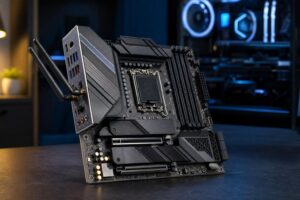
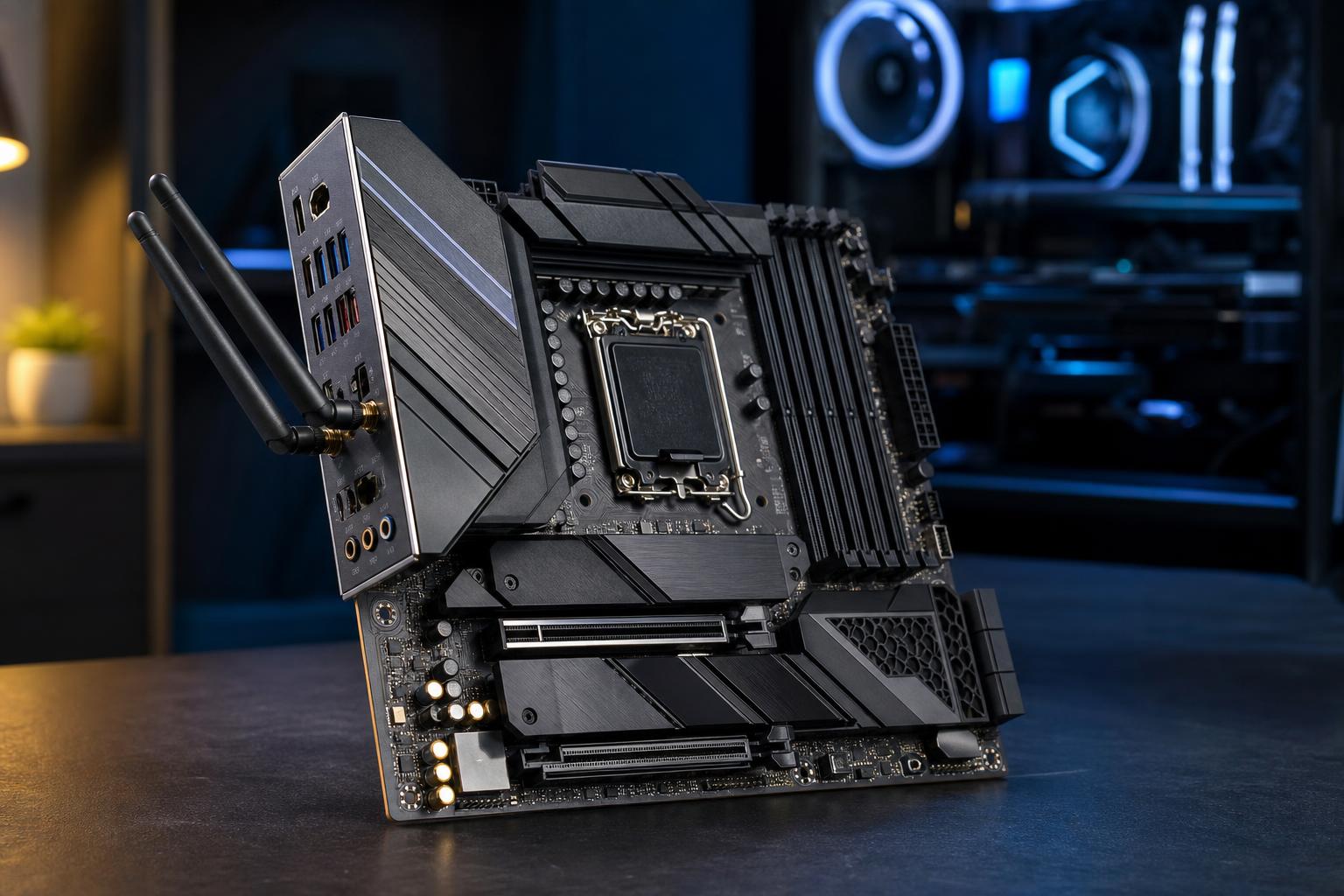
The metal chassis of a desktop PC can block or weaken wireless signal. Do not leave the motherboard’s antenna tucked behind the tower against a wall. Use the included antenna base if the board provides one, place it on the desk, and keep it reasonably clear of metal objects.
For 6 GHz connections, location matters even more. Higher-frequency signals generally have less ability to pass through walls and floors than lower-frequency signals. A Wi-Fi 7 system in the same room as the router may be excellent; the same system two floors away may connect on a different band and offer no meaningful advantage over older Wi-Fi.
Most motherboard wireless modules also provide Bluetooth. This is useful for controllers, headphones, keyboards, and other accessories, but it should not be the deciding feature by itself. Bluetooth range and reliability also improve when the external antenna is connected and placed well.
Before selecting a board, check the details that are harder to add later:
A well-chosen motherboard should fit the entire build, not just the router you may buy someday.
For most premium new builds, Wi-Fi 7 is a nice feature when it comes bundled with a motherboard that is already a good match. It is a smart choice for buyers who rely on wireless, expect to upgrade their network, or move large files across a fast local network.
For everyone else, do not treat it as mandatory. A quality Wi-Fi 6E motherboard and a wired Ethernet port can be the better-balanced purchase. Put the saved budget toward the component that directly limits your work or gaming experience: the graphics card, processor, memory capacity, storage, display, or cooling.
If you are planning a new PC and are unsure whether wireless, Ethernet, or a multi-gig network makes sense for your space, contact Overclock Computers. We can help configure a system around the way you will actually use it—not just the newest label on the motherboard box.