Best Gaming PC Under $1,500 in 2026: Specs That Make Sense

A $1,500 budget is one of the best places to shop for a gaming PC in 2026. It is enough for a genuinely capable 1440p machine with quality supporting parts, rather than a flashy graphics card bolted into a corner-cut system. It is not, however, unlimited-money territory. Every dollar spent on RGB fans, an oversized CPU, or a giant liquid cooler is a dollar that cannot improve game performance, storage capacity, or long-term reliability.
The best gaming PC under $1,500 should be built around a strong midrange-to-upper-midrange graphics card, a modern six- or eight-core CPU, 32GB of DDR5 memory, and a properly ventilated case. That combination makes sense for high-settings 1440p gaming, esports at very high frame rates, and occasional streaming or editing.
For this guide, assume the $1,500 budget is for the computer tower itself before sales tax, monitor, keyboard, mouse, and Windows licensing if needed. Those extras can change the final number substantially.
This class of gaming computer is primarily a 1440p machine. In demanding new games, expect to use high settings rather than blindly selecting every ultra option. That is not a compromise worth losing sleep over: ultra settings often carry a large performance cost for visual changes that are difficult to notice while playing.
A well-balanced system at this price should also handle:
If your real goal is 4K with heavy ray tracing in every new release, $1,500 is not the comfortable budget. In that case, increasing the graphics-card budget is more useful than buying a premium processor.
For a gaming-focused build, the graphics card should normally receive about 40% to 50% of the total tower budget. That is the part that has the largest effect on resolution, image quality, and frame rate in most modern games.
In practical terms, look for a current-generation GPU in the performance class suited to high-refresh 1440p gaming, ideally with 16GB of VRAM when the pricing is sensible. A 12GB card can still deliver excellent results today, especially in esports and well-optimized games. But additional VRAM gives modern games more room for high-resolution textures, ray tracing data, and demanding scenes, which can help a system stay comfortable longer.
Do not choose solely by the name printed on the box. Compare the actual card model, VRAM capacity, cooler design, warranty support, and the games you play. NVIDIA cards can be particularly attractive for buyers who value their ray-tracing performance, broad upscaling support, and video encoding features for streaming. AMD cards often make a compelling case when they offer more conventional rasterized performance or VRAM for the same money. Neither choice is automatically right for every buyer.
A common $1,500 mistake is pairing an expensive gaming CPU with a graphics card that belongs in a cheaper build. A fast CPU matters greatly in CPU-limited competitive games and for pushing very high frame rates. But at 1440p in visually demanding games, the GPU usually sets the limit.
Put simply: a sensible modern six-core or eight-core processor with a stronger GPU generally produces a better gaming experience than a flagship CPU with a weaker GPU. Buyers focused on games such as Counter-Strike 2, Valorant, Fortnite performance mode, or sim racing at 240Hz may reasonably shift more money toward the CPU. Most people should not.
Part availability and pricing move around, but this is the specification target we would use when configuring the best gaming PC under $1,500.
At lower budgets, 16GB of memory and a 1TB SSD are understandable compromises. At $1,500, they should be treated as warning signs unless a temporary sale creates an unusually good GPU opportunity.
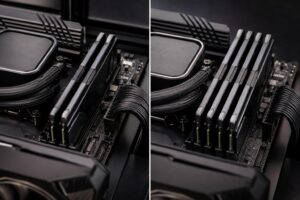
Modern games can use a substantial amount of memory on their own. Add Windows, a browser, voice chat, game launchers, and capture software, and 16GB can become restrictive. It may not make every game unplayable, but it can lead to hitching, background-app slowdowns, and an earlier upgrade. Starting with 32GB avoids that nuisance.
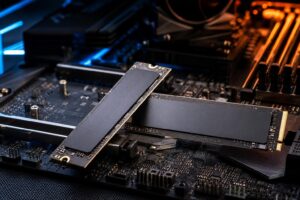
Storage is equally practical. After Windows, applications, and a handful of large games, a 1TB SSD can be uncomfortably close to full. A 2TB drive does not increase frame rates, but it means less uninstalling and reinstalling. For most buyers, that is money well spent after the GPU and 32GB memory are covered.
Two gaming PCs can advertise the same processor and graphics card while being very different machines. The less visible components determine noise, temperatures, stability, and how pleasant the system is to own after the excitement of delivery day wears off.
Do not accept a vague listing that says only “700W power supply” or “750W PSU.” The model and manufacturer matter. A quality unit provides stable power, proper protection circuitry, adequate cabling, and room for normal transient loads from modern GPUs. Wattage alone is not a quality rating.
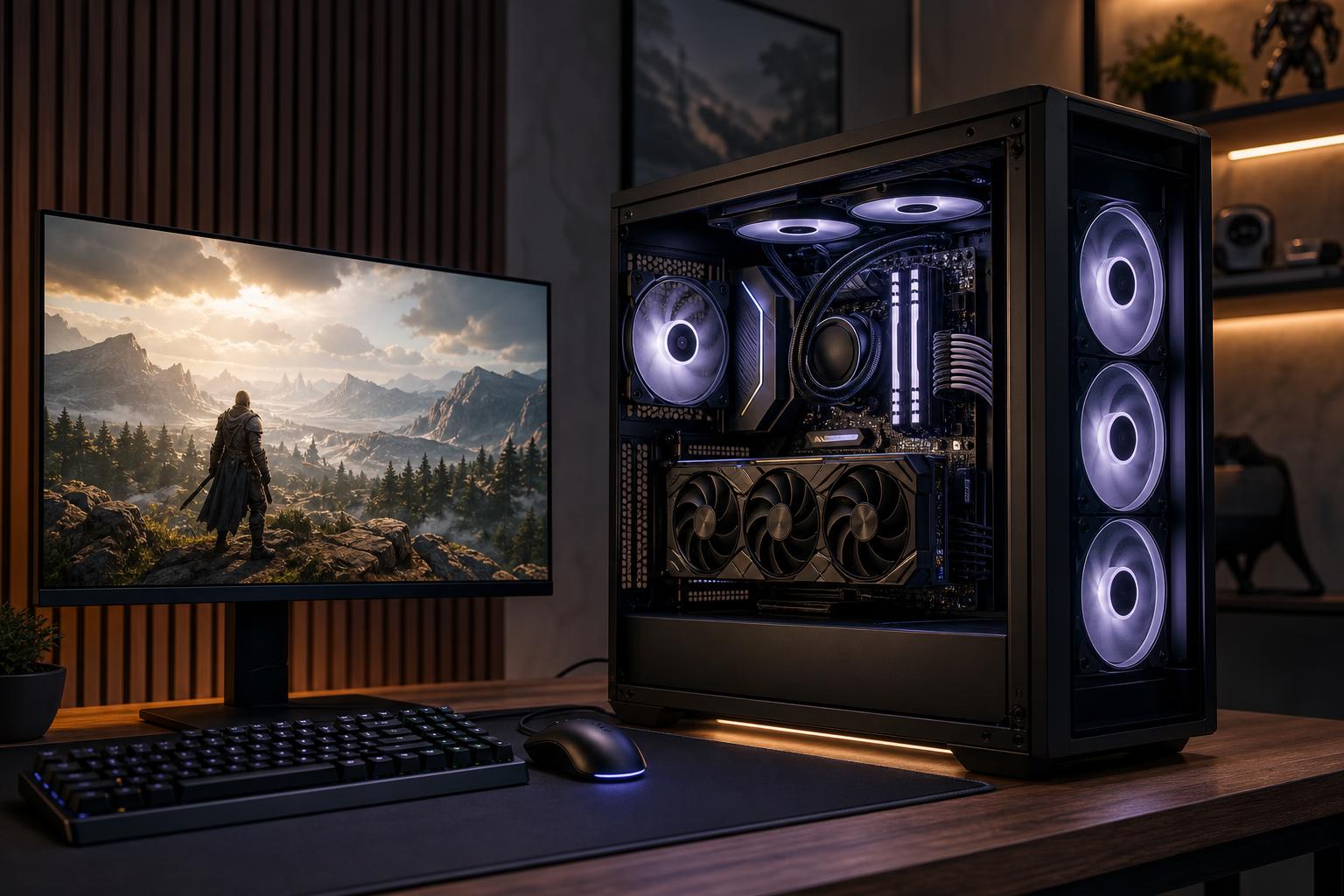
A glass-fronted case with one or two fans may look tidy, but it can leave expensive hardware recycling hot air. Good airflow allows components to maintain performance with less fan noise. For a performance build, we would rather choose a functional mesh-front case and quality fans than spend the same money on decorative extras.
Reasonable substitutions can be necessary when inventory changes, but the core configuration should be clear. Ask what motherboard, power supply, SSD, memory kit, cooler, and case are actually being used. “Equivalent” should never become a license to replace a quality part with the cheapest available version.
For a gaming PC under $1,500, platform value matters more than brand loyalty. AMD is often attractive for gaming-focused systems because its mainstream platforms can offer strong gaming performance and a useful upgrade path. Intel can also be a good choice when the processor, motherboard, and memory combination is priced well or when your work outside gaming benefits from a particular CPU option.
Our usual recommendation is simple: select the CPU platform that lets the budget retain the stronger GPU, 32GB of memory, good cooling, and a quality power supply. Do not turn this into a badge-collecting exercise.
Move beyond this budget if you have a clear reason. A larger spend is justified for a serious 4K monitor, a 3440-by-1440 ultrawide display, demanding ray tracing, a 240Hz-plus setup in games that are difficult to drive, or simultaneous gaming and heavier production work.
It is also reasonable to spend more for quieter operation, larger storage, an all-white or small-form-factor build, or a premium case—provided you understand that those choices are about ownership experience, not raw frame rate. There is nothing wrong with wanting a beautiful PC. Just do not expect the RGB to render more frames.
The strongest $1,500 gaming PC is not the one with the longest spec sheet. It is the one that puts the largest sensible share of the budget into the GPU, supports it with a capable modern CPU, includes 32GB of RAM and enough SSD space, and refuses to gamble on cooling, airflow, or power delivery.
That formula delivers a system that feels fast now, performs properly at 1440p, and gives you sensible options when it is time to upgrade. If you are comparing specific configurations or want a gaming PC designed around your monitor and the games you actually play, contact Overclock Computers. We can help turn a budget into a balanced custom-built gaming PC rather than a collection of impressive-looking parts.