Best Gaming PC for 1440p in 2026: Specs That Make Sense

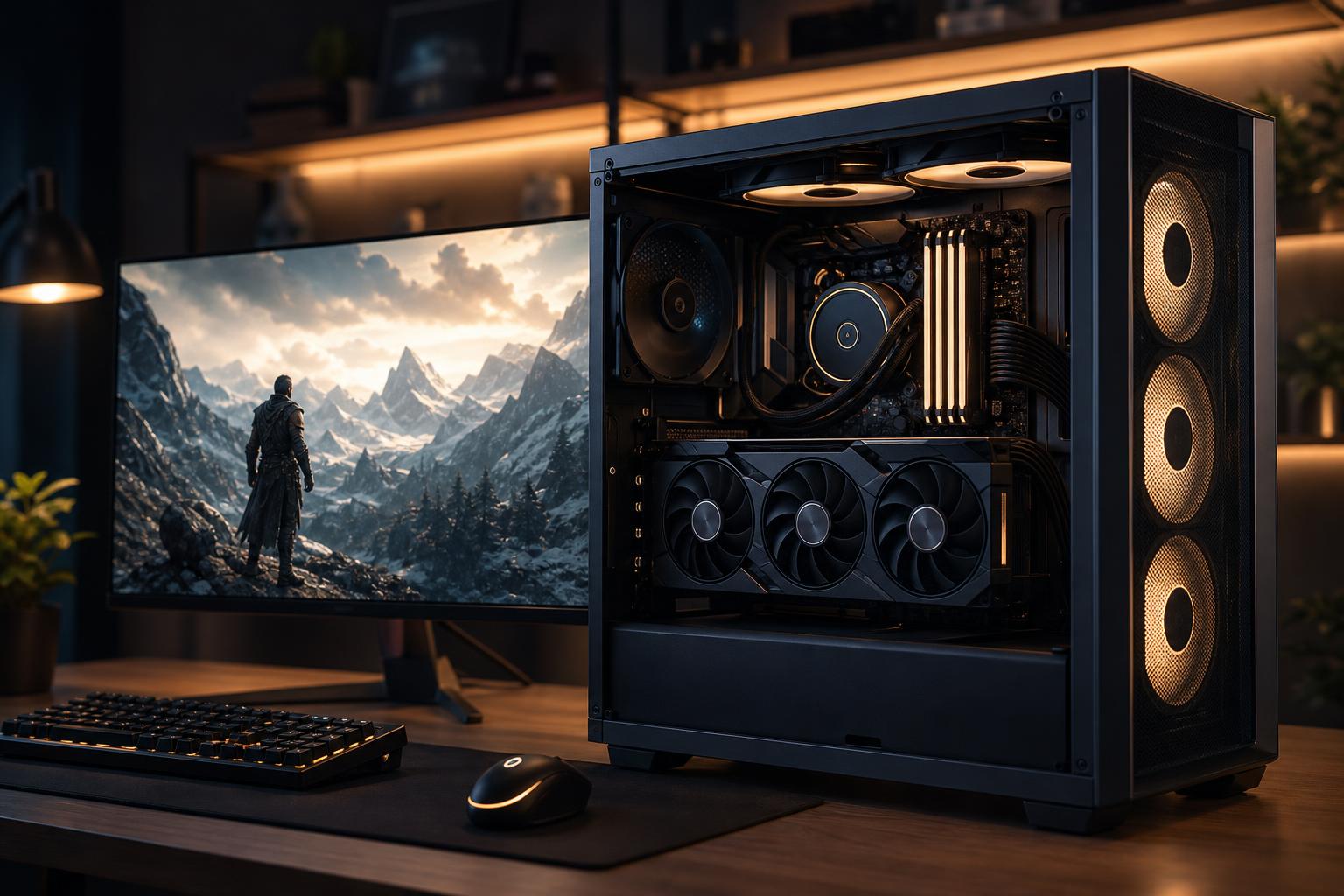
For many buyers, 1440p is the sweet spot for a new gaming PC. It looks noticeably sharper than 1080p on a 27-inch monitor, demands far less from the graphics card than 4K, and can still support the high refresh rates that make games feel responsive.
The best gaming PC for 1440p is not simply the one with the most expensive parts. It is a balanced system built around the games you play and the monitor you own or plan to buy. A PC meant for cinematic single-player games at 100 frames per second needs a different balance than one intended to hold 240 FPS in competitive shooters.
Here is what we recommend looking for in a 1440p gaming computer in 2026, along with the places where spending more makes a real difference.
“1440p gaming” covers a wide range of expectations. Resolution matters, but refresh rate and game type matter just as much.
Do not buy a 240Hz monitor and then configure a PC around a 60 FPS goal. Likewise, there is little value in paying for hardware capable of extreme frame rates if you will use a 144Hz display in visually demanding games. The monitor and PC should be selected as a pair.
At 1440p, the GPU usually determines the visual settings and frame rate you can expect. It deserves the largest share of a gaming-PC budget.
For a strong all-around 1440p system, we generally recommend a current-generation upper-midrange graphics card with at least 16GB of video memory where available, particularly if you plan to keep the system for several years. Modern games can use substantial VRAM at high texture settings, and ray tracing makes that demand greater. More VRAM does not automatically make a GPU faster, but insufficient VRAM can cause stutters, texture compromises, or disappointing longevity in newer titles.
A sensible 1440p GPU should deliver excellent performance in conventional rasterized games at high or ultra settings. If your priority is heavy ray tracing, demanding mods, ultrawide gaming, or keeping high settings for longer, move up a tier rather than pairing a modest GPU with an overly expensive processor.
DLSS, FSR, XeSS, and similar technologies can provide a major performance boost by rendering at a lower internal resolution and intelligently reconstructing the image. Frame generation can also improve perceived smoothness in games that support it.
These features are worth using, especially in graphically demanding titles. But they should be viewed as extra headroom, not an excuse to buy a graphics card that is already struggling at your preferred settings. Start with enough native performance for the games you play, then enjoy upscaling as an option when you want more frames or better image settings.
For a typical 1440p gaming PC, a modern six- or eight-core mainstream CPU is usually the right answer. The best CPU for gaming PC builds is often a model with strong single-core performance, low latency, and enough cores to handle background tasks comfortably.
At this resolution, the graphics card will be the limiting component in many demanding games. That does not mean the CPU is unimportant. A weak CPU can limit minimum frame rates, create uneven frame pacing, and hold back high-refresh gaming. It becomes especially important in simulation games, large multiplayer matches, strategy games, and competitive titles where you are chasing 200 FPS or more.
For most buyers, a quality gaming-oriented processor paired with a stronger GPU is better than a flagship CPU paired with a compromised GPU. Extra CPU cores become more worthwhile if the same PC will also handle CPU-heavy video production, code compilation, 3D rendering, or other professional workloads.
A well-balanced custom-built gaming PC for standard 1440p gaming should generally include:
This configuration is not about chasing benchmark screenshots. It is about producing consistently smooth play, reasonable noise levels, and an upgrade path that does not require replacing half the computer later.
For a new 1440p gaming PC, 32GB is the sensible starting point. Many games still run acceptably with 16GB, but modern titles, launchers, browser tabs, voice chat, recording software, and background applications can make 16GB feel tight.
Choose two matched memory modules rather than filling every motherboard slot from day one. Two sticks normally make it easier to run stable memory settings and leave room for a future capacity upgrade. Faster memory can help in CPU-limited games, but capacity, stability, and a balanced platform matter more than paying a large premium for small benchmark gains.
64GB is not required for gaming alone. It makes sense if you routinely run demanding creative tools, virtual machines, extensive mod packs, or memory-heavy multitasking alongside games.
These parts do not add FPS directly, so they are often where mass-market gaming PCs cut corners. That is a bad trade. A powerful CPU and GPU generate substantial heat, and poor cooling can mean louder fans, reduced sustained performance, and more wear on components over time.
Look for a case with open intake ventilation, adequate intake and exhaust fans, and enough room around the graphics card. A good air cooler is often all a mainstream gaming CPU needs. Liquid cooling can be appropriate for hotter processors or a specific aesthetic, but it is not automatically superior simply because it has more RGB lighting.
The power supply deserves the same care. Choose a high-quality unit with enough wattage for the selected GPU and CPU, plus reasonable headroom for transient power spikes and future upgrades. The cheapest power supply is rarely the bargain it appears to be.
Moving beyond a balanced 1440p build is worthwhile when you can name the benefit you are buying. Spend more if you want one or more of the following:
On the other hand, do not overspend on a flagship GPU just to play lighter esports games on a 144Hz monitor. That money may be better spent on a better monitor, a larger SSD, a quieter case and cooling setup, or simply kept in your pocket for a later upgrade.
There is no single parts list that is right for every player. A competitive gamer may benefit most from a top-tier gaming CPU and a fast 240Hz display. A player who enjoys visually demanding single-player games may get more value from putting the budget toward a stronger GPU and a 165Hz monitor. Someone who streams may need additional storage, 32GB or 64GB of memory, and a platform that handles several tasks at once.
That is the advantage of a custom gaming PC: the system can be designed around your actual target rather than a generic specification sheet. If you are planning a 1440p gaming computer and want help matching the components to your monitor, games, and budget, contact Overclock Computers for a configuration built to make sense from the start.