DDR4 vs. DDR5 RAM: Which Memory Should You Buy for a New PC?

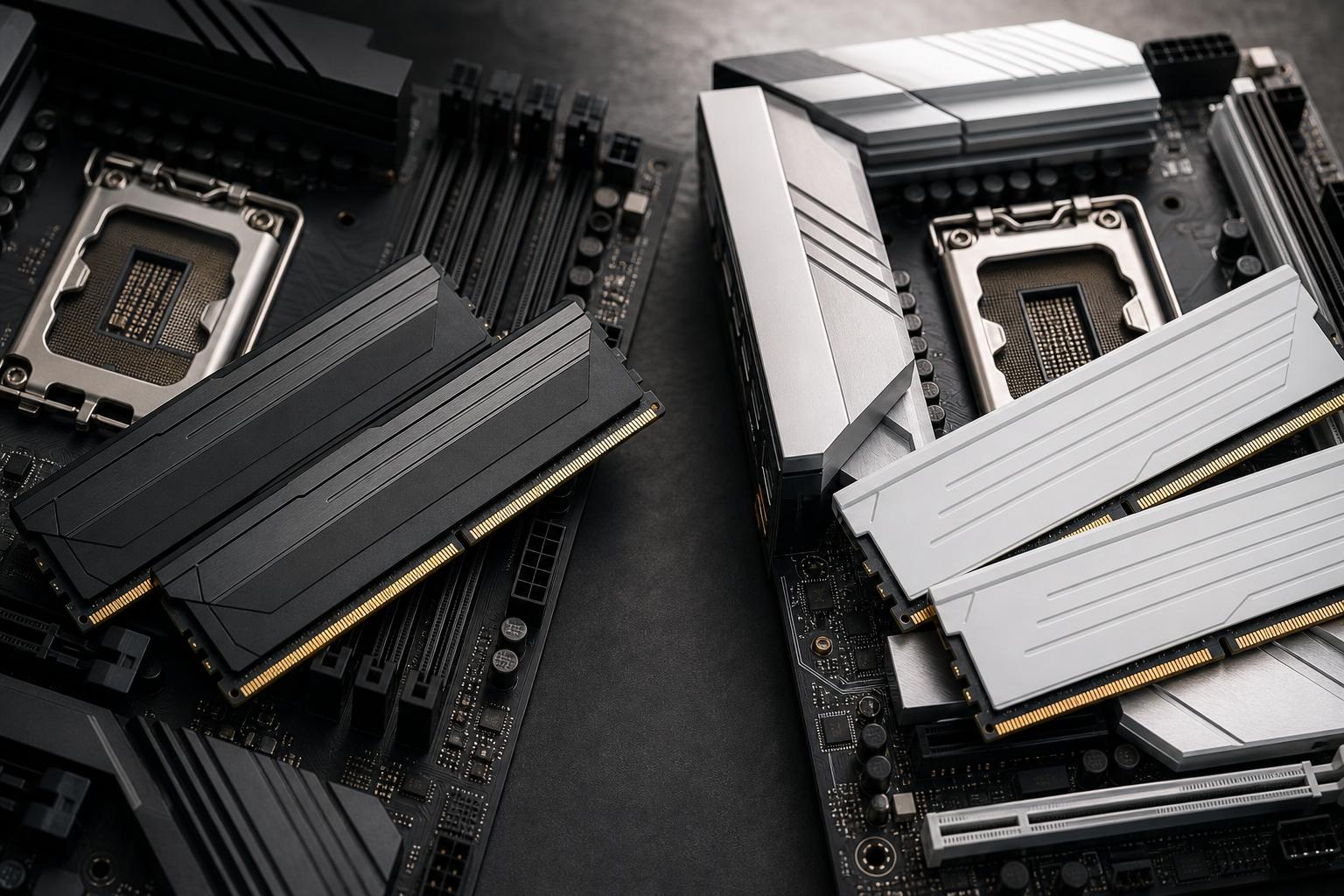
DDR4 vs. DDR5 RAM is not mainly a question of chasing the largest number on a specification sheet. It is a platform decision. Your processor and motherboard determine which memory generation you can use, and DDR4 and DDR5 are not interchangeable.
For most people building a new performance PC, DDR5 is the right choice. It offers a better path for new hardware, comes in larger practical capacities, and can improve performance in some games and professional workloads. DDR4 still makes sense when you are upgrading a compatible existing system or building around discounted parts with a carefully controlled budget.
The mistake is treating memory as an isolated purchase. A fast DDR5 kit does no good in a DDR4 motherboard, and replacing RAM will not modernize an older CPU platform by itself.
That recommendation is simple because the surrounding platform matters more than the memory label. If a DDR4-based system already does what you need, spending hundreds of dollars to change the board, CPU, and memory may deliver less benefit than a graphics card upgrade, a larger SSD, or simply waiting until a full platform update makes sense.
DDR5 provides more memory bandwidth than DDR4. Bandwidth is the amount of data memory can move per second. That can help when a CPU needs to feed many cores, an integrated GPU, or a memory-sensitive game engine.
DDR5 also starts at higher capacities and is better positioned for large memory configurations. That matters for video editing, virtual machines, large code projects, engineering data, heavy multitasking, and content-creation work where 64GB or more is realistic.
There are a few design changes behind the scenes. DDR5 modules use on-module power management and split each stick into two smaller memory channels. You do not need to memorize either feature to buy RAM, but both help explain why DDR5 is a new platform standard rather than a minor speed bump.
For everyday browsing, office work, and many GPU-limited games, the difference between a well-configured DDR4 PC and a comparable DDR5 PC may not feel dramatic. At high frame rates, in CPU-limited games, with integrated graphics, or in bandwidth-heavy professional work, DDR5 can make a more noticeable difference. The newer memory also avoids building a brand-new computer around a platform that is already on its way out.
A motherboard supports either DDR4 or DDR5, never both. The notch in the memory stick is in a different position, so a DDR5 module physically cannot fit a DDR4 slot. Even when a processor generation was sold with both DDR4 and DDR5 motherboard options, the board still dictated the choice.
Before ordering memory, confirm all four of these points:
Do not casually mix two separate RAM kits, even if their advertised speed, brand, and capacity match. Memory kits are tested together. Combining kits may work, but it can also cause boot failures, crashes, or force the system to run at slower settings. For 32GB, buy a matched 2 x 16GB kit. For 64GB, use a matched 2 x 32GB kit whenever possible.
Not automatically. RAM speed and latency need to be considered together.
DDR5 often has higher listed CAS latency numbers than older DDR4, which can look worse at first glance. But DDR5 also runs at much higher transfer rates. A higher CL number does not mean a kit is automatically slower in real use. It is one part of the timing picture, not a verdict.
For a practical new DDR5 build, prioritize a stable, sensibly priced kit over the most extreme speed rating available. Very fast memory can offer small gains in certain games and workloads, but it can also cost more, demand more tuning, and be harder to stabilize—particularly with four modules installed.
Enable the memory profile in the BIOS after building the system. Depending on the platform, it may be labeled XMP, EXPO, or a similar vendor profile. Without it, performance memory commonly runs at a conservative default speed rather than its rated specification. This is one of the least glamorous but most frequently missed steps in a new PC build.
16GB can still run many games well, but it is no longer the comfortable default for a premium new PC. Modern games, browser tabs, voice chat, launchers, background utilities, and game capture can crowd that capacity quickly. It is best reserved for a tightly budgeted build with a clear plan to upgrade.
For gaming, streaming, general creative work, development, and serious multitasking, 32GB is the sweet spot. It gives the operating system breathing room and reduces the chance that background tasks interfere with a game or application. A 2 x 16GB DDR5 kit is the configuration we would choose for most new gaming systems.
Choose 64GB when you edit larger video projects, work with substantial Photoshop files, run virtual machines, compile large projects, use complex CAD assemblies, or keep many professional applications open at once. It is also reasonable in a high-end workstation when downtime from insufficient memory would be more expensive than the extra RAM.
Large point-cloud data, simulation, professional rendering, virtualization, local AI work, and specialized engineering applications can justify 128GB or more. For gaming alone, it is generally unnecessary. Extra unused RAM is not harmful, but it does not create extra frame rate simply by sitting there looking expensive.
DDR4 remains a sensible purchase in a few situations. The strongest case is an upgrade to a computer you already own. If a compatible system has 16GB and regularly runs out of memory, moving to 32GB or 64GB DDR4 can improve responsiveness far more cheaply than replacing the whole platform.
DDR4 can also be appropriate in a lower-cost build made from proven, discounted components. The savings need to be meaningful, though. If choosing DDR4 only saves a small amount while limiting motherboard and CPU choices, DDR5 is usually the better long-term value.
For an older platform, do not overspend on premium, ultra-fast DDR4. A stable, correctly sized kit is more useful than paying a premium for tiny benchmark gains. Put the remaining budget toward the component that limits your real workload: often the GPU for gaming, or CPU cores, storage, and memory capacity for workstation tasks.
For a new gaming PC or workstation in 2026, choose DDR5 and buy enough capacity from the start. For most buyers, that means 32GB. Move to 64GB when your professional software, creative projects, virtual machines, or unusually heavy multitasking justify it.
Choose DDR4 when it improves the value of an existing compatible PC or when a genuinely lower-cost platform is the goal. It is still capable memory, not obsolete hardware. It is simply no longer the direction we would recommend for most brand-new performance systems.
If you are planning a new PC or trying to decide whether an existing system is worth upgrading, contact Overclock Computers. We can help match the CPU platform, motherboard, memory capacity, cooling, storage, and graphics hardware to the work you actually want the computer to do.